Buy Flanger 117, get a free gift with purchase:
Flanger 117 is a flanger plugin based on the MXR® M117 Flanger, one of the most widely used flanger pedals from the 1970s. Known for its rich modulation, deep sweeps, and analog warmth, the M117 became a favorite among guitarists and producers.
This plugin accurately reproduces the sound and behavior of the original unit while expanding its capabilities with modern features like Through-Zero Flanging, Negative Feedback, Stereo Spread, and more.
Whether you're working with guitars, synths, bass, vocals, or drums, Flanger 117 delivers the depth, warmth, and character of an actual analog flanger pedal.
Features
- BBD Analog Flanger simulation
- Manual, Width, Speed and Regen controls
- Tempo Sync
- Negative Feedback
- Through-Zero Flanging
- Stereo Spread
- Dynamic Flanging via Envelope Follower
- Feedback Loop Drive
- Mix control
- Resizable interface
System Requirements
PC
- Windows 7 or later (64-bit only)
- Intel i5 or higher
- 2GB RAM
- Screen Resolution - 1024×768
- VST2, VST3, AAX (64-bit host)
Please Note: AAX Format requires Pro Tools 11 or higher.
Intel Mac
- Mac OS X 10.8 or later (64-bit only)
- Intel i5 or higher
- 2GB RAM
- Screen Resolution - 1024×768
- VST2, VST3, AU, AAX (64-bit host)
Please Note: AAX Format requires Pro Tools 11 or higher.
Silicon Mac
- macOS 11 Big Sur or later (M1 Apple Silicon processor) (64-bit only)
- 2GB RAM
- Screen Resolution - 1024×768
- VST2, VST3, AU, AAX (64-bit host)
Please Note: AAX Format requires Pro Tools 11 or higher.
Note: LDC2 Compander is used as the example.
Mac
Registration
1. Visit https://www.audiority.com/register and enter your personal details > Click 'Register.'

2. Once logged in, Click the 'Redeem' button at the top of the page and enter the redeem code, found in your Plugin Boutique User Account > Click 'Submit'.

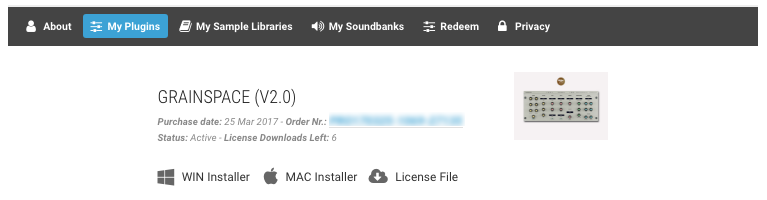
3. Click the 'My Plugins' button > Select the Mac Installer.

4. Locate the .dmg installer file from the 'Downloads' section of your computer, and double-click it to begin the installation process > click ‘Continue.’
Installation
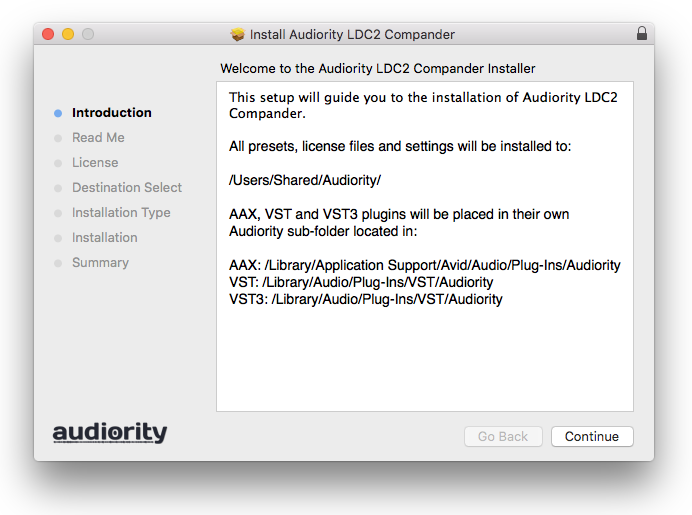
1. Open the .dmg file > Open the .pkg file to begin the installation.
2. Click 'Continue'.

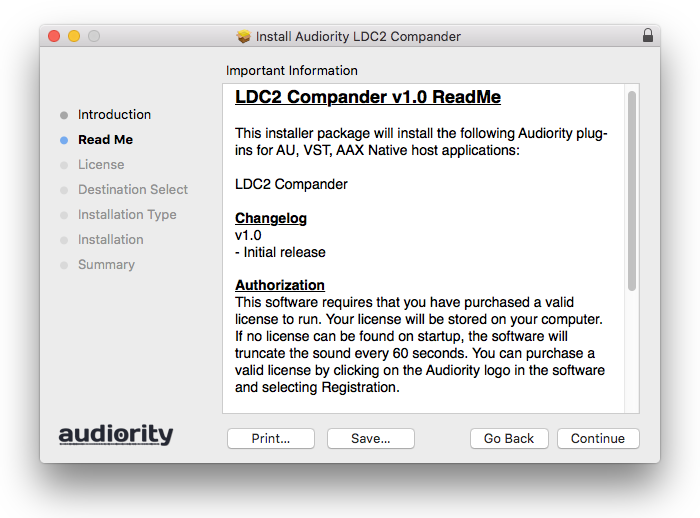
3. Click 'Continue'.

4. Click 'Continue'.

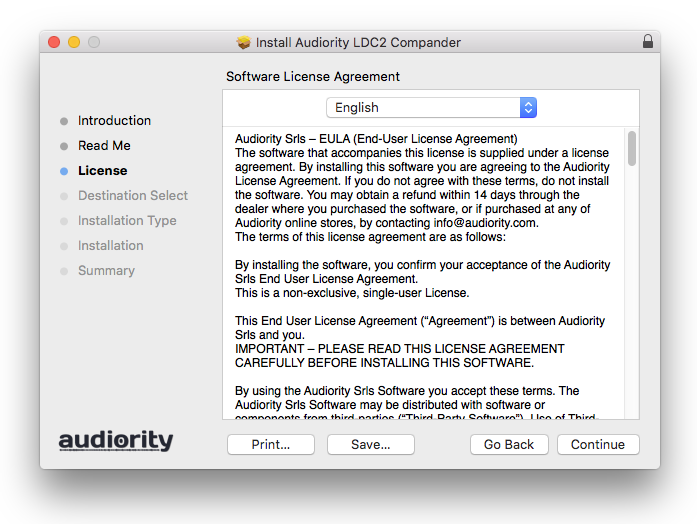
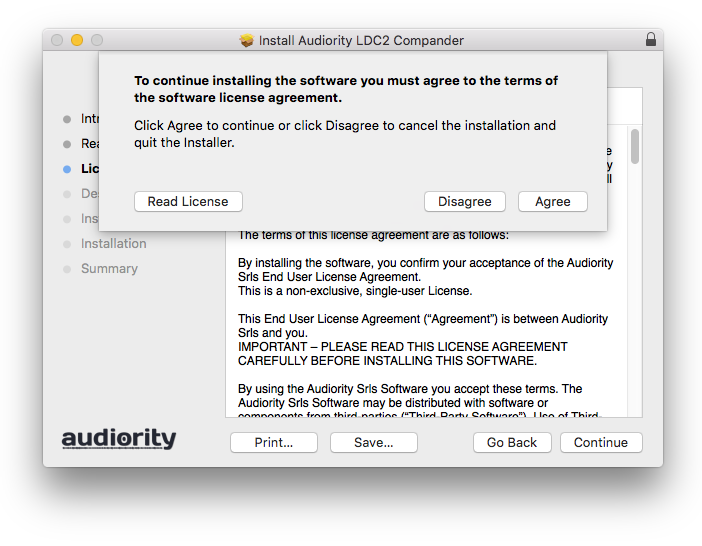
5. Click 'Agree'.

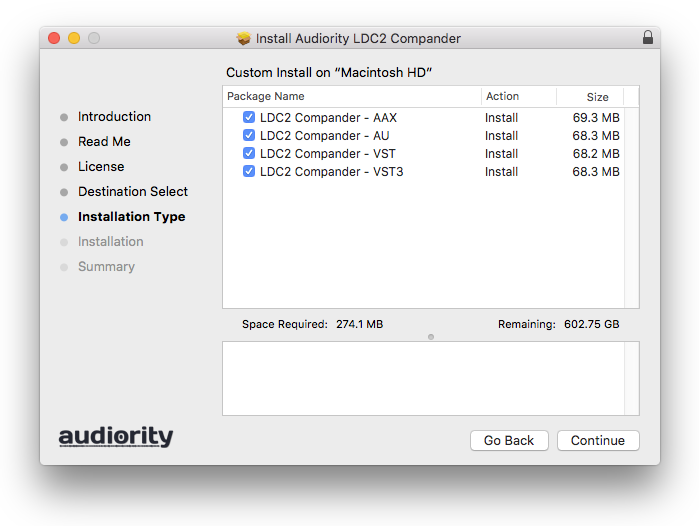
6. Click 'Continue'.

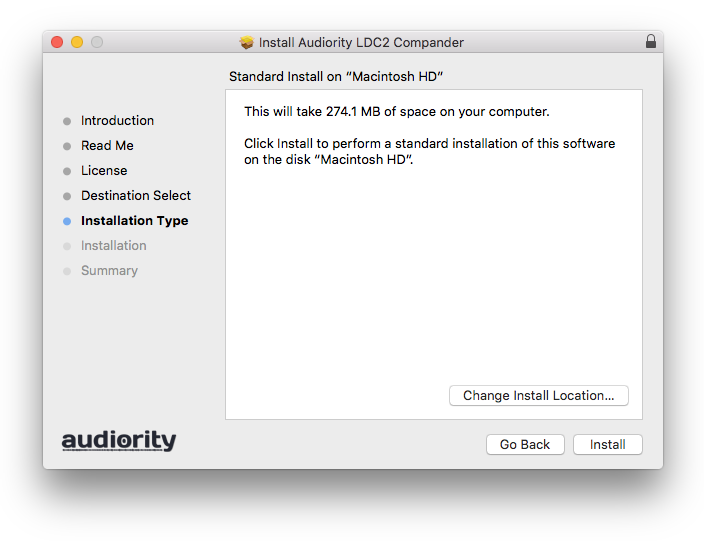
7. Click 'Install'.

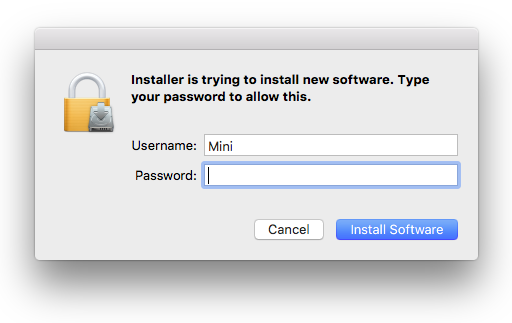
8. Enter your computer Username and Password > Click 'Install Software'.

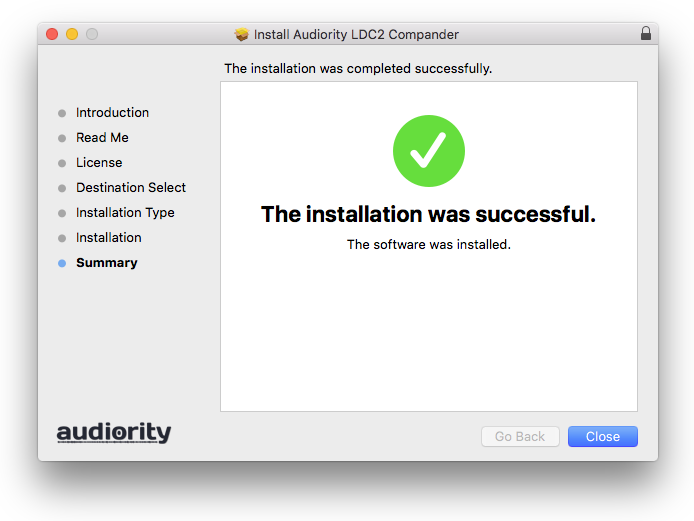
9. Click 'Close'.

Activation
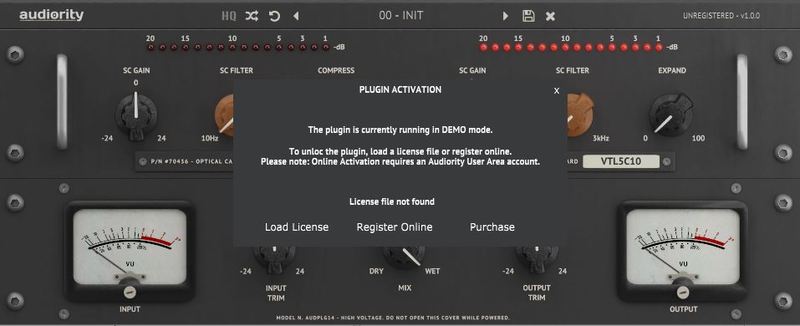
1. Open the newly installed plugin in your DAW > Click 'Register Online'.

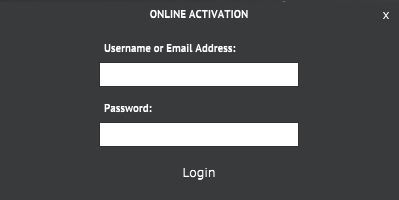
2. Enter your username and email address that you registered at Audiority > Click 'Login'.

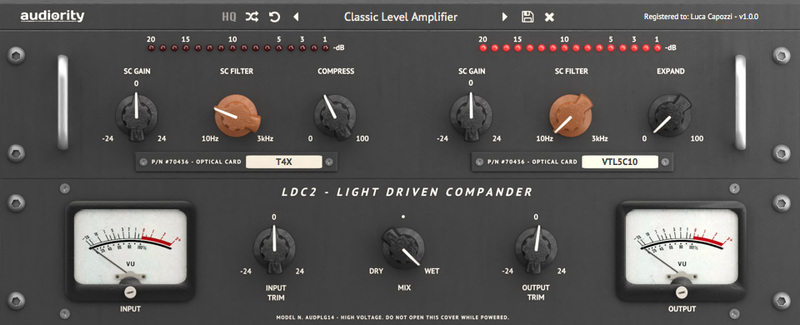
Your plugin is now activated and ready to use.

Windows
Registration
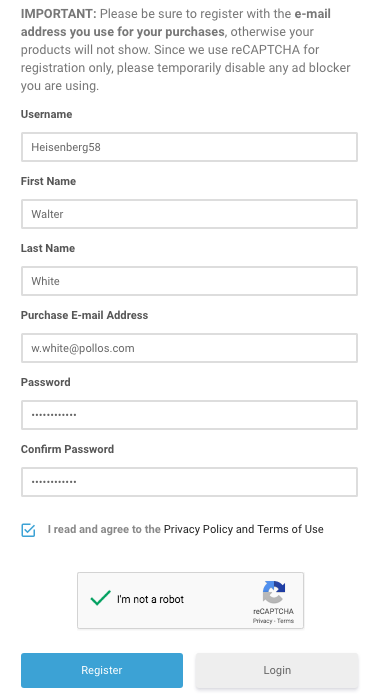
1. Visit https://www.audiority.com/register and enter your personal details > Click 'Register.'

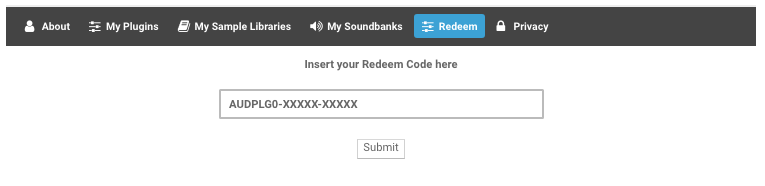
2. Once logged in, Click the 'Redeem' button at the top of the page and enter the redeem code, found in your Plugin Boutique User Account > Click 'Submit'.

3. Click the 'My Plugins' button > Select the Windows Installer.

Installation
1. Double-click the installer to extract the contents > Double-click the .exe file to begin the installation.
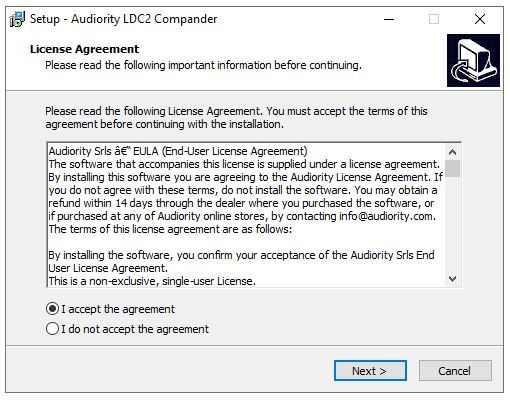
2. Select 'I Accept the Agreement' > Click 'Next'.

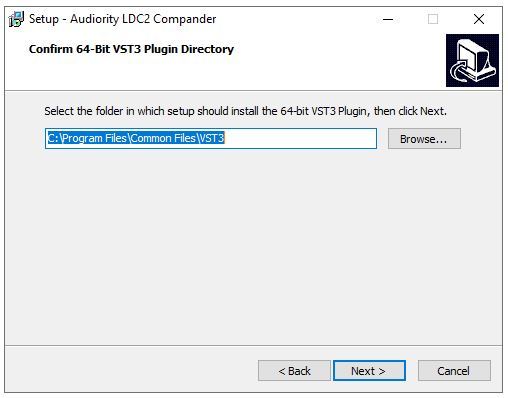
3. Click 'Next'.

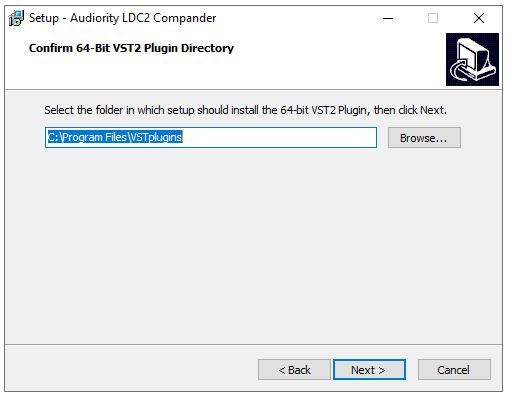
4. Click 'Next'.

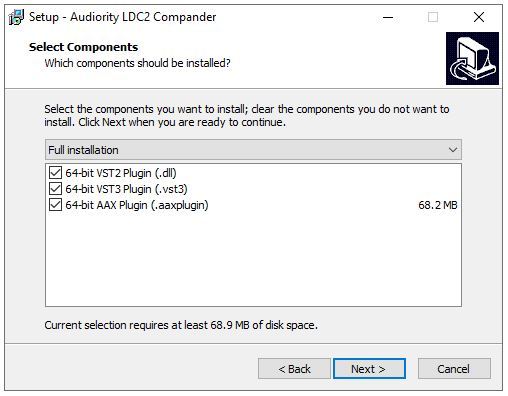
5. Click 'Next'.

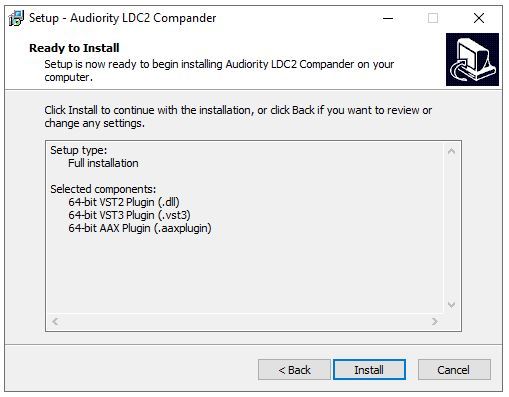
6. Click 'Install'.

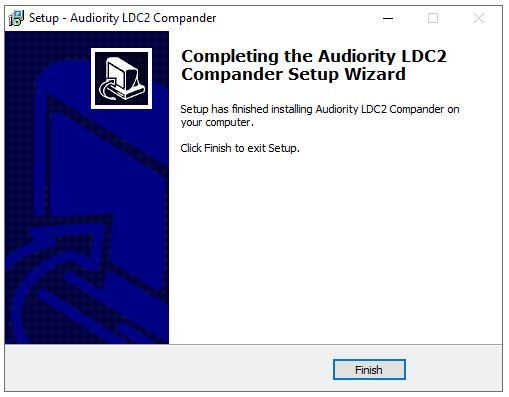
7. Click 'Finish'.

Activation
1. Open the newly installed plugin in your DAW > Click 'Register Online'.

2. Enter your username and email address that you registered at Audiority > Click 'Login'.

Your plugin is now activated and ready to use.