


 Log In

Free gifts available with your purchase
Product information
JJP Cymbals & Percussion
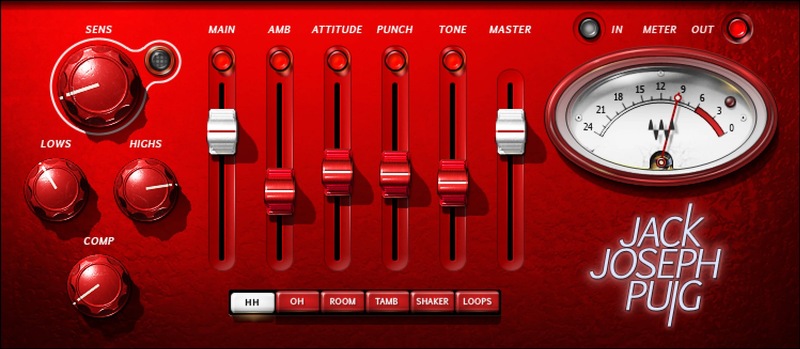
Add Character and Power to Cymbals, Percussion, and Loops
Finally—a multi-effect that shines a sonic spotlight on percussion and cymbals, and dynamically enhances how they sit in a mix. Parallel processing adds four individual effects to the core sound, with separate optimizations for hi-hat, overheads, room mics, tambourine, shaker, and loops.
Created in close association with Grammy winner Jack Joseph Puig (John Mayer, Lady Gaga, U2, Green Day), this plugin provides an ingenious complement for kick, snare, and toms.
Features
- Polishes sounds without coloring their essential characters
- 4 brilliantly optimized parameters, 6 different modes
- Set initial dynamic response and tone with compression and EQ
- Augment overhead and room mic sounds with Ambience
- Shape attacks for more power with the Punch control
- Tone parameter fattens up thin-sounding percussion, like maracas
- Enhance the clarity of transients with the Attitude control
- 25 presets speed up the processing workflow
- Ideal companion to JJP Drums plugin for kick, snare, and toms
- Make drum loops sound more lively, satisfying, and realistic
System Requirements
Mac
- macOS Monterey 12, Ventura 13, Sonoma 14, Sequoia 15
- VST / AU / AAX
PC
- Windows 10+
- VST / AAX
Installation Instructions














