Log In
Free gifts available with your purchase
Transform Your Drums
Separate and Remix
DrumsSSX stands for Drum signal Source Separator and Remixer. It's an all-in-one solution for separating mono or stereo acoustic drum recordings into their components, so they can be remixed individually whenever there are no multitrack signals available. Exclusively designed for editing drums, this intelligent tool makes otherwise quite laborious tasks much simpler and much quicker.
Beyond Convention
Welcome to a whole world of processing capabilities that are impossible to achieve with conventional tools like EQs, compressors, transient or multiband processors. Using DrumsSSX, you can re- and unmix finished drum kit recordings, remove leakage like hi hat crosstalk from single tracks, create trigger signals for subsequent drum replacement and apply all sorts of creative effects.
Powerful Toolbox
DrumsSSX presents its specialized selection of tools within a clearly laid out interface, including an advanced and trainable real-time NMF separation algorithm, a stereo to 5.1 unmixing mode, a musical 3-band linear phase EQ and an easy to use dynamics module per instrument, a fully featured mixer, a powerful analyzer view and a set of versatile and customizable drum kit presets.
Miracles Simplified
This plugin is a true life safer when editing drums – reducing bleed has never been so easy. DrumsSSX can also spread the toms and cymbals in a quick and simple way, affect the tone of the snare much easier than with adding EQ and compression, and sculpt the transients to your liking. Working with the kick is almost as simple as having it already on a track by itself.
Features
- Separate and Remix: DrumsSSX is a unique plugin that separates mono or stereo drum recordings into individual components for remixing, ideal for situations where multitrack signals are unavailable.
- Advanced Drum Editing: Designed exclusively for drums, it goes beyond conventional processing tools like EQs and compressors by allowing users to unmix finished drum recordings, reduce bleed, and isolate or remix specific drum elements.
- Innovative Features: Equipped with an intelligent NMF separation algorithm, stereo to 5.1 unmixing mode, a 3-band linear phase EQ, and dynamics processing for each instrument. It also includes a powerful mixer, analyzer, and customizable presets for a seamless workflow.
- Creative and Practical Applications: Whether it’s reducing hi-hat bleed, creating trigger signals for drum replacement, or applying creative effects, DrumsSSX simplifies complex tasks, giving unprecedented control over drums.
- Quick and Easy Results: The plugin offers a simple yet powerful interface, making tasks like spreading toms and cymbals, adjusting snare tone, or working with the kick almost effortless, saving time in drum production and editing.
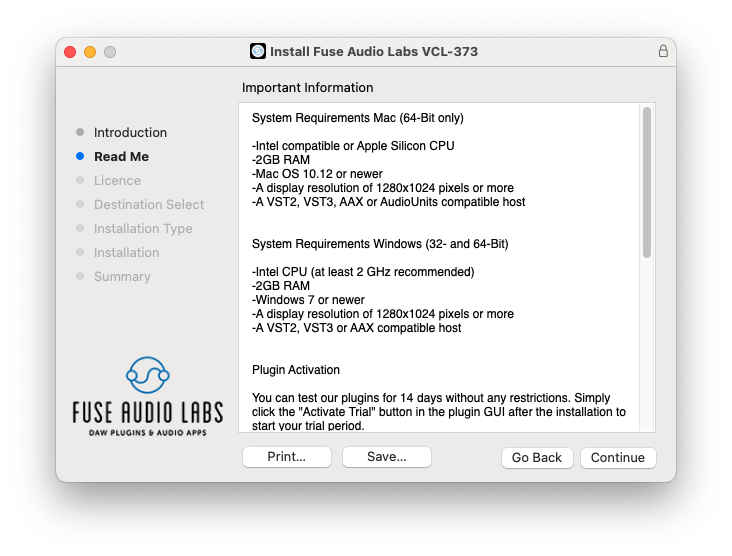
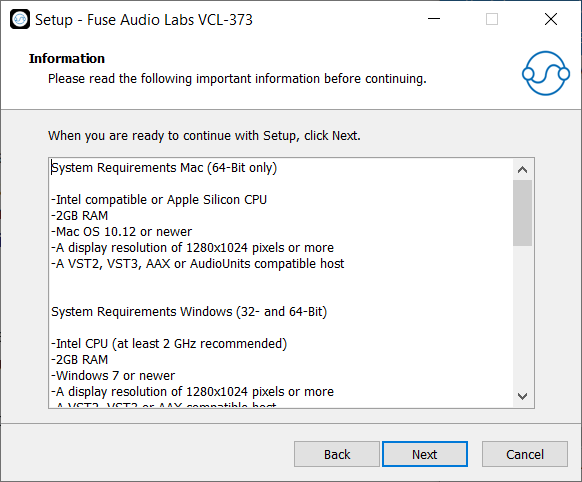
System Requirements
Mac (64-Bit only)
- Intel compatible or Apple Silicon CPU
- 2GB RAM
- Mac OS 10.12 or newer
- A display resolution of 1280x1024 pixels or more
- A VST2, VST3, AAX or AudioUnits compatible host
Windows (32- and 64-Bit)
- Intel compatible CPU (at least 2 GHz recommended)
- 2GB RAM
- Windows 7 or newer
- A display resolution of 1280x1024 pixels or more
- A VST2, VST3 or AAX compatible host