


 Log In

Free gifts available with your purchase

Playful, precise, and polymetric. Perfect for turning simple chords into endlessly shifting arpeggios.
PEACH is a next‑generation arpeggiator plug‑in (AU/VST/VST3) designed by boutique developer 510k Arts. Unlike traditional arps locked into fixed up/down cycles, PEACH lets each lane run at its own step length, producing evolving, polymetric patterns full of groove and variation.
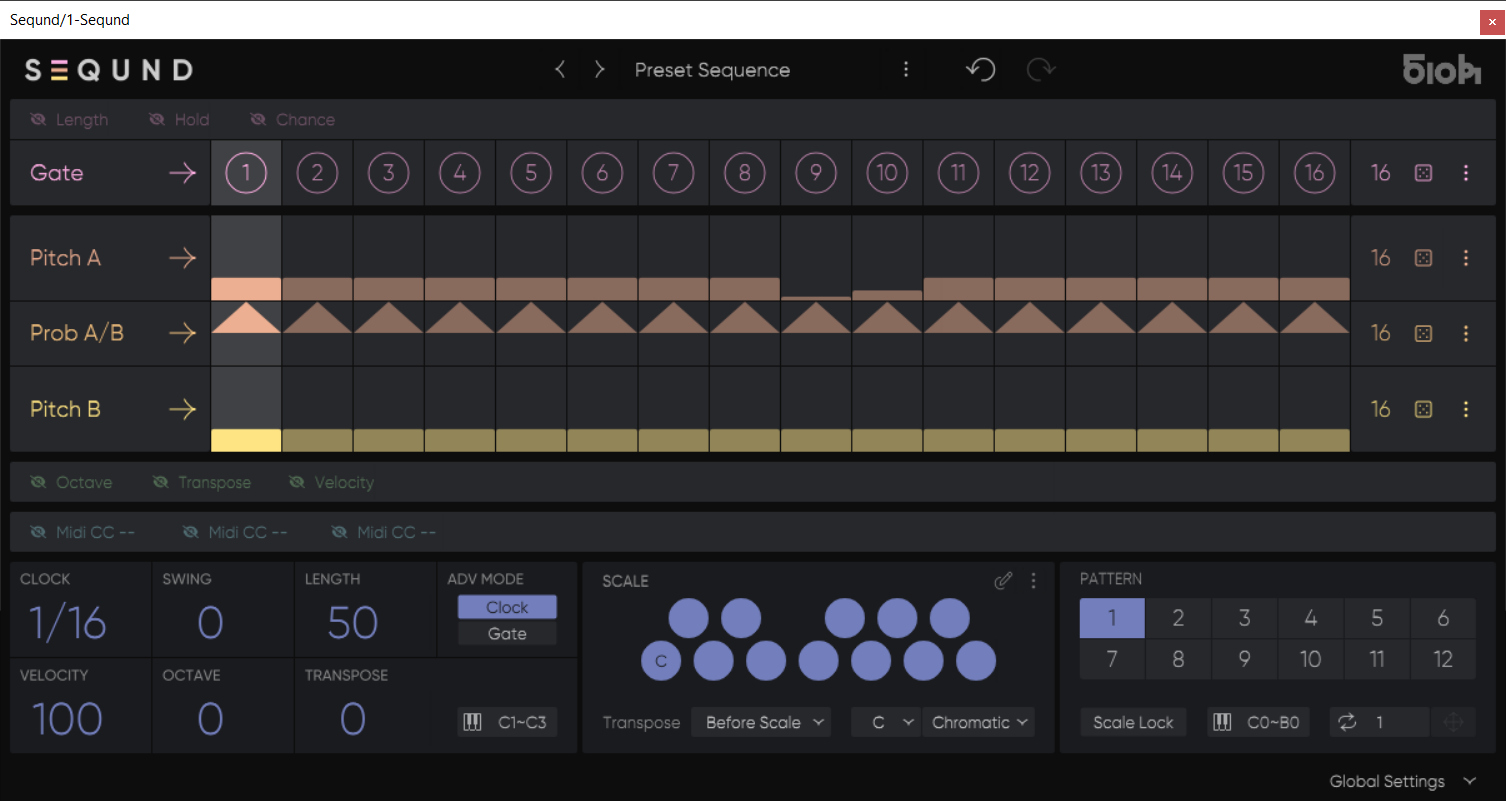
Following the acclaimed design philosophy of SEQUND and POLYLLOP, PEACH is intuitive, immediate, and built for creative flow. It also complements these sequencers perfectly, making it a powerful addition to any producer’s setup.
Whether you’re sketching ideas, experimenting, or performing live, PEACH gives you an organic, hands-on arpeggiation workflow unlike anything else.
Features
- Polymetric Lanes — Each lane (Gate, Hold, Octave, Velocity, MIDI CC) has its own step count for shifting interplay.
- Advanced Note Control — Define order, latch, octave range, gate length, swing, and step advance modes globally.
- Scale Quantize — Snap to factory or custom scales, or leave chromatic for free exploration.
- Creative Randomization — Dice buttons and step-locking give you instant variation withmusical control.
- Performance-Ready — Store up to 12 patterns per preset and switch them instantly viaMIDI. Host-visible parameters can be mapped to a controller or automated directly in your DAW.
- Expressive MIDI CC Lanes — Sequence up to three assignable MIDI parameters (e.g., filtercutoff, decay, resonance).
- Built for Workflow — Undo/redo, preset management, and scalable lanes keep you moving smoothly and creatively.
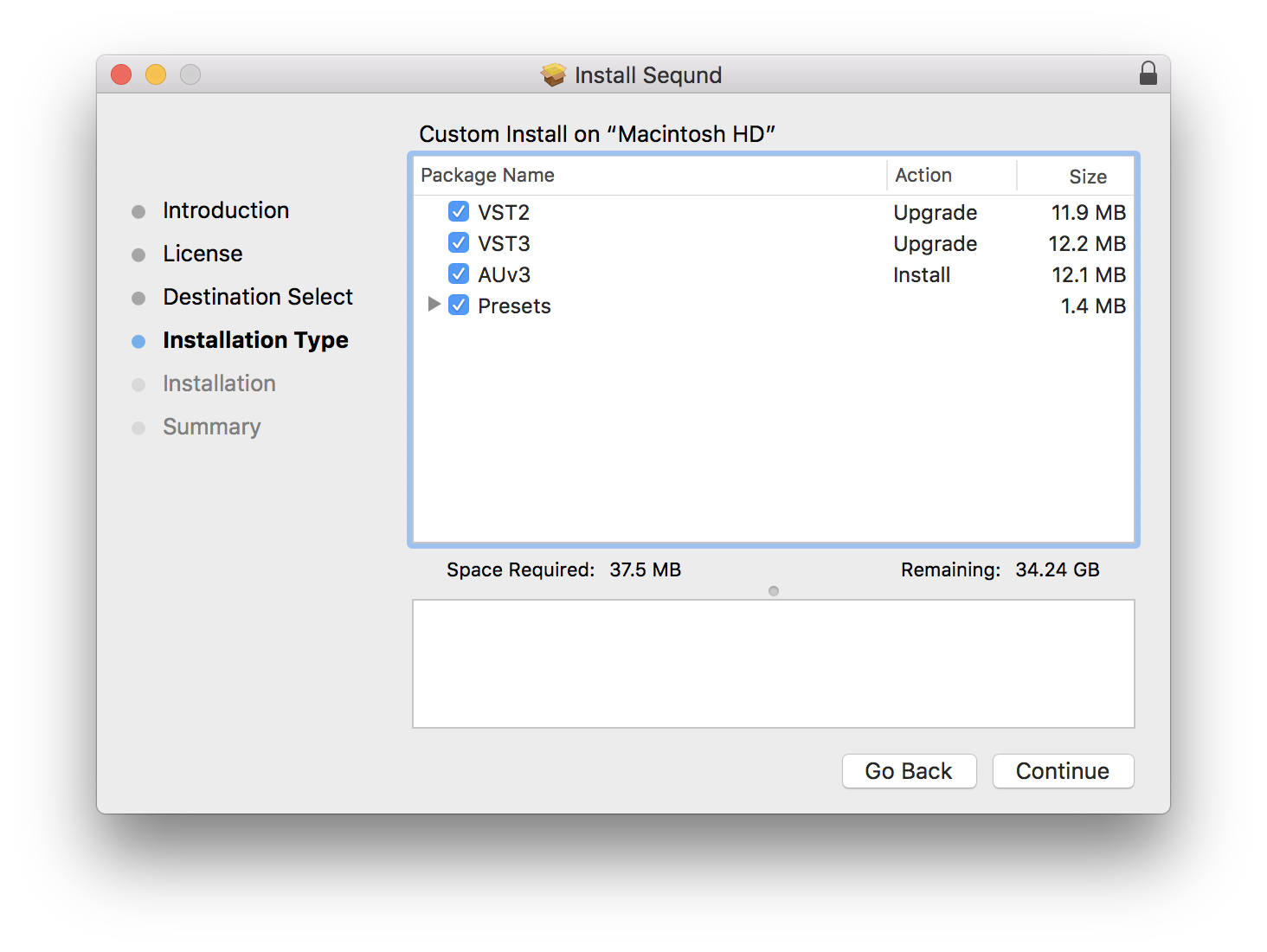
- Plugin formats: AU/VST/VST3 (MIDI FX only)
- Operating systems: macOS 10.14+ / Windows 10+
- DAWs: Works with all major DAWs (Ableton Live, Logic Pro, Bitwig, Cubase, Studio One, FL Studio, Reaper and more)
- Note: PEACH is a MIDI effect and requires a software or hardware instrument to generate sound.
Reviews Summary
While it aims to provide a helpful overview, it may not capture every perspective or detail. We encourage you to read individual reviews to make an informed decision.
Users generally praise the arpeggiator plugin for being easy to use, inspiring, and a great addition to the developer's suite, highlighting standout features like poly-meter sequencing and a lovely interface. While some find it slightly finicky and desire more lanes or per-note flexibility for length and swing, it is overall considered enjoyable, unique, and worth having.


