/ EQ / David Bendeth’s The Hoser 2
Boz Digital Labs

David Bendeth’s The Hoser 2

5.0 (3 Reviews)
$99.00
The Hoser 2 Main Image
The Hoser 2 Youtube Overview gallery thumbnail
Buy Now
Product information

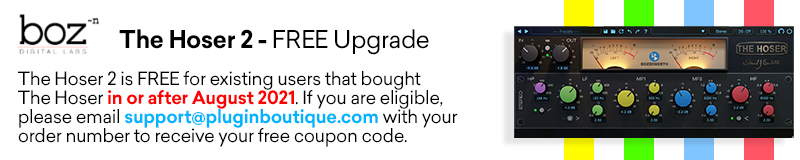
Please note: The Hoser 2 is FREE for existing users that bought The Hoser in or after August 2021. If you are eligible, please email support@pluginboutique.com with your proof of purchase for version 1.

Analog Sound - CPU Friendly 

The second in the series of David Bendeth signature plugins. Modeled off of a Ward-Beck Systems M462B hardware EQ unit, The Hoser 2 makes a great channel EQ to give that cohesive feel to your mixes.

The Hoser takes advantage of some of the benefits of working in the digital domain, all while staying true to the analog sound. It is really the best of both worlds.

When Boz Digital labs built The Hoser, they had two objectives:

  • It must sound just like the hardware
  • You should be able to use this plugin on every track without worrying about your CPU overheating

After much trial and error, they finally accomplished this. The plugin stays true to the analog sound, allowing you to add extreme amounts of gain without adding the harshness of digital EQ. It does all this while using small amounts of processing power, to preserve your CPU for other plugins. It’s really the best of both worlds.

Features

  • Smooth EQ based modelled after a killer Ward Beck EQ
  • No frequency cramping
  • Native Apple Silicon compatible
  • Resizable GUI
  • Simplified design
  • High Pass Filter
  • Oversampling

System Requirements

Mac

  • MacOS 10.13 or greater (Intel or M1)
  • VST2, VST3, AU, AAX

PC

  • Windows 7 or greater (64-bit only)
  • VST2, VST3, AAX Native
Installation Instructions

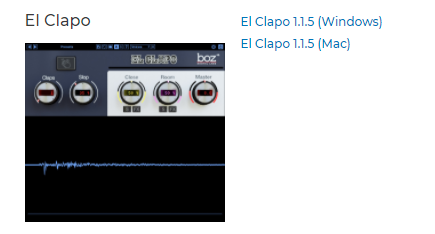
Note: El Clapo is used as an example.

Mac

Redemption

1. Click Download in your Plugin Boutique account or go to https://www.bozdigitallabs.com/plugin-boutique-retrieve/.

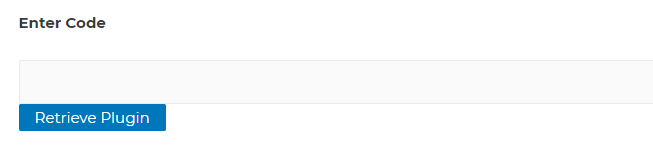
2. Copy and paste the code from your Plugin Boutique account > Click 'Retrieve Plugin'.

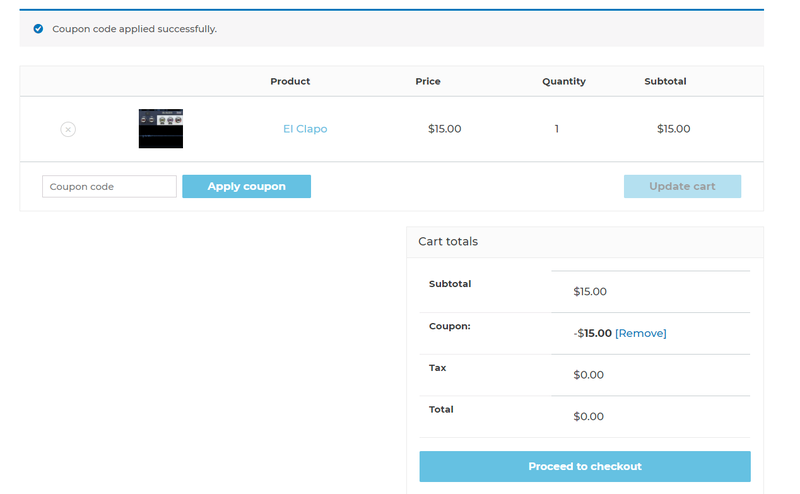
3. Review the order > Click 'Proceed to Checkout'.

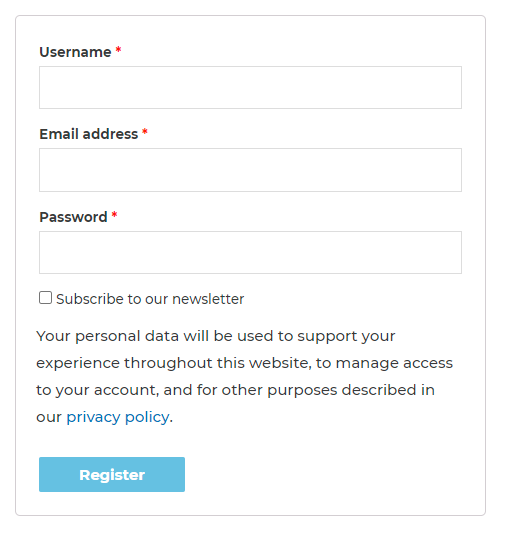
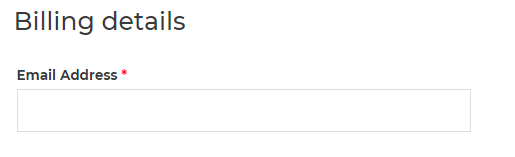
4. Enter your email address, username and password > Click 'Register'.

Note: If you already have Boz Digital Labs account, select 'Click Here to Login' after entering your email address/username and password > Click 'Login'.

5. Check that your email is correct > Click 'Next'.

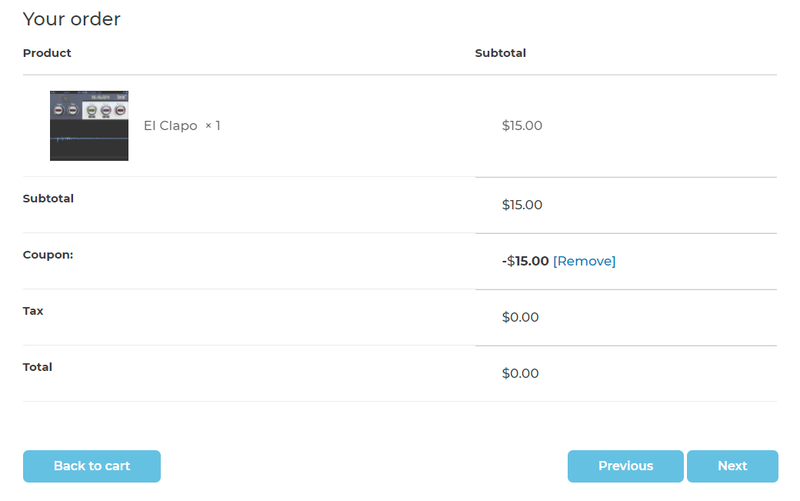
6. Review your order > Click 'Next'.

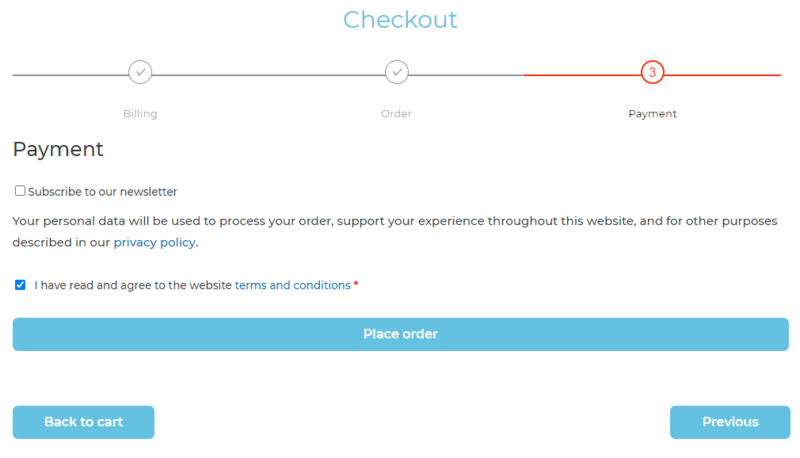
7. Click 'I have read and agree to the website terms and conditions' > Click 'Place order'.

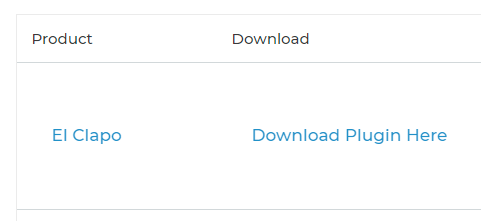
8. Click 'Download Plugin Here'.

9. Click the Mac link to download the installer.

Installation

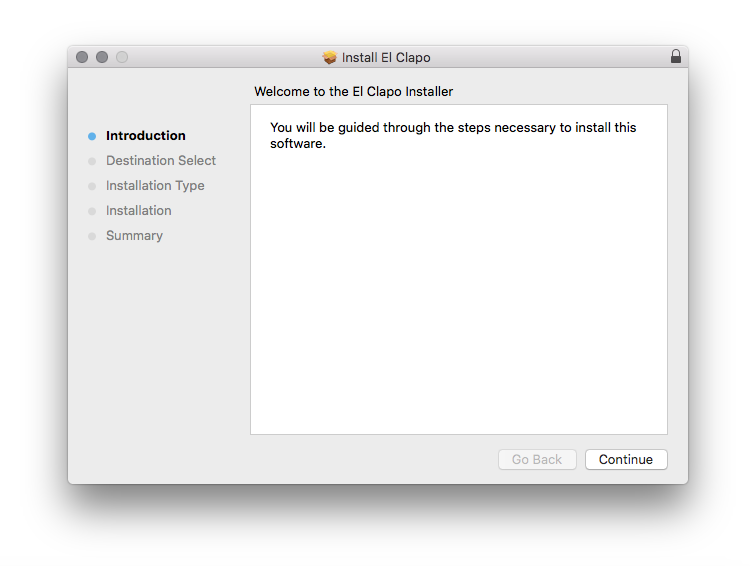
1. Run the .pkg installer > Click 'Continue'.

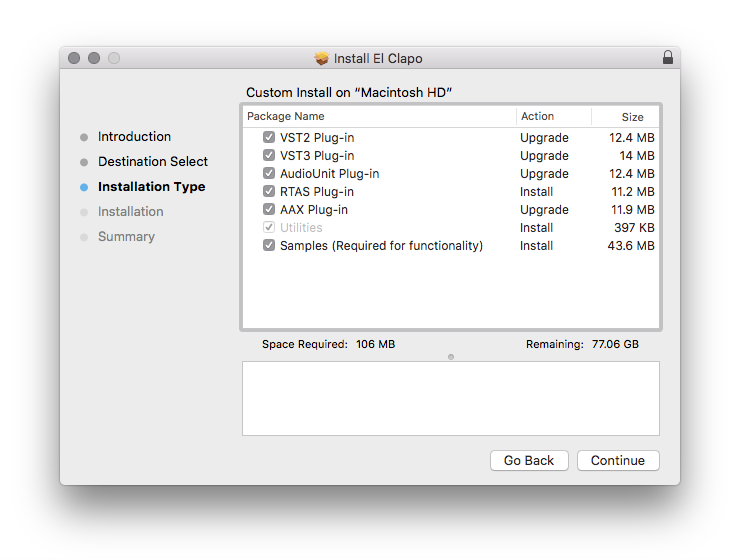
2. Select the formats you wish to install > Click 'Continue'. 

Note: If you're unsure about which format to use, leave all options selected and proceed. Check out this article for more information.

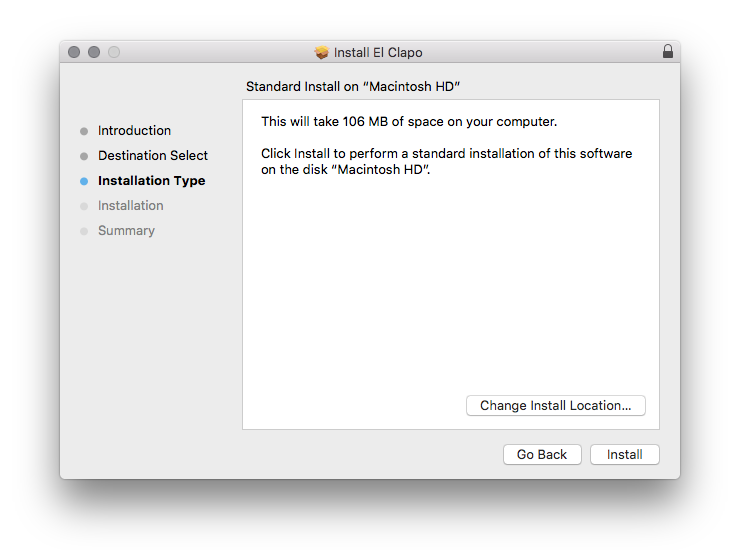
3. Click 'Install'.

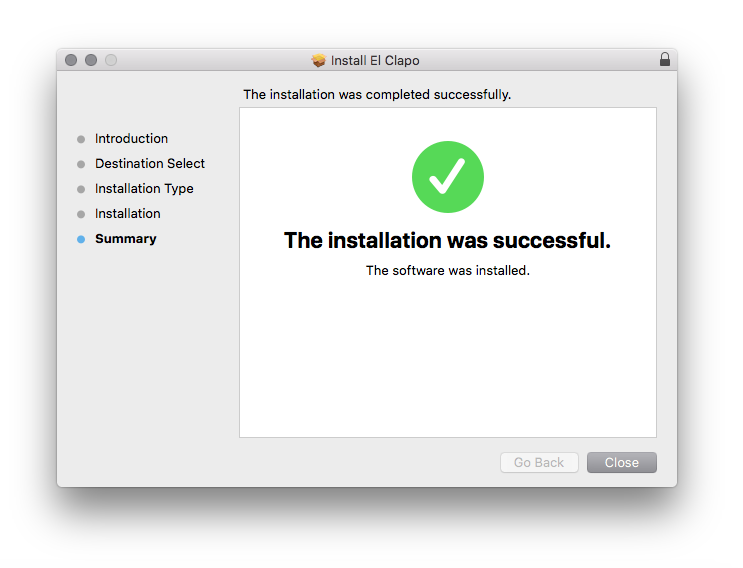
4. Click 'Close'.

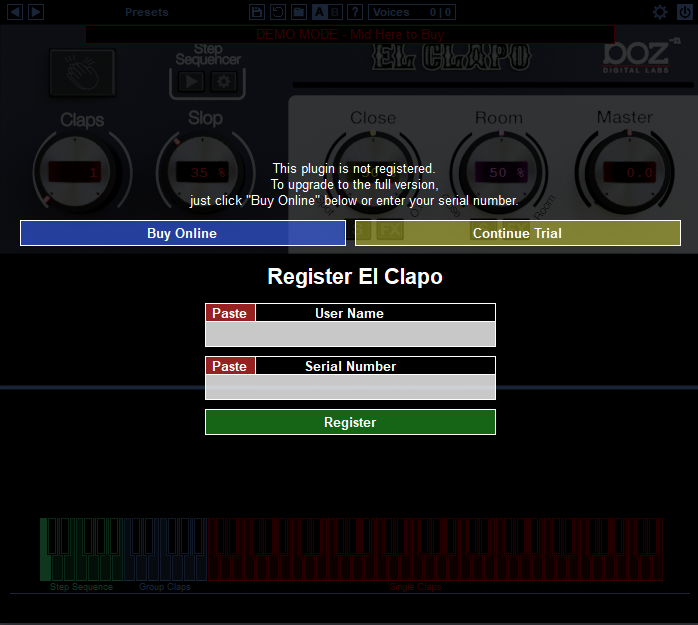
5. Open your DAW and open the plugin > Enter your Boz Digital Labs username and the serial code that you received in your Boz Digital Labs Account > Click 'Register'.

Your software is now authorised and ready for use!

Windows

Redemption

1. Click Download in your Plugin Boutique account or go to https://www.bozdigitallabs.com/plugin-boutique-retrieve/.

2. Copy and paste the code from your Plugin Boutique account > Click 'Retrieve Plugin'.

3. Review the order > Click 'Proceed to Checkout'.

4. Enter your email address, username and password > Click 'Register'.

Note: If you already have Boz Digital Labs account, select 'Click Here to Login' after entering your email address/username and password > Click 'Login'.

5. Check that your email is correct > Click 'Next'.

6. Review your order > Click 'Next'.

7. Click 'I have read and agree to the website terms and conditions' > Click 'Place order'.

8. Click 'Download Plugin Here'.

9. Click the Windows link to download the installer.

Installation

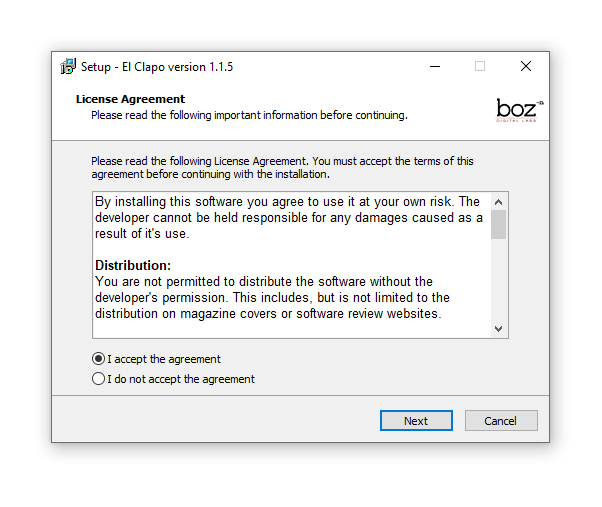
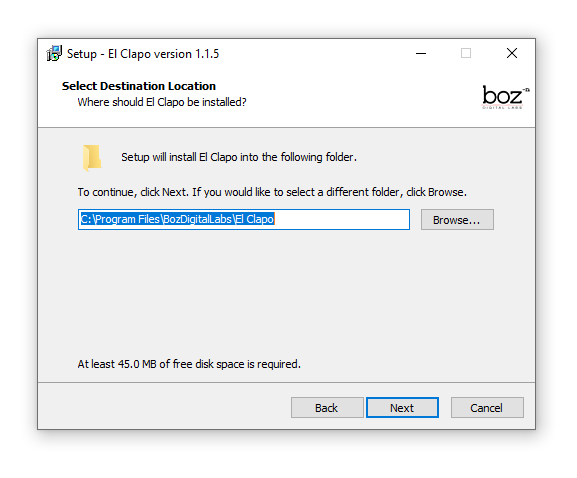
1. Double-click the .exe installer > Click 'I accept the agreement' then click 'Next'.

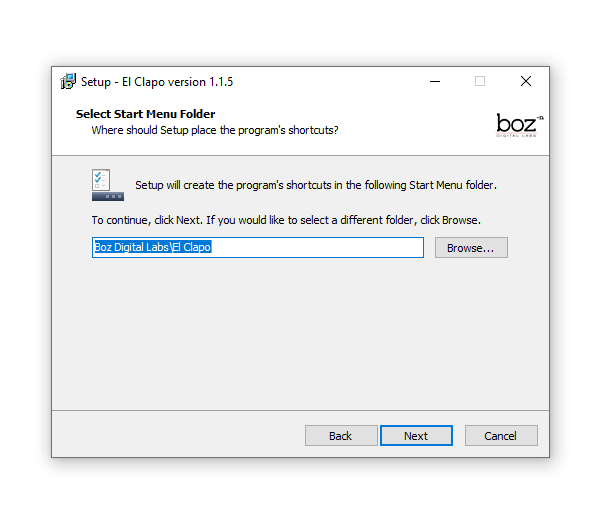
2. Click 'Next'.

3. Click 'Next'.

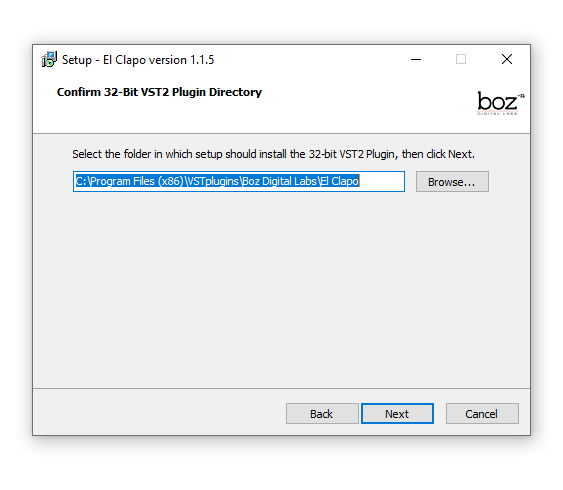
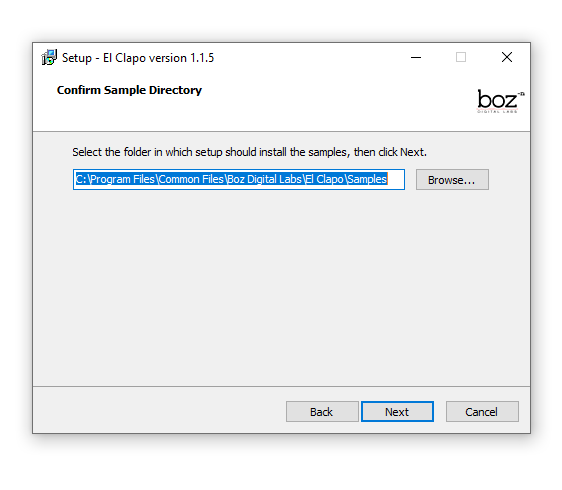
4. Select a VST folder in which to install the 32-bit software format > Click 'Next'.

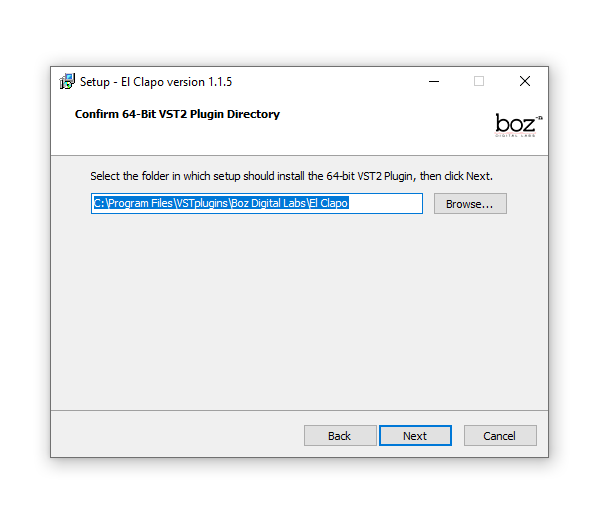
5. Select a VST folder in which to install the 64-bit software format > Click 'Next'.

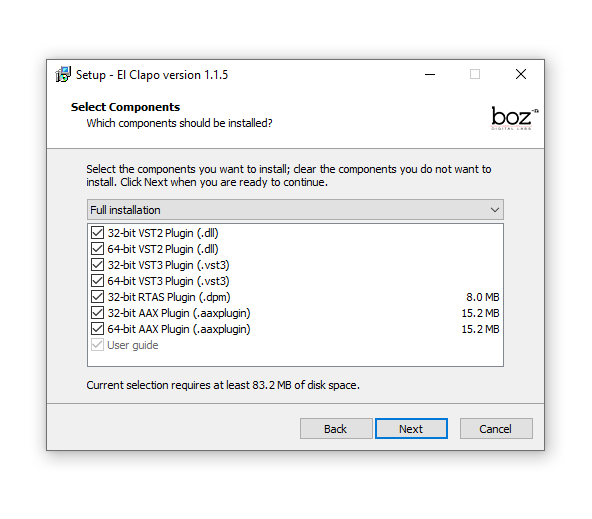
6. Select the components you wish to install > Click 'Next'.

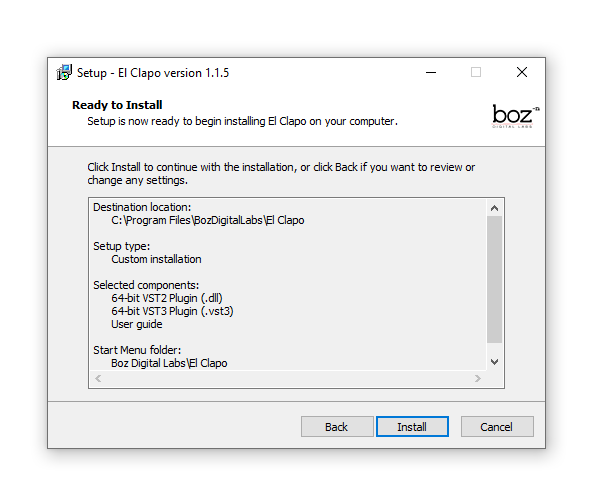
7. Click 'Next'.

8. Click 'Install'.

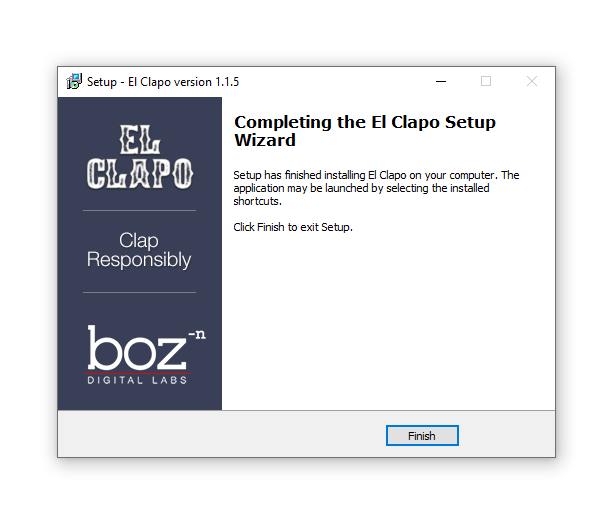
9. Click 'Finish'.

10. Open your DAW and open the plugin > Enter your Boz Digital Labs username and the serial code that you received in your Boz Digital Labs Account > Click 'Register'.

Your software is now authorised and ready for use!

Plugin Boutique Rewards

Discover the most rewarding loyalty programme among all plugin retailers.

  • Free Loopmasters Samplepacks
  • Discounts on products and courses
  • Extra Virtual Cash claimed immediately at checkout
Find out more

Follow us:

X (Twitter) Facebook YouTube Instagram
Logo Logo

Plugin Boutique Limited, Part of the Beatport Group LLC.

Copyright © 2011-2025 Plugin Boutique. All rights reserved