Log In

Free gifts available with your purchase
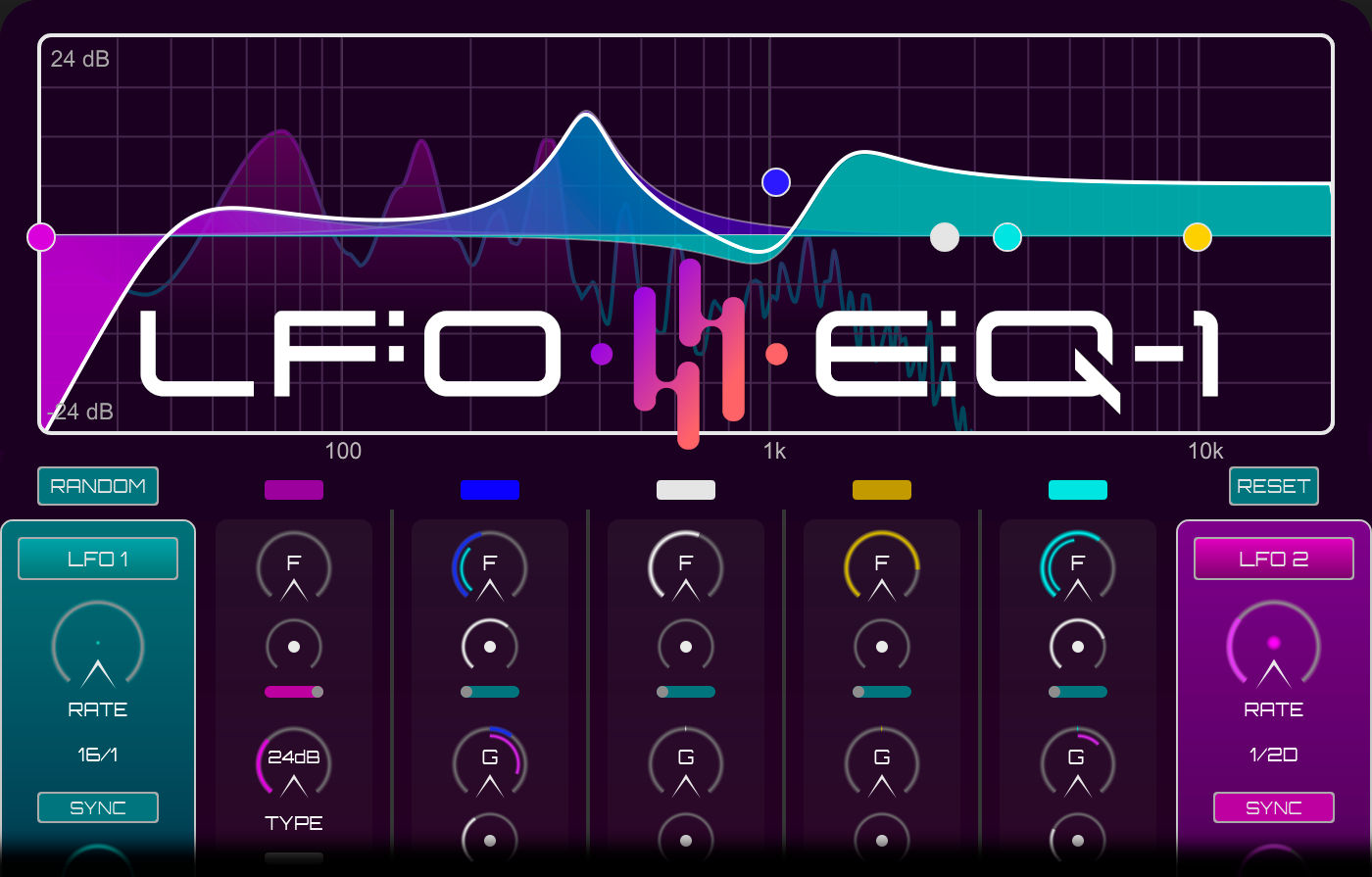
LFO-EQ (Formerly MOD-EQ-1)
From slow sweeps to fizzing chops the LFO-EQ will shape your audio like no other EQ. Continuous movement controlled from either an LFO or an Envelope Follower will add flow and character to any signal, from pads and strings to synth bass, drums, vocals, guitars... it works on everything.
With LFO-EQ several new upgrades have been introduced, including an FX suite containing Drive, Chorus, Delay & Reverb, 100 new presets in 3 preset banks, 12dB - 48dB Slopes for High and Low Pass Filters, a redesigned Preset Browser for easier navigation and preset editing, redesigned LFO shape browser, and many UI updates.
With a simple and intuitive workflow you can instantly dial in subtle to extreme results or select from over 450 diverse presets. A custom LFO Shape designer allows you to create your own modulations to either sync to your DAW or run in free mode, where you can control the LFO rate with the other LFO. On top of the 5 bands of EQ the All-Pass filter mode adds even further sound design potential creating sweeping phaser-like modulations and futuristic soundscapes.
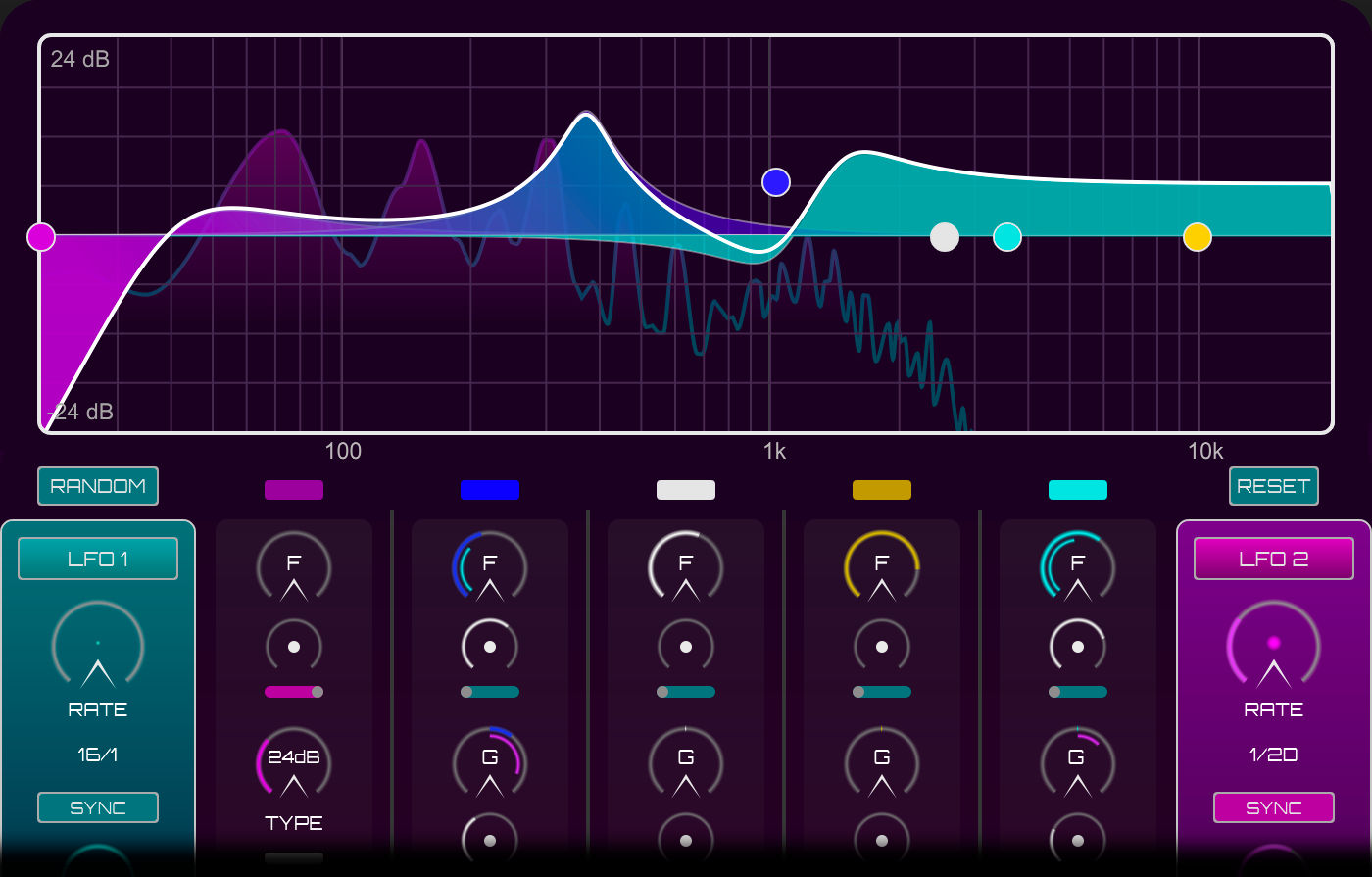
EQ MODULATION
The LFO-EQ is a 5 band EQ unit full of surprises. The ability to modulate any of the EQ parameters including Frequency, Gain, Q Factor and even Band Mix with either of the two onboard LFO’s, or the Envelope Follower, allows for unparalleled sound shaping possibilities from an EQ Plug-In. With multiple controls over the LFO and Envelope the LFO-EQ affords users maximum flexibility and creativity, and with a huge library of presets to choose from it couldn’t be simpler to inject some movement into your audio.
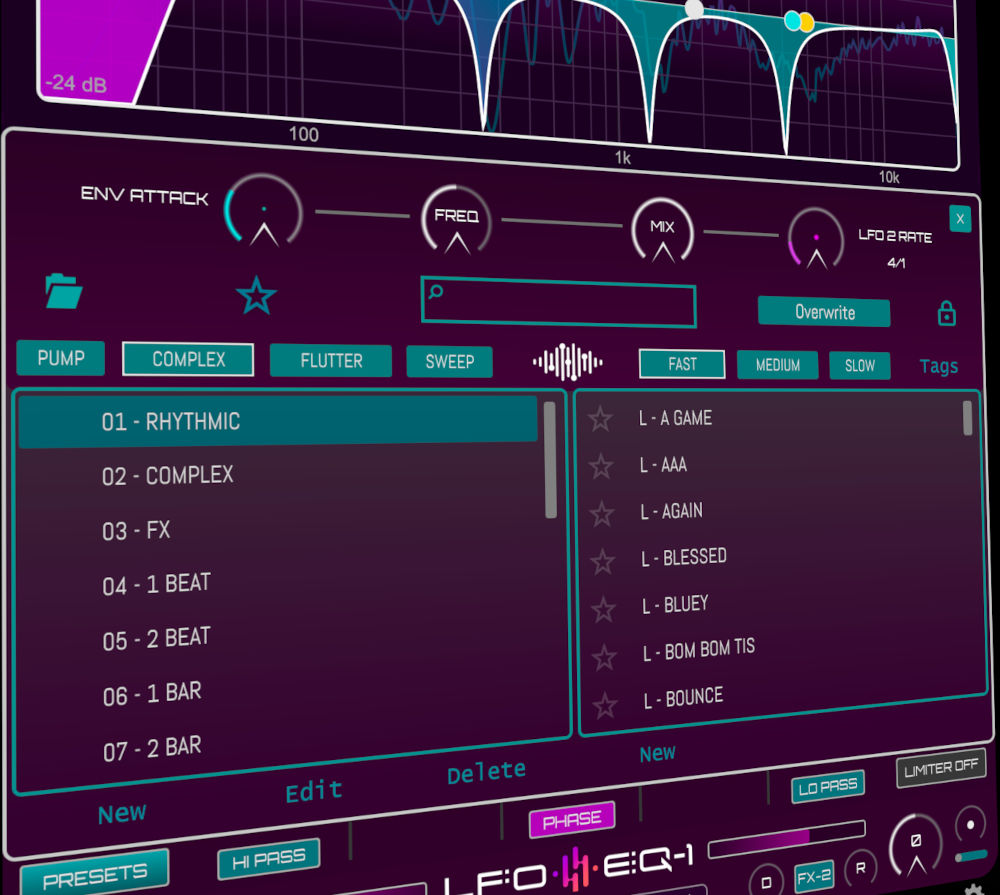
PRESETS GALORE!
Featuring over 450 presets, neatly organised into beats, bars, envelopes and instruments, you can instantly find inspiring modulations to add subtle, extreme, and phasey movements to your audio. From 4-To-The-Floor to 8 Bar (or longer) sweeps, rhythmic syncopated chops to glitchy randomness, there is a world over creativity no other EQ can offer… right at your fingertips.
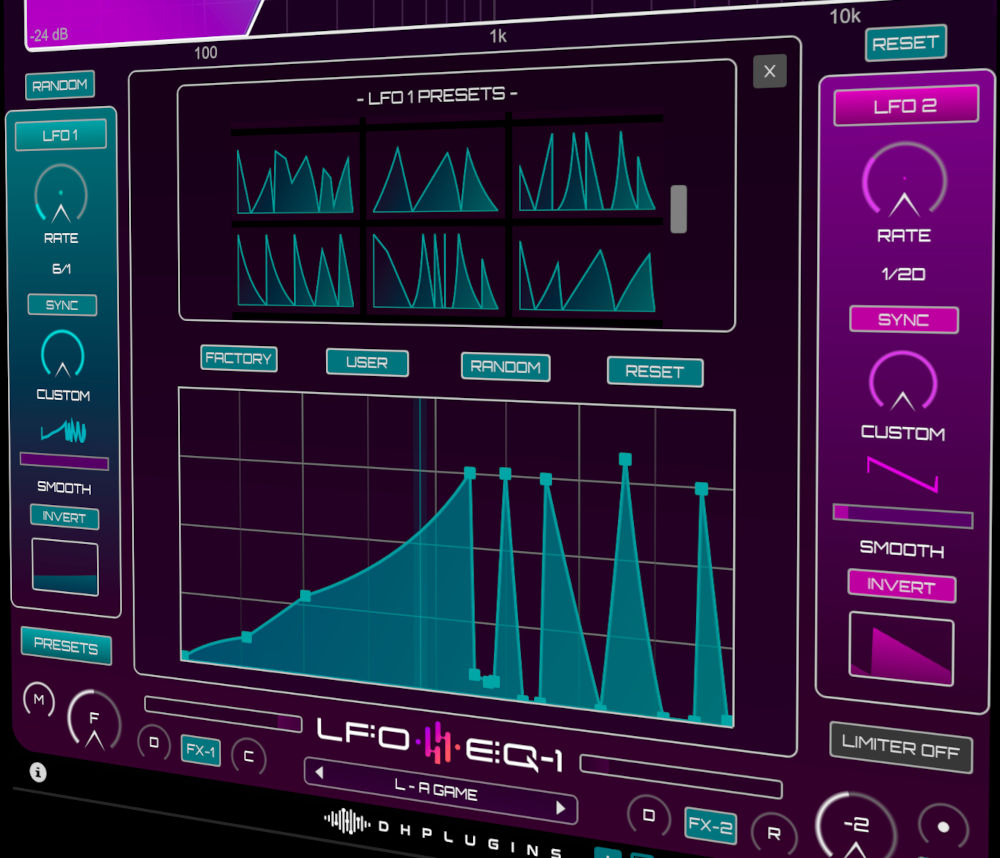
LFO Shape Designer
An easy to use LFO Shape designer allows users to create modulations as complex or as simple as they desire. With a library of 70 LFO Shape presets ready to load users can dive straight into finding interesting shapes and modulations. The LFO Shape preset manager allows you to save and load your own custom shapes to use wherever you need them. The LFOs can either be synced to your DAW or run free, with the added ability to modulate the rate of one LFO by the other, invert and smooth the modulation signal.
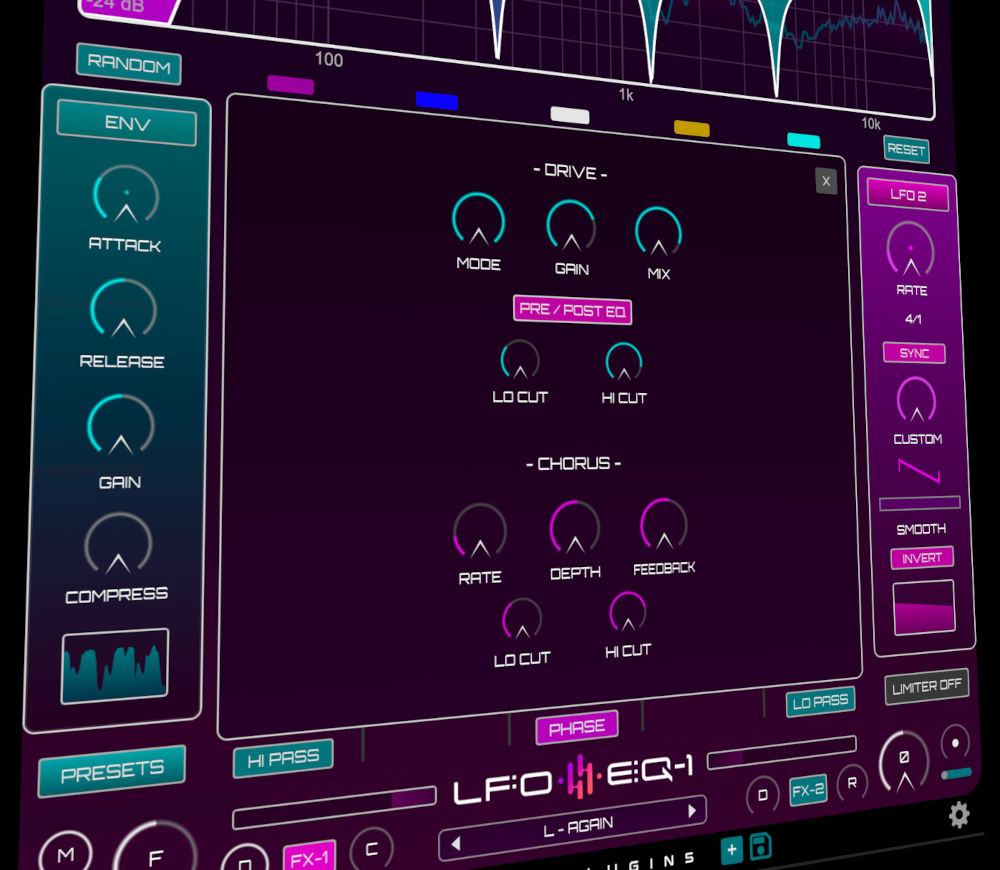
NEW FX SUITE
With 2 types of distortion, a chorus, a delay and a reverb, all with Lo and Hi cuts available, LFO-EQ now offers a more rounded creative experience, and the ability to add new levels to the LFO designs, new sonic palettes going into the eq bands themselves, and a wide variety of sonic results. The new FX preset bank contains over 45 FX presets which show the range of new capabilities of LFO-EQ.
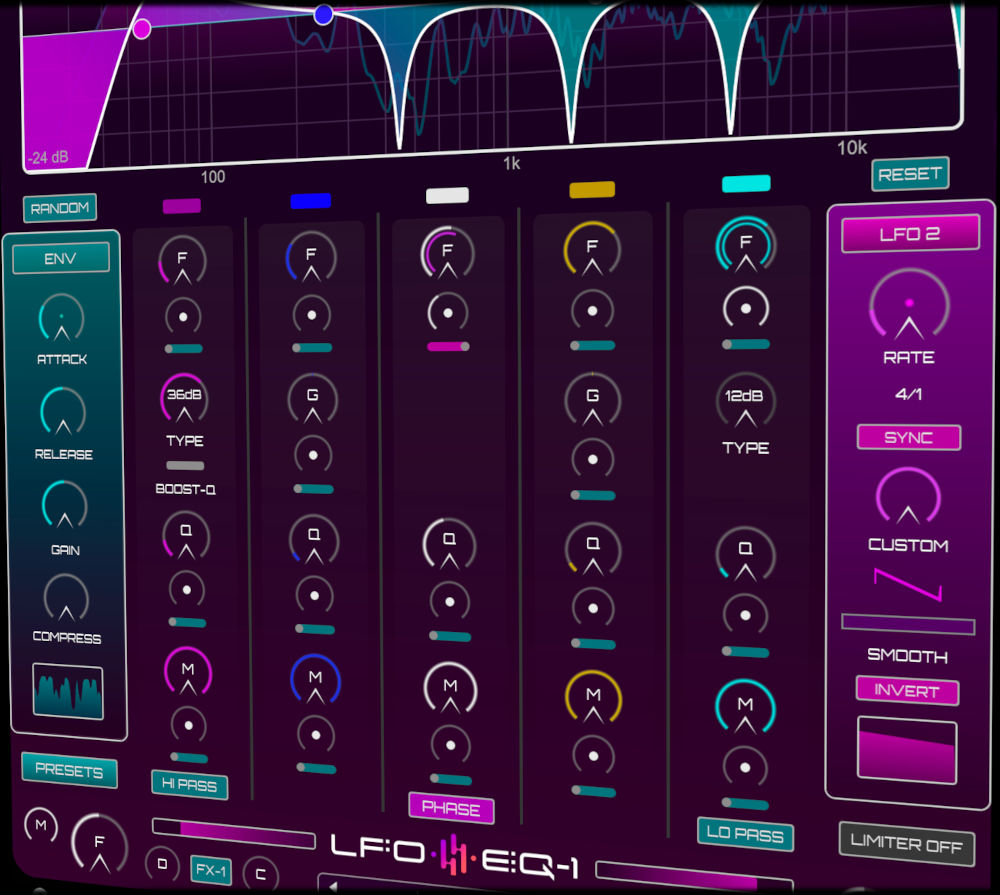
ENVELOPE FOLLOWER MODULATION
The onboard LFOs aren’t the only modulation source for the EQ – the Envelope Follower reacts to the audio input level and modulates the EQ parameters accordingly. With a Gain control to boost or attenuate the signal and a compressor to smooth out the dynamic range, as well as an Attack and release control, you have maximum control over Envelope Input. With a whole bank of Envelope Presets you can easily add character and movement to your audio source, whether it be staccato chords, vocals or pads.
System Requirements
- AU / VST3 / AAX 64 bit
- 1GB RAM
- 1GB HDD SPACE
- WIN 7 or later, OSX 10.8 or later, M1/M2 ready
- 3 licence activations per purchase
Important note: When accessing this software via a Rent to Own plan or the Beatport Studio membership, it's installed and run through the Beatport Access portal. An internet connection is required every 30 days to validate your license.
Awards


Computer Music
The world's best selling magazine dedicated to making great music with your Mac or PC.
"LFO-EQ-1 is a highly creative design that blurs the line between EQ and auto-filter to deliver a multitude of ear-catching effects. 10/10"

Skream
Godfather of dubstep
“MOD-EQ-1 is ****ing sick!!!!”

Prolix
Drum n Bass Producer
'I'm using Mod EQ in every one of my latest tracks in one way or another - its great for creative filtering on everything from drums to leads and has loads of great presets to get you started'