


 Log In

Free gifts available with your purchase
Important Note: This is an upgrade path for existing owners of Smooth Operator. The standard purchase path is also available HERE.

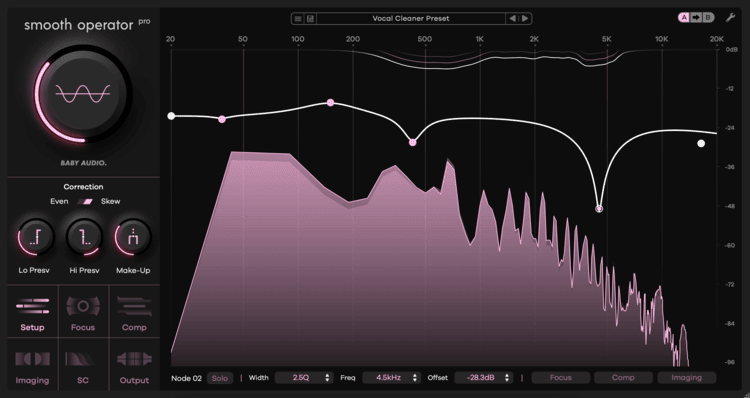
Dynamic Spectral Balancer
The Definitive Clarity Tool
- Smooth Operator Pro removes the bloated frequency energy your tracks don’t need
- Achieve clarity in your mixes by eliminating mud, harsh resonances and masking
- Fix specific problem areas with surgical control – or re-shape the tonal balance entirely
Instant Track Optimizer
Baby Audio have engineered the new Pro version without compromising on the fast workflow that made Smooth Operator 1 so popular.
Set the desired target curve, then turn the global threshold knob until the plugin starts balancing your audio. Dive into deep settings optionally for total control.
Smooth Operator Pro removes fatiguing frequency energy as and where it occurs, improving your audio’s clarity. Dial it in gently and it will feel like lifting a blanket from your speakers.
Resonance Suppression 2.0
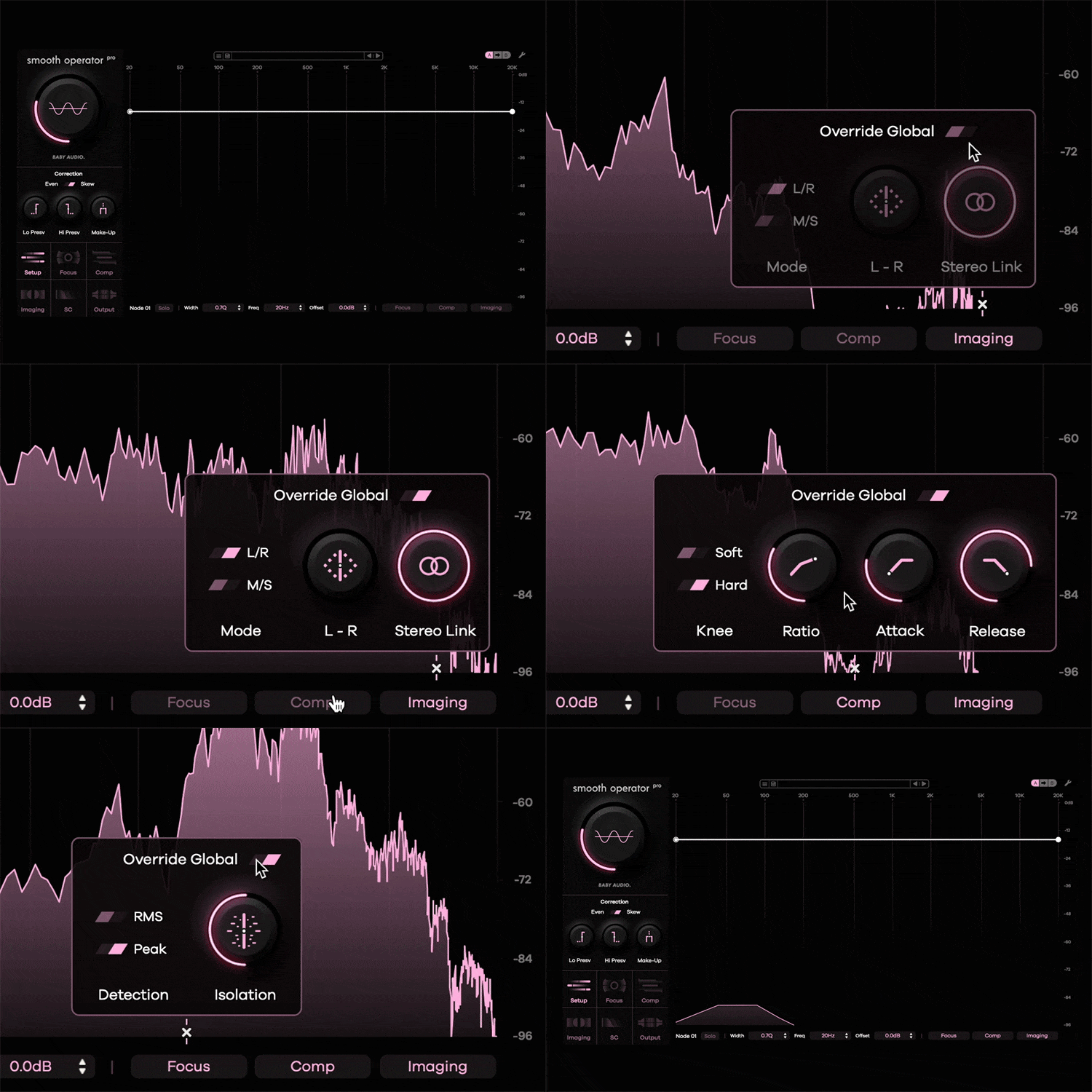
Where other spectral balancers offer global settings to affect the signal, Smooth Operator Pro brings unprecedented depth: Override the global settings for any frequency node to set individual dynamic profiles across the spectrum.
Examples (within the same plugin instance):
- Target the left side at 7500 hz to fix a harsh cymbal.
- Address only the sides at 150 hz to clean up the bass.
- Tame a vocal at 2.5 khz with a softer compression profile.
Smooth(er) Operator
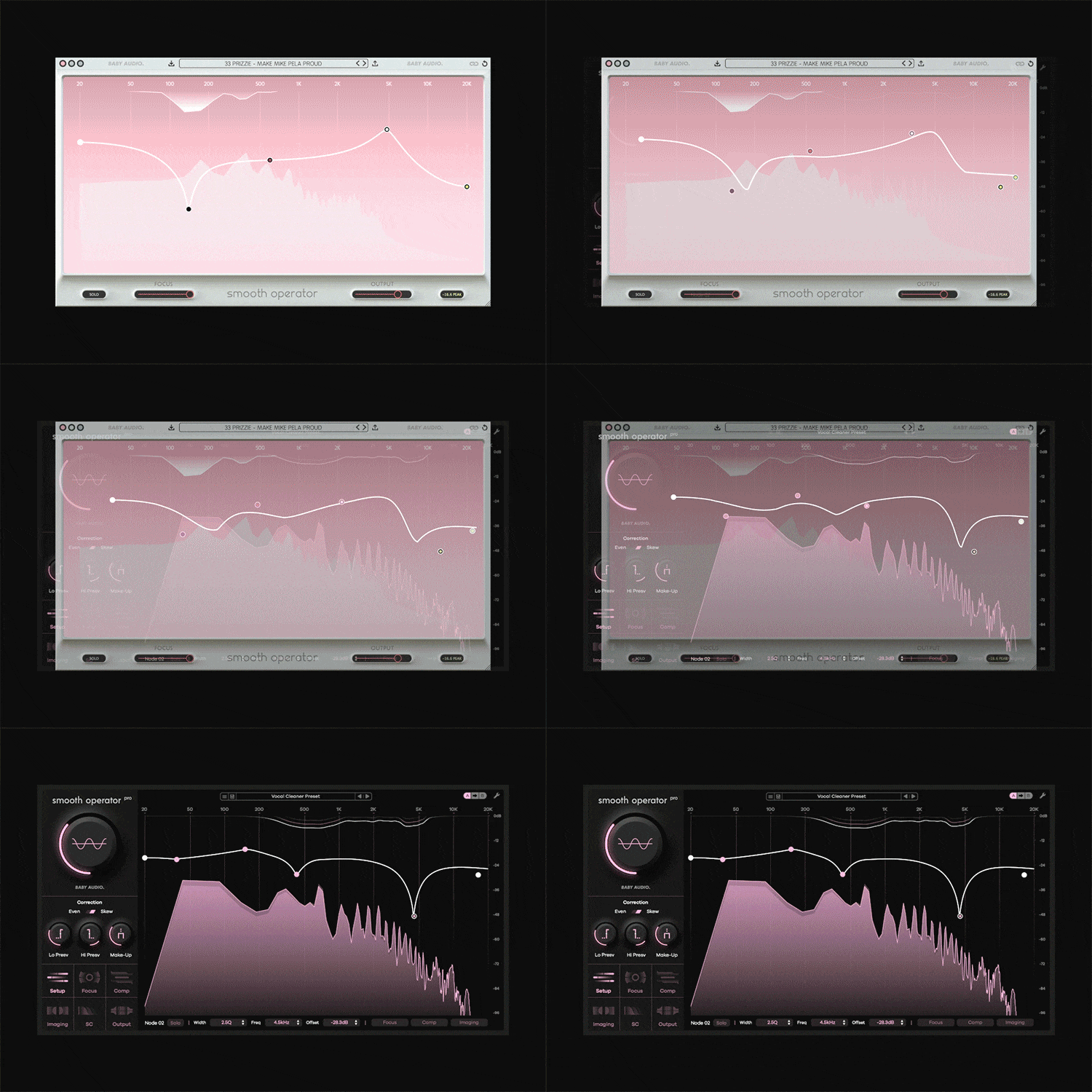
Baby Audio have listened and learned. The all-new Pro version incorporates four years of user feedback since V1.
- Enhanced performance and sound quality
- Full control over all dynamic and imaging parameters
- Freely add and remove nodes across the spectrum
- Create individual dynamic processing profiles per node
- Two cutting-edge correction algorithms: Even and Skew
Pro-Level Spectral Workstation
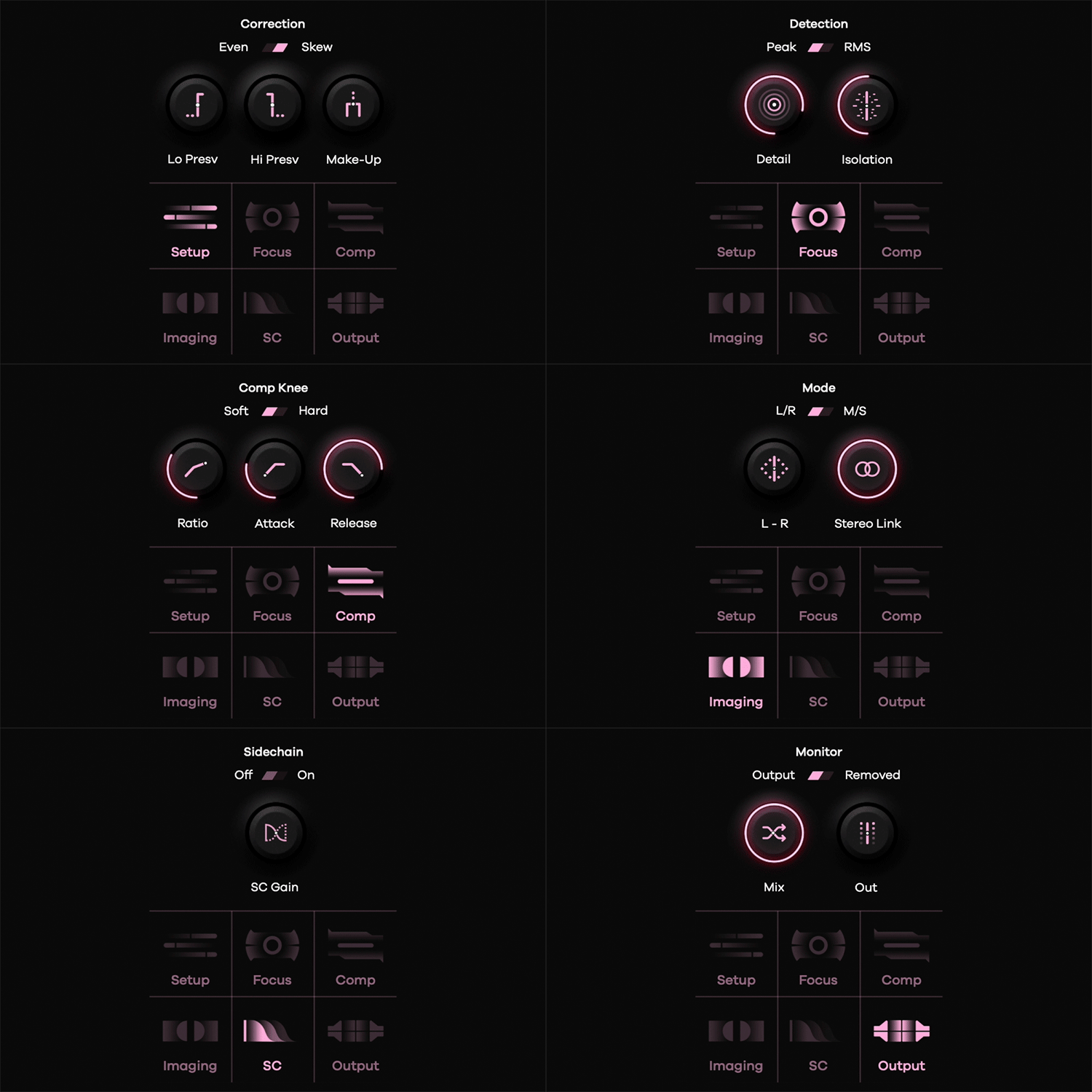
Spectral Processing manipulates the building blocks that make up a digital signal. By splitting a sound into its individual components, the plugin rebalances the harmonic material more effectively than traditional EQ and compression tools.
Smooth Operator Pro brings surgical control over your sound at the ‘DNA level’. Fixing problems is only the beginning: Use the plugin to dramatically re-shape the tonal balance and bring out the best in every track.
Presets by the world’s top engineers
Smooth Operator Pro ships with 184 presets created by some of the world’s most renowned engineers for use in their own sessions.
Preset creators include 30+ Grammy Nominee Craig Bauer, Max Jaeger (Ariana Grande, Drake, Diplo), Preston Reid (Chris Brown, Usher, Muni Long) and Ryan ‘Skinny’ Shanahan (Zedd, Lady Gaga).
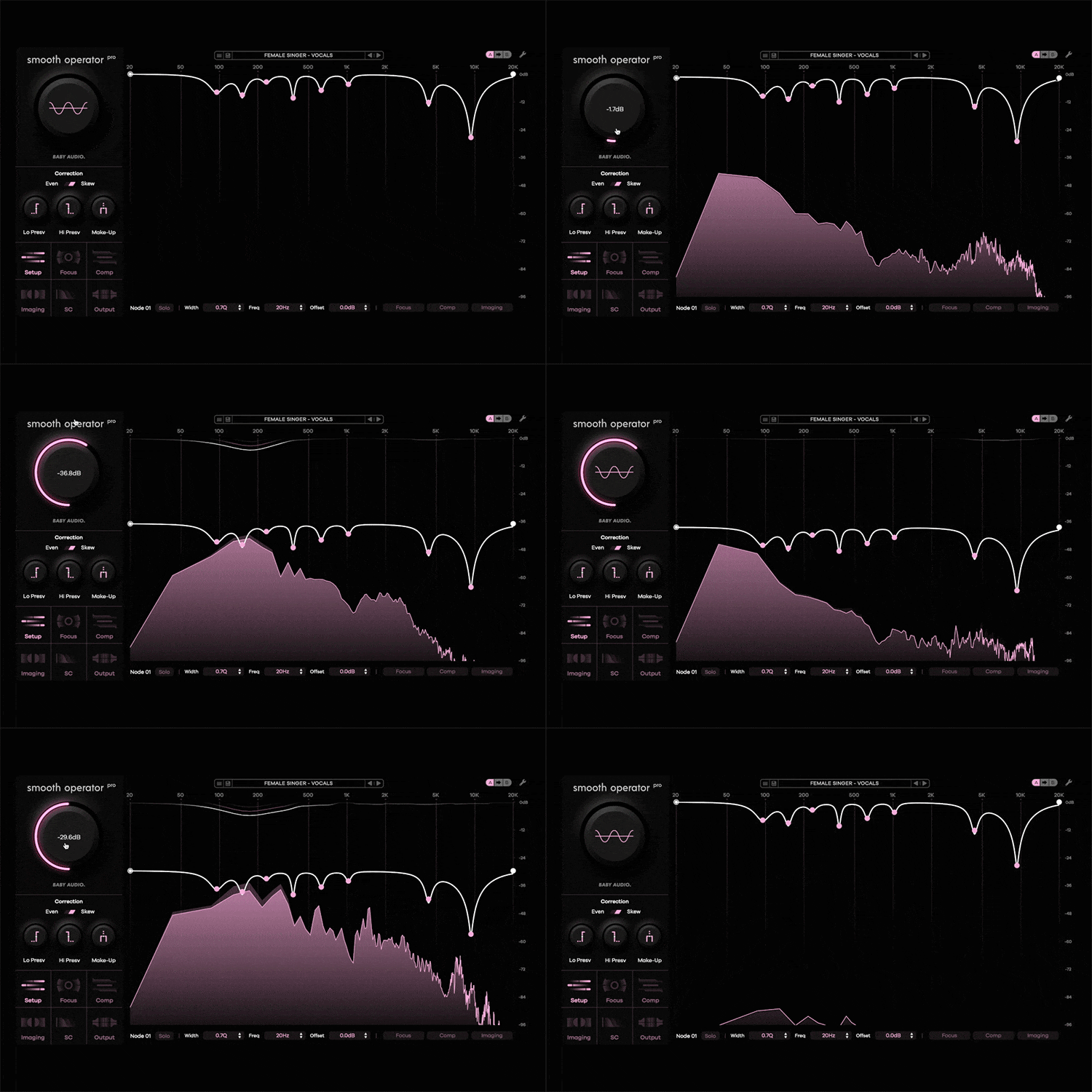
Make space in your mix with sidechain mode
Enable Sidechain mode to use the spectral content of another track in your mix to rebalance the current signal.
Example: Use the lead vocal as the input on a guitar track. The guitar will now be dynamically tamed in the areas where the vocal has the most frequency energy. Both signals can breathe without getting in each others’ way.
System Requirements
- Plugin formats: VST, VST3, AU, AAX (64-bit).
- Platforms supported: Mac OS 10.11 and up (including Native Apple Silicon M1/M2/M3 Compatibility). PC Windows 10 and newer.
- DAWs supported: All major DAWs, including Ableton Live, Pro Tools, Logic Pro, FL Studio, Cubase, Studio One, Bitwig, Reaper, Reason etc.
Dacota G
Grammy awarded engineer - Diplo, Childish Gambino, Usher, CeeLo Green
"Smooth Operator Pro is the surgeon of all surgeons. I've been using it on vocals, drums, music, you name it. This plug-in gives you so much control. It really allows you to address those unwanted resonances, while also giving you the ability to completely reshape any sound."
ADP
Producer / Mixer - Dua Lipa, M.I.A, Chris Brown, ALT-J
"Smooth Operator is INSANE! the amount of time it saves from having to manually find the bad frequencies, especially in bad recordings, is a game changer! Its user friendly interface makes it so easy to use too. Definitely a staple plugin in my chain from here on, especially on vocals!"
Ryan Skinny
Grammy awarded engineer - Zedd, Justin Bieber, Lady Gaga, Katy Perry
"Smooth Operator Pro is extra smooth - just like I like it! It's an easy to use plugin to polish out the harsh!"
Reviews Summary
While it aims to provide a helpful overview, it may not capture every perspective or detail. We encourage you to read individual reviews to make an informed decision.
Users are highly satisfied with the upgraded version of Smooth Operator, praising its noticeable improvements over the original, particularly the addition of more bands and customizable parameters. The plugin is widely described as easy to use, fast, and effective for both busses and individual tracks, significantly streamlining audio workflows. While one reviewer noted it is somewhat overpriced compared to alternatives, the vast majority consider the upgrade to be a worthwhile, high-value investment.


