Buy Maselec MEA-2, get a free gift with purchase:
Finally, The Iconic EQ Behind Countless Masters Is Now Available For Your DAW
Developed in exclusive collaboration with renowned engineer Leif Mases, the Maselec MEA-2 Precision Stereo EQ is the only officially endorsed plug-in that brings you the meticulous craftsmanship and unparalleled precision of the iconic hardware.
- Harness the power of a legendary mastering-grade EQ in your DAW.
- Go beyond the ordinary with a hand-tuned asymmetrical Unique Q (Bandwidth) design and Broad Shelving.
- Experience the evolution of a classic, enhanced for a modern workflow with features like M/S per band and more.
System Requirements
Mac
- OS 10.15 + above. M1 native.
- Format:VST3/AU/AAX (64bit)
PC
- Windows 10 + above.
- Format: VST3/AAX (64bit)
Compatible with all major DAWs.
Free PACE account required.
No hardware dongle is required to authorize Relab products.
You can choose between local computer authorization OR the ilok USB key (V2 or above). However, a free PACE iLok account, internet connection and the latest PACE drivers are required at the time of product activation.
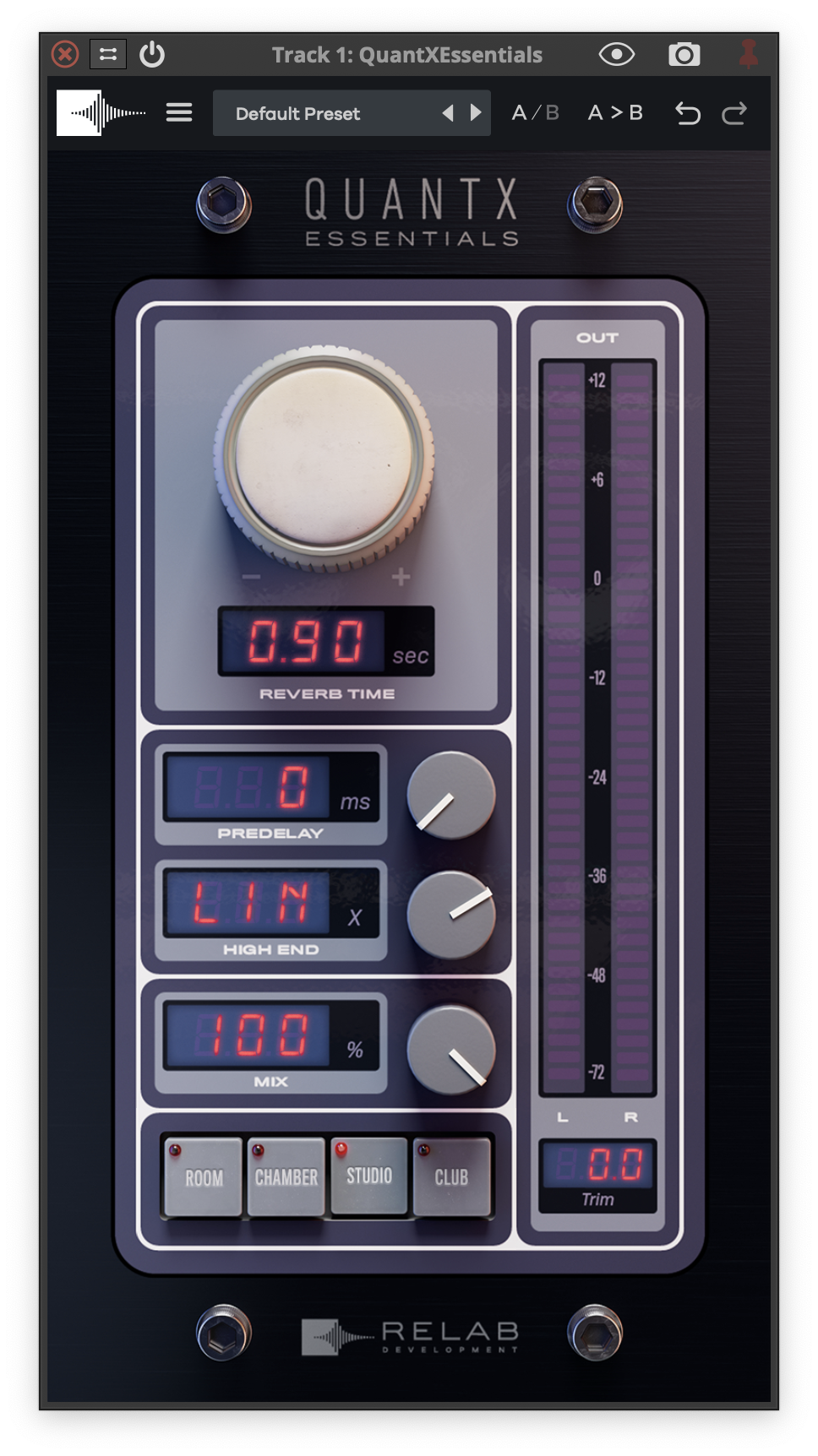
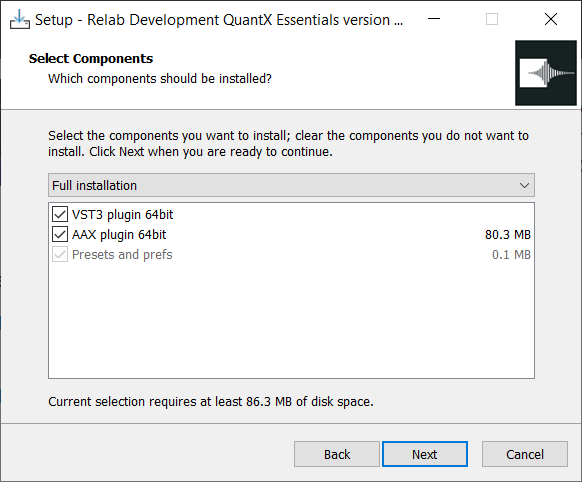
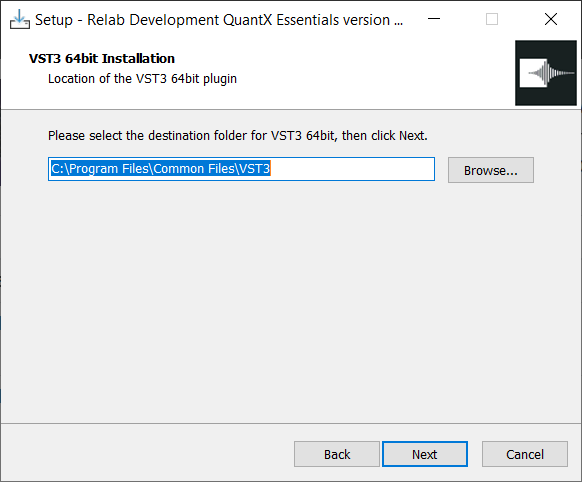
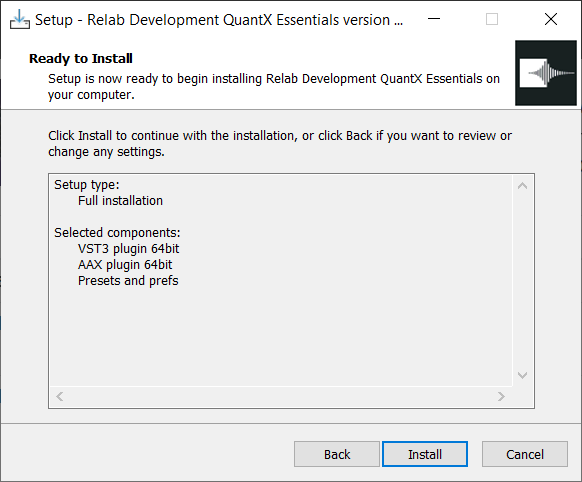
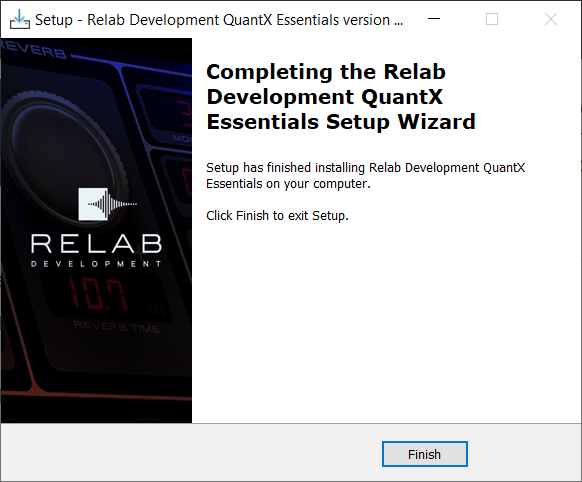
Please Note: QuantX Essentials is used as an example.
Important Note: If you don't have iLok installed, please follow the links below to install and activate it. iLok is required to use this plugin.
Getting Started with the iLok License Manager
Getting Started with the iLok License Manager: Windows Installation Guide
Getting Started with the iLok License Manager: macOS Installation Guide
Activation
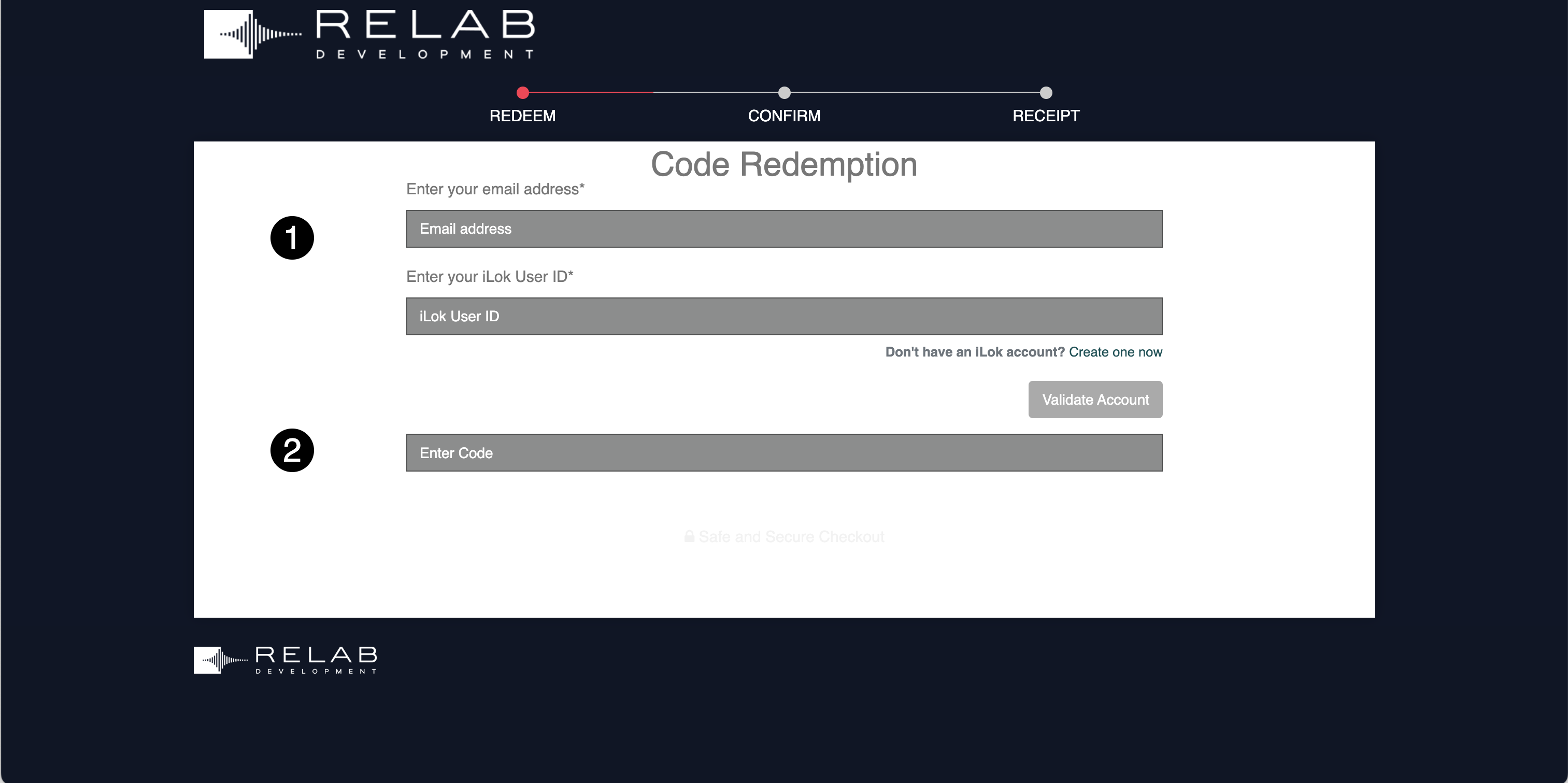
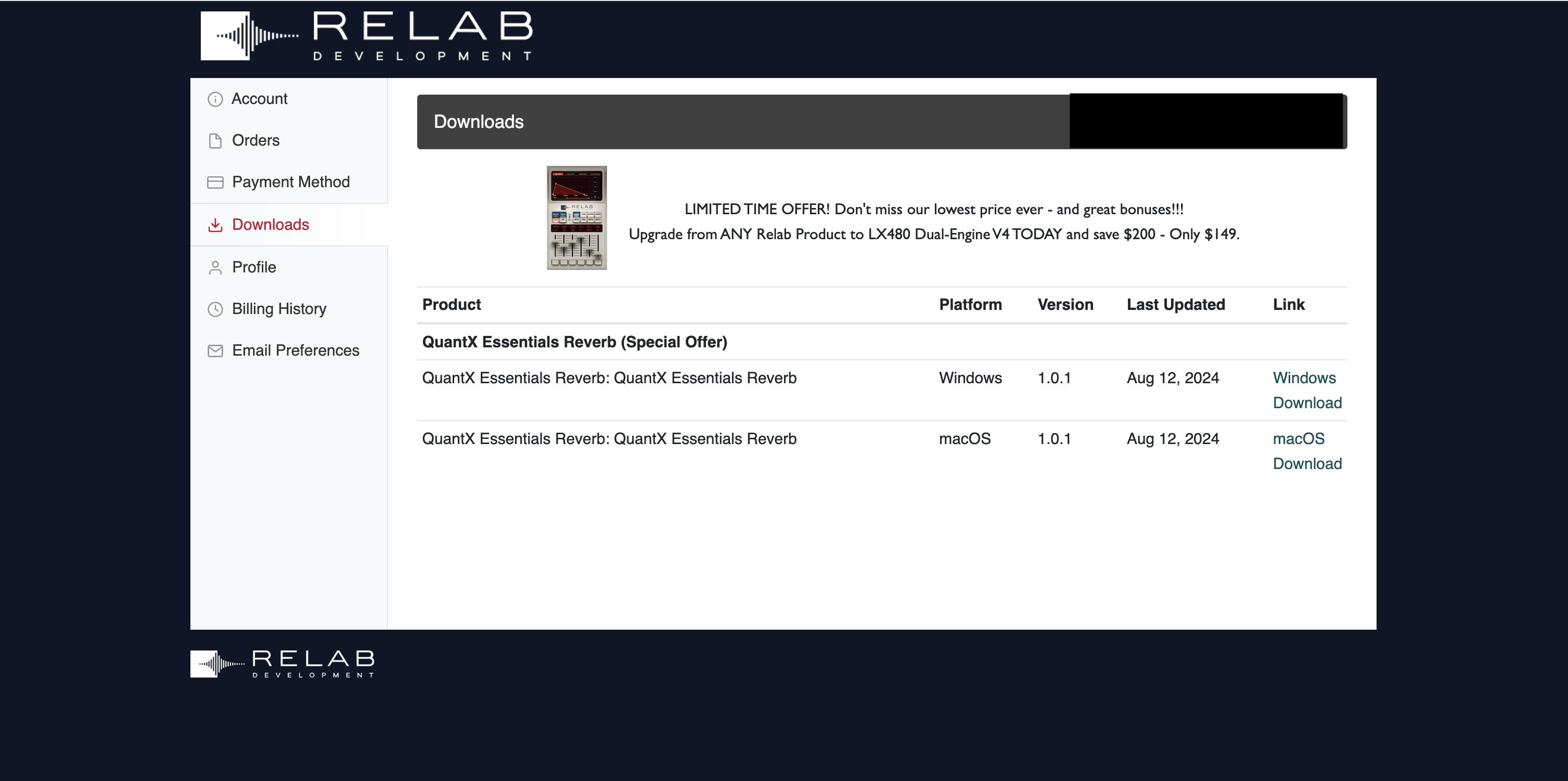
1. Go to https://shop.relabdevelopment.com/redeem or click download in your Plugin Boutique User Account.
2. Enter your email address and iLok User ID > Click 'Validate Account'.

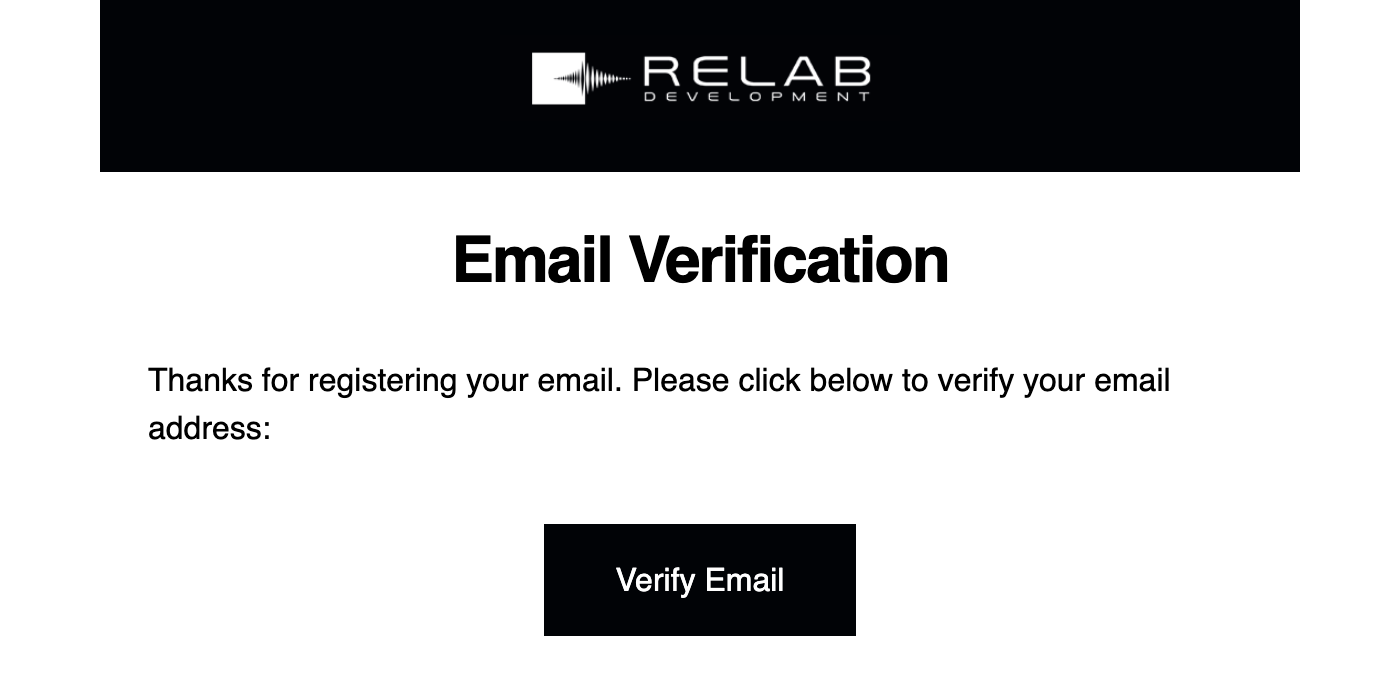
3. Go to your email inbox and locate the email from Relab Development > Click 'Verify Email'.

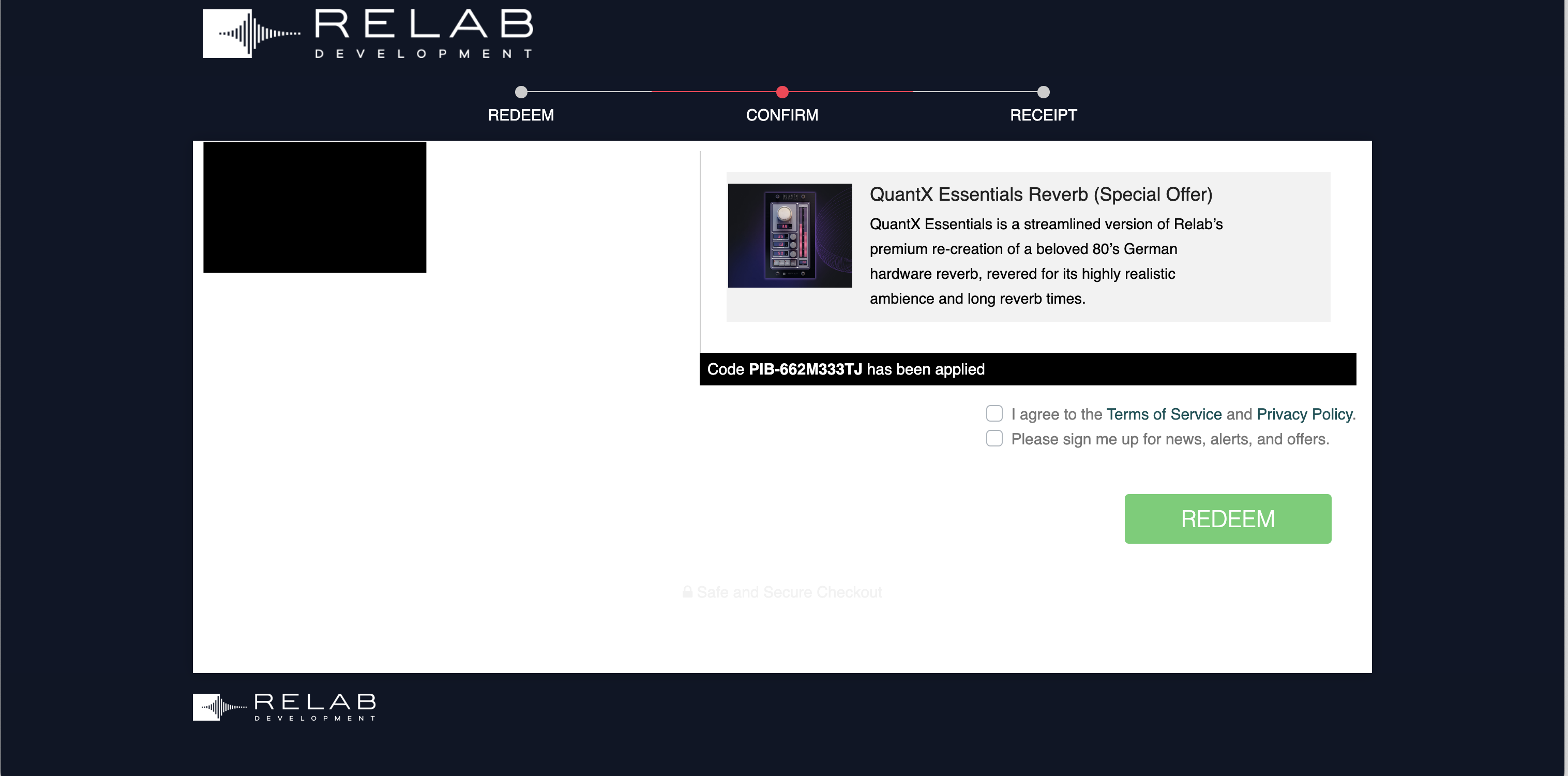
4. Enter the serial code found in your Plugin Boutique User Account > Click 'Validate Code'.

5. Tick the relevant boxes > Click 'REDEEM'.

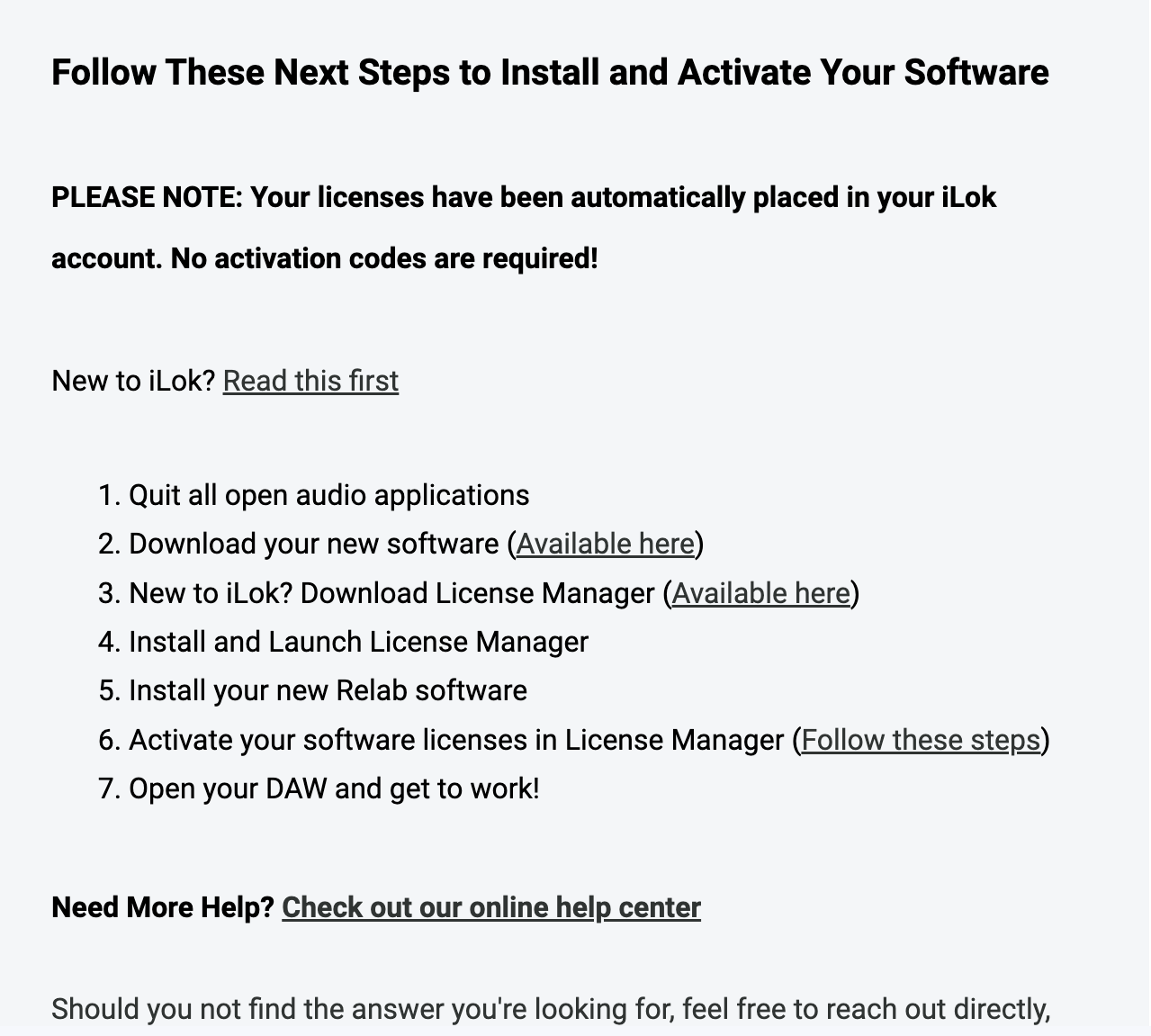
6. Go back to your email inbox > You will have received an email with the download links > Click step 2's 'Available Here'.

7. Download the relevant installer.

Installation
Mac
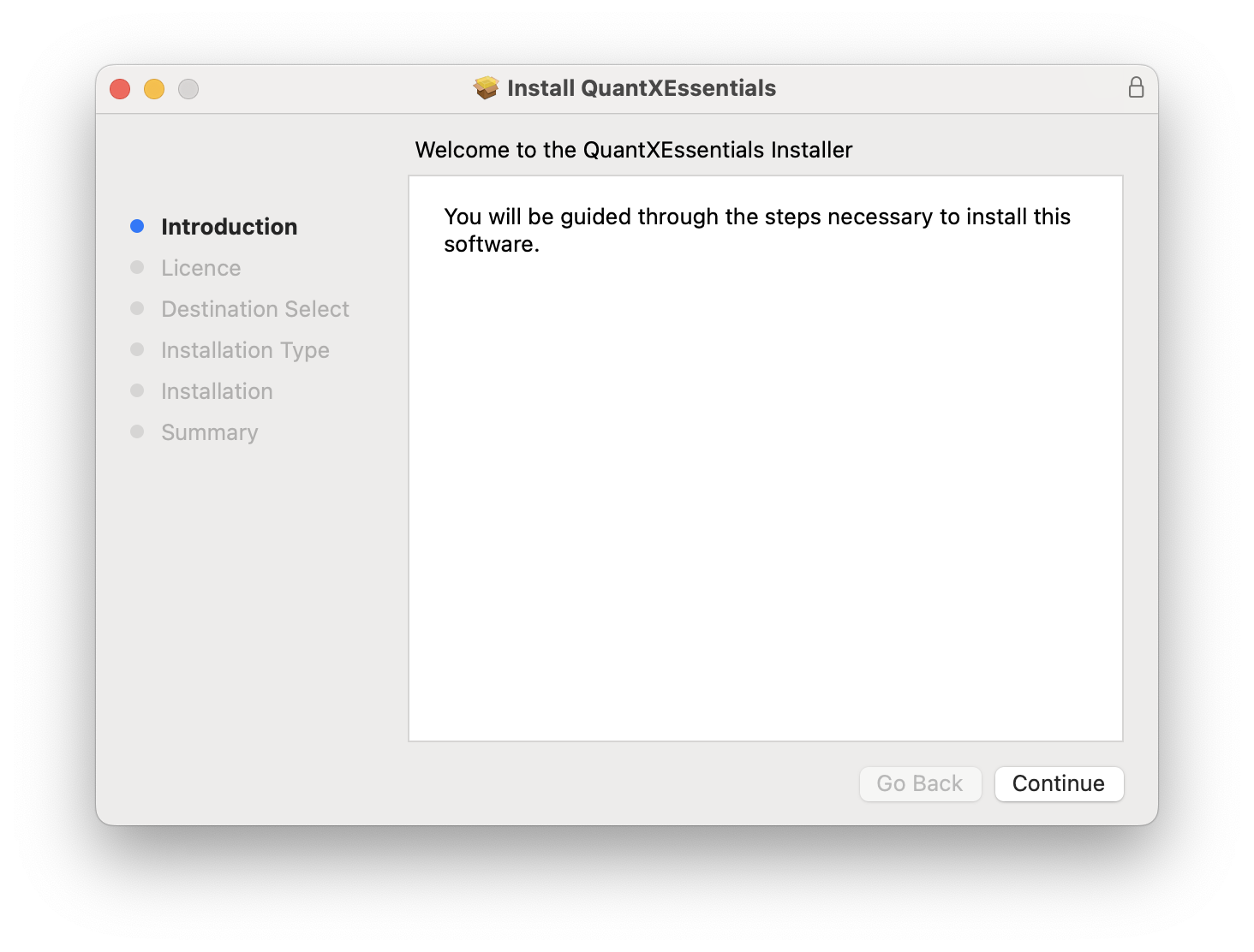
1. Double click the .pkg file to begin installation.
2. Click 'Continue'.

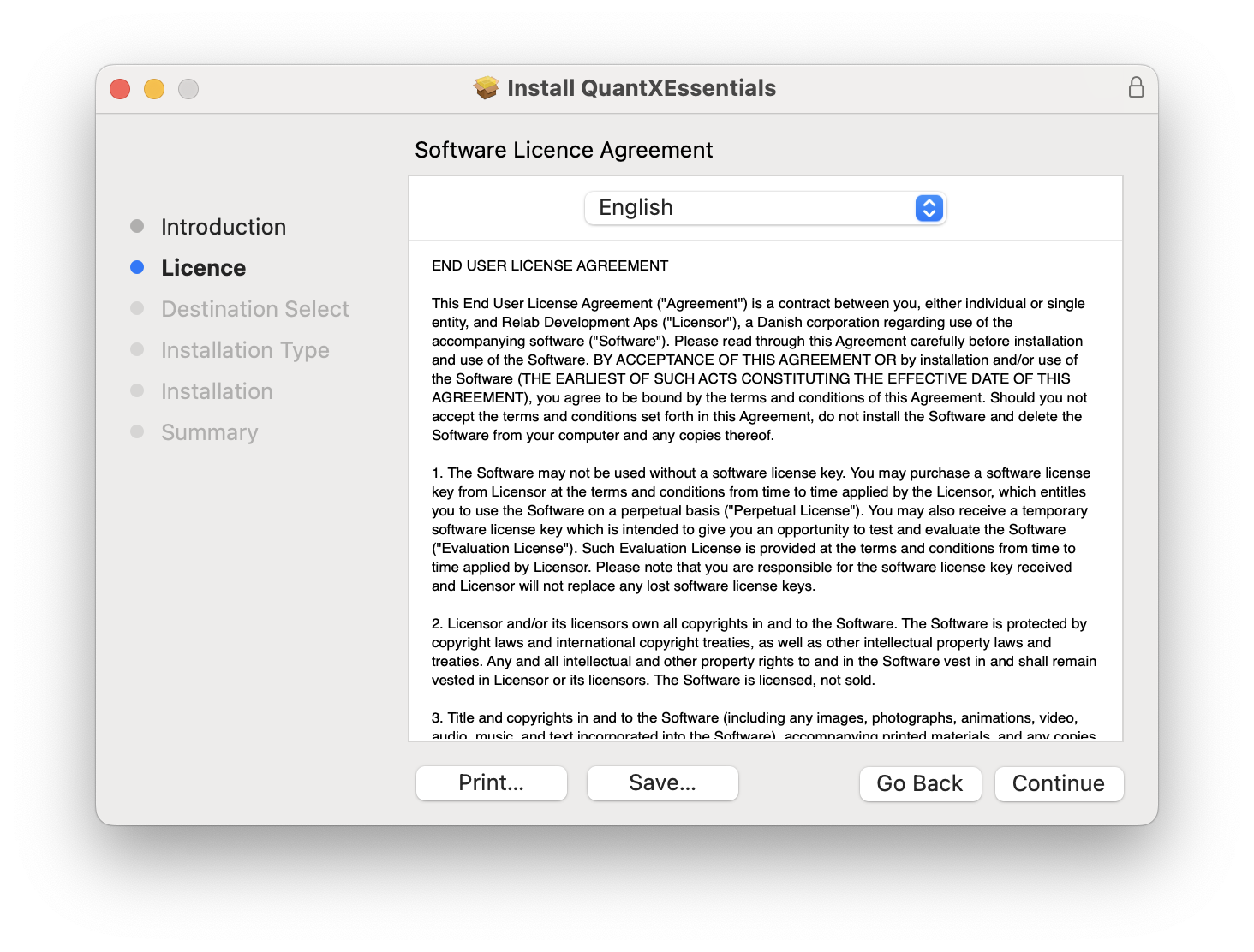
3. Click 'Continue'.

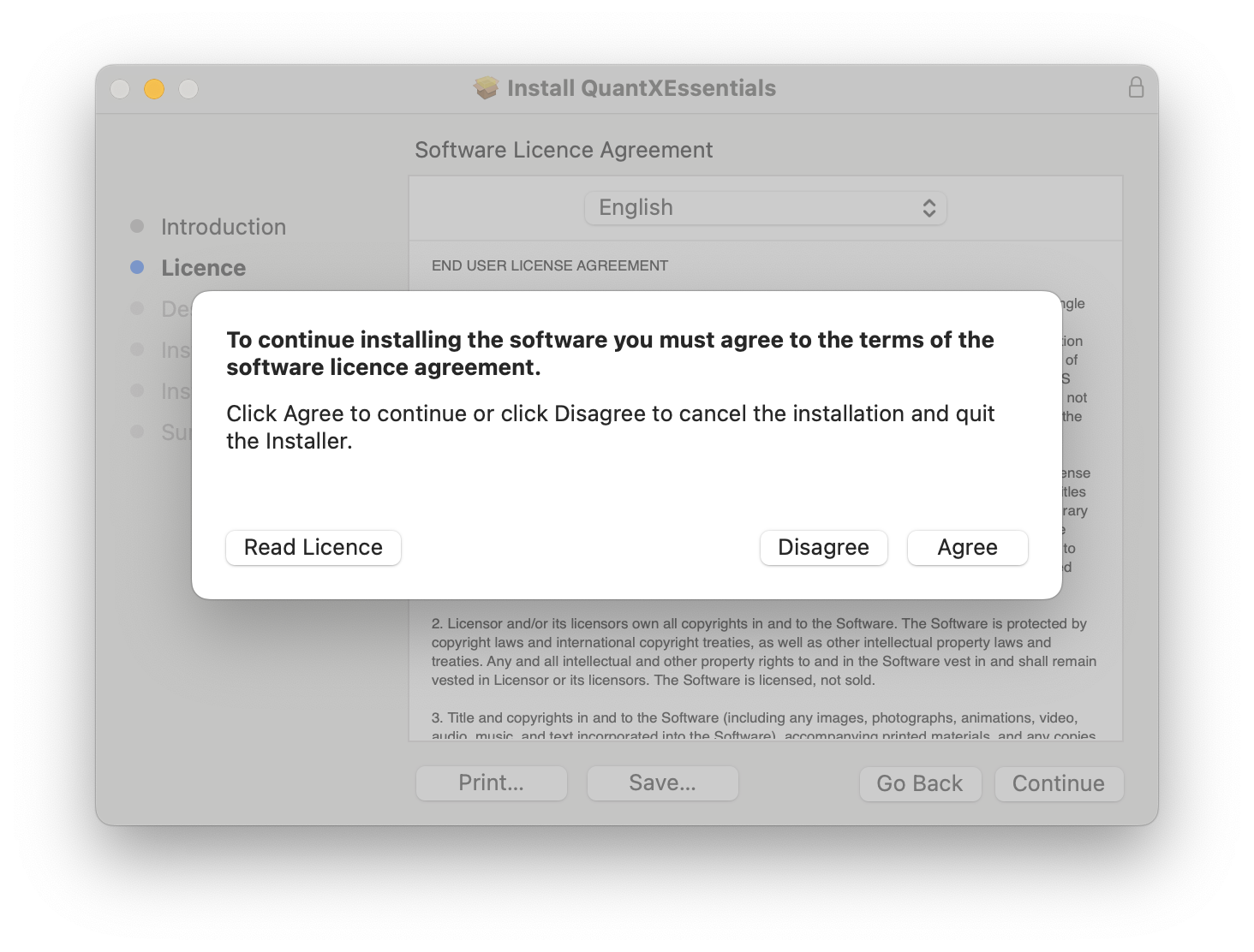
4. Click 'Agree'.

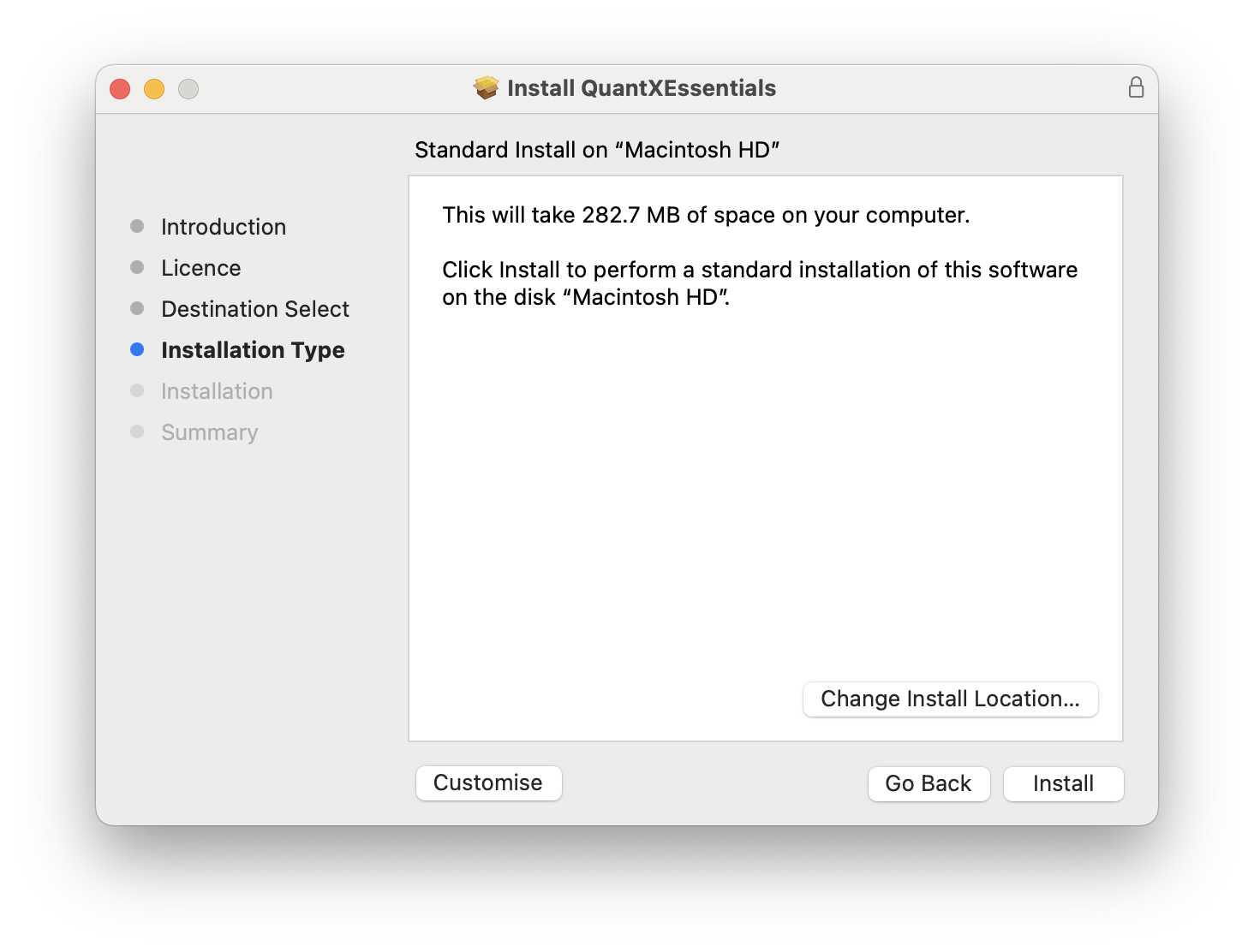
5. Click 'Install'.

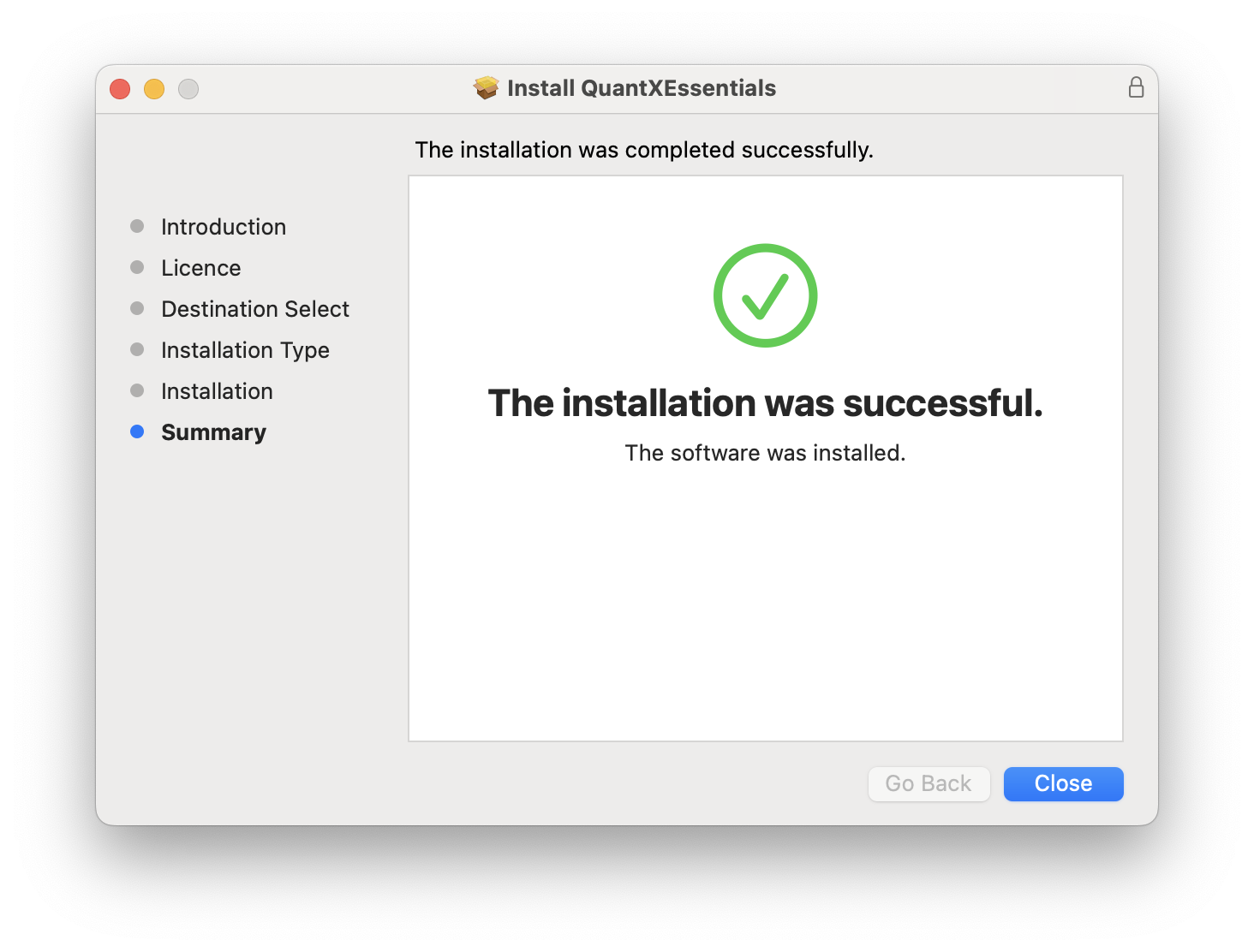
6. Click 'Close'.

Your software is now installed and ready for use in your DAW!

PC
1. Double click the .exe file to begin installation.
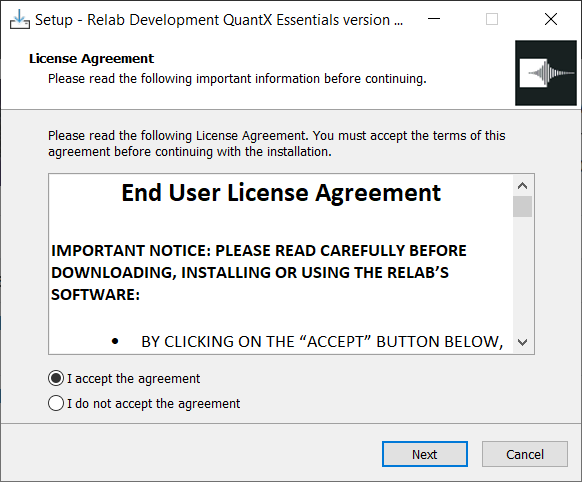
2. Click 'I accept the agreement' > Click 'Next'.

3. Click 'Next'.

4. Click 'Next'.

5. Click 'Install'.

6. Click 'Finish'.

Your software is now installed and ready for use in your DAW!