Log In

Free gifts available with your purchase
TDR VOS SlickEQ – Gentleman’s Edition takes SlickEQ‘s concept to new heights and adds an exotic “Tilt”-filter flanked by flexible low-pass and high-pass filters. Five distinct EQ models provide a rich set of predefined EQ curves and behaviours for the three main semi-parametric filter bands.
SlickEQ GE offers a switchable EQ non-linearity and seven different output stages. These options offer subtle and interesting textures, from the typical “mojo” often associated with high-quality analogue audio gear, up to more obvious saturation.
An elaborate auto gain option automatically compensates for changes of perceived loudness during EQ (within reasonable limits) and a gain-trim feature helps controlling peak overloads with ease. The 64bit multi-rate processing scheme (a.k.a. “internal re-sampling”) practically eliminates typical problems of digital EQ implementations such as frequency-warping, quantization distortion and aliasing.
Besides the primary controls, the plug-in comes with an array of additional helpers: Advanced preset management, a frequency magnitude plot, undo/redo, quick A/B comparison, copy & paste, an online help, editable labels, mouse-wheel support and much more. Finally, SlickEQ GE allows to exclusively process the stereo sum or stereo difference without external sum/difference encoding (see “M/S” microphony).
Features
- 64bit “delta” multi-rate structure
- Three semi-parametric filter bands, each with two shape options
- Five distinct EQ models: American, British, German, Soviet and Japanese
- Low-band offers an optional phase-lag able to delay low frequencies relative to higher frequencies
- High pass filter with optional “Bump” mode
- Low pass filter with two different slopes (6dB/Oct and 12dB/Oct)
- Parametric Tilt filter with optional “V” mode.
- Seven output stages: Linear, Silky, Mellow, Deep, Excited, Toasted and Funky
- Smart EQ actions: Match Pink, Match reference, De-resonate and Auto HP/LP.
- Highly effective loudness compensated auto gain control
- Frequency magnitude response display including a real-time analyzer
- Stereo, mono, left, right and sum/difference (mid/side) processing options
New in Version 1.3.1
- Added VST3 support.
- Added UI scales: 100%, 125% and 150%.
- Added "Live" quality mode offering zero-latency operation.
- Fixed DC appearing in "funky" saturation mode.
- Added "Dual Mono*" mode (stereo operation with randomized tolerances).
- Added new saturation mode "Seven".
- Added Smart Operation Panel.
SlickEQ is a collaborative project by Variety of Sound (Herbert Goldberg) and Tokyo Dawn Labs (Vladislav Goncharov and Fabien Schivre).
System Requirements
Windows
- Win XP SP2 or above
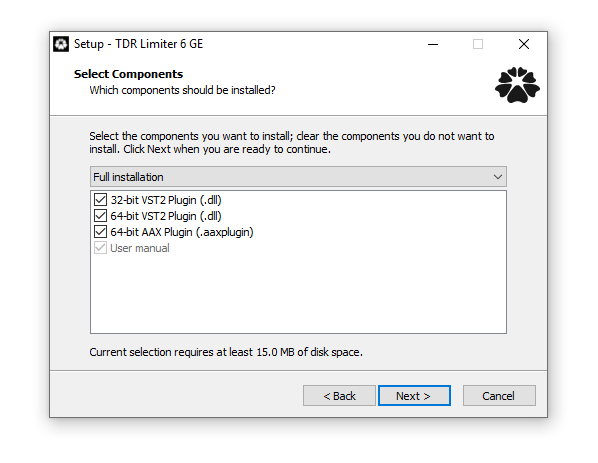
- VST (32-bit / 64-bit)
- AAX (64-bit only)
Mac
- macOS 10.9 or above
- VST, AU, AAX (64-bit only)
Important note: the Mac version of this software is 64-bit only and will not function on 32-bit systems.
Dave Pensado
Grammy Award-winning mix engineer.
"This little guy sounds amazing."