Buy EQ2V Equalizer, get a free gift with purchase:
The EQ2V is a vintage styled equalizer that recreates the weight and colour of its classic hardware counterparts. Harmonic colouration increases with input and eq gain, adding depth and warmth to any material.
The SofTran feature is useful for taming signals with sharp transient peaks like snare and high hats, especially after boosting the highs. All equalization and saturation algorithms are oversampled, using 64bit internal processing for superior clarity and resolution.
Features
- Analogue modelled saturation.
- Transient softener to tame percussive transients.
- Low Shelf: 35hz - 300hz.
- Mid Band: 300hz - 8.0k.
- High Shelf: 8.0k - 16.0k.
- High Pass: 0hz - 400hz.
- Bypass per band.
- Phase switch.
- 4x Oversampled.
- 64bit internal processing.
System Requirements
- Windows 10 or above.
- Mac OSX 10.9 or above.
- 64-bit only.
- VST, VST3, AU and AAX.
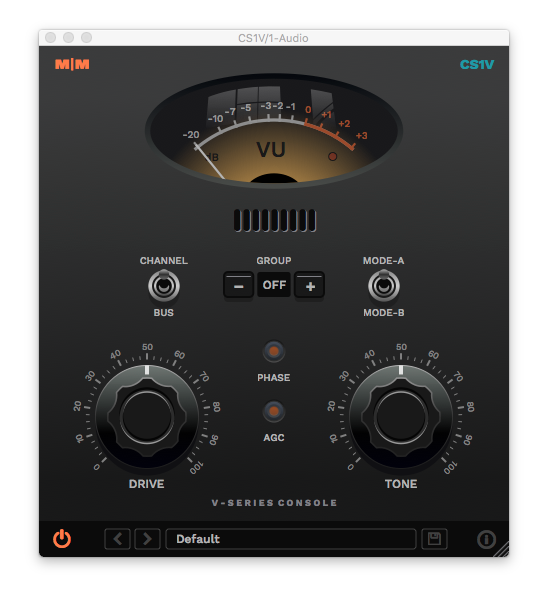
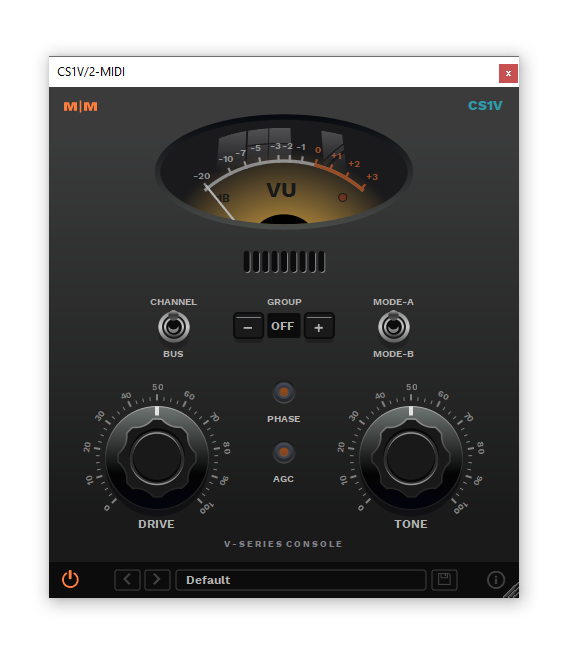
Important Note: CS1V Console Channel is used as the example.
Mac
Installation
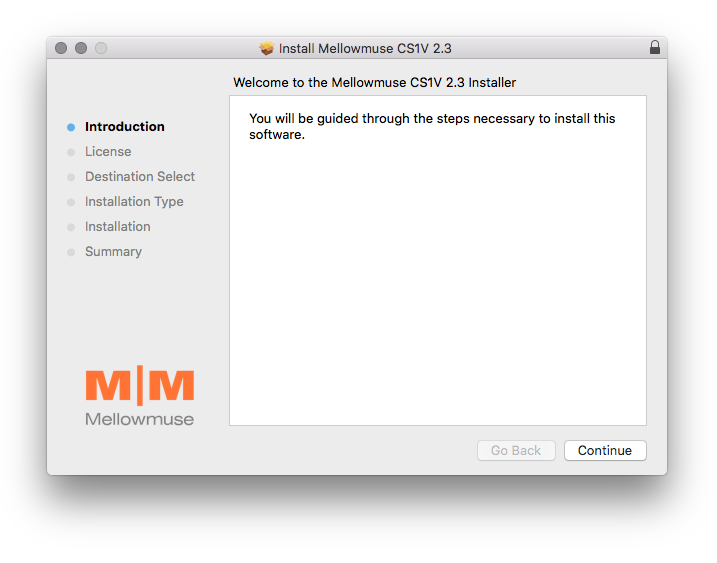
1. Download the .pkg file from within your Plugin Boutique User Account and double-click it to extract the contents.
2. Open the .dmg file to begin the installation > Click 'Continue'.

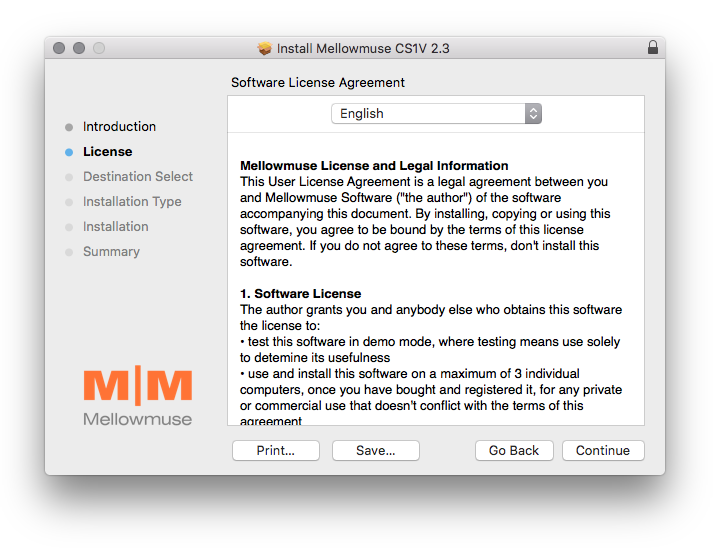
3. Click 'Continue'.

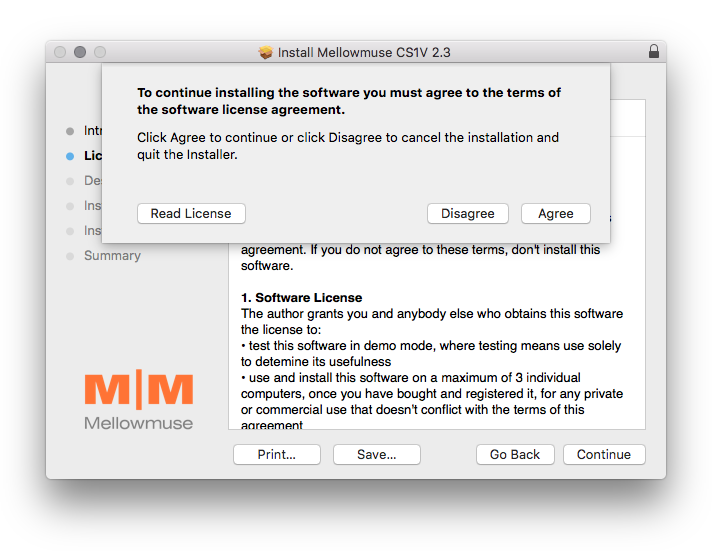
4. Click 'Agree'.

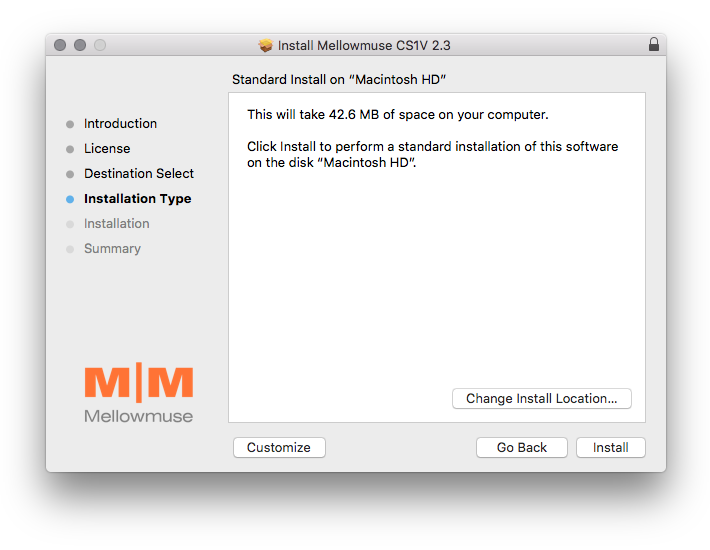
5. Click 'Install'.

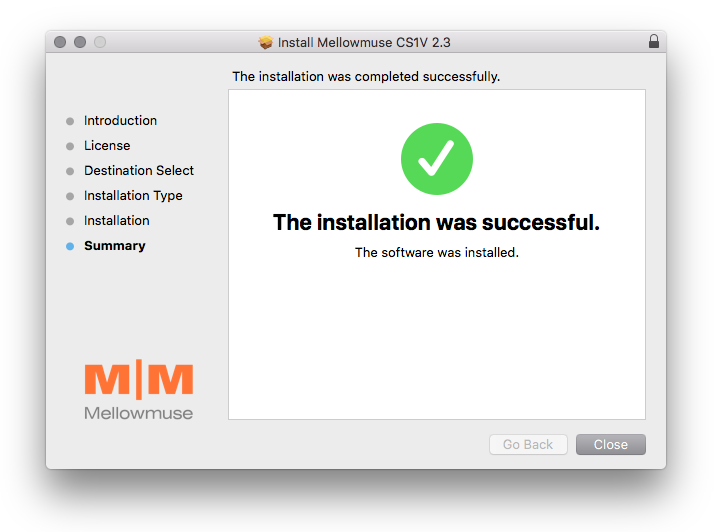
6. Click 'Close'.

Activation
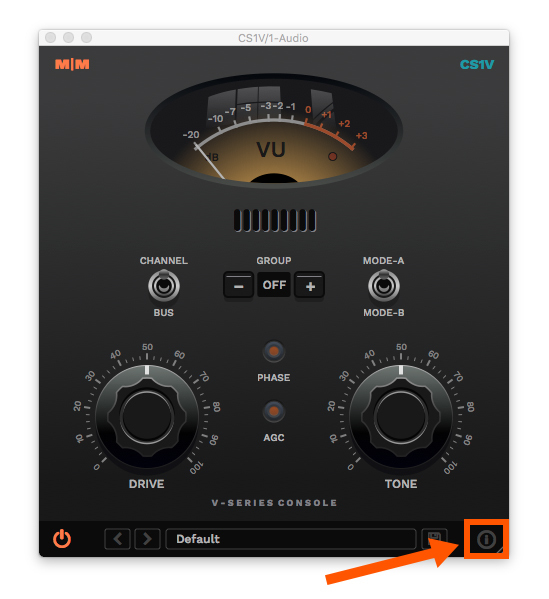
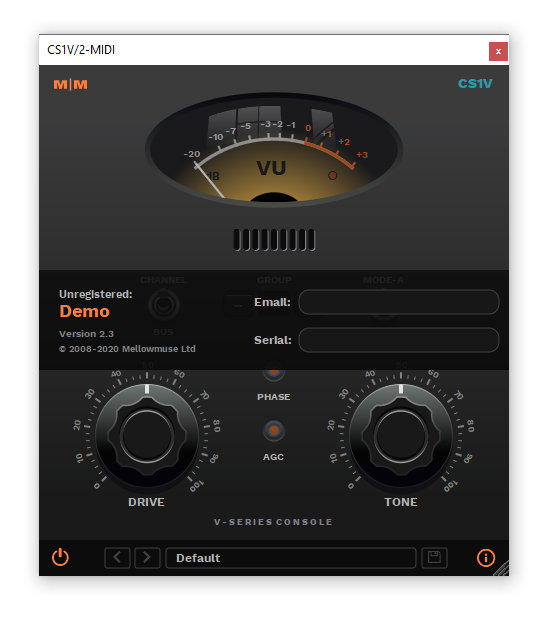
1. Open CS1V inside of your DAW > Click the i icon at the bottom right of the GUI.

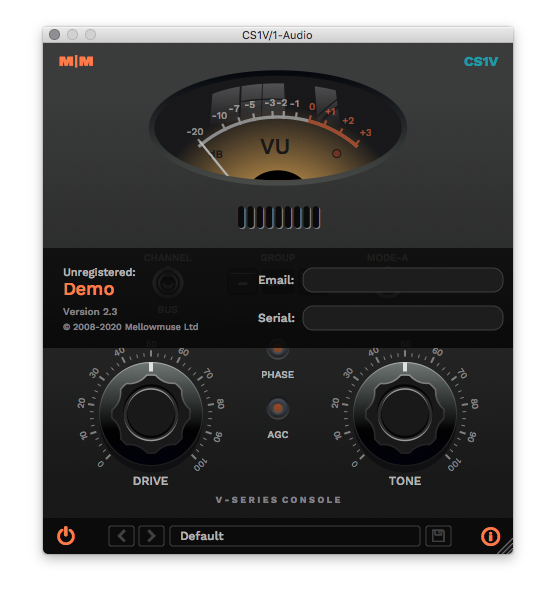
2. Enter your email address and the serial number found within your Plugin Boutique User Account > press Enter on your keyboard.

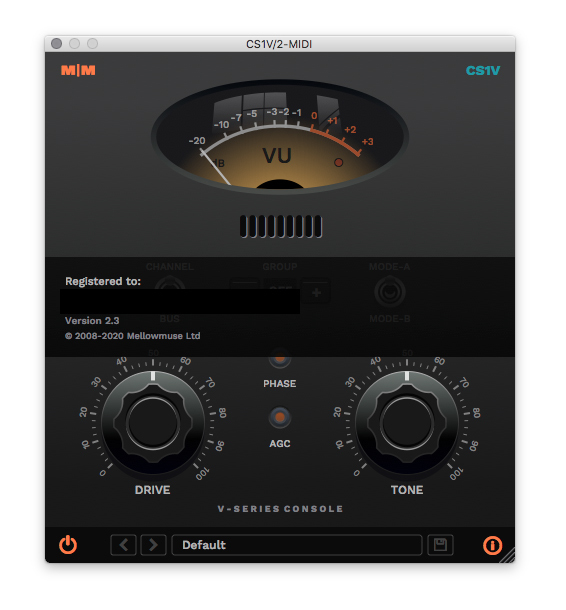
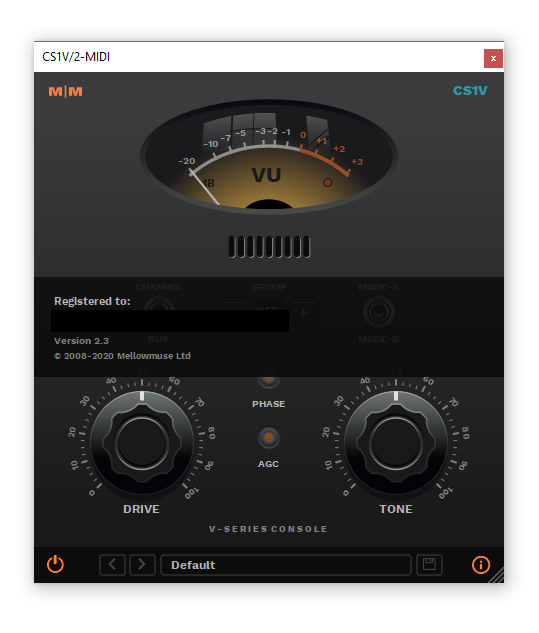
3. Click the i icon again to close the registration information.

Your plugin is now authorised and ready for use in your DAW!

Windows
Installation
1. Download the .zip file from within your Plugin Boutique User Account and double-click it to extract the contents.
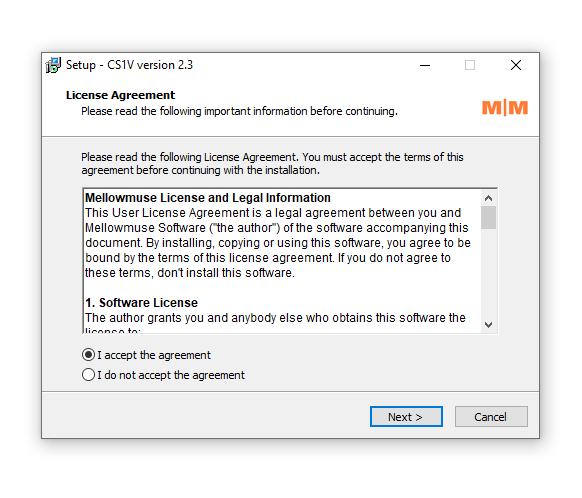
2. Open the .exe file to begin the installation > Select 'I Accept the Agreement' and click 'Next'.

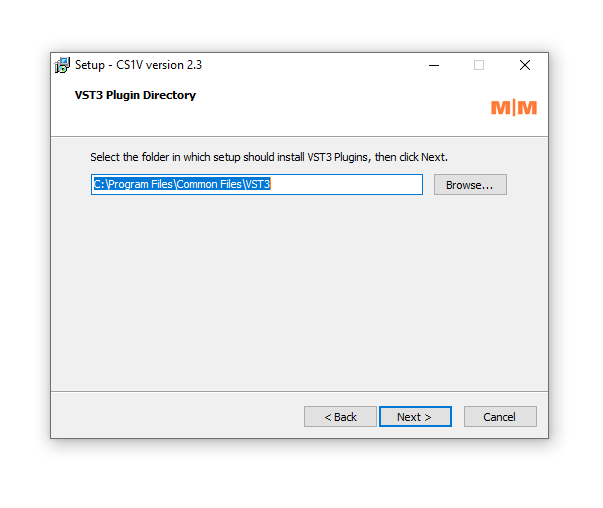
3. Check that the location of your VST3 folder is correct > Click 'Next'.

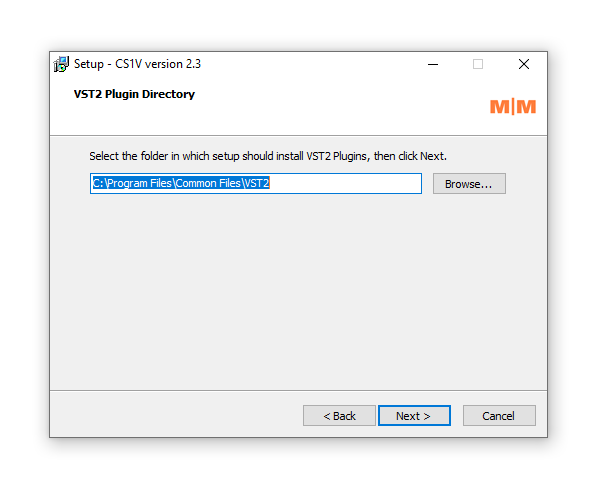
4. Check that the location of your VST2 folder is correct > Click 'Next'.

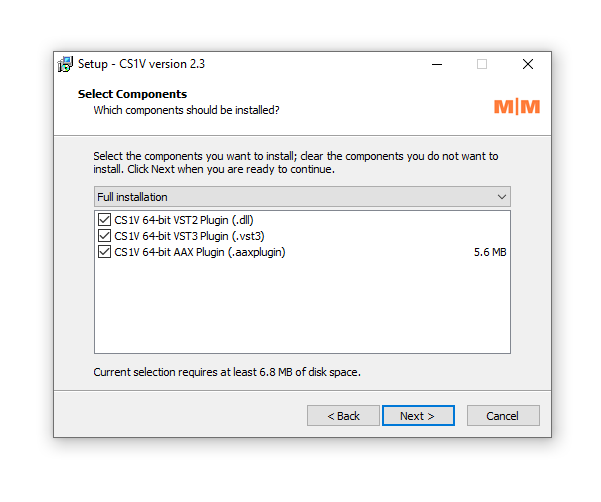
5. Click 'Next'.

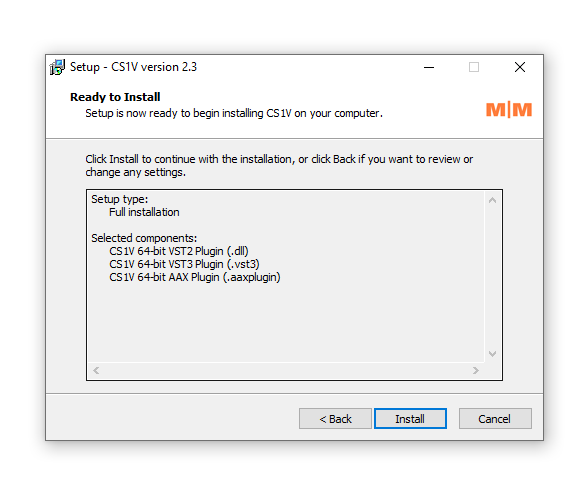
6. Click 'Install'.

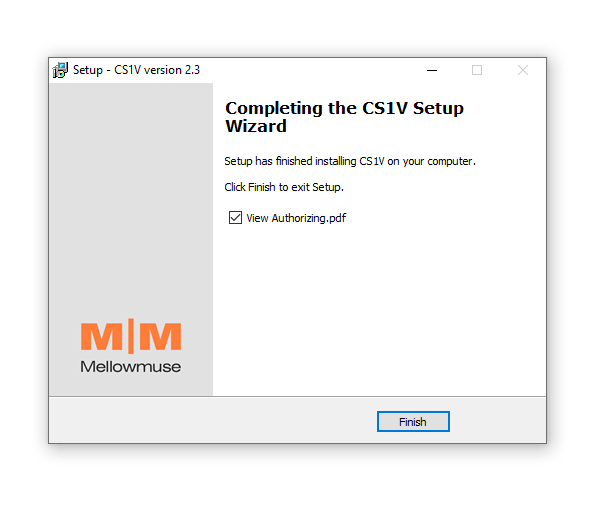
7. Click 'Finish'.

Activation
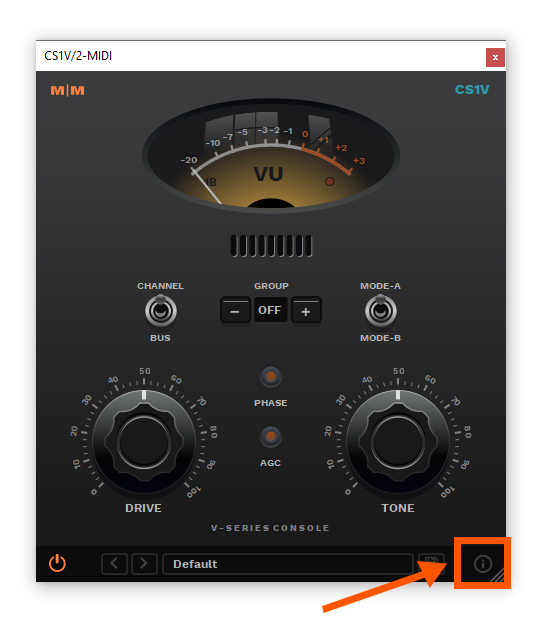
1. Open CS1V inside of your DAW > Click the i icon at the bottom right of the GUI.

2. Enter your email address and the serial number found within your Plugin Boutique User Account > press Enter on your keyboard.

3. Click the i icon again to close the registration information.

Your plugin is now authorised and ready for use in your DAW!