


 Log In

Free gifts available with your purchase
A.I / Neural Network-Based EQ and Saturation Plugin
Neural Q gives your music a very “analog” sounding Top-end sparkle and “heavy” bottom end seldom found in plugin equalizers.
What’s Neural Q?
The future of Analog Emulation is here. This plugin faithfully captures the dynamic behavior and sound of a well-known Vintage German Equalizer and a modern Solid State Pre-Amp featuring cinemag transformers.
Push the parameters to the limits and be “stunned” by the results.
Circuit Modelling is a technology of the past and can never produce as authentic an analog emulation as RNN (Recurrent Neural Networks).
What's New in Version 2?
-
Introduced a New AI / ML System.
-
Much lower CPU usage than v1
-
New Reworked Presets
-
Retrained model of the preamp section
-
More accurate reproduction of the original hardware units
-
Resizing Option
The pre-amp section has been accurately captured from a solid-state modern pre-amp with CineMag Transformers.
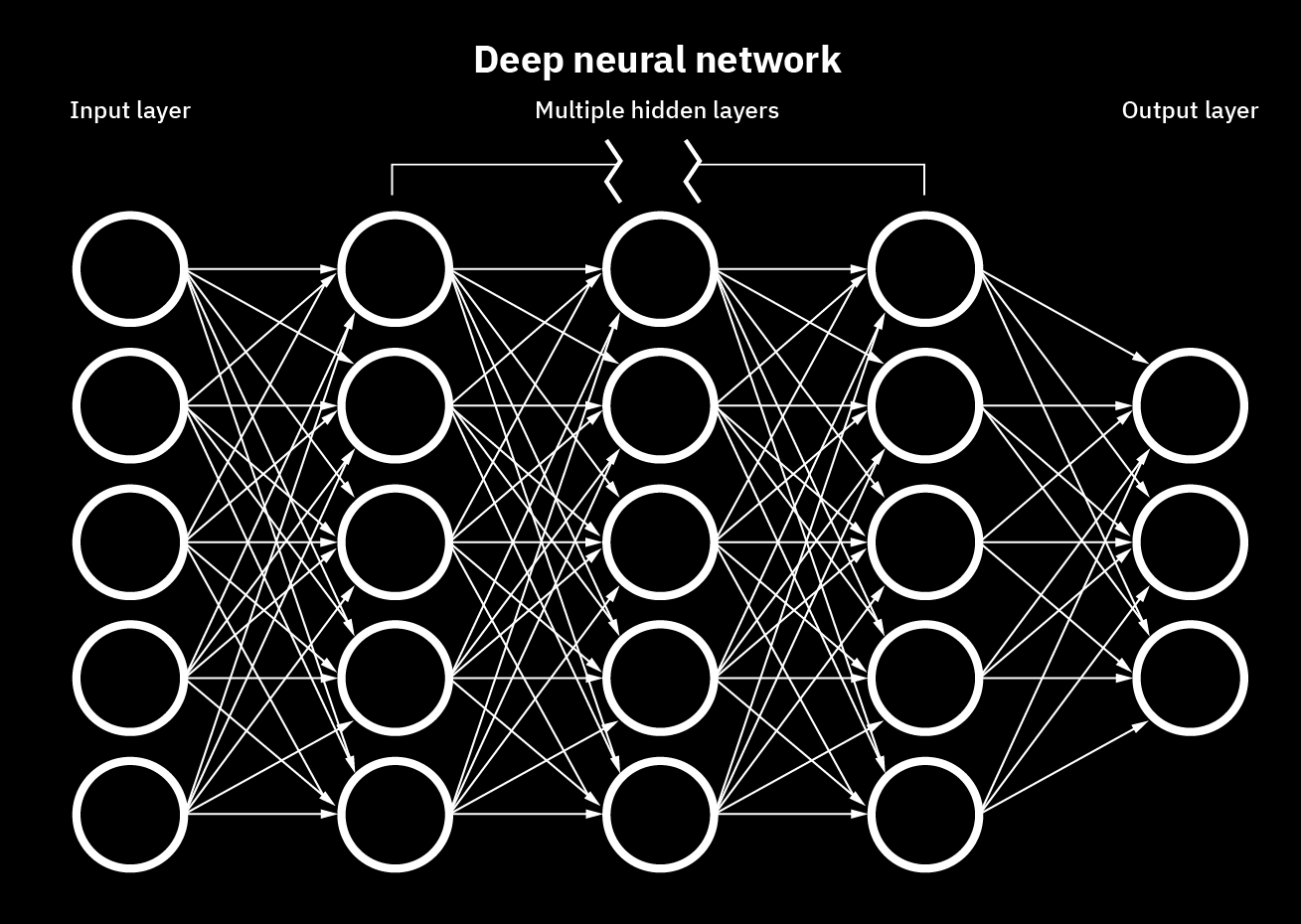
Tone Empire's new applications based on AI technologies, literally train a model and parameters of an analog device by feeding it samples of real music material. They trained the system with vocals, drums, guitars, full mixes, and other instruments phrases. The Neural Network then creates a model based on weights by replicating the “effect” of the analog gear on the sound. This results in more accurate analog behavior.
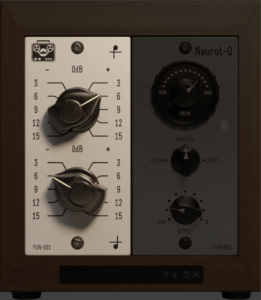
Hi Band
This control boosts the high frequency of the program material in the shape of the original hardware that was captured. The range is -15 dB to +15 dB
Lo Band
This control boosts the low frequency of the program material in the shape of the original hardware that was captured. The range is -15 dB to +15 dB
Pre-Amp Drive
This control is used for the drive of the input of the analog pre-amp section. The more you use, the more saturated the signal.
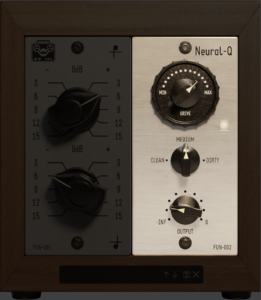
Drive Type
This provides 3 types of saturation for the Pre-Amp Module. Clean, Medium and Dirty. Don’t be afraid to push this plugin!
Drive On/Off Button
This button can bypass or activate the pre-amp saturation module of the plugin.
Output
This control is an output trim for the final signal after processing and the range is from -24dB to 0 dB. Autogain has been implemented in the pre-amp section for the convenience of the user.
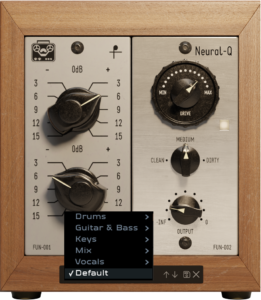
Presets
Some presets in a few categories have been provided to get the user started.
System Requirements
PC
- Windows 10 or later (64-bit only)
- Intel i3 / AMD Ryzen or equivalent
- VST3, or AAX 64-bit host
- Screen resolution: 1024×768
- 2 GB RAM / 300 MB HD
Mac
- OSX 10.13 or later (64-bit only, Intel/Silicon Supported)
- Intel i3 / AMD Ryzen or equivalent
- VST3, AU, or AAX 64-bit host
- Screen resolution: 1024×768
- 2 GB RAM / 300 MB HD











Reviews Summary
While it aims to provide a helpful overview, it may not capture every perspective or detail. We encourage you to read individual reviews to make an informed decision.
Overall, users praise Neural Q V2 as an intuitive, user-friendly, and versatile EQ plugin that delivers musical, warm, and polished sound quality across various audio sources. While noted for its fast workflow and analog-style character, minor criticisms include a limited selection of presets and varying opinions on its mojo compared to competing plugins.


