/ EQ / Warmy EP1A Tube EQ V2
Kiive Audio

Warmy EP1A Tube EQ V2

4.7 (228 Reviews)
FREE
Kiive Audio Warmy EP1A Tube EQ V2
Kiive Audio Warmy EP1A Tube EQ V2 - Overview gallery thumbnail
Product information

Silky Smooth EQ Curves And Tube Warmth Completely Redesigned

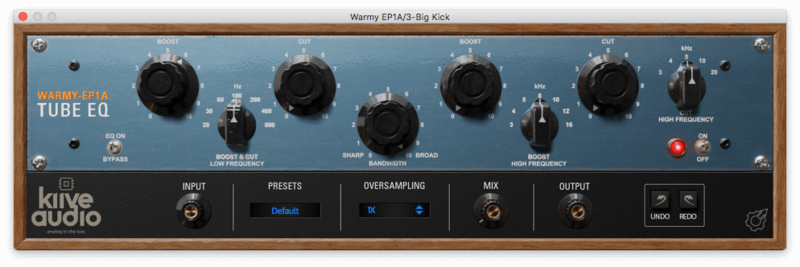
The Warmy EP1A Tube EQ is a FREE 1 to 1 analogue modelled plugin based on a modern take of the classic Pultec EQs.

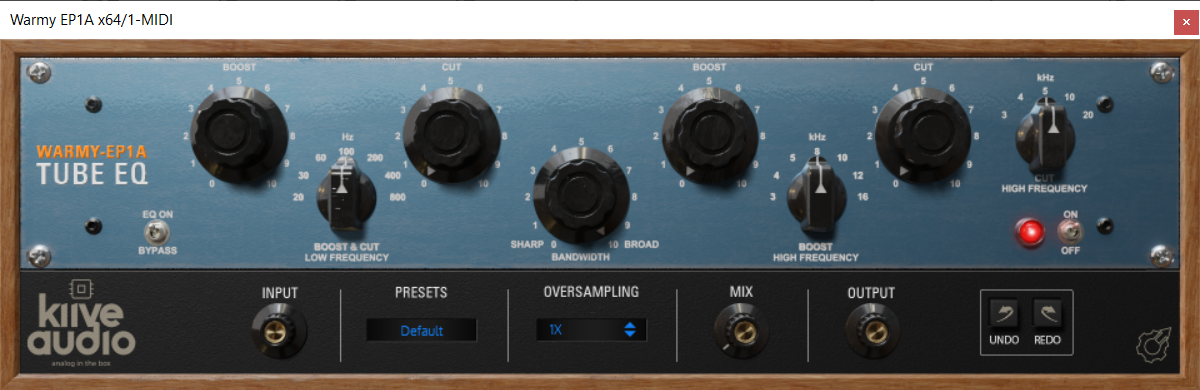
The Warmy EP1A Tube EQ V2 has been completely remodelled including all new DSP and new tool bar menu and so much more tube goodness!

The EP1A offers low boost, low cut, high boost, high cut, and bandwidth controls.

Features

  • Low Cut and Boost
  • High Cut and Boost
  • Two High Frequency Selectors
  • Tube Emulation Mix Knob
  • Resizable GUI
  • Oversampling

System Requirements

Windows

  • Windows 7 & above
  • 64-bit VST, AAX
  • 1 GHz Intel Dual Core Processor or AMD equivalent (PC)
  • 4GB of RAM
  • Screen resolution: 1024 x 768 or higher

macOS

  • Mac OS X 10.7 or higher (10.14 or higher recommended)
  • 64-bit VST, AU, AAX
  • 1 GHz Intel Dual Core Processor or higher
  • 4GB of RAM
  • Screen resolution: 1024 x 768 or higher
Installation Instructions
Mac Installation

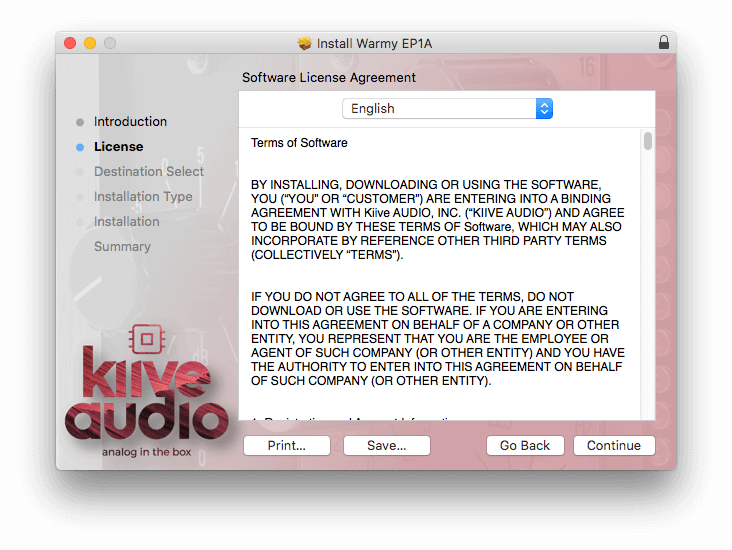
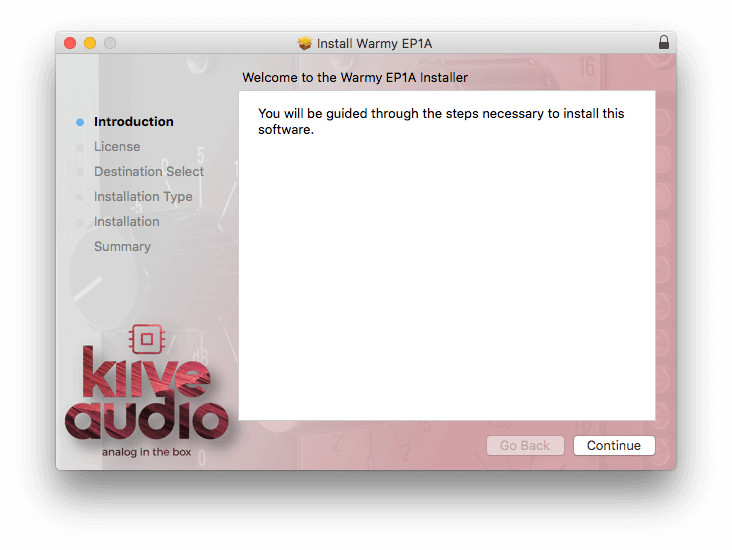
1. Download the Mac installer from your Plugin Boutique account > Open the ZIP file.

2. Double-click the PKG file > Click 'Continue'.

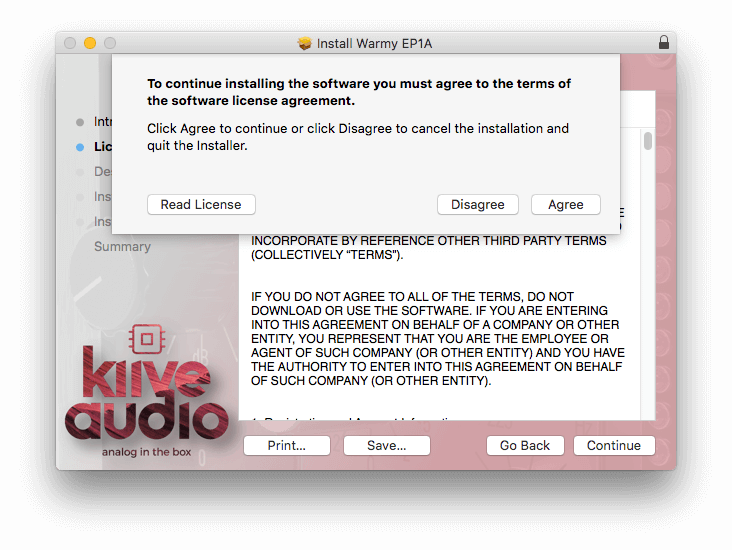
3. Read the Software License Agreement > Click 'Continue'.

4. Click 'Agree'.

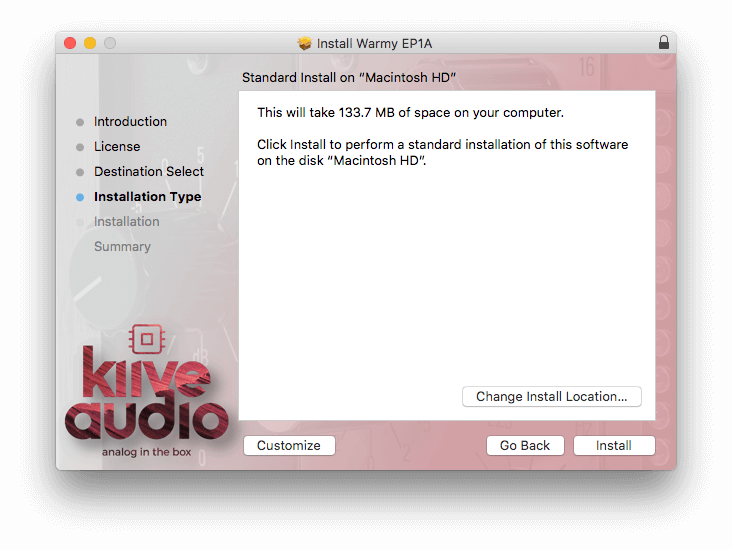
5. Click 'Install'.

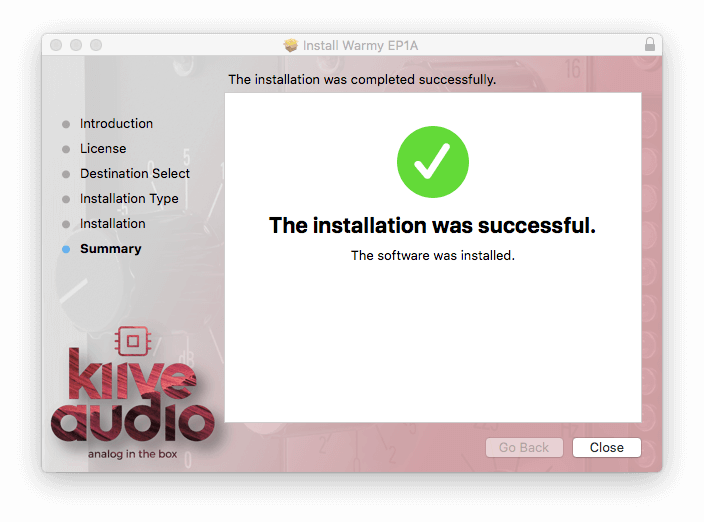
6. Click 'Close'.

7. Open your DAW > Load the plugin (you may need to rescan your DAWs plugin list and/or restart your Mac).

Your software is now successfully installed and ready to use in your DAW.

Windows Installation

1. Download the Windows installer from your Plugin Boutique account.

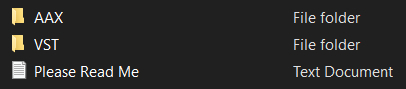
2. Double-click the ZIP folder > Double-click the next folder > You will now see the format folders:

3. Depending on which format your DAW uses, click the appropriate folder > Drag and drop the file into the correct plugin folder for your DAW. (If you're unsure which format your DAW uses, please check out our help centre article, Plugin Formats Explained)

For VST, drag and drop the file to one of the following folders (you will need to find out which is your active folder before moving the file):

  • C:\Program Files\VstPlugins
  • C:\Program Files\Steinberg\VstPlugins
  • C:\Program Files\Common Files\VST2
  • C:\Program Files\Common Files\Steinberg\VST2

For AAX, unzip the folder and then drag and drop the file to the following location: C:\Program Files\Common Files\Avid\Audio\Plug-Ins

4. Open your DAW > Load the plugin (you may need to rescan your DAWs plugin list and/or restart your PC).

Your software is now successfully installed and ready to use in your DAW.

Plugin Boutique Rewards

Discover the most rewarding loyalty programme among all plugin retailers.

  • Free Loopmasters Samplepacks
  • Discounts on products and courses
  • Extra Virtual Cash claimed immediately at checkout
Find out more

Follow us:

X (Twitter) Facebook YouTube Instagram
Logo Logo

Plugin Boutique Limited, Part of the Beatport Group LLC.

Copyright © 2011-2025 Plugin Boutique. All rights reserved