Buy Recoil, get a free gift with purchase:
ReCoil gives you the authentic sound of real spring reverbs without the hassle, noise or limitations.
Spring reverbs have always had a bit of a sketchy reputation in the music world. They are untweakable, noisy, physically delicate and make clanky sounds when you kick your guitar amp. But despite their shortcomings, one thing is for sure: their characteristic boingy sound has cemented their place in history. Love them or hate them, spring reverbs instantly give any instrument an undeniably vintage vibe.
What makes ReCoil special?
Tweakability: What’s the point of a plugin if you can’t tweak it? ReCoil lets you choose which spring, but how many. Each spring model lets you choose between 1 and 3 springs.
Variety of Springs: The Boz Digital Labs team started out with the plan of just using a few reverb tanks, but got a bit carried away and added slinkies, door stops, random springs they found in the trash and basically anything that they could find that could vaguely resemble a spring.
Algorithmic or Impulse: What good is a reverb if you can’t tweak its settings? ReCoil comes with both algorithmic reverbs for maximum control and impulse based reverbs for maximum realism. You get to decide what you need.
Stereo: Spring reverbs are almost universally mono, which is cool and all, but it’s hard to beat a nice wide stereo reverb. ReCoil lets you get a naturally wide reverb sound out of a spring reverb by panning each spring separately.
Features
- Algorithmic and Impulse based models
- Full Control over spring settings
- Tanks, Slinkys, Door Stops, anything with a spring
- Instant vintage vibe
System Requirements
- Mac: osx 10.11 or later
- Windows: 7 or later
- Formats: 64-bit VST2.4, VST3, AU, AAX
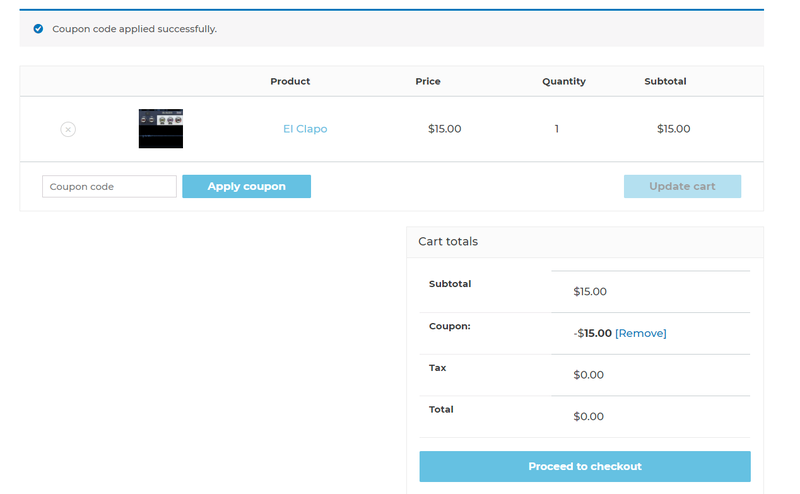
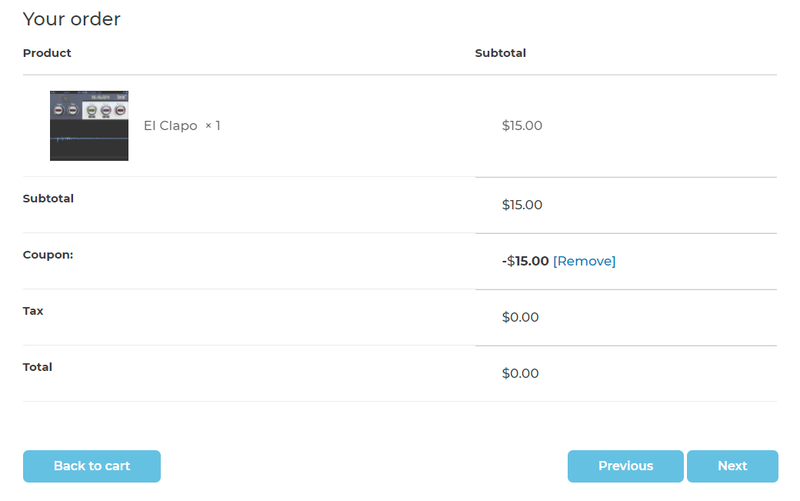
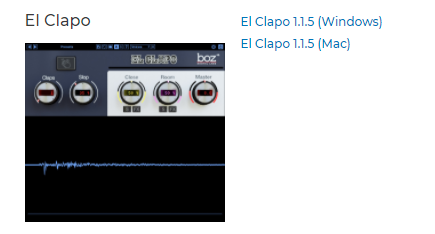
Note: El Clapo is used as an example.
Mac
Redemption
1. Click Download in your Plugin Boutique account or go to https://www.bozdigitallabs.com/plugin-boutique-retrieve/.
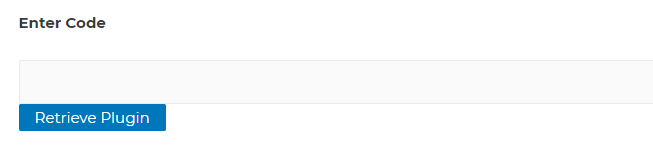
2. Copy and paste the code from your Plugin Boutique account > Click 'Retrieve Plugin'.

3. Review the order > Click 'Proceed to Checkout'.

4. Enter your email address, username and password > Click 'Register'.
Note: If you already have Boz Digital Labs account, select 'Click Here to Login' after entering your email address/username and password > Click 'Login'.

5. Check that your email is correct > Click 'Next'.

6. Review your order > Click 'Next'.

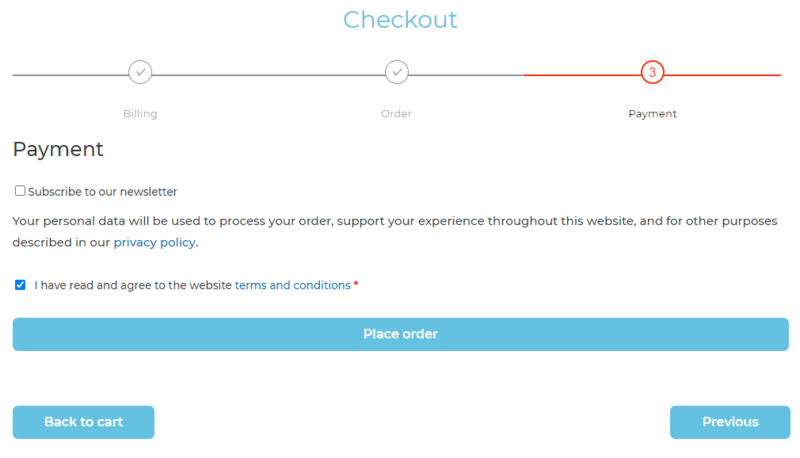
7. Click 'I have read and agree to the website terms and conditions' > Click 'Place order'.

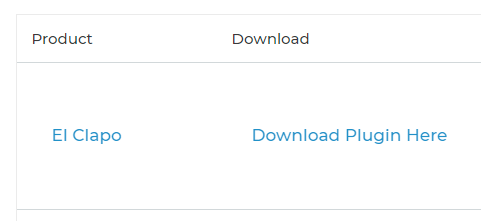
8. Click 'Download Plugin Here'.

9. Click the Mac link to download the installer.

Installation
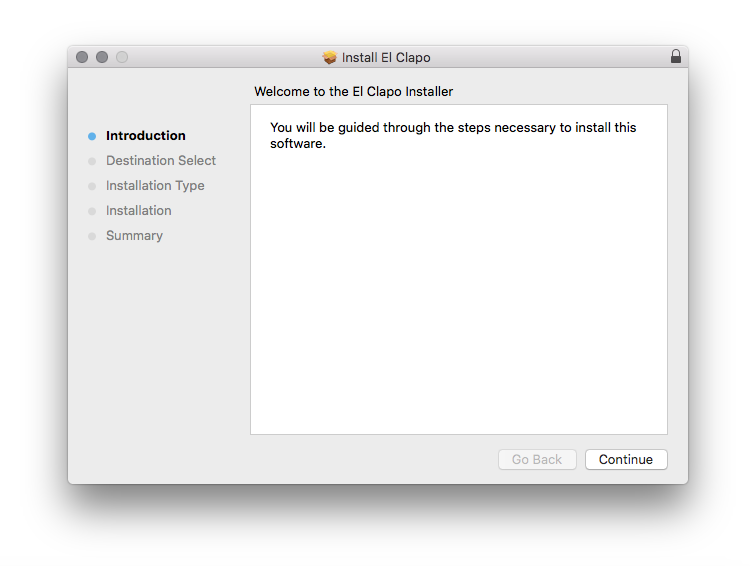
1. Run the .pkg installer > Click 'Continue'.

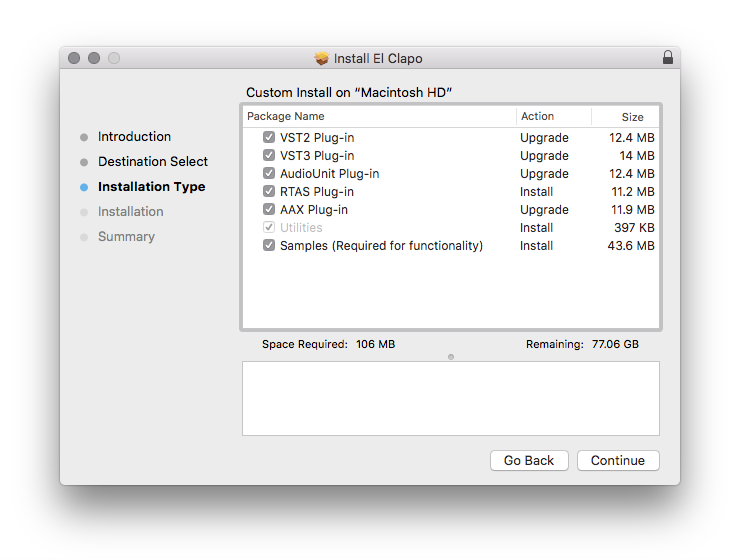
2. Select the formats you wish to install > Click 'Continue'.
Note: If you're unsure about which format to use, leave all options selected and proceed. Check out this article for more information.

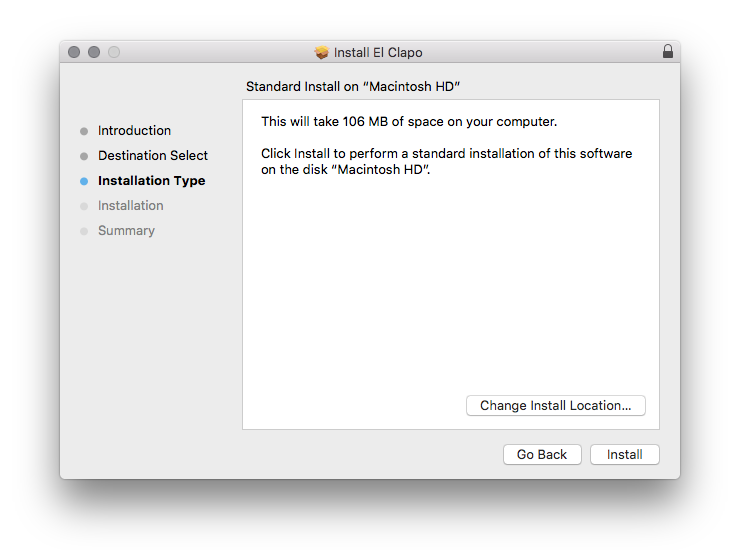
3. Click 'Install'.

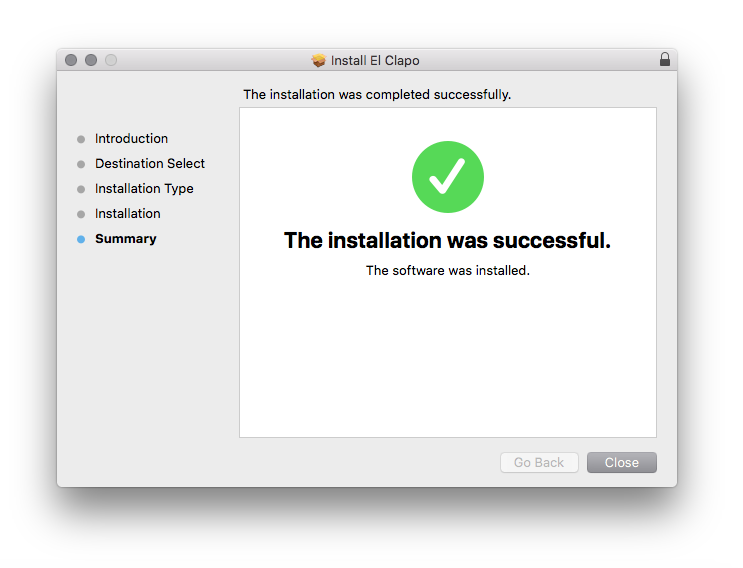
4. Click 'Close'.

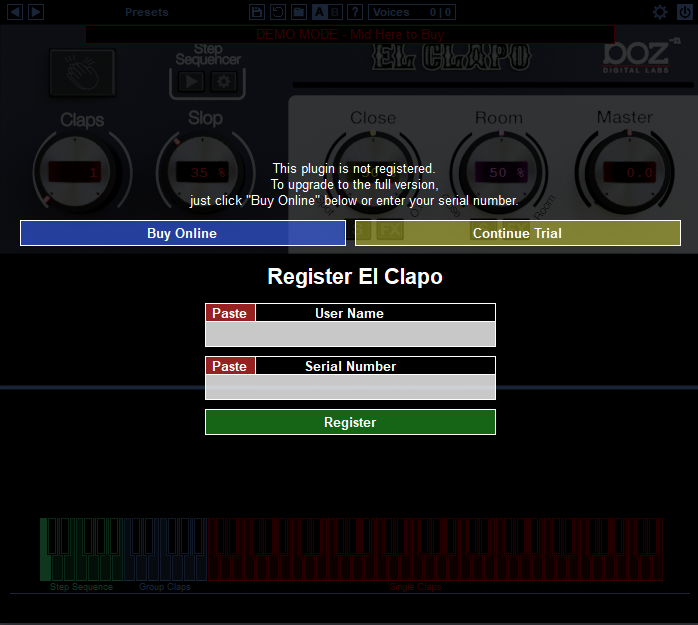
5. Open your DAW and open the plugin > Enter your Boz Digital Labs username and the serial code that you received in your Boz Digital Labs Account > Click 'Register'.

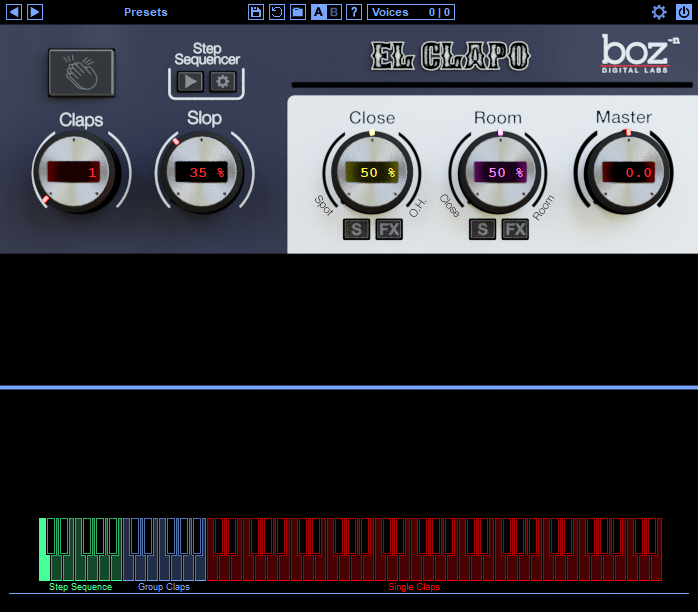
Your software is now authorised and ready for use!

Windows
Redemption
1. Click Download in your Plugin Boutique account or go to https://www.bozdigitallabs.com/plugin-boutique-retrieve/.
2. Copy and paste the code from your Plugin Boutique account > Click 'Retrieve Plugin'.

3. Review the order > Click 'Proceed to Checkout'.

4. Enter your email address, username and password > Click 'Register'.
Note: If you already have Boz Digital Labs account, select 'Click Here to Login' after entering your email address/username and password > Click 'Login'.

5. Check that your email is correct > Click 'Next'.

6. Review your order > Click 'Next'.

7. Click 'I have read and agree to the website terms and conditions' > Click 'Place order'.

8. Click 'Download Plugin Here'.

9. Click the Windows link to download the installer.

Installation
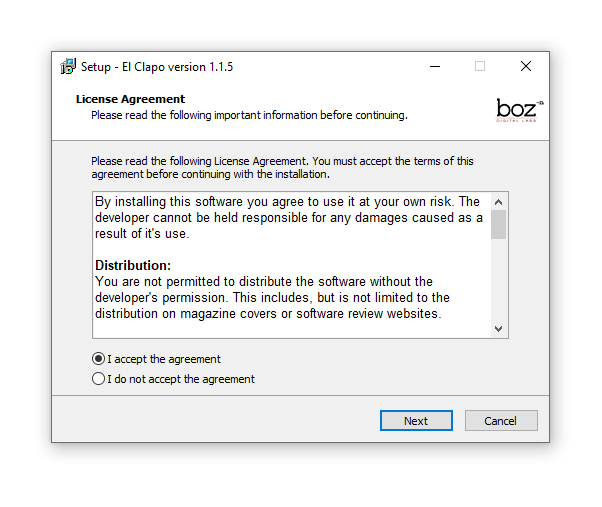
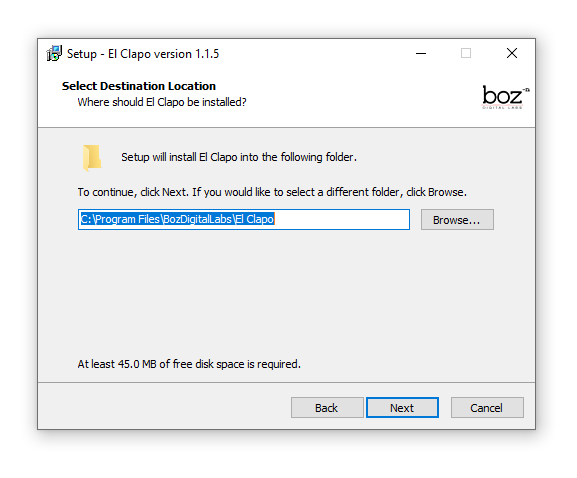
1. Double-click the .exe installer > Click 'I accept the agreement' then click 'Next'.

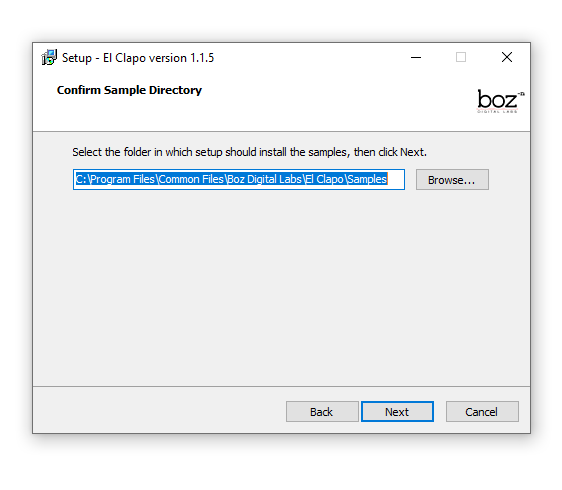
2. Click 'Next'.

3. Click 'Next'.

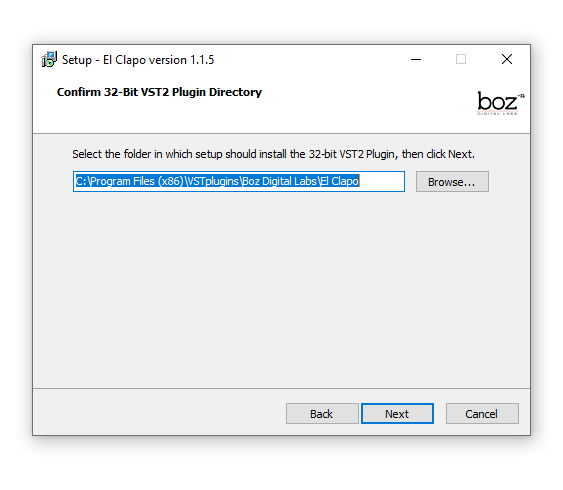
4. Select a VST folder in which to install the 32-bit software format > Click 'Next'.

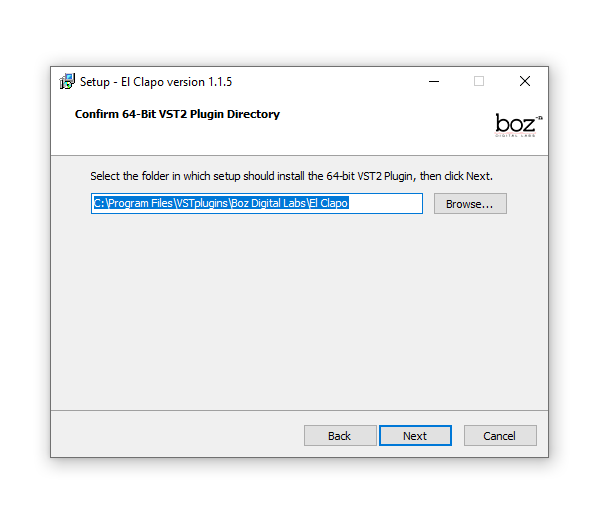
5. Select a VST folder in which to install the 64-bit software format > Click 'Next'.

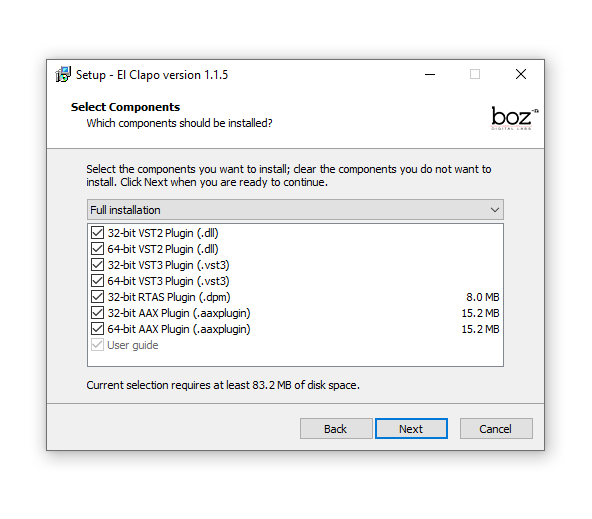
6. Select the components you wish to install > Click 'Next'.

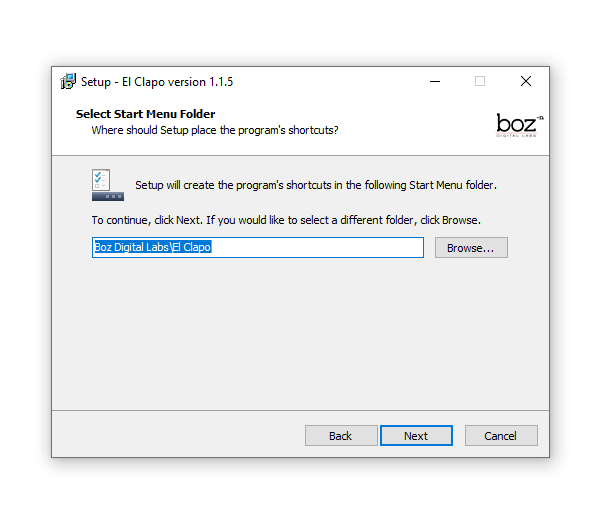
7. Click 'Next'.

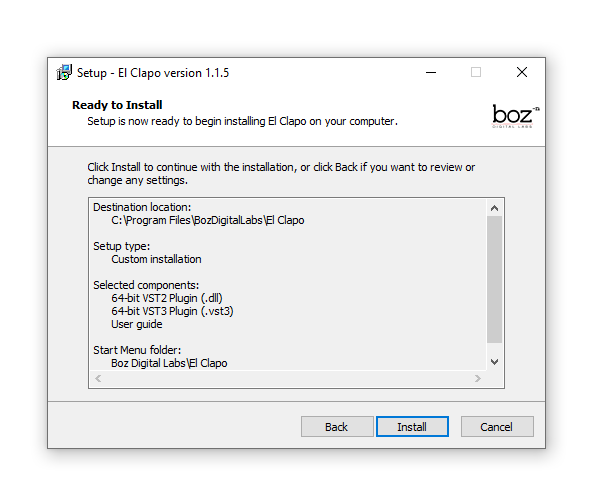
8. Click 'Install'.

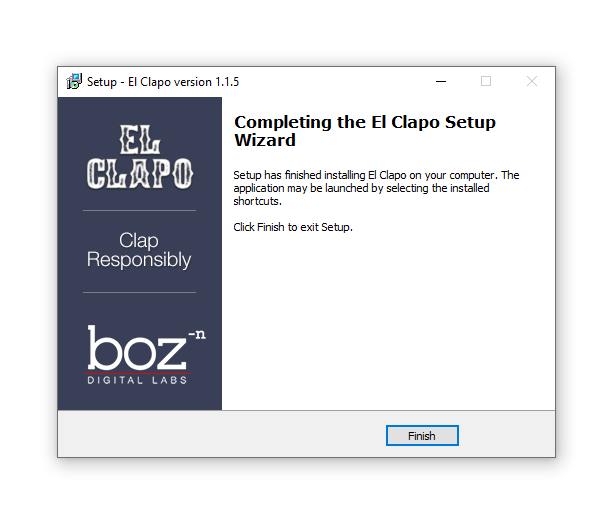
9. Click 'Finish'.

10. Open your DAW and open the plugin > Enter your Boz Digital Labs username and the serial code that you received in your Boz Digital Labs Account > Click 'Register'.

Your software is now authorised and ready for use!