


 Log In
.jpg)
Free gifts available with your purchase

A New Dimension
Enhancing your tracks with reverb can add a rich, organic quality, transforming your mixes into a more immersive experience where reflections echo and decay, building natural room and depth.

Lifeline Expanse’s ultra-flexible Space module has been designed so it can be used early in a signal chain as a reverb effect pedal or placed at the end to create a limitless environment for your instruments to explore.
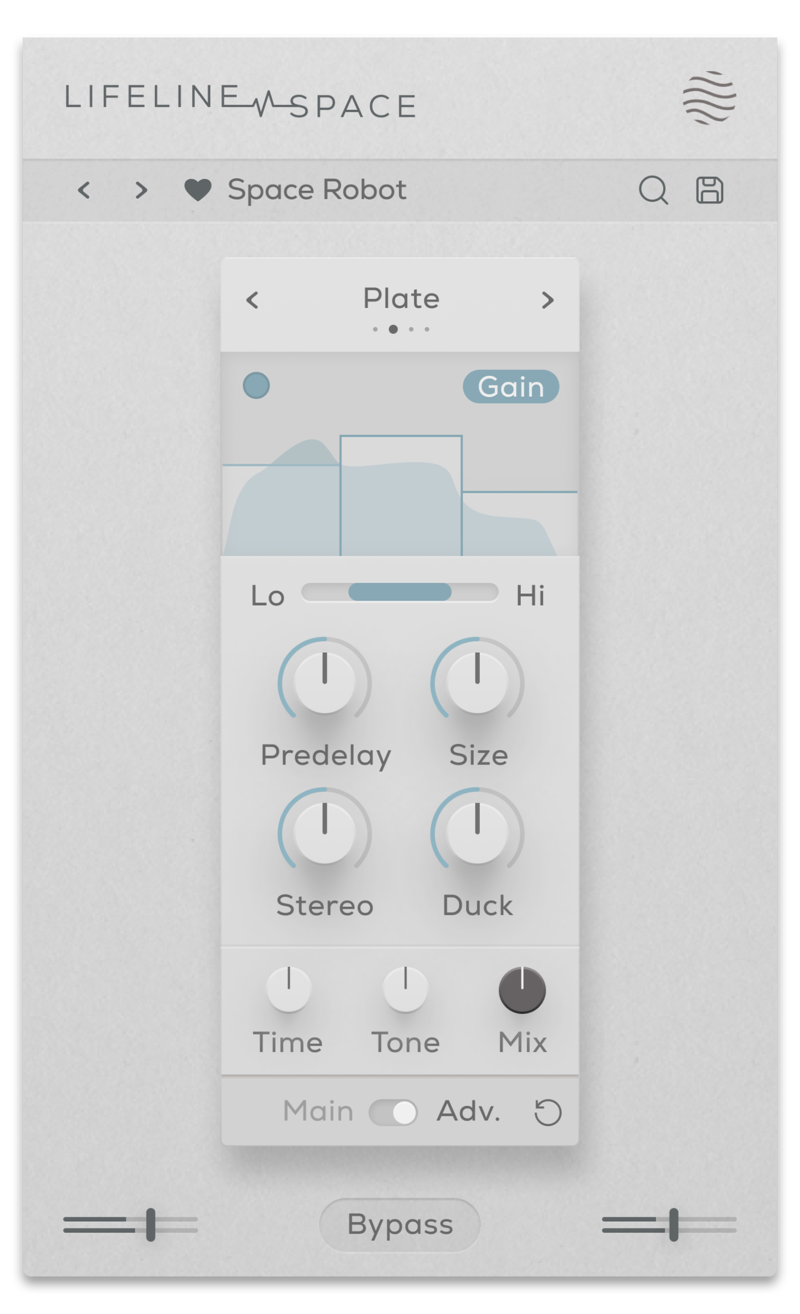
Taking inspiration from classic reverb functions, Lifeline Space focuses on four different algorithms that each offer a wide spectrum of space and time manipulation – the resulting reflections can be realistic and organic or synthetically stretched out. With reverb, time and space are key, and Sapce gives you the parameters and tools to precisely apply as much as you need.
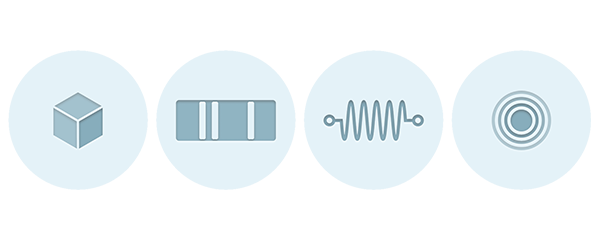
- Plate: A classic, fast sounding plate reverb producing the sound of vibrations through metal.
- Hall: A real-sounding room reverb at its smallest and a large concert hall at its largest.
- Spring: An emulation of the metallic and vintage-sounding spring reverb from a guitar amp.
- Slap: Slapback delay that can either add a single realistic, early reflection or create metallic feedback mayhem.
Features
- 4 Reverb algorithms
- Reverb Time control (With Adv. Multiband processing)
- Room Size, Predelay, Stereo width controls
- Internal Sidechain ducking
- Dry/Wet Mix, Output Gain & Tone controls
- Multiband functionality for Gain and Effect processing
- Input/Output Gain Controls
- Global Bypass
- Resizeable UI
- Zero Latency
- 50 Presets
System Requirements
macOS
- macOS 10.15 or higher (Intel / Native Apple Silicon supported).
- Plugin Formats: VST3, AU, AAX, Standalone
- DAW's Supported: Ableton Live, Pro Tools, Logic Pro, FL Studio, Cubase, Nuendo, Reaper, Reason + more.
- Compatibility: 64-bit compatible only.
Windows
- Windows 7 or higher
- Plugin formats: VST3, AAX, Standalone
- DAWs supported: Ableton Live, Pro Tools, FL Studio, Cubase, Nuendo, Reaper, Reason + more.
- Compatibility: 64-bit compatible only.

Beat Magazine
Skills & software for producers & DJs.
"This plugin really shines as a versatile tool for breathing more life into static sounds, creating lo-fi sounds or giving sounds more character and three-dimensionality."

Noize
London based producer, mixing and mastering engineer Fabio Lendrum.
"It's everywhere on all my projects now - it can take fairly boring synths to a completely new level and the presets are amazing!"
.jpg?t=1793007292)
CAZZETTE
Swedish drum and bass artist with over 250 million Spotify plays.
"Lifeline is excellent for pushing and expanding any sound source."
Reviews Summary
While it aims to provide a helpful overview, it may not capture every perspective or detail. We encourage you to read individual reviews to make an informed decision.
Users highly praise this audio plugin for its excellent sound quality, simplicity, and ease of use. It is noted as a highly effective and useful solution, particularly for adding a natural 'small room' space when stock reverb options fall short.


