Log In
Free gifts available with your purchase
Power of 12 Tempered Reverb
The VREV-305 originates in an iconic and very rare spring chamber reverb system from the 1970s. Its tank consists of no less than 12 individual springs with equally tempered timings, following a logarithmic progression very similar to the musical scale. This system produces unique reverberation textures which can be shaped with a compact yet powerful tweaking matrix.
Customized Tails
The spring chamber of the VREV-305 produces harmonic series of reflection patterns which result in lush and dense reverb tails, but without the twangy artifacts typical of springs. The plate-like ambience can be adapted to individual signals with a simple, but very musical and interactive EQ section. The plugin also lifts the fixed decay time limitation of the hardware for good.
Tweaker's Heaven But that's not all, as the VREV-305 also offers separate pre-delay parameters per channel as well as switchable stereo summing options before and after the spring system. Without tons of complex controls, this reverb lets you create many interesting tails in no time at all, which can always be adjusted in intensity with the onboard mix control.
Like No Other Its flexibility makes the VREV-305 a great choice for many sources, and it especially shines on drums, guitars and vocals. For sure, it simply sounds different than the standard reverbs used all over the place, in a creative and truly beautiful way. So if you like springs and plates while looking for fresh and easily tunable reverb sounds, this one has been created for you.
Features
- Iconic 1970s Origin: Based on a rare spring chamber reverb system from the 1970s, featuring 12 individual springs with equally tempered timings following a musical scale.
- Logarithmic Progression: The unique spring system creates reverberation textures similar to the natural progression of musical scales, offering a distinctive sound.
- Lush, Dense Reverb Tails: Produces rich reverb tails without the typical twangy artifacts found in traditional spring reverb, resembling a plate-like ambience.
- Interactive EQ Section: Customize the reverb to match individual signals through a simple but musical EQ section, perfect for adapting the reverb sound to different sources.
- Lifted Decay Time Limitation: Unlike the hardware version, this plugin removes the fixed decay time restriction, providing more flexibility.
- Pre-Delay Control: Separate pre-delay parameters for each channel, allowing for further control over the reverb’s attack and spatial effects.
- Switchable Stereo Summing: Offers stereo summing options before and after the spring system, enhancing the versatility of the reverb sound.
- Onboard Mix Control: Easily adjust the intensity and balance of the reverb in your mix using the built-in mix control feature.
- Creative Flexibility: A versatile tool that shines on drums, guitars, and vocals, offering a unique sound distinct from conventional reverbs.
- Ideal for Spring and Plate Lovers
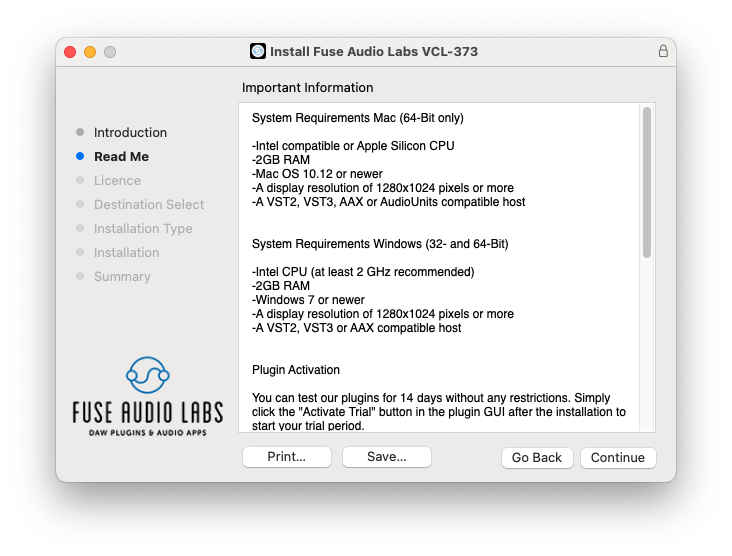
System Requirements
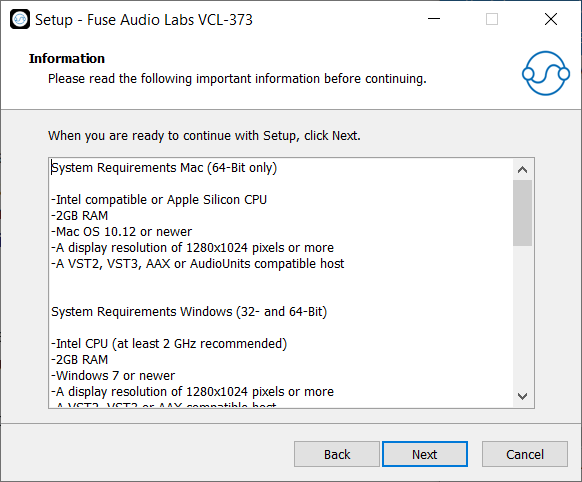
Mac (64-Bit only)
- Intel compatible or Apple Silicon CPU
- 2GB RAM
- Mac OS 10.12 or newer
- A display resolution of 1280x1024 pixels or more
- A VST2, VST3, AAX or AudioUnits compatible host
Windows (32- and 64-Bit)
- Intel compatible CPU (at least 2 GHz recommended)
- 2GB RAM
- Windows 7 or newer
- A display resolution of 1280x1024 pixels or more
- A VST2, VST3 or AAX compatible host