


 Log In

Free gifts available with your purchase
Product information
IR1 Convolution Reverb
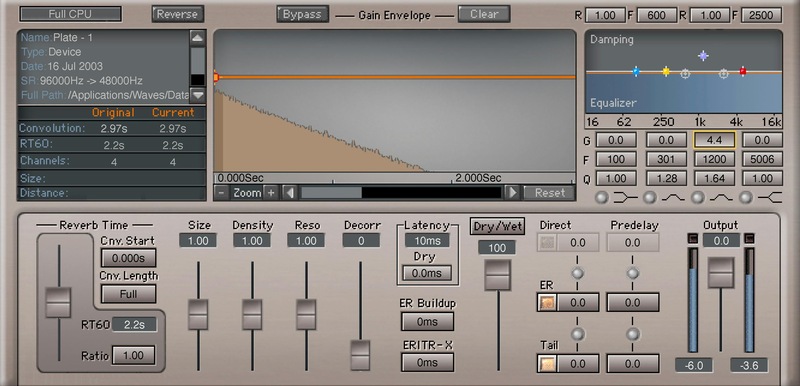
Transport Your Tracks to World-Class Acoustic Spaces
Maybe you’d like to record in the Sydney Opera House. Or in the Grand Ole Opry. Or in the Manhattan Center, or in Wembley Stadium, or in Birdland. Or record dialogue in a stairwell, a church, a car interior, or on the Todd-AO scoring stage. For all of these—you want IR1.
Convolution reverb’s uncanny ability to reproduce hyper-realistic acoustic environments is well-known, but IR1’s 2,000+ impulse responses are what truly bring convolution reverb to life.
Features
- 4.8 GB library of impulses covers a huge variety of acoustic spaces
- Modify impulses with multiple editable parameters
- All impulses recorded with premium field-recording gear
- Can also faithfully reproduce classic digital reverb hardware
- Includes the sweep file needed to create your own impulses
- Import third-party impulses from the internet, or use WAV files
- With mono, mono-to-stereo, full stereo, or efficient stereo modes
- Shape the reverb envelope to produce non-linear effects
System Requirements
Mac
- macOS Monterey 12, Ventura 13, Sonoma 14, Sequoia 15
- VST / AU / AAX
PC
- Windows 10+
- VST / AAX
Installation Instructions














