Log In

Free gifts available with your purchase
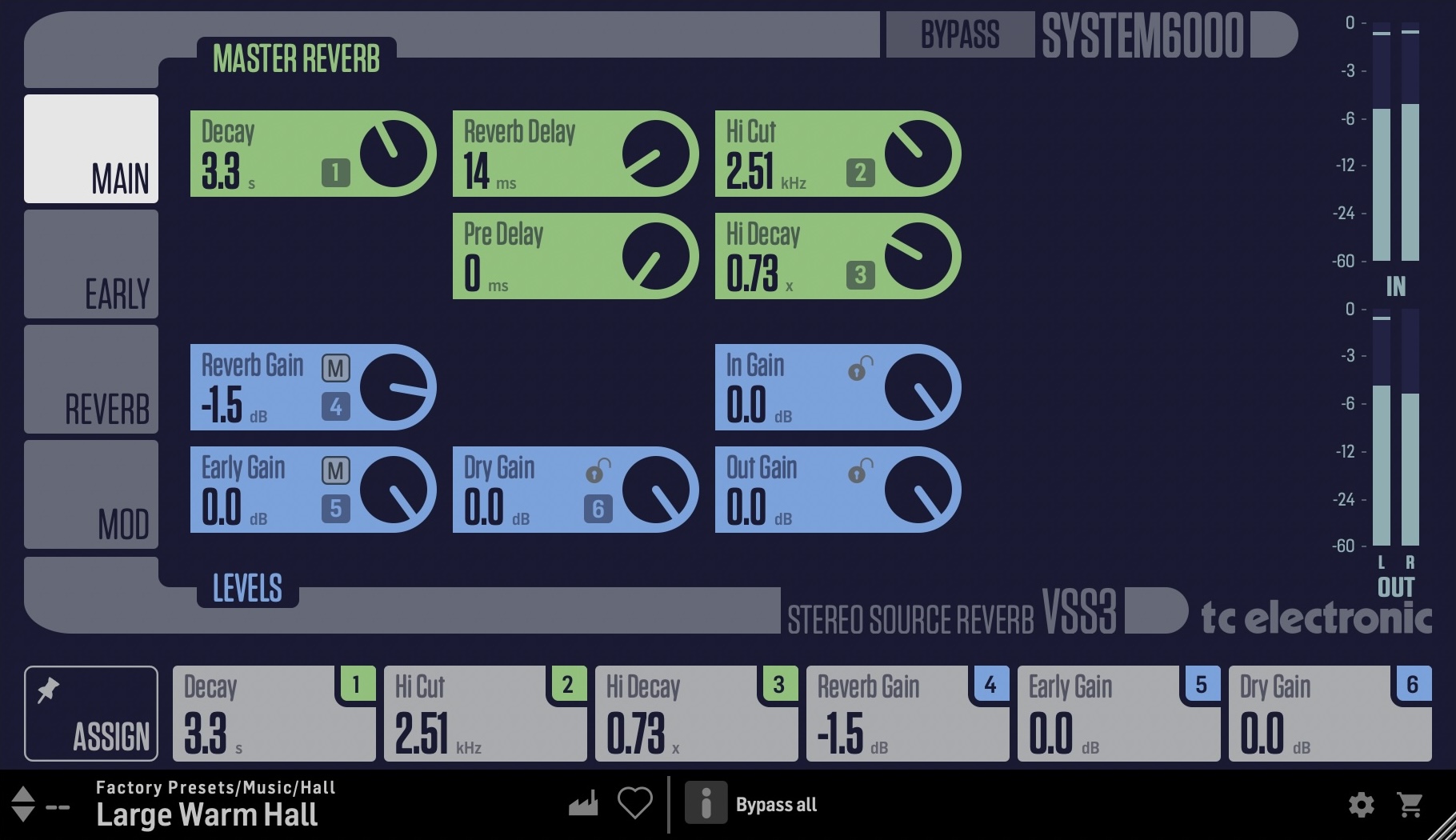
VSS3 NATIVE STEREO SOURCE REVERB
Virtual Space Simulation Reverb
A Modern Classic
Originally launched in 1999 and available in Music, Mastering, Broadcast and Film variants, TC Electronic's Flagship System 6000 processor is recognized as an industry standard for mix, mastering and post-production applications. You will find System 6000 in literally thousands of world-leading recording, film, post and mastering studios all over the world, and in quite a few OB vans and broadcast production studios as well. The platform has won no less than three of the prestigious TEC Awards over the years: in 2000 for the original System 6000, in 2005 for Mastering 6000 and in 2010 for System 6000 MKII. No longer the preserve of the recording elite, these native DAW plugins will deliver all of the performance of the iconic original unit combined with modern day convenience.
A Legend Re-imagined
TC Electronic set about re-imagining the legendary System 6000 as native DAW Plug-ins without sacrificing any performance, character or useability. The Danish engineers, including many from the original System 6000 team, refined audio quality whilst staying faithful to the original hardware version. The development team fastidiously re-engineered these new native plug-ins to offer full support for standard DAW automation and project recall with new optimized user interface ergonomics.
Iconic Features
VSS3 NATIVE moves you from the world of generic reverbs (the same reverb applied to many sources) to reverb for single elements or groups sharing the same panning position. Like a graphic artist moving from 2-D to 3-D, you’ll find yourself in a new audio universe with source complimenting spaciousness through adjustable early reflections and highly tweakable reverb tales VSS3 NATIVE enables you to add the softest and cleanest ambience to your productions with highly transparent and harmonically rich sonic sound fields.
Highly Tweakable Spaces
VSS3 NATIVE is a hyper realistic and incredibly versatile reverb that was designed to deliver the smoothest reverb tail ever developed. The algorithm of the VSS3 was fine-tuned by our engineers for more than a year before its initial release. Over the years audio professionals around the world have adopted it as their go-to reverb for adding clear acoustics and realism to their source material. VSS3 can be heard on thousands of albums and films and has elevated the sound of many more concerts and live productions. With a wealth of possibilities to adjust VSS3 NATIVE will deliver the precise sound you need.
Flexible Use
VSS3 NATIVE features an exceptional dynamic range, bringing extra life to your mix. It does this through carefully crafted early reflection algorithms which stay true to the exact 'location' you want for source of your mix. No matter how much ambience you add, your recording will maintain its fidelity when collapsed to mono.
VSS3 NATIVE is perfectly suited for any mix projects and is also equally suitable for use for a wide variety of content material in music and post-production, ideal for single sources and buses.
Features
- Real-room realistic reverbs
- Individual 4-band decay controls
- Chaotic response
- Tweakable early reflections
System Requirements
Operating systems
- macOS 10.14 (Mojave) through 15.x (Sequoia), Intel and Mx hardware
- Windows 7 or above
Plugin formats (64bit)
- AAX-native
- Audio Units
- VST3
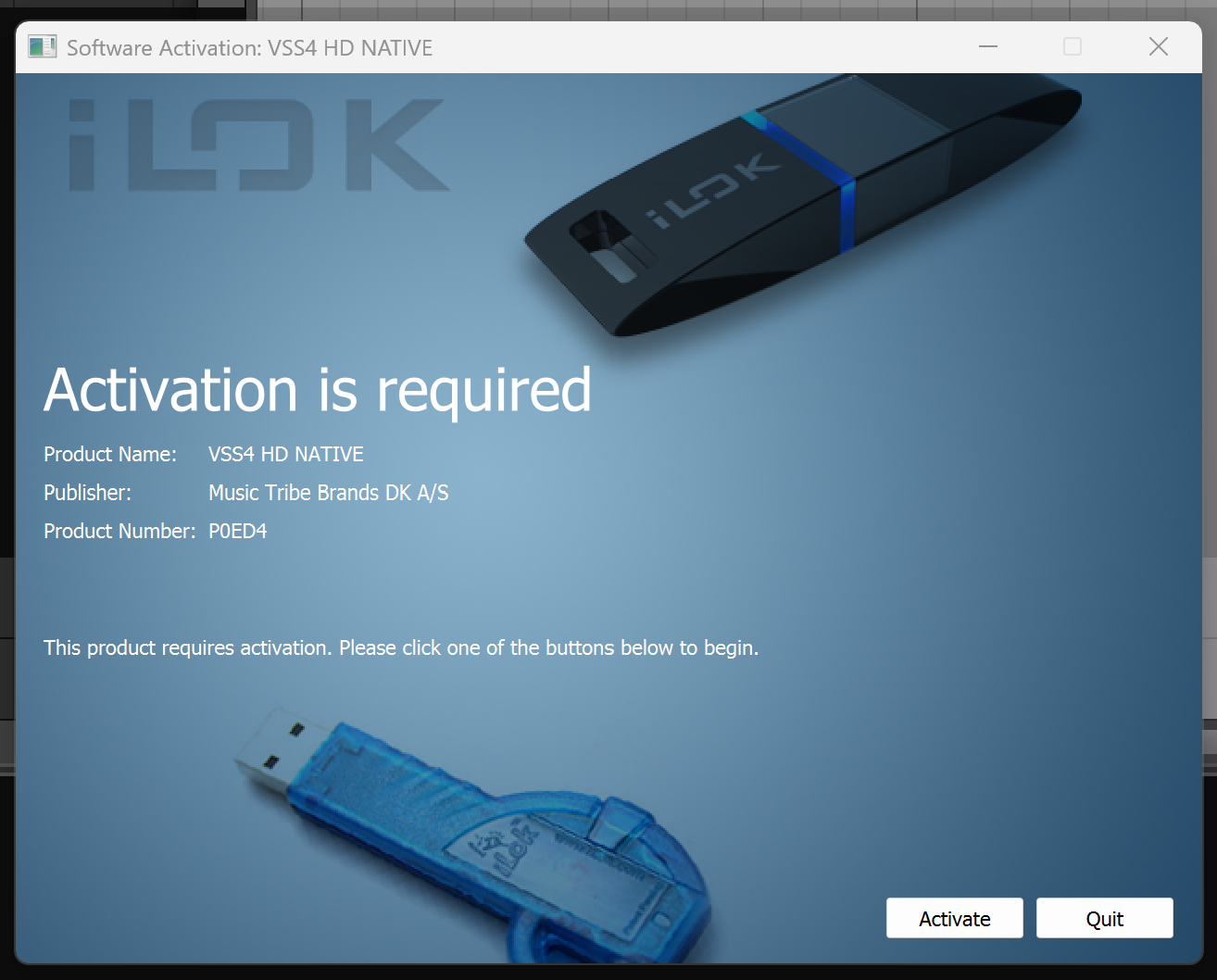
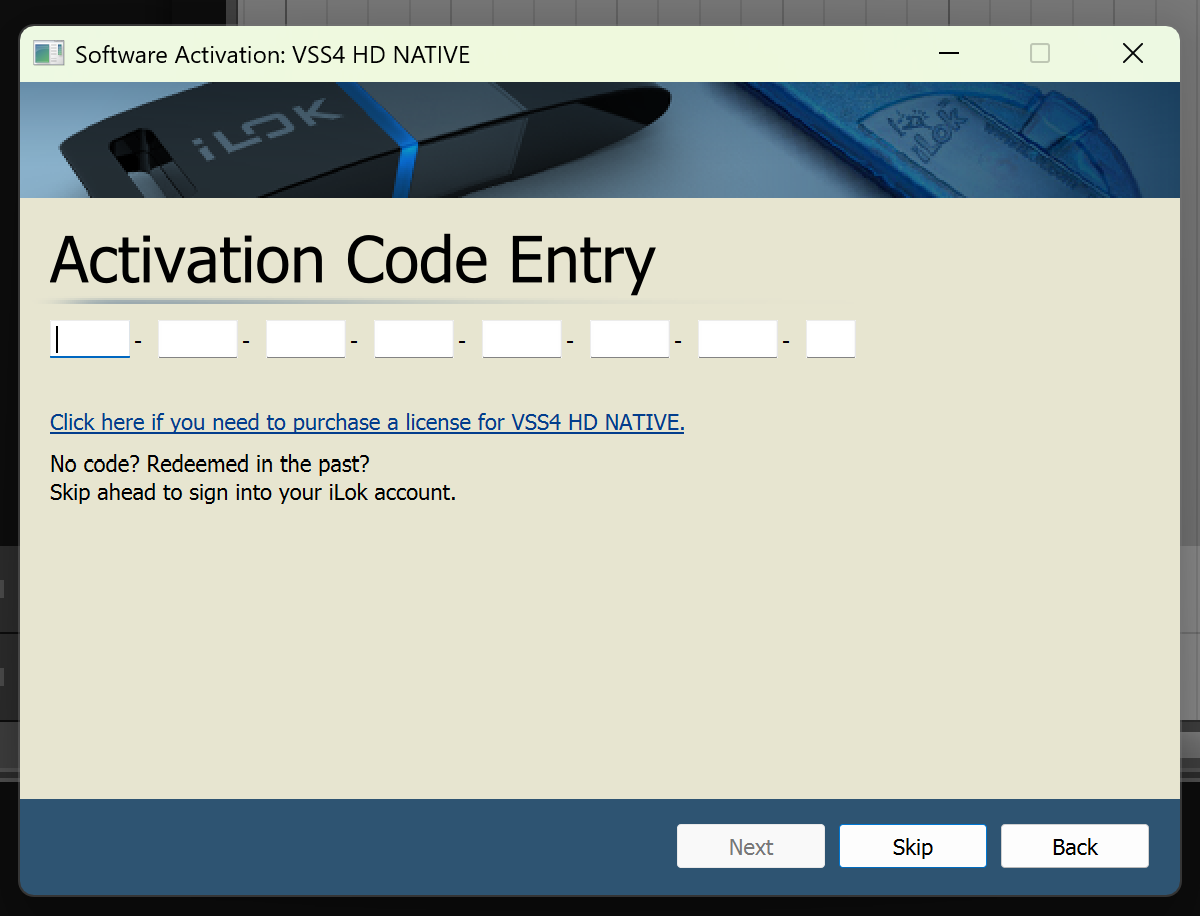
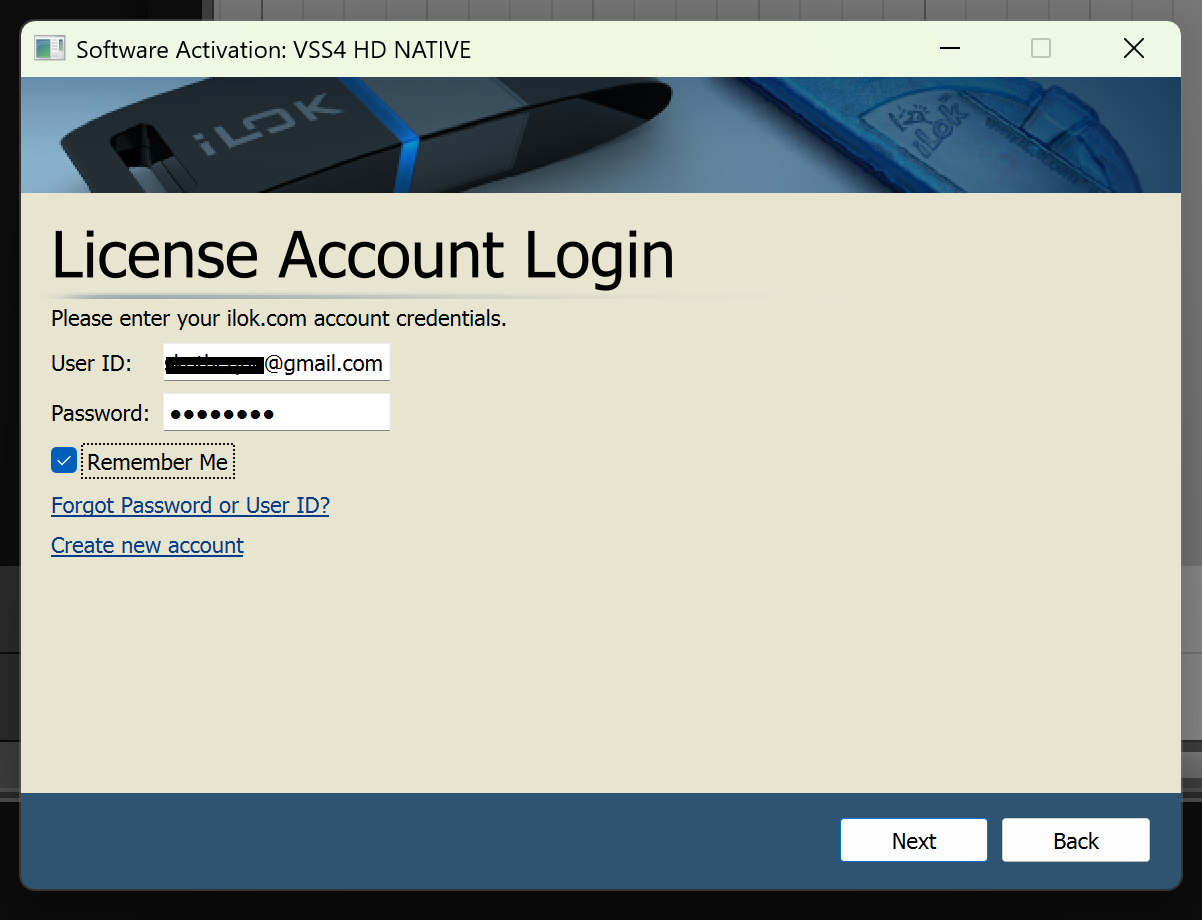
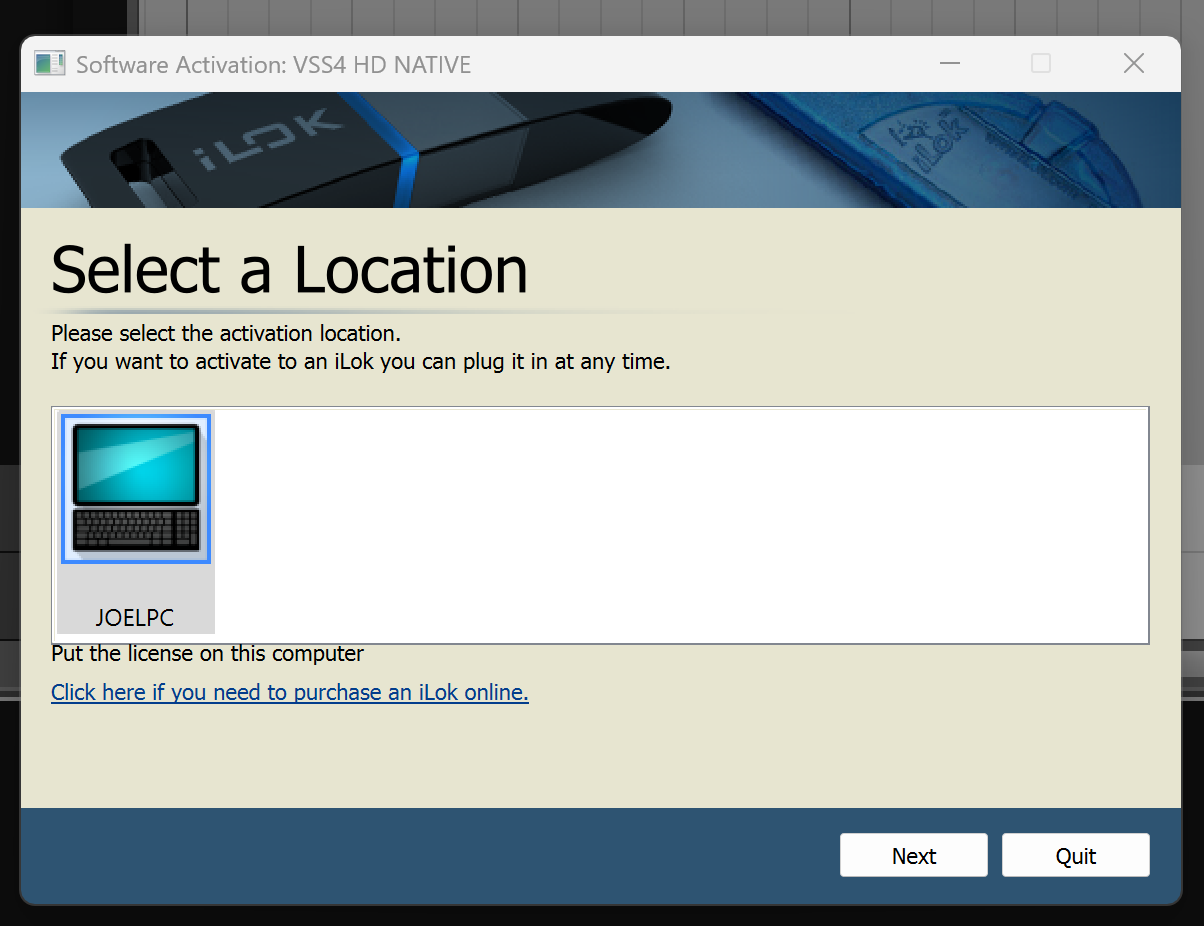
Important Note: No iLok dongle is required to run this software - only a FREE iLok account/Manager is required for authorisation.