Buy REV6000, get a free gift with purchase:
The World’s Most Accurate Recreation of an Iconic “Hollywood” Favorite
Thanks to years of research and precision machine learning, Relab has produced the world’s most accurate recreation of a peerless Danish hardware reverb. Well, peerless until now.
The vivid character of this iconic Hollywood favorite has been captured in an authentic zero-compromise reverb plug-in: the VSR REV6000.
Whether you’re looking for a tight, focused room sound or that classic large warm “Hollywood Hall,” the Relab VSR REV6000 has you covered. With its precise and perfect imaging, it’s never been faster and easier to add true-to-life depth and space to your mixes.
System Requirements
Mac
- OS 10.15 + above. M1 native.
- Format:VST3/AU/AAX (64bit)
PC
- Windows 10 + above.
- Format: VST3/AAX (64bit)
Compatible with all major DAWs.
Free PACE account required.
No hardware dongle is required to authorize Relab products.
You can choose between local computer authorization OR the ilok USB key (V2 or above). However, a free PACE iLok account, internet connection and the latest PACE drivers are required at the time of product activation.
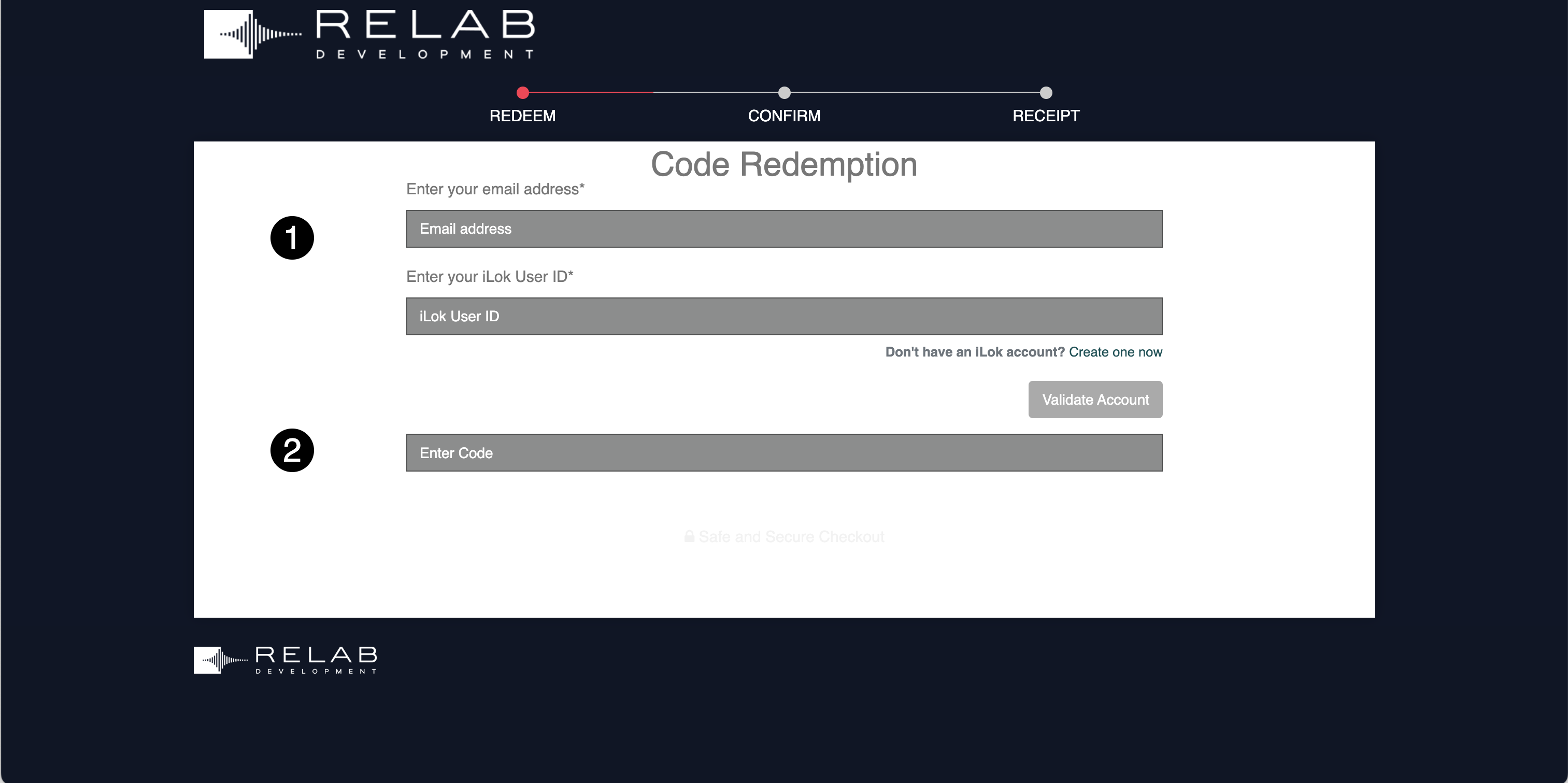
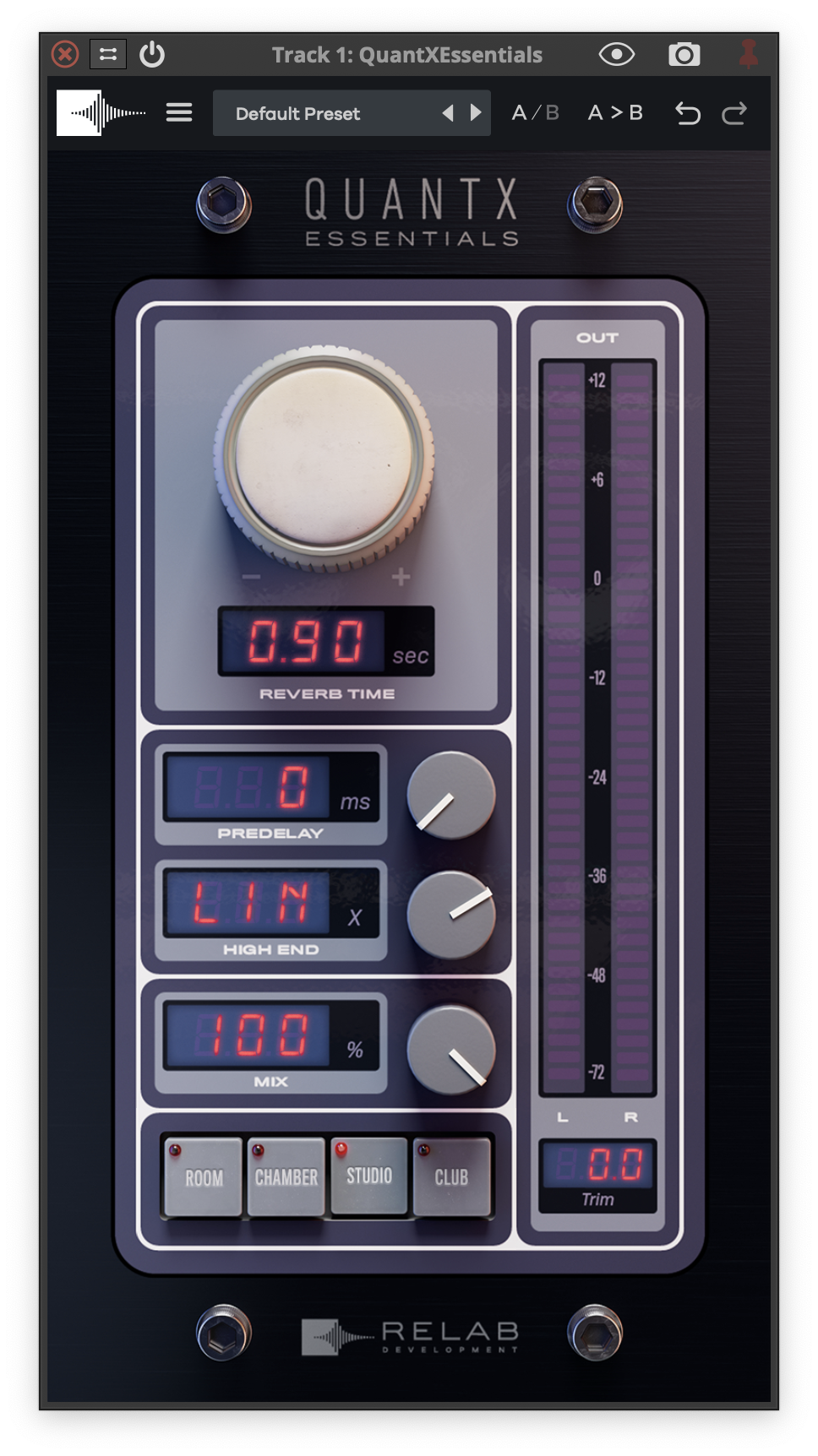
Please Note: QuantX Essentials is used as an example.
Important Note: If you don't have iLok installed, please follow the links below to install and activate it. iLok is required to use this plugin.
Getting Started with the iLok License Manager
Getting Started with the iLok License Manager: Windows Installation Guide
Getting Started with the iLok License Manager: macOS Installation Guide
Activation
1. Go to https://shop.relabdevelopment.com/redeem or click download in your Plugin Boutique User Account.
2. Enter your email address and iLok User ID > Click 'Validate Account'.

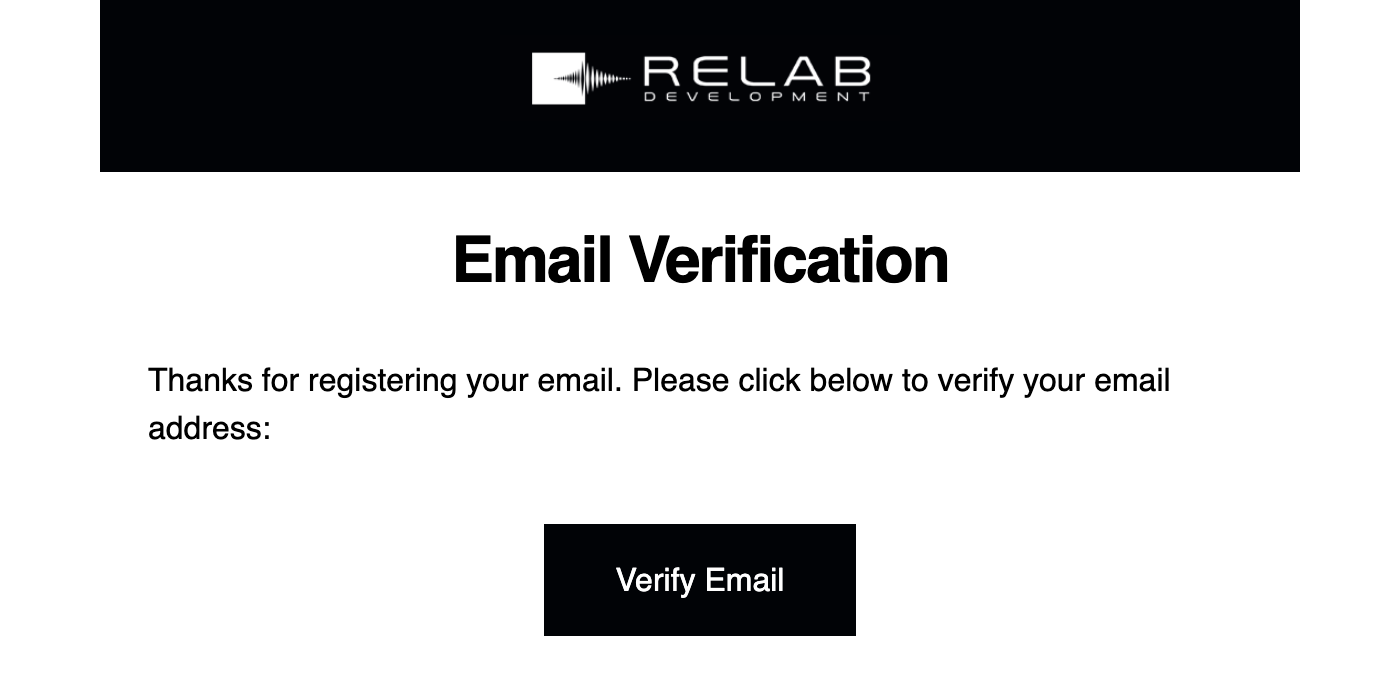
3. Go to your email inbox and locate the email from Relab Development > Click 'Verify Email'.

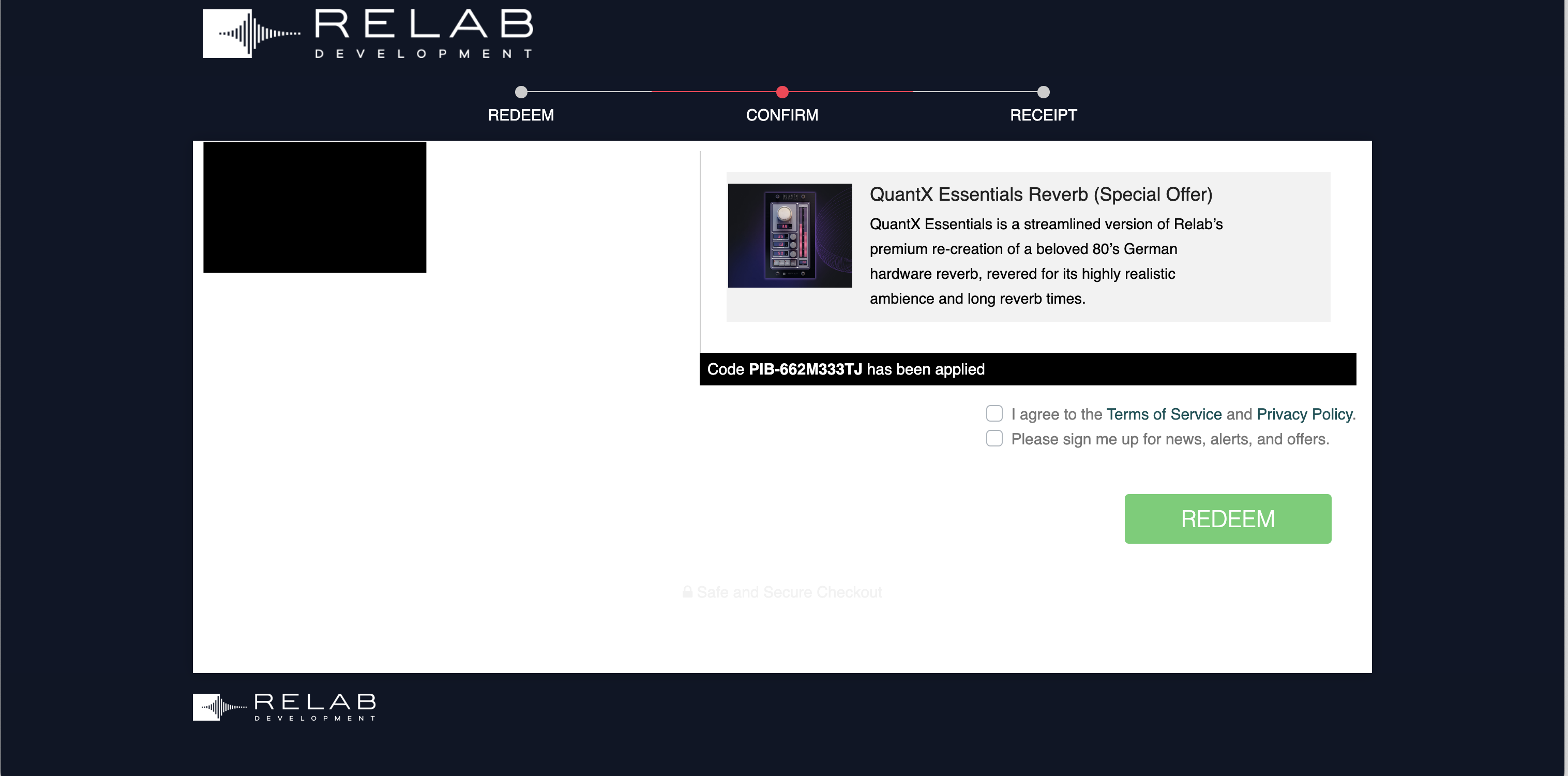
4. Enter the serial code found in your Plugin Boutique User Account > Click 'Validate Code'.

5. Tick the relevant boxes > Click 'REDEEM'.

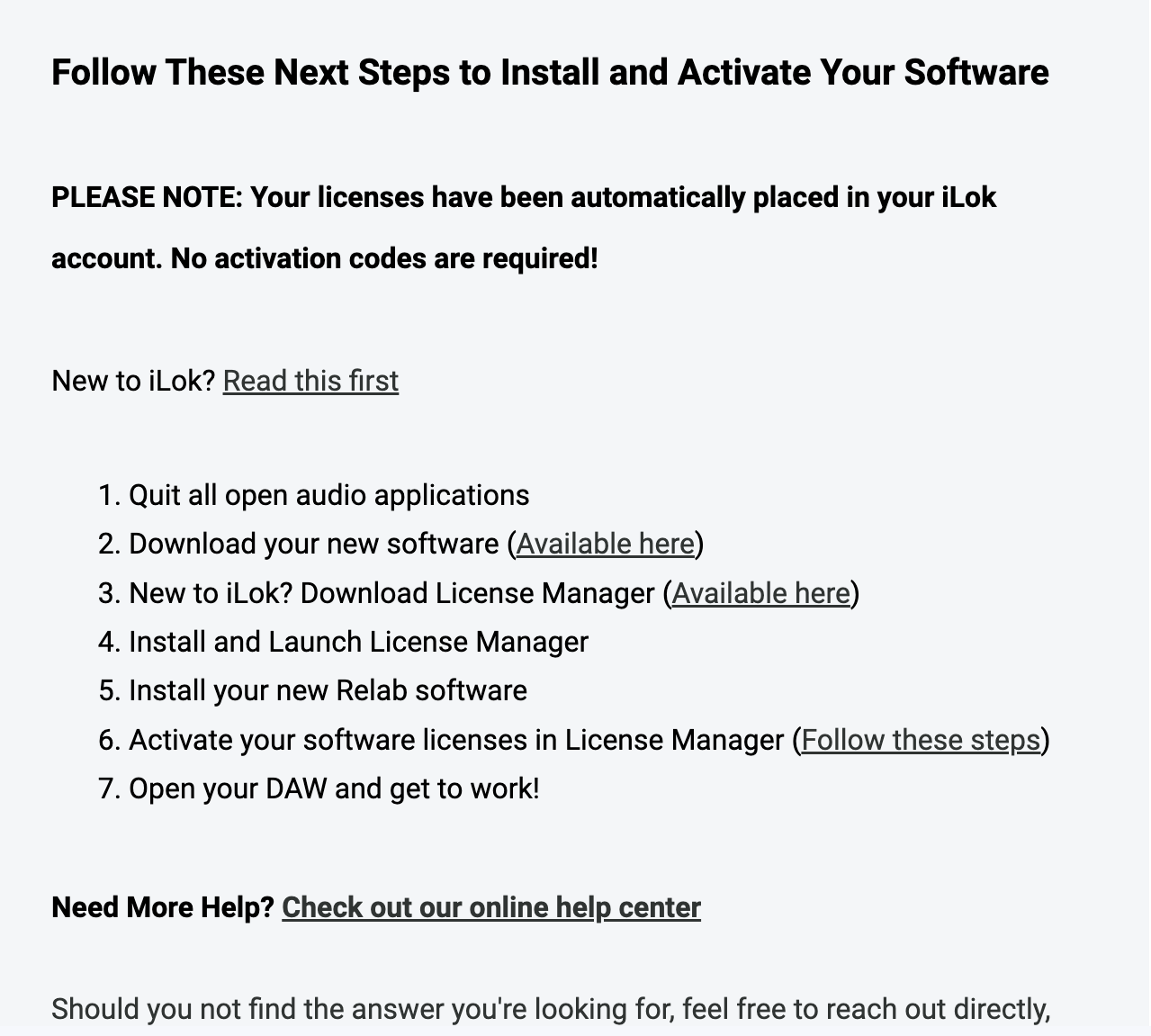
6. Go back to your email inbox > You will have received an email with the download links > Click step 2's 'Available Here'.

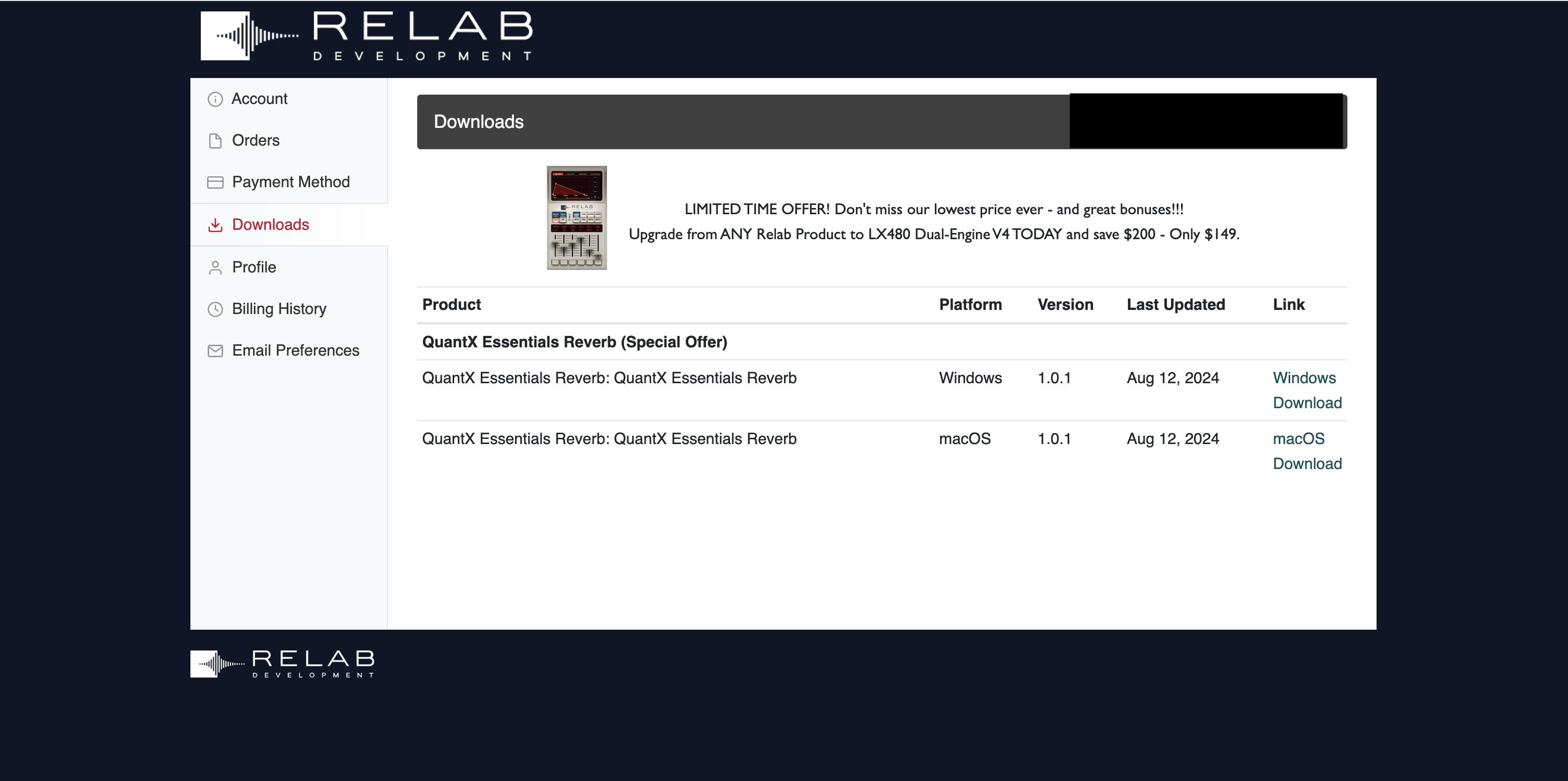
7. Download the relevant installer.

Installation
Mac
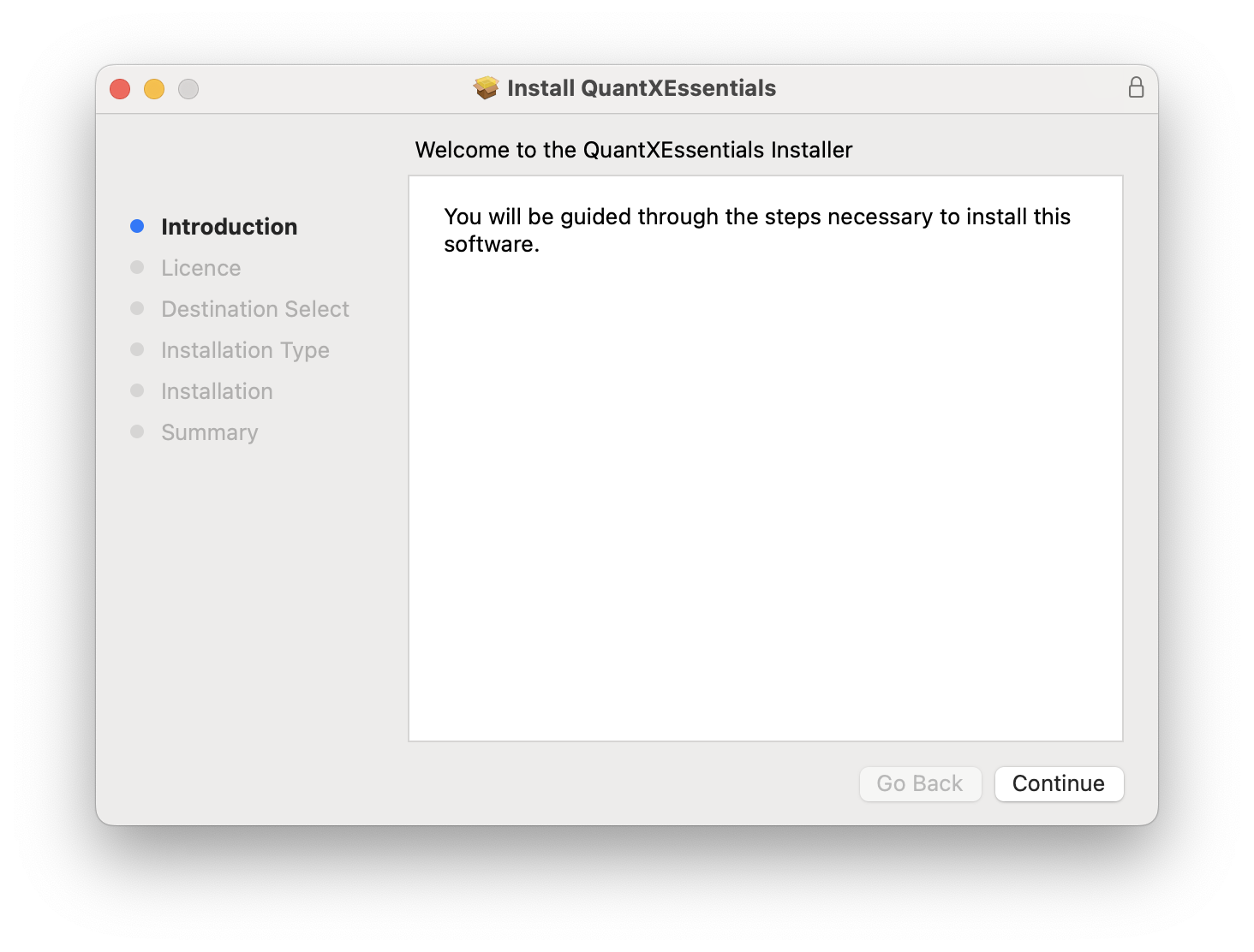
1. Double click the .pkg file to begin installation.
2. Click 'Continue'.

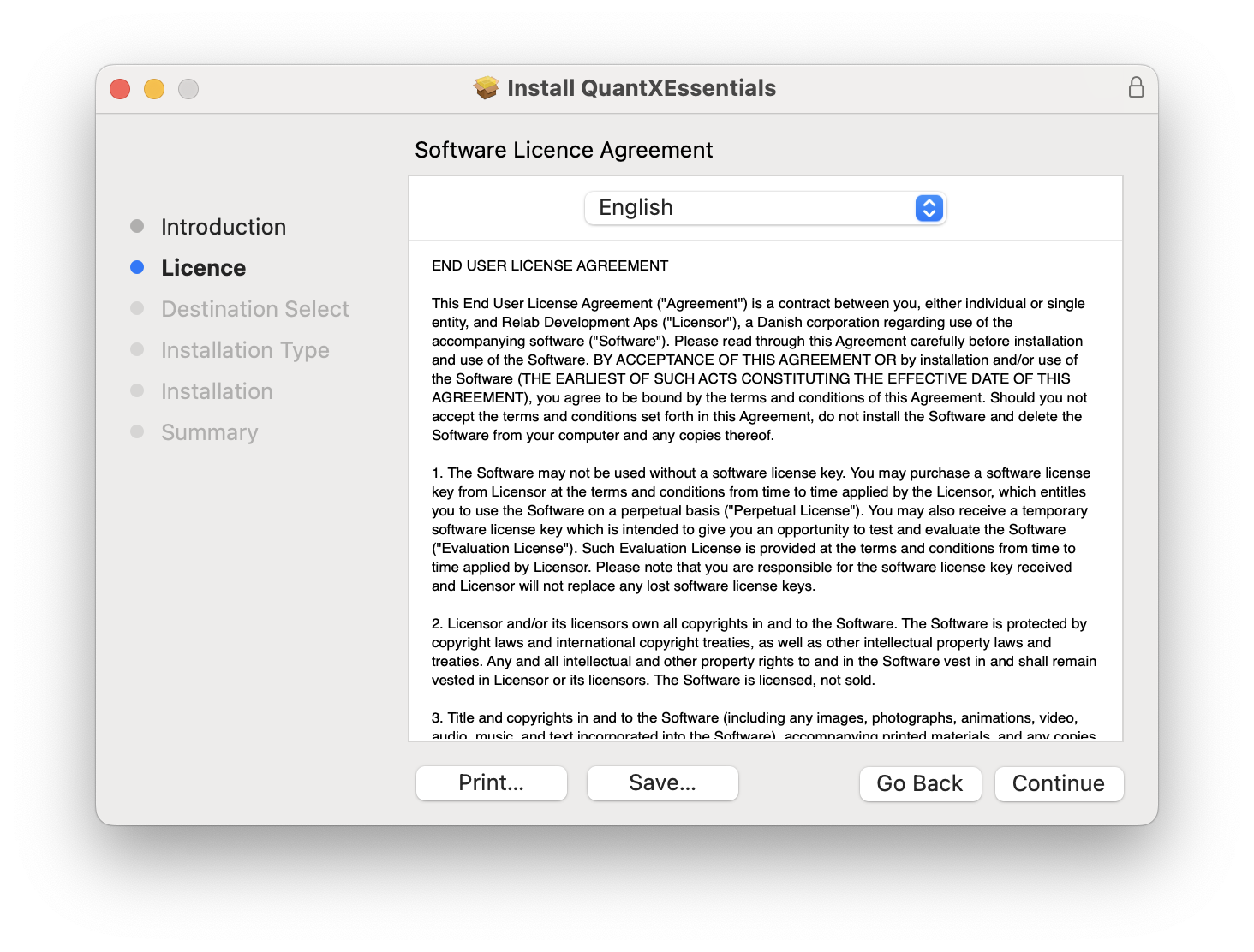
3. Click 'Continue'.

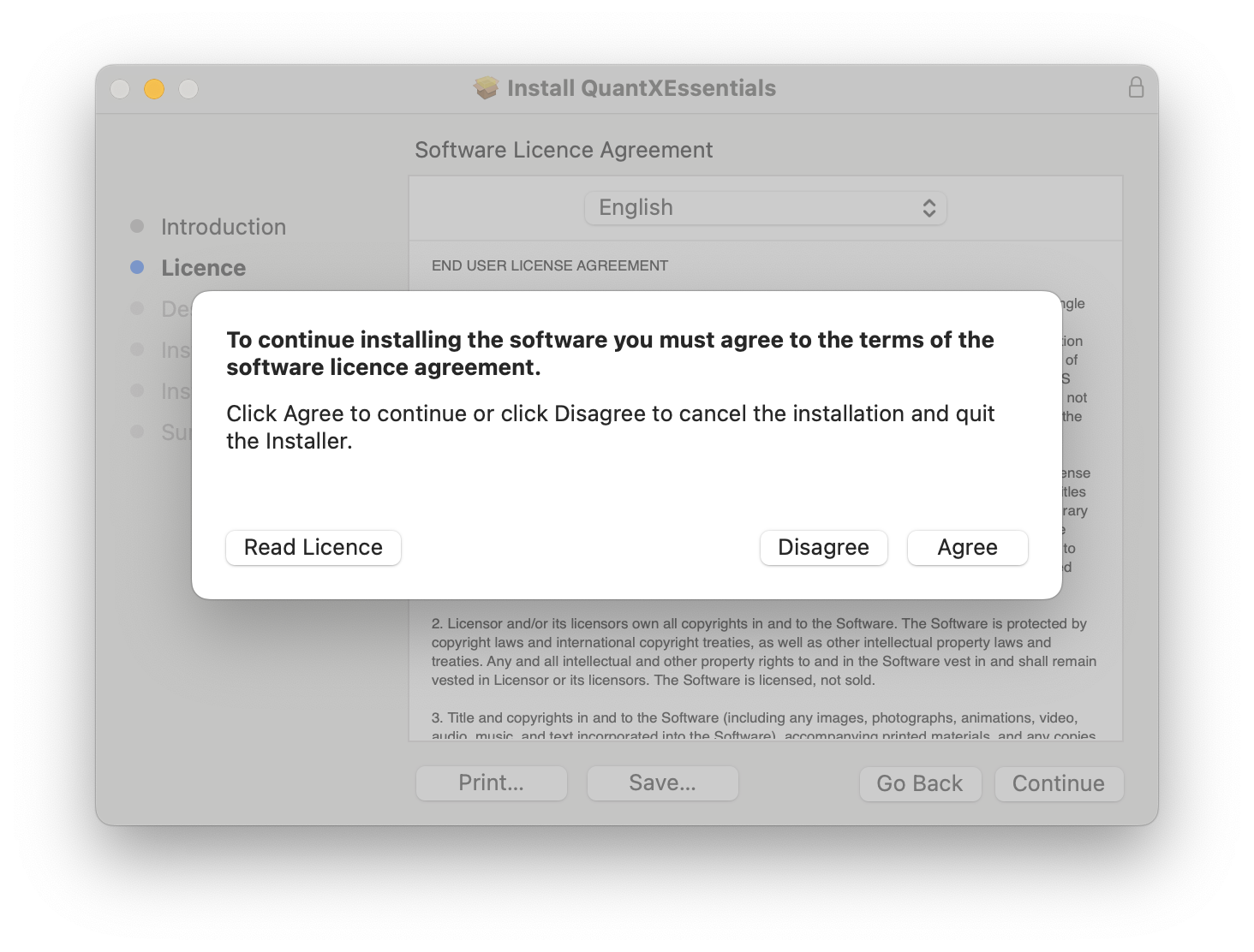
4. Click 'Agree'.

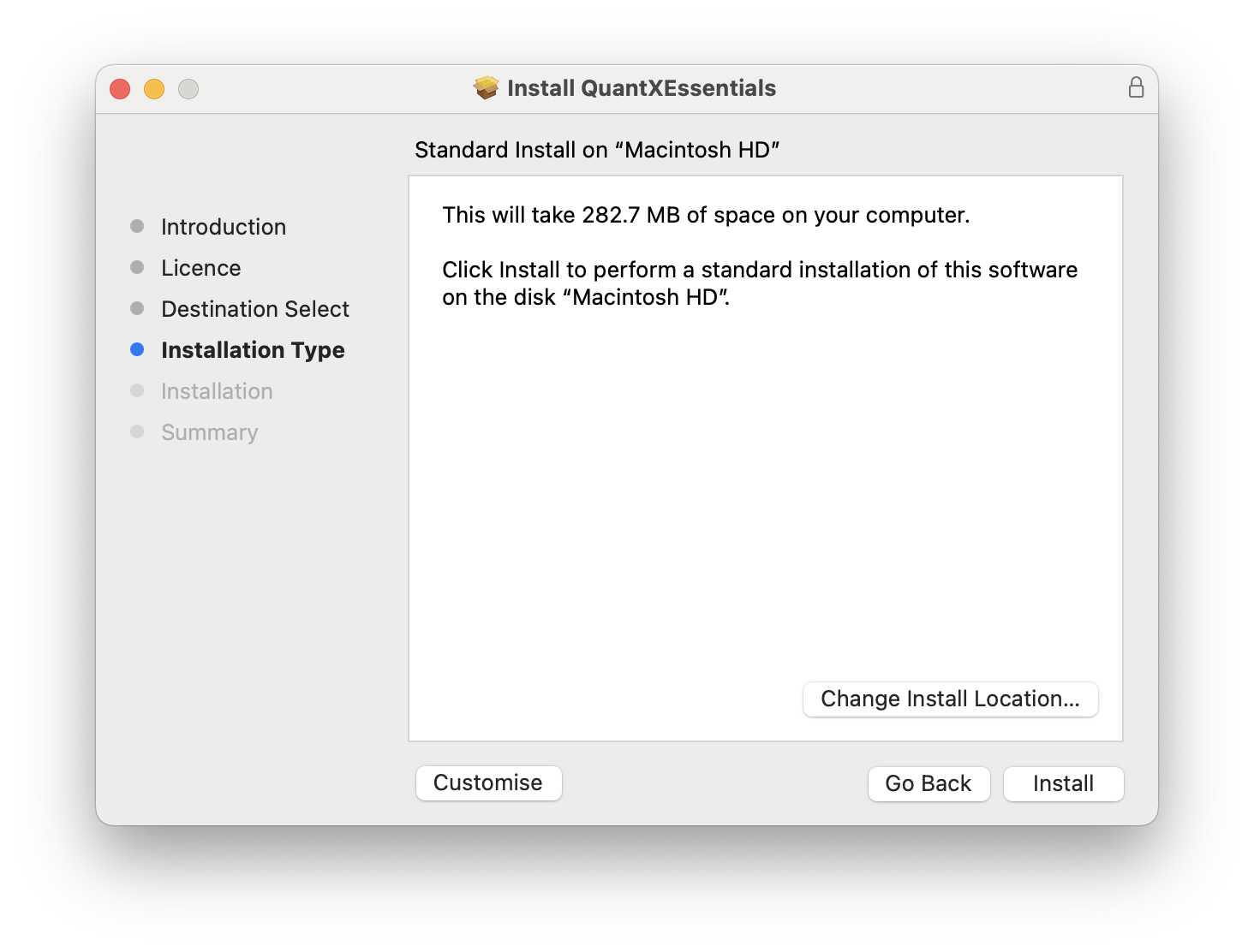
5. Click 'Install'.

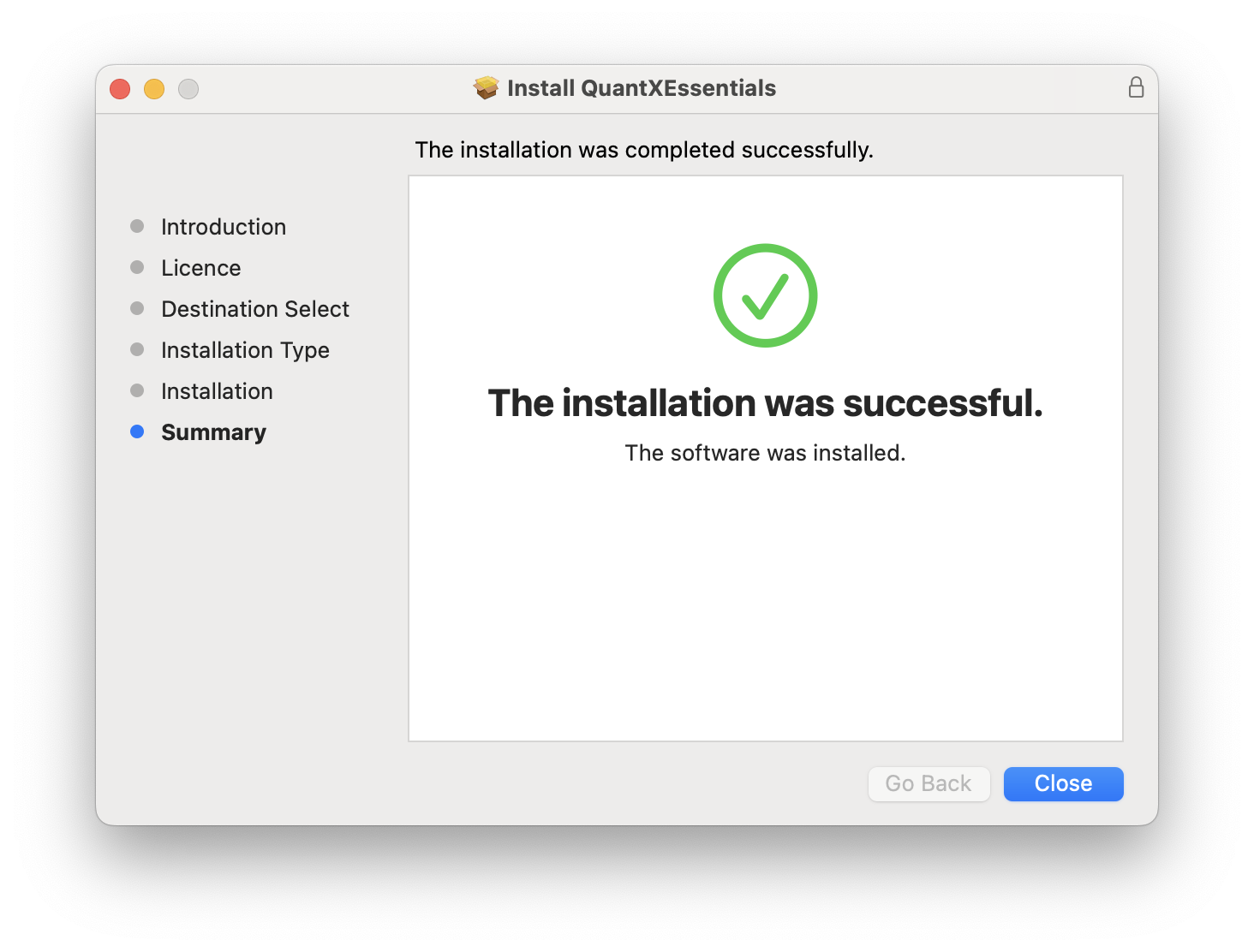
6. Click 'Close'.

Your software is now installed and ready for use in your DAW!

PC
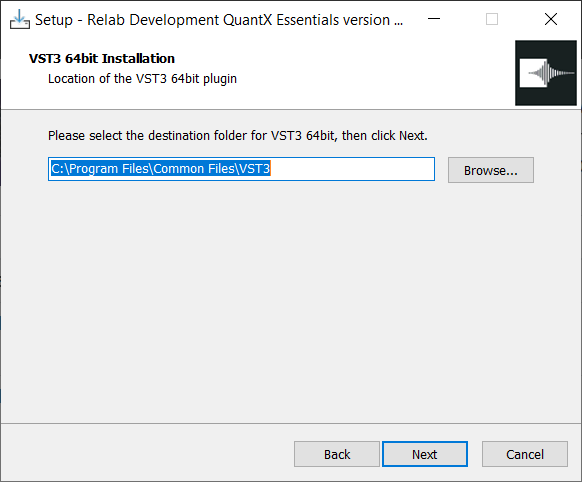
1. Double click the .exe file to begin installation.
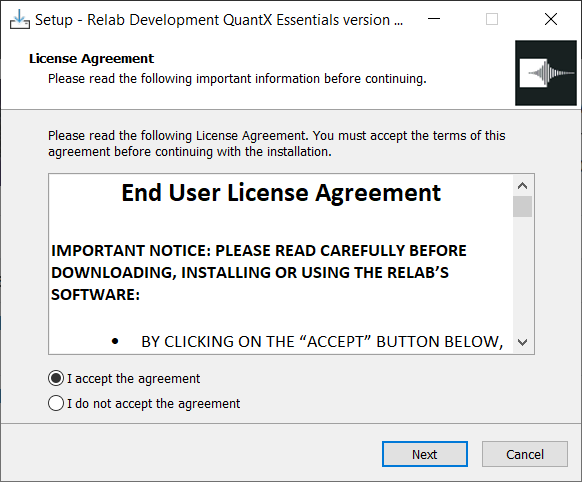
2. Click 'I accept the agreement' > Click 'Next'.

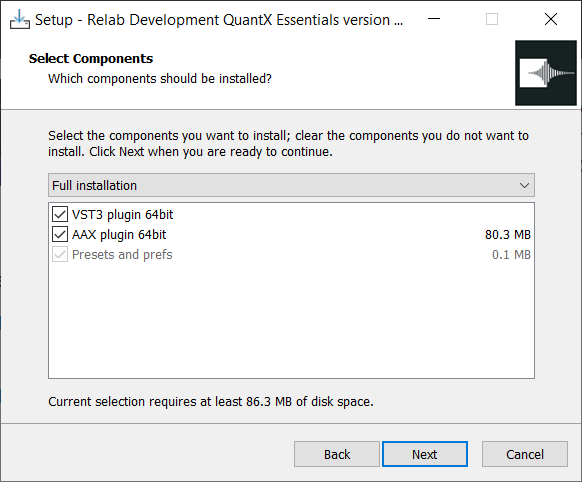
3. Click 'Next'.

4. Click 'Next'.

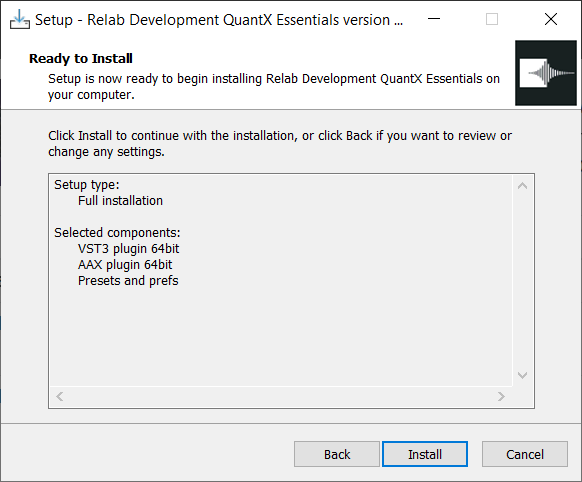
5. Click 'Install'.

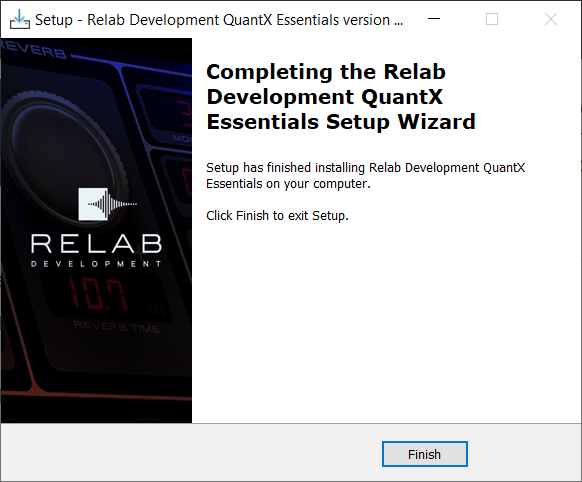
6. Click 'Finish'.

Your software is now installed and ready for use in your DAW!