


 Log In

Free gifts available with your purchase
Vintage Studio Reverb
No collection of effects is complete without a luxurious, rich, smooth plate.
The silky-smooth, resonant tones of vintage plate reverbs have shaped the sound of many iconic vocal performances, given drums of best-selling tracks their air, and brought whole mixes together.
Legendary Sound
There’s just something about plate reverbs that can’t be beaten. They have a smooth, rich tone and silky, evolving decay every single time.
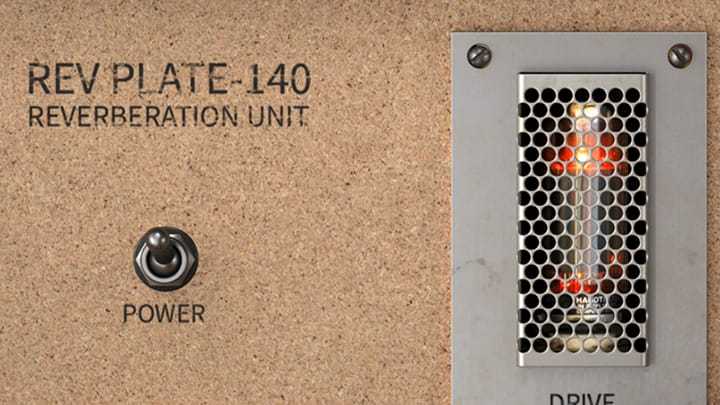
Mix-Ready Clarity
The adjustable plates and simple but effective controls lets you the exact reverb tone and length you want for your track.
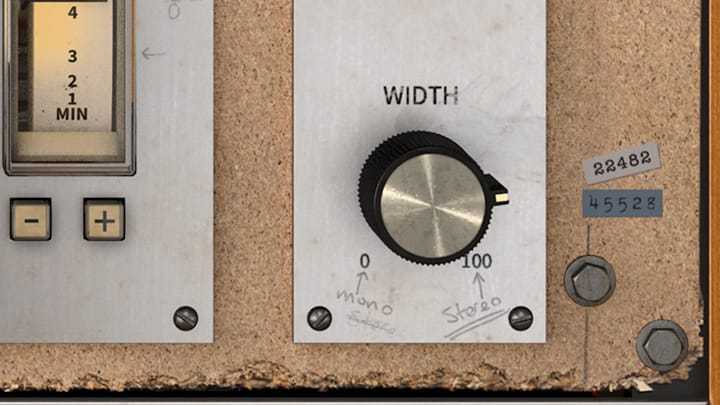
Futuristic Features
Liven up your verb with integrated chorus and refine its tone with pre-filtering and post reverb EQ. The perfect reverb!
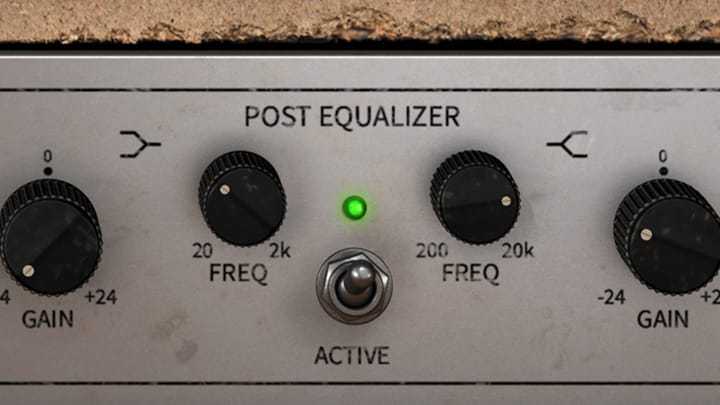
A True Giant of the Industry
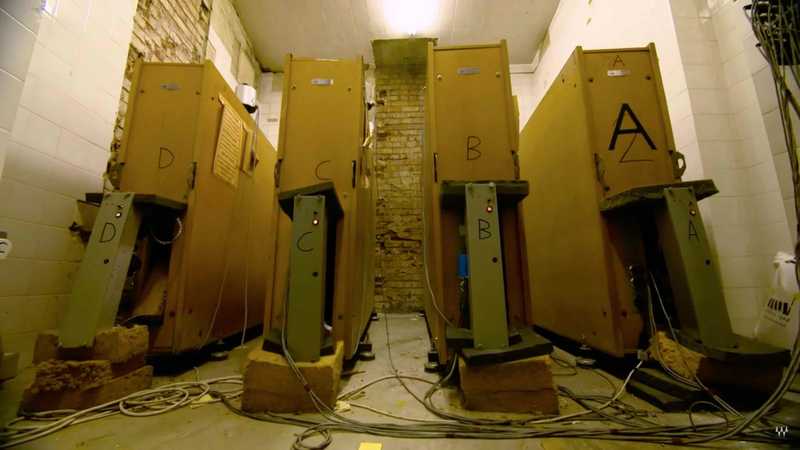
The original EMT®️ 140 was breakthrough in technology: the world’s first plate reverb. Brighter and more versatile than the spring reverbs and echo chambers that preceded it, this plate reverb unit became part of practically every top studio’s arsenal. It was a serious investment, costing as much as a house, and weighing more than 3 people. Now, thanks to Arturia's exclusive physical modeling technology, you can use this studio legend in your DAW, without breaking the bank, or breaking your back!
This Rev PLATE-140 is a circuit-accurate recreation of the iconic EMT®️ 140 reverb and its vacuum tube preamp. A classic, full bodied studio plate reverb with a lush tail, a dream come true for vocals, and adding that sought-after glue and space to your mix.
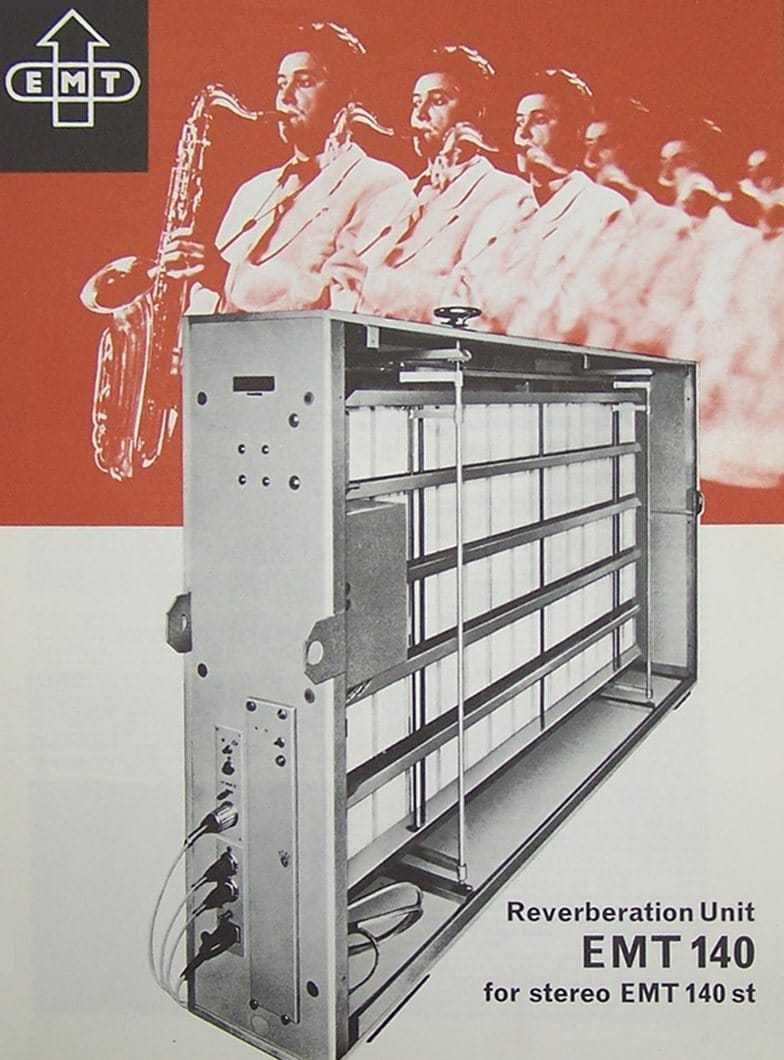
Not only did Arturia travel the world to find an original 140 in perfect condition, but they also modelled 2 other fantastic plate reverbs that they came across in their travels. Arturia integrated all 3 of these modelled plates into this simple, but incredibly powerful plugin. Each one has a resonant character all of its own, and you’ll easily find the perfect model to enhance your music.
Arturia's reimagined version lets you adjust the pre-delay to let your original sound have space, a high-pass filter on the input to hone its tone, integrated chorus, and even a post reverb EQ to make sure the effect perfectly complements your track. Rev PLATE-140 lets you filter and EQ your sound before it even hits the plate, so you can get rid of all those muddy or bright frequencies you don’t want to enjoy a lush, vintage reverb whenever you like.
Features
- Modelled Pre-Amp: The vacuum-tube preamp accentuates the sweet-sounding tone of the reverb, while giving you the power to crank your signal with some dirt if you need to.
- Plate Models: Choose your favorite plate, and adjust the reverb decay times with authentic, modelled damping.
- Mix Controls: Add width, make it mono, and perfect your dry/wet balance to get the perfect reverb sound for your track.
- Pre-Delay & Pre-Filter: Delay how quickly the reverb starts, and carve out exactly the part of your signal you want to hit the reverb.
- Chorus: Add some rich chorus effect to your reverb, either as a pre or post effect for some luscious tonal options.
- Post-EQ: A 3-band EQ lets you get things sounding just the way you want, right inside the plugin.
Additional Features
- Virtual recreation of famed classic EMT 140 plate reverb
- Analog tube preamp with gain compensation
- 3 plate models recreated
- Pre-delay
- Pre-filter (highpass)
- Parametric EQ
- Delay modulation
- Resizable window
- Integrated tutorials
- A comprehensive Set of Presets
System Requirements
- Works in Standalone, VST, AAX, Audio Unit, NKS (64-bit DAWs only).
Mac
- Mac OS 10.13+
- 4 GB RAM
- 4 cores CPU, 3.4 GHz (4.0 GHz Turbo-boost) or Apple Silicon CPU
- 1GB free hard disk space
- OpenGL 2.0 compatible GPU
Windows
- Win 10+ (64bit)
- 4 GB RAM
- 4 cores CPU, 3.4 GHz (4.0 GHz Turbo-boost)
- 1GB free hard disk space
- OpenGL 2.0 compatible GPU
- ARM processors not supported on Windows
Protection
All Arturia software is protected by the Arturia Software Center.


