Log In

Free gifts available with your purchase
Revolver is a high-powered convolution reverb that operates like no other, providing total impulse response control, dedicated and routable EQ, two sync-able delay lines, a reverb decay crossover network, and specialized stereo imaging for unprecedented flexibility.
Revolver provides the most compelling impulse library to date, with hundreds of sounds from rare holy grail out of production reverbs and acoustic spaces. Additional acoustic spaces and outboard gear can be modeled in a few minutes with Revolver and the Revolver impulse response tools.
Controls for the total reverb time (in percent and RT60 values), wet and dry levels are always displayed. The remainder of the Revolver plug-in interface is separated into several control pages and views. Graphical representations of signal flow, impulse response data, EQ responses, and even images of the impulse response source are available
All parameter adjustments are heard immediately, and the outputs are not muted during any control updates. The user does not need to wait while the reverb is re-rendered.
Revolver is what convolution reverb was always meant to be.
Features
- Optimization for Apple Silicon and Latest Intel Processors
- Two activations per license / subscription
- High definition updated user interfaces
- New presets
- Zero Latency Algorithms
- Double Precision Processing
- Huge library of presets of out of production reverbs, rare vintage reverbs, and acoustic spaces
- Total impulse response manipulation
- Pre-delay (positive or negative)
- Two-band dedicated reverb EQ
- Three-band routable EQ
- Two sync-able delay lines
- Tools for creating custom impulse responses
- Reverb decay crossover network
- Mono and stereo versions
System Requirements
Mac
- macOS 10.13 or higher (64-bit only) (macOS 12 Monterey compatible)
- McDSP plugins run natively on Intel and M1 Apple Silicon processors
- McDSP HD plugins support AAX DSP plugin format, AAX Native, AU, and VST3 plugin formats
- McDSP plugins support Mac OS 10.13.x (High Sierra), 10.14.x (Mojave), 10.15.x (Catalina), 11.x (Big Sur), 12.x (Monterey), and Windows 10
- Mac OS version 10.12.x (Sierra) may work but is not officially supported. Earlier Mac OS versions are not officially supported
Windows
- Windows 7, 8 & 10 (64-bit only)
HD v7 Software Support
- AAX DSP
- AAX Native
- Audio Units (AU)
- VST3
Compatible DAW's
- McDSP HD and Native plugins are compatible with Pro Tools, Logic Pro, Cubase, Nuendo, Ableton Live, LUNA, Reaper, Sonar, Studio One, and other DAWs that support AAX, AU, and/or VST3 plugin formats
- As of v7.0, VST is no longer supported. VST versions of v6 McDSP plugins will no longer be updated and will be uninstalled
- McDSP HD plugins also support the VENUE S6L systems. McDSP VENUE plugins are packaged in a VENUE specific installer available on the McDSP website.
Activation:
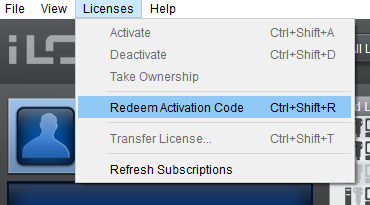
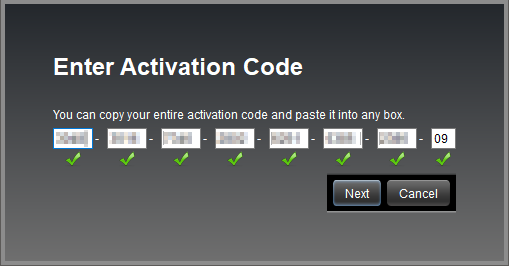
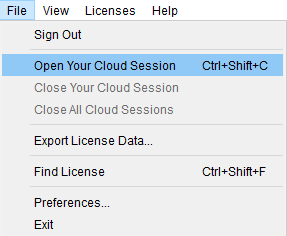
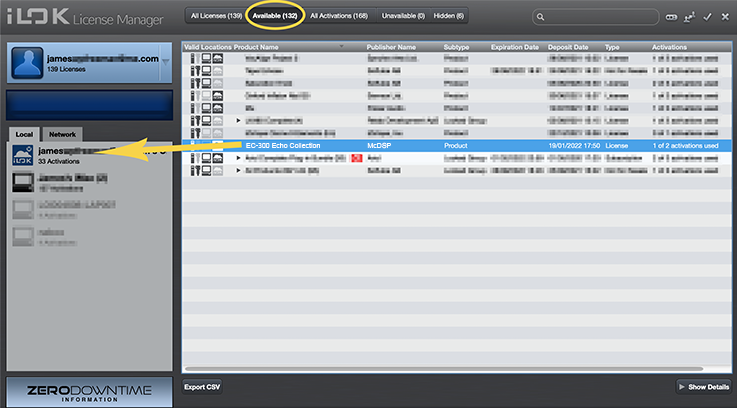
- McDSP plugins require an iLok2 or iLok3 USB Smart Key, or an iLok License Manager account and iLok Cloud for activation.
Important note: McDSP plugins require an iLok2 or iLok3 USB Smart Key, or a FREE iLok License Manager account and iLok Cloud session for authorisation. Each McDSP v7 plugin contains two activations per authorisation.
macProVideo.com
macProVideo.com is an online education community featuring Tutorial-Videos & Training for popular Audio & Video Applications.
“I always love how McDSP plugins can be both transparent and musical at the same time.”