


 Log In

Free gifts available with your purchase


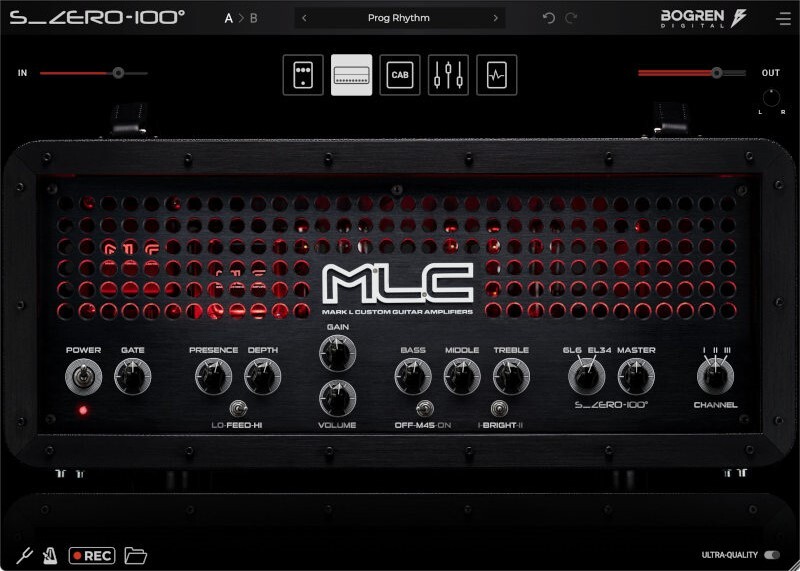
Lay down your guitar tracks with one of the most exclusive, high-quality guitar amps available today. Modeled using groundbreaking new technology and sound designed by Jens Bogren, the MLC S_Zero 100 plugin is a sonic powerhouse that genuinely stands out from the crowd of digital amp simulations.
Multi-faceted, lifelike, and endlessly inspiring — use the MLC to craft the guitar tones your songs deserve.
A Flexible, High-End Amp
With its three distinctively different channels and a multitude of settings, the Bogren Digital MLC S_Zero 100 offers a wide range of tonal options.
- Channel 1
A glassy, three-dimensional character ranging from sparkling clean to classic tube overdrive.
- Channel 2
Offers a more British-inspired ‘plexi’ crunch with a present midrange.
- Channel 3
This is high-gain territory. This channel has a juicy, gnarly character with a tight low end and unique clarity.
The amp is a fully featured, extremely accurate model of the physical amp, with a simplified interface to help you dial in the tones efficiently.
The power amp tubes can be switched per channel between 6L6 and EL34 — a feature unavailable on the physical MLC Subzero 100 amp.
Kick Into Overdrive
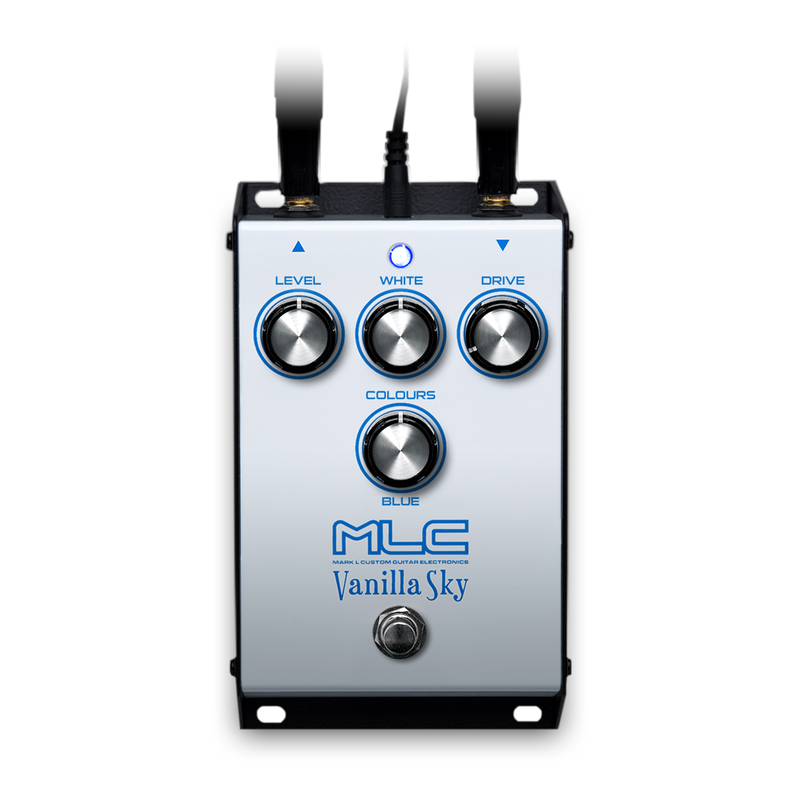
Vanilla Sky
The MLC S_Zero 100 plugin includes two different overdrive pedals for further tonal options.
The MLC Vanilla Sky is a transparent overdrive built around a Class A circuit that retains the guitar’s character even with the highest gain settings.
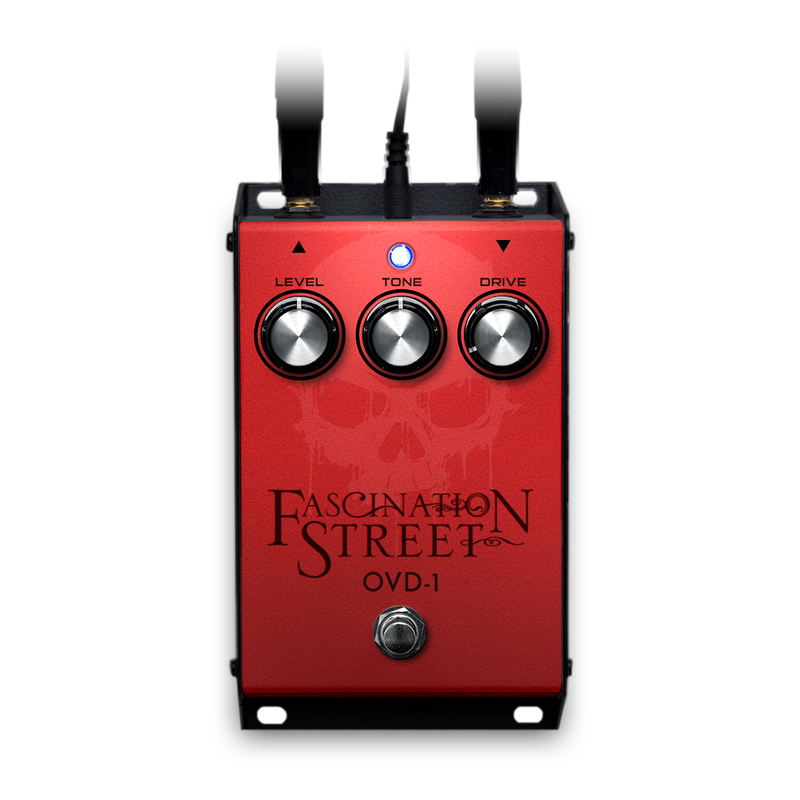
OVD-1
The Fascination Street OVD-1 is based on Jens Bogren’s personal overdrive pedal. It adds a classic midrange presence and gets used on most of the guitar tracks that producer Jens Bogren records in his studio.
A Powerful Cab Section
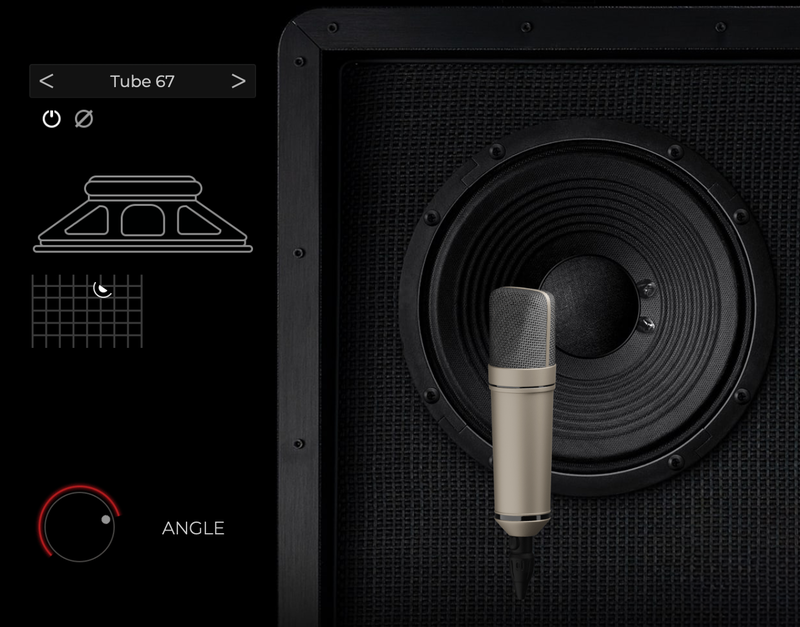
Ultimate Control
The speaker cabinet makes up about 80% of the entire guitar sound. So it’s no surprise that the flexible tone monster that is the MLC S_Zero 100 plugin comes with plenty of options for getting the cab sound just right.
But don’t worry if you’d rather get straight to playing your guitar — just use one of the many expertly made presets that are included.
Endless Combinations
The cabinet section includes two cabinet slots and a Speaker Mix slider that lets you blend the cabs.
Two different cabinets are included, Vintage and Modern, each with five classic microphone models that can be positioned and angled freely.
The two cabs have been carefully selected and set up by Jens Bogren personally, but if you want more options, you can load any impulse response into the two speaker slots.
The Future of Speaker Modeling
Bogren Digital's IRDX (Impulse Response Dynamix) technology breathes life into the guitar sound by adding dynamic and true-to-life speaker behavior to static impulse responses.
IRDX technology, developed by producer Jens Bogren, uses advanced machine learning methods to reconstruct the difference between a real cab and an impulse response.
The end result is a guitar amp sim that reacts like a real amp, easily fits in a mix without sounding stale, and feels great when playing through.
Impulse Responses are excellent at capturing the tonality and resonance of a guitar cabinet, but by nature they are only a static snapshot in time.
By itself, an impulse response has the tonal characteristics of a real cab but without dynamics, it creates a lifeless, fatiguing sound.
Real-life guitar speakers react dynamically to the input from the amplifier. They move air, compress, and break up depending on how hard they are being pushed by the amp.
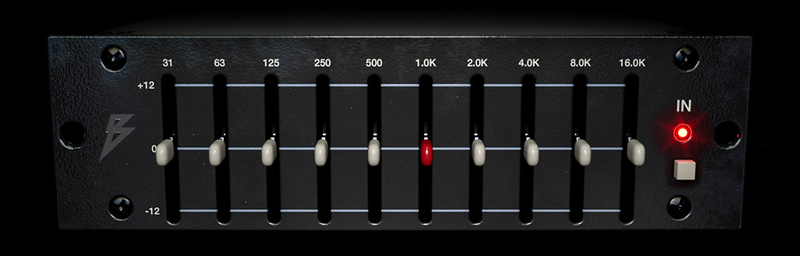
A Classic Studio EQ
Add a final touch to the sound with this faithful model of a classic analog studio equalizer.
Its ease of use and well-chosen frequencies have made this particular EQ popular for sculpting guitar sounds in high-end studios worldwide.
Effects
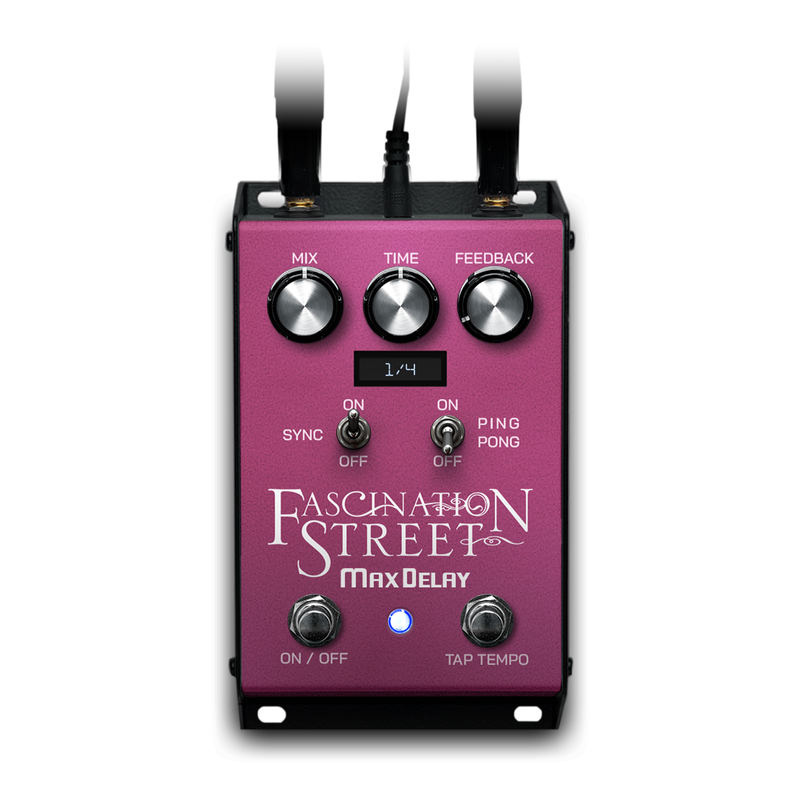
Max Delay
A warm analog delay sound tends to blend nicely into the mix and the Max Delay is no exception.
Use it for short slapbacks or get close to a full second of delay. Use it in mono or enjoy the wide dramatic ping-pong effect where the delay hits alternate between the left and right channels.
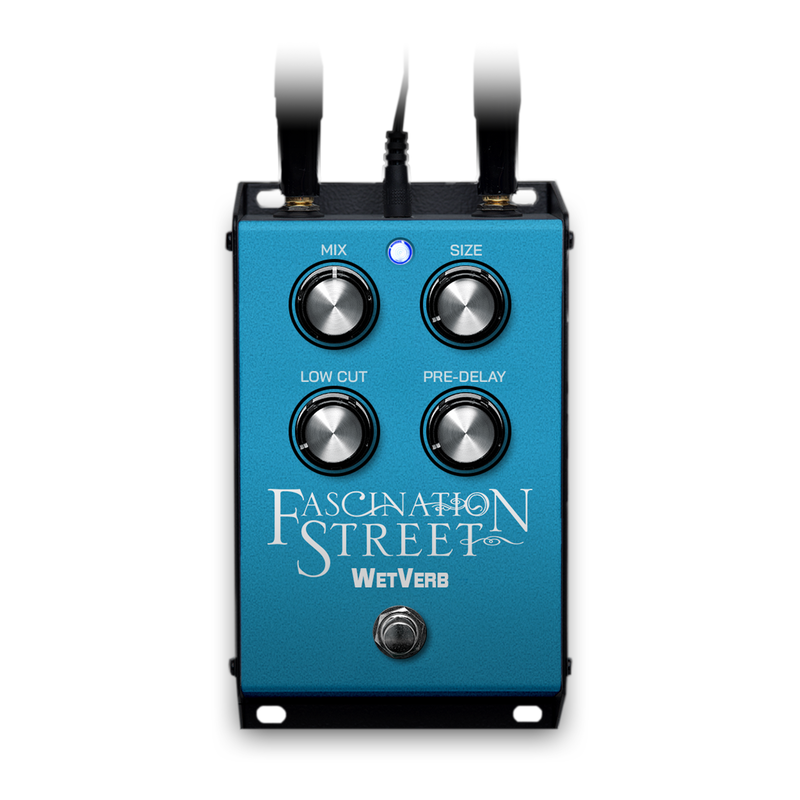
Wet Verb
Turn on the reverb and instantly add space and character to your sounds.
The Wet Verb is a clean and easy-to-use stompbox reverb, tailor-made for guitars.

Record Your Ideas
When inspiration strikes, every second counts before that golden riff is gone forever.
With Ampknob, you can capture your ideas quickly and easily without even starting a DAW. The standalone version of Ampknob includes a built-in recording functionality that makes it effortless to always stay creative.
A scratch book has never been this inspiring!
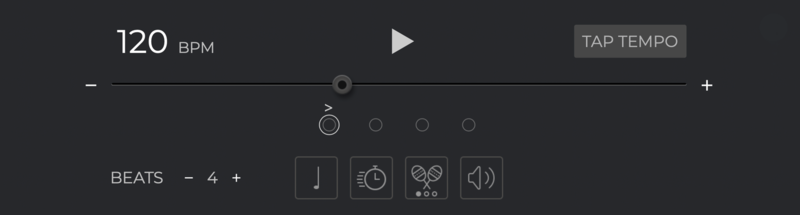
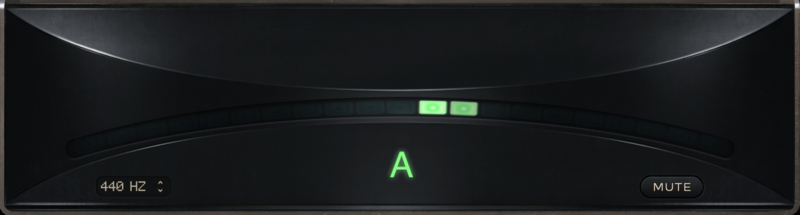
Stay in Time, Stay in Tune
The standalone version of MLC S_Zero 100 comes with a built-in metronome for you to stay sharp at your guitar playing skills.
Change meter, accent, or set automatic speed increments so you can focus on practicing without even taking your hands off the guitar.
The excellent built-in tuner means you're always ready to jam!
System Requirements
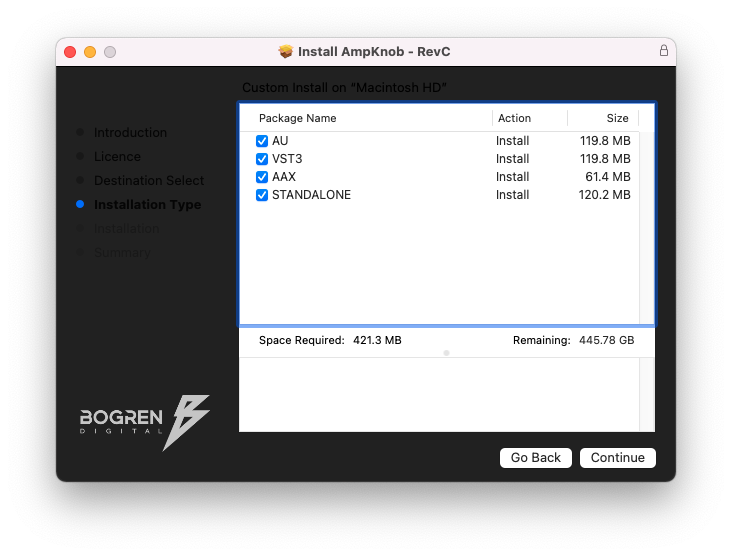
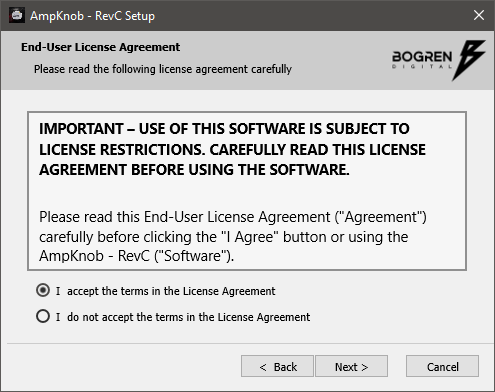
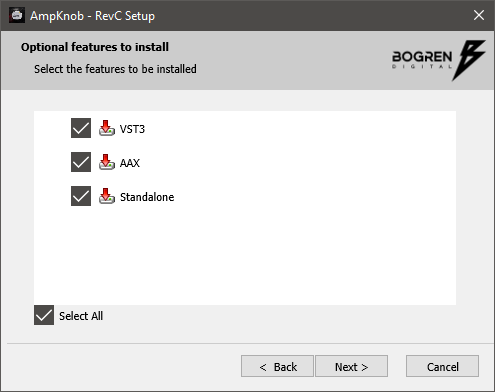
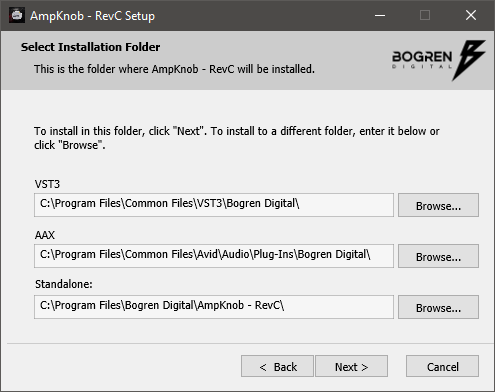
- Available as VST3/AU/AAX/Standalone
- Windows 10 or newer
- Mac OS 10.13 or newer (Intel & Apple Silicon Native)


Reviews Summary
While it aims to provide a helpful overview, it may not capture every perspective or detail. We encourage you to read individual reviews to make an informed decision.
Users praise this guitar amp simulator for its versatile, mix-ready sound quality across genres ranging from lush cleans to extreme metal. Reviewers appreciate the useful presets, built-in effects, and high-quality cab simulation that does not require external IRs. The few criticisms include the lack of MIDI integration and pitch-shifting features, as well as heavy marketing from the company.


