Log In

Free gifts available with your purchase
The Most Authentic Guitar Amp Plugin Suite
Designed, Not Modelled
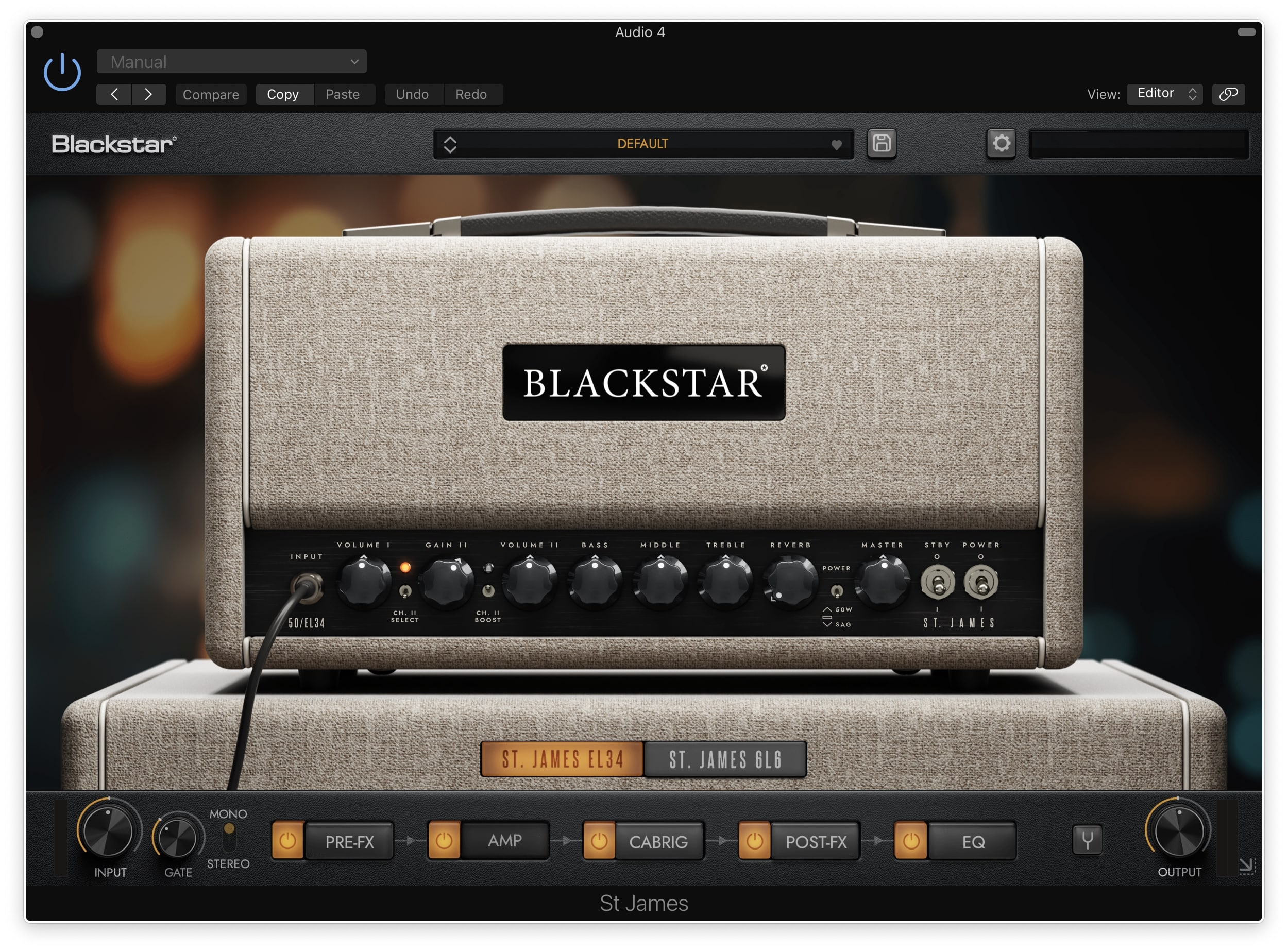
By applying decades of world-class real-world amplifier design experience, the St James Suite delivers the TONE and FEEL of real valve amplifiers in a visually stunning, easy to use, low-latency package that sets new standards in the live and studio/recording world.
What’s Included
The St. James Amps
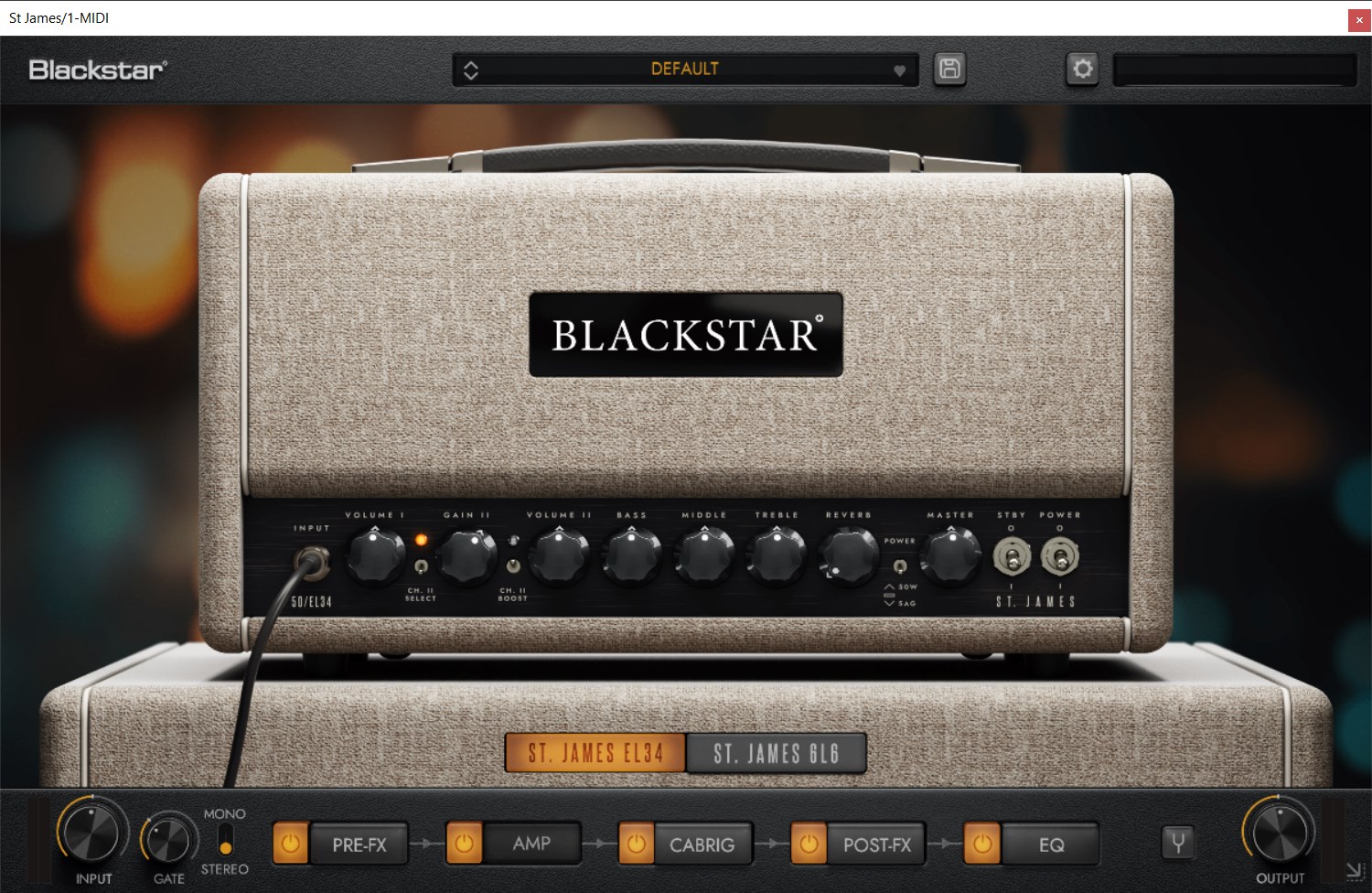
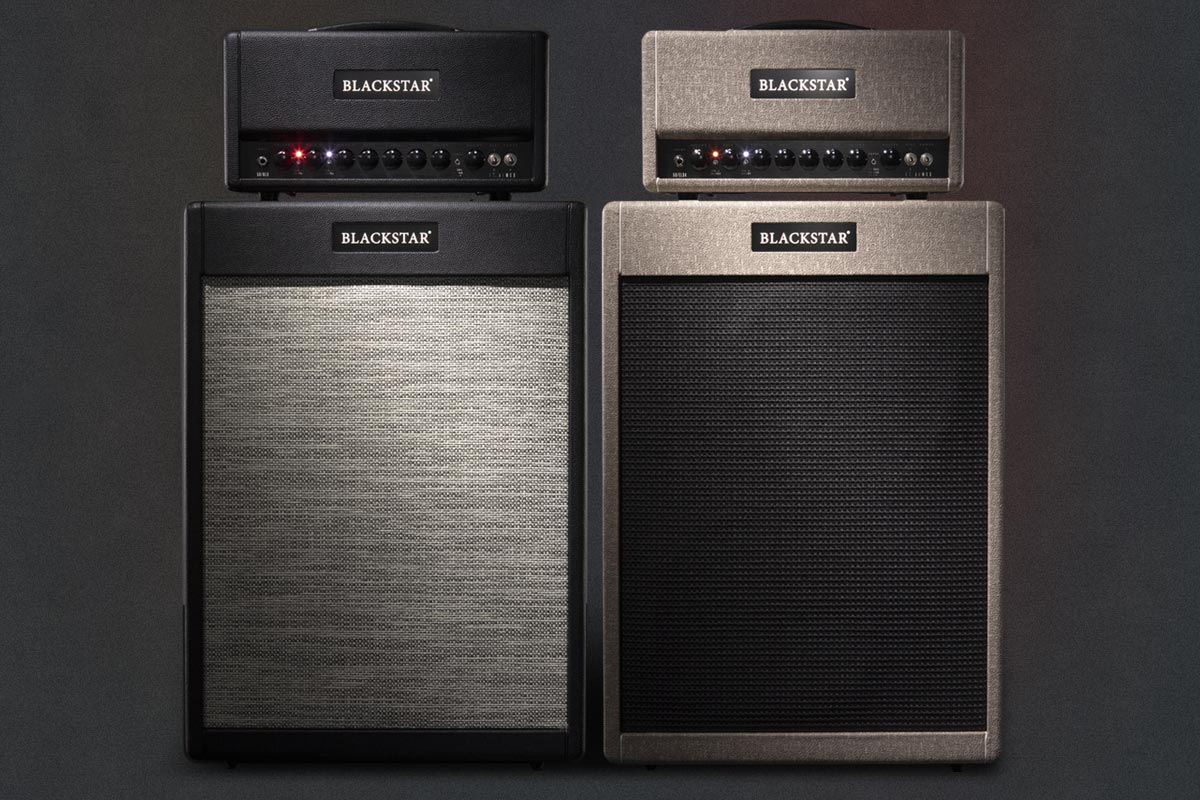
- EL34 - The St. James EL34 is the choice amp for Classic tones combining world- class British Crunch and jaw-dropping US cleans. This amp delivers the warmth, chime and squash that define the sound associated with icons from the 60s. It is the perfect pedal platform and comes alive when the power stage is pushed hard.
- 6L6 - The 6L6 model embodies the detail and clarity of contemporary designs. The 6L6 amp has clean headroom coupled with Blackstar's highest gain overdrive circuit yet. The design for Channel II Voice I is incredibly faithful to its award-winning valve amp counterpart, with “modern” preamp gain with a British style passive tone stack, whereas Channel II Voice II shifts the design tight, articulate modern metal sounds.
Pre-FX
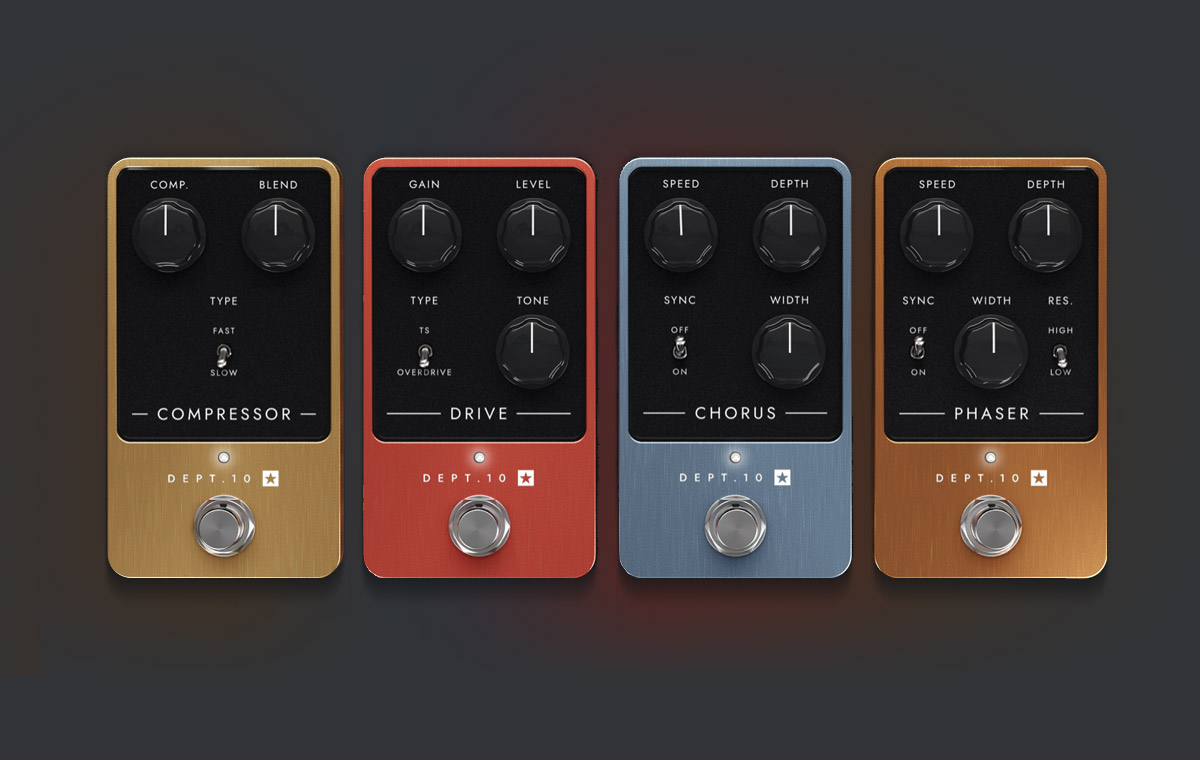
The Pre-FX draw inspiration from revered vintage effects pedals, capturing the unique interactivity and character that make them truly special. Bridge the gap between hardware and software with unrivalled touch sensitivity and dynamics carefully designed into these pedals. Choose from a selection of Compressor, Drive, Chorus, Phaser.
Post-FX
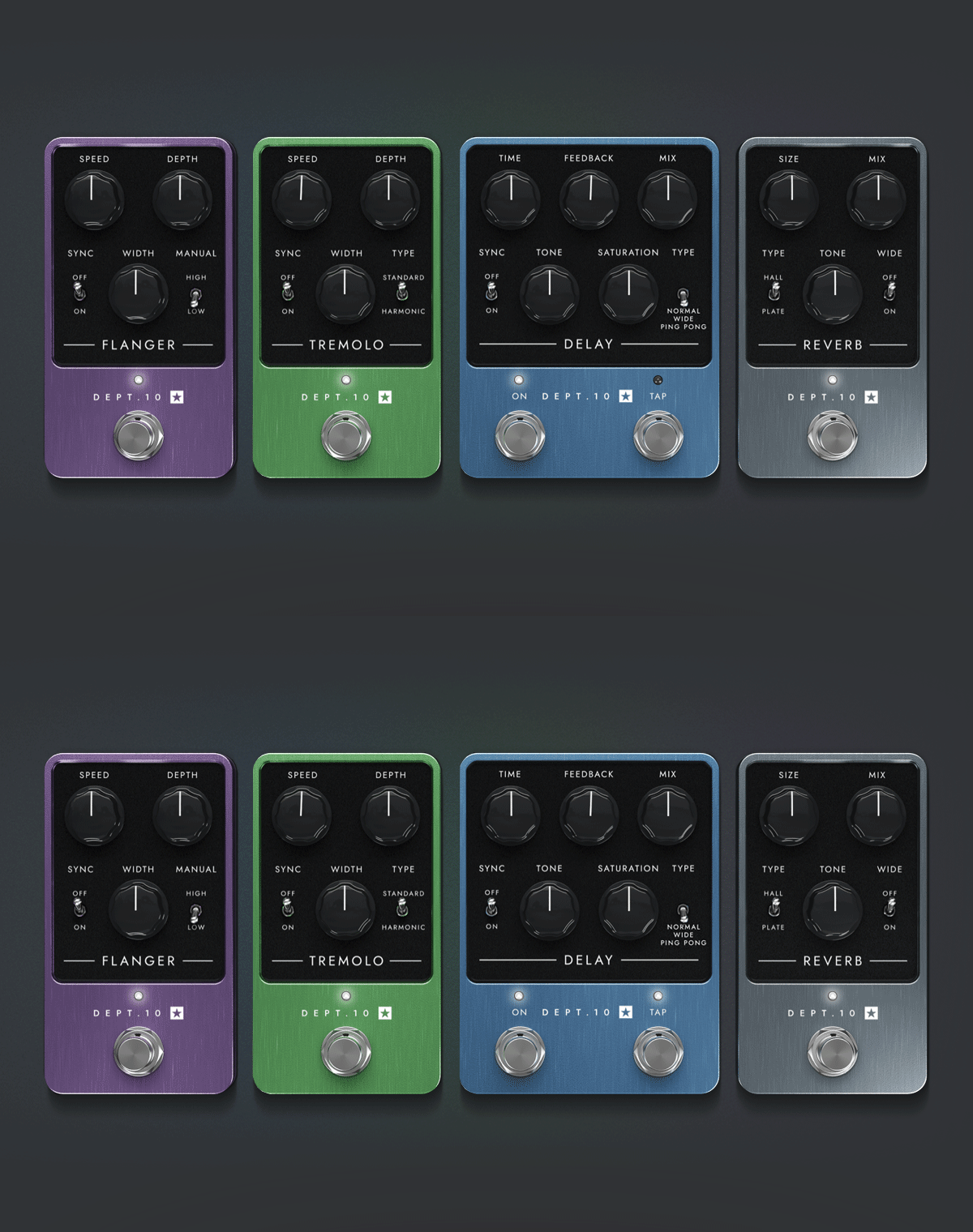
Add space and depth to your tone with Post-FX that deliver the personality of classic effects units. Countless hours of critical listening and development has resulted in effects that are both immensely accurate and inspirational to the player. Choose from a selection of Flanger, Tremolo, Delay and Reverb.
EQ
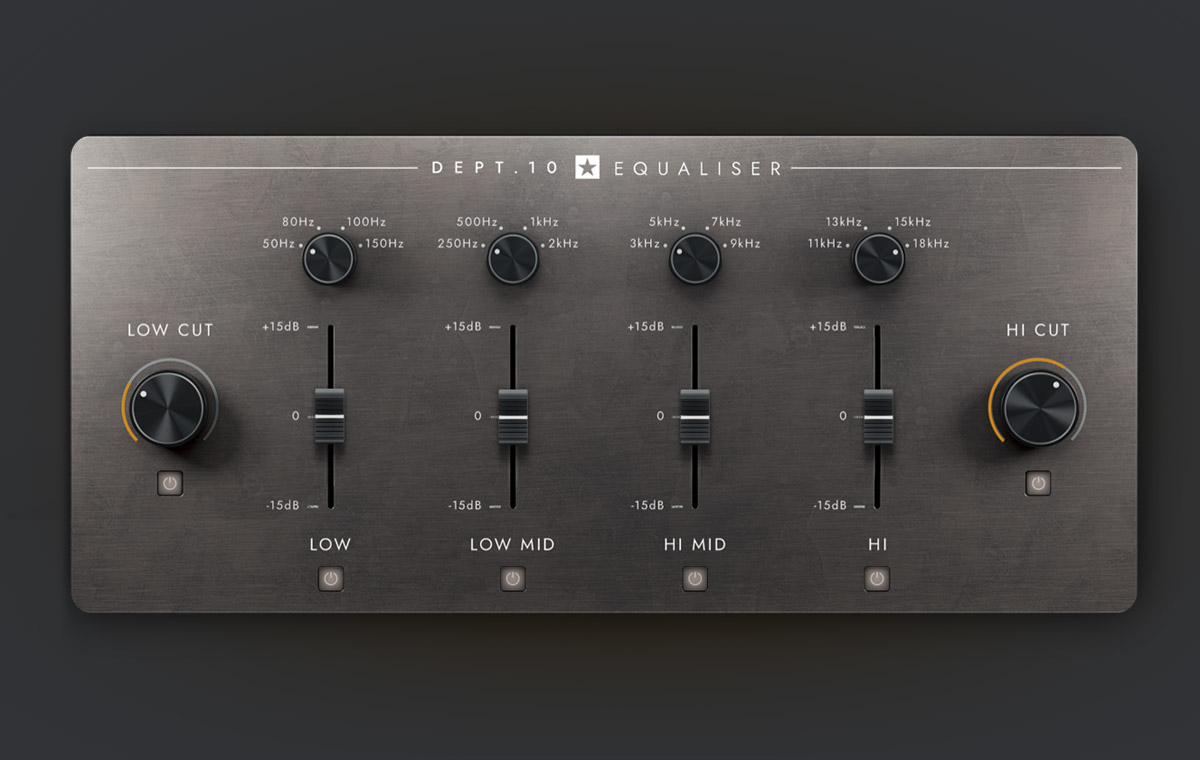
The Dept. 10 Equaliser is based on a renowned analogue rack unit famed for its organic sound and effectiveness in finessing electric guitar recordings. It features adjustable high and low cuts as well as four semi-parametric EQ bands with selectable centre frequencies.
CabRig
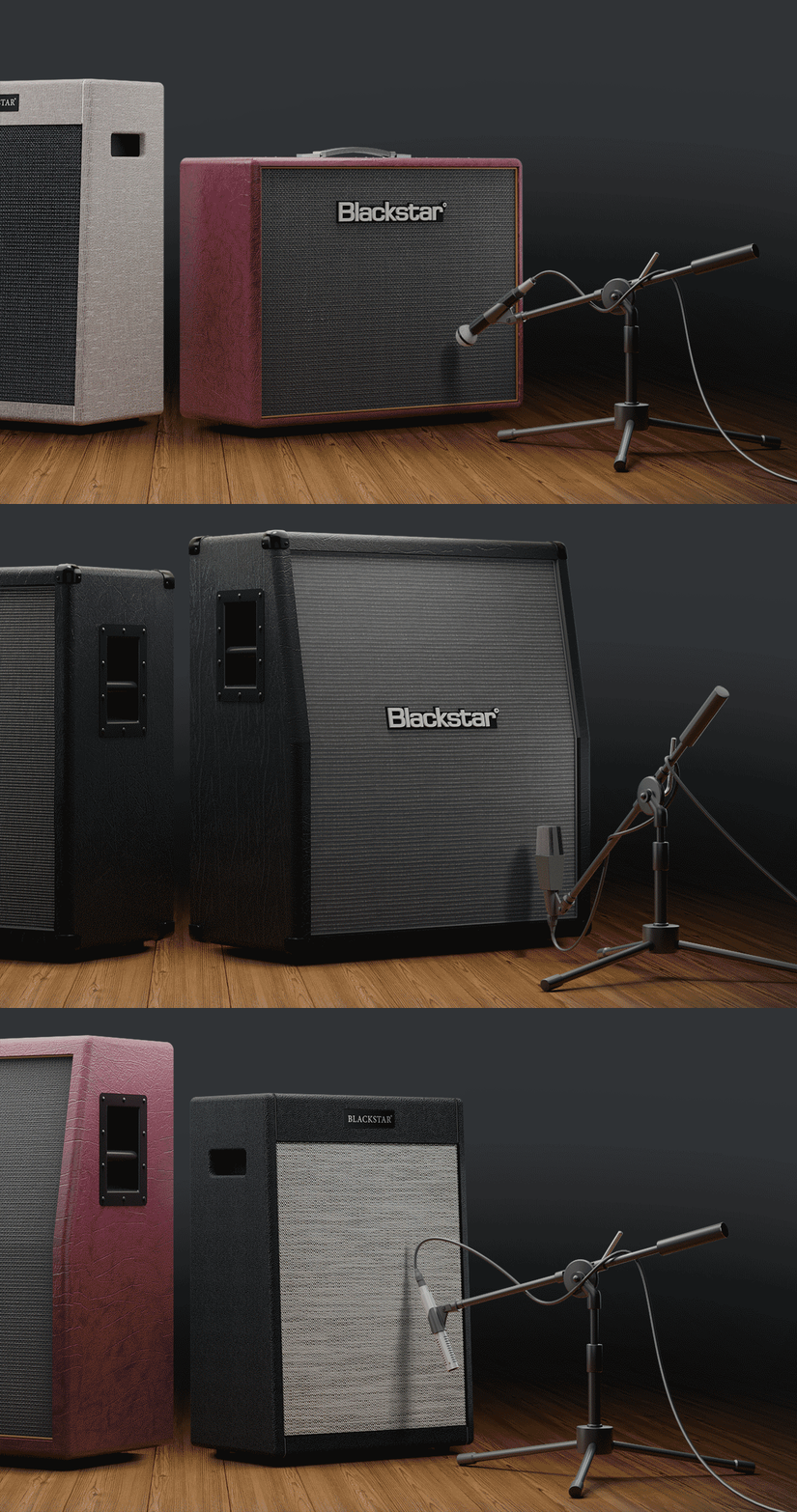
CabRig is Blackstar's next-generation DSP speaker simulator that reproduces the sound and feel of a mic’d up guitar cab in incredible detail. Their new advanced algorithm simulates a speaker, cabinet, mic and room with incredible detail with effectively zero latency, no phase mismatch and with much more flexibility than a ‘snapshot’ IR. CabRig for the St. James plugin is unique, offering a curated selection of 9 classic Blackstar speaker cabinets and 6 industry standard microphones. Get outstanding results every time, without any of the hassle.
The St. James Range
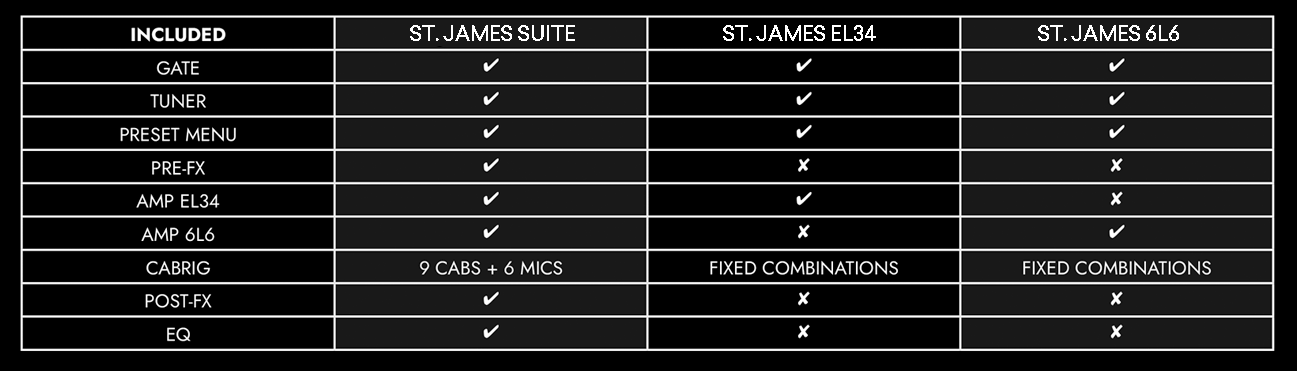
Also available is the St. James EL34 and the St. James 6L6 - for information as to what is included with each product, see the table below
Features
- BOTH St. James EL34 and 6L6 valve amps
- Pre-FX pedal board
- CabRig advanced speaker simulation
- Post-FX pedal board
- Master EQ
- Noise gate
- Standalone, VST, AU and AAX
System Requirements
PC
- Windows 8 or later
- AMD Quad-Core Processor (R3 2200G or higher) / Intel Core i3 Processor (i3-4130 / i5-2500 or higher)
- 8 GB of RAM
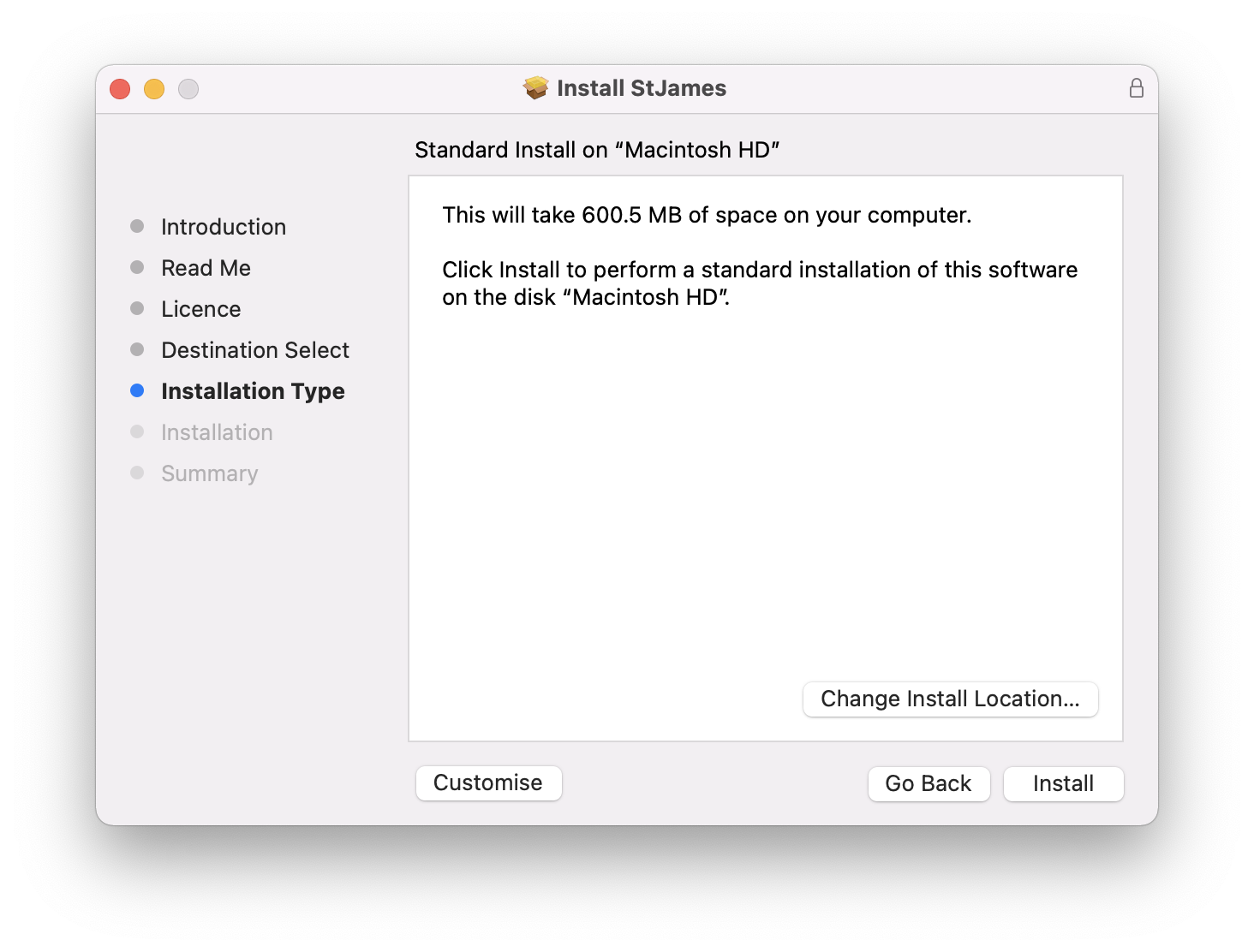
- 350 MB of drive storage
Mac
- Mac OSX 10.15 (Catalina) or later
- Intel Core i3 Processor (i3-4130 / i5-2500 or higher).
- 8 GB of RAM
- 700 MB of drive storage
Authorization
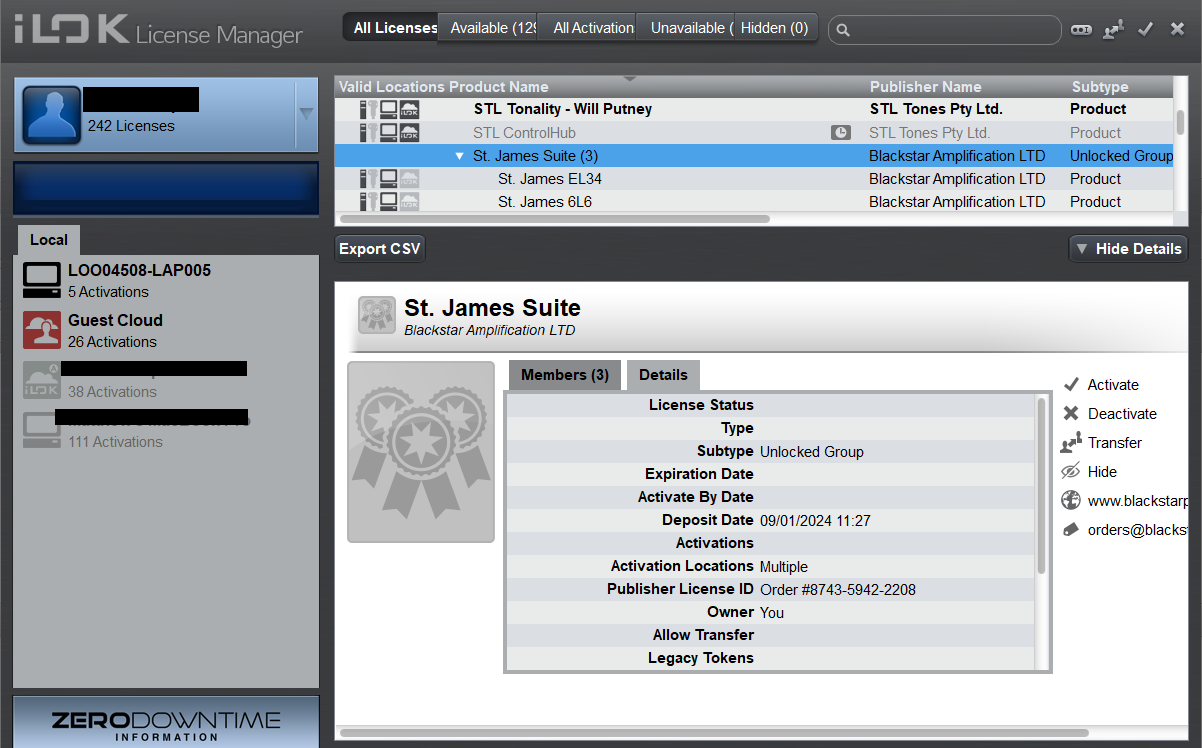
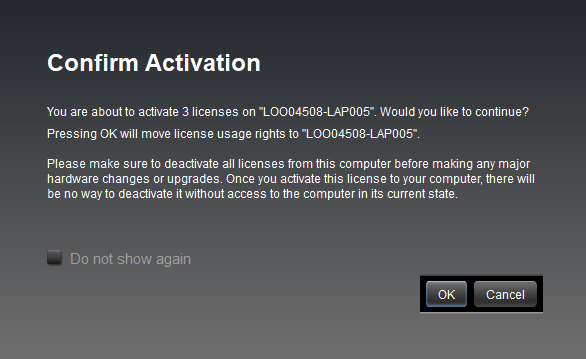
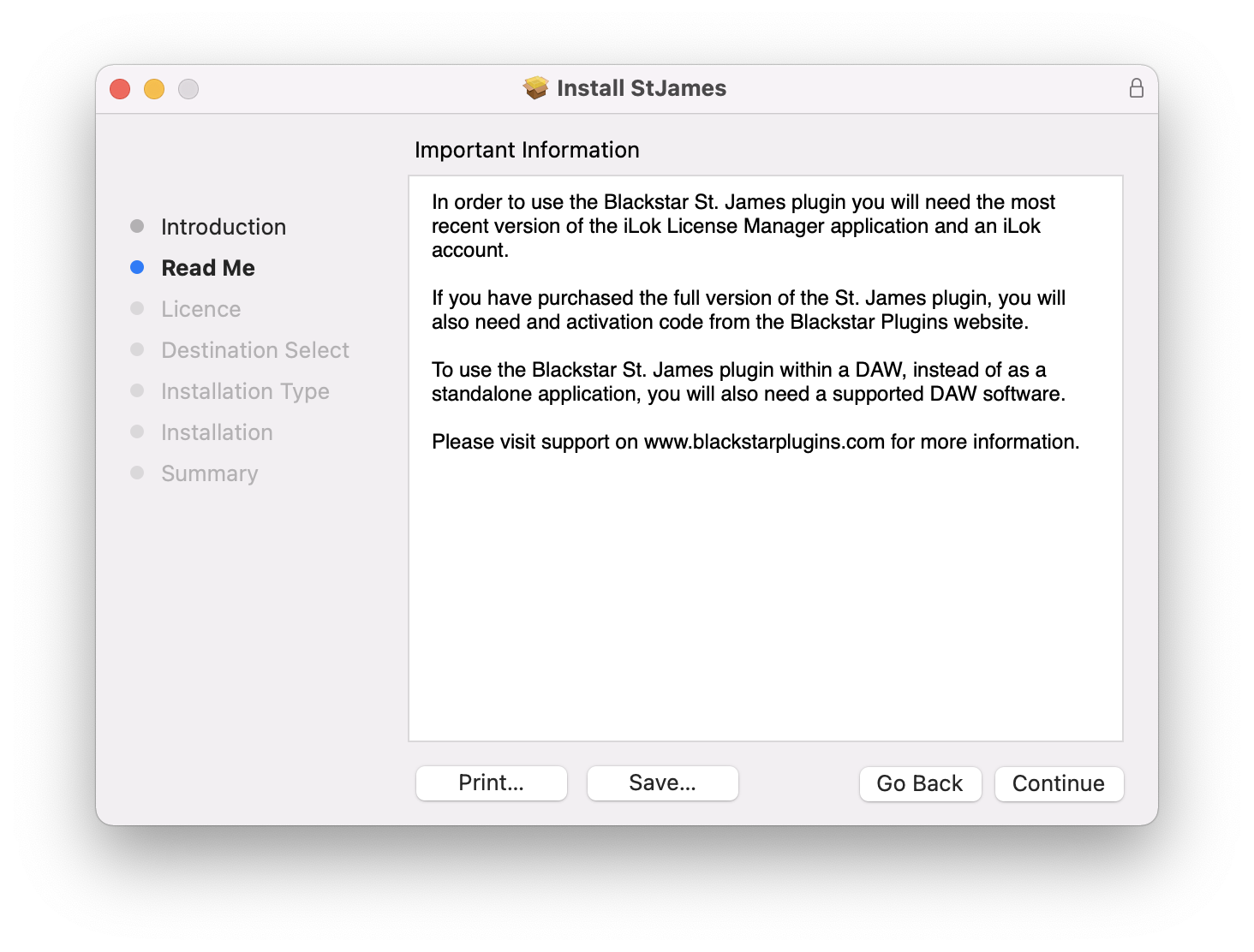
- iLok License Manager and an internet connection are required.

Paul White
Sound on Sound
“When recording my own material I’ve still generally fallen back on putting a mic in front of my favourite small combo. Having tried the St James plug-in, though, I suspect that this will be my first port of call in future.”

Jamie Humphries
SixStringAlliance
“One of the best amp plugins I’ve ever used”

Tom Gittins
Monochrome Productions
“This thing sounds fantastic! After a while I began to forget that I wasn't even playing through an 'amp'. I think this will be hailed as the 'Players Plugin'”