Log In
_(1).jpg)
Free gifts available with your purchase
The Most Authentic Guitar Amp Plugin
Designed, Not Modelled
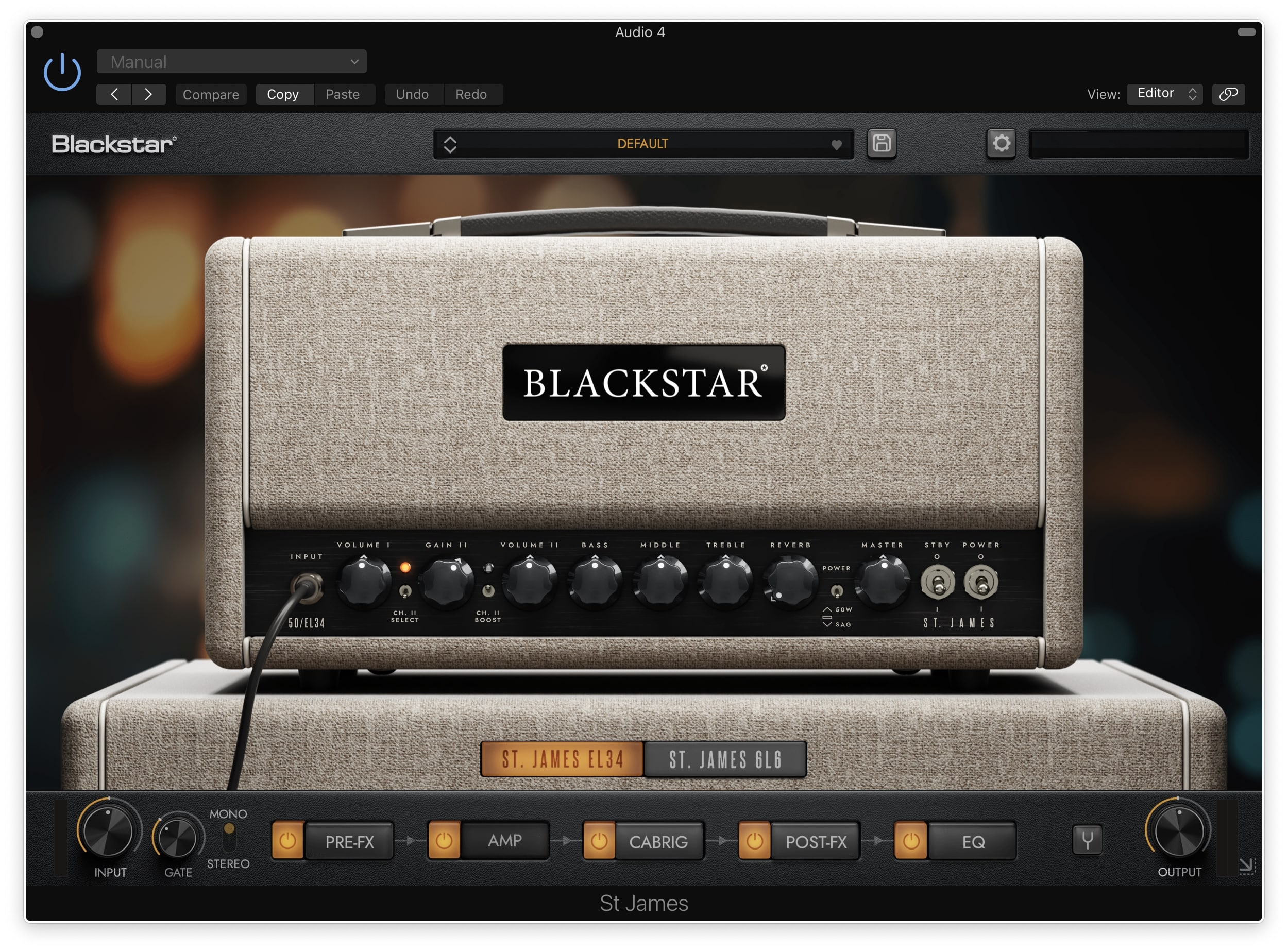
By applying decades of world-class real-world amplifier design experience, the St James Suite delivers the TONE and FEEL of real valve amplifiers in a visually stunning, easy to use, low-latency package that sets new standards in the live and studio/recording world.
What’s Included
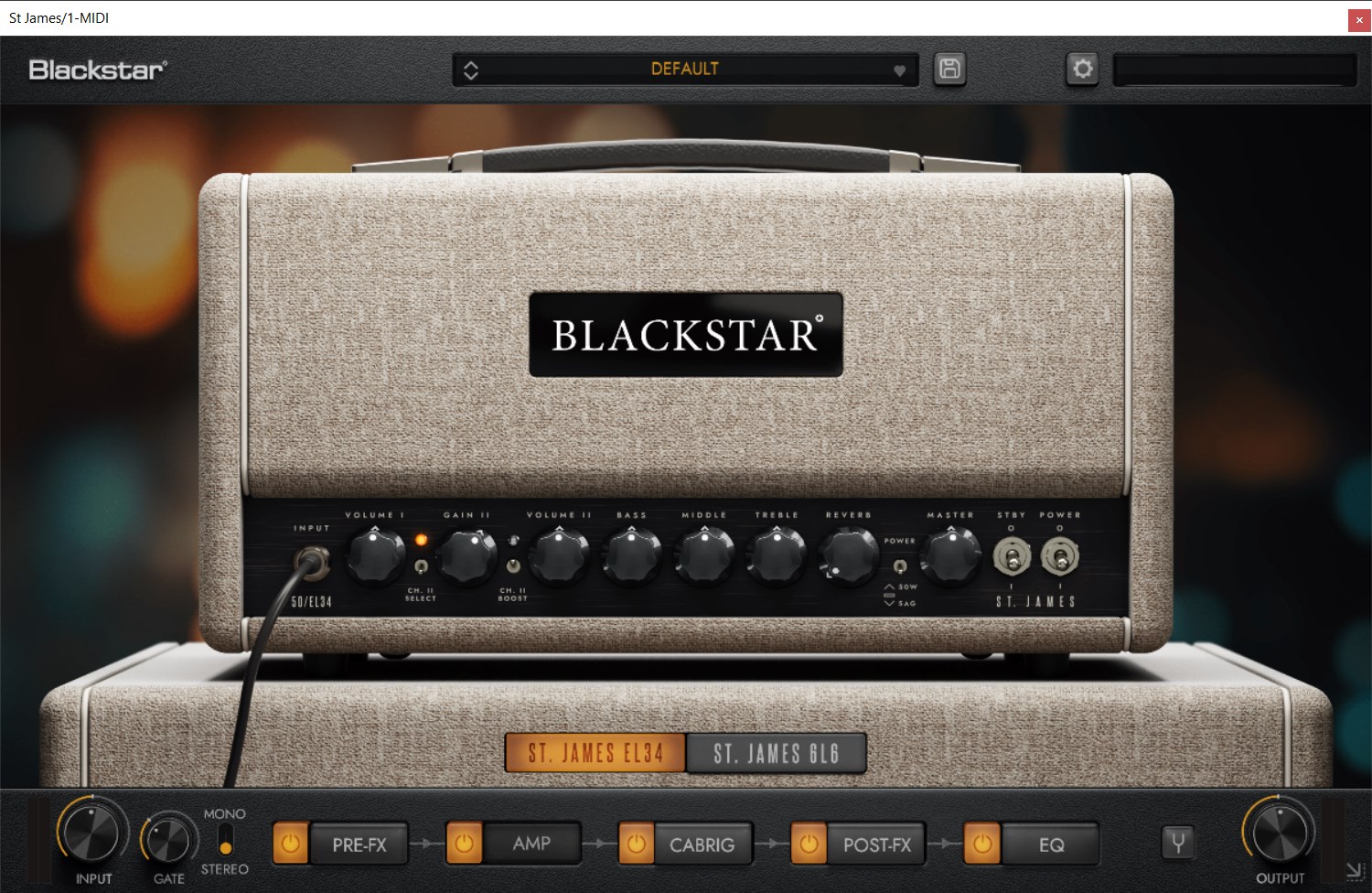
ST. James EL34 Amp
The St. James EL34 is the choice amp for Classic tones combining world- class British Crunch and jaw-dropping US cleans. This amp delivers the warmth, chime and squash that define the sound associated with icons from the 60s. It is the perfect pedal platform and comes alive when the power stage is pushed hard.
CabRig
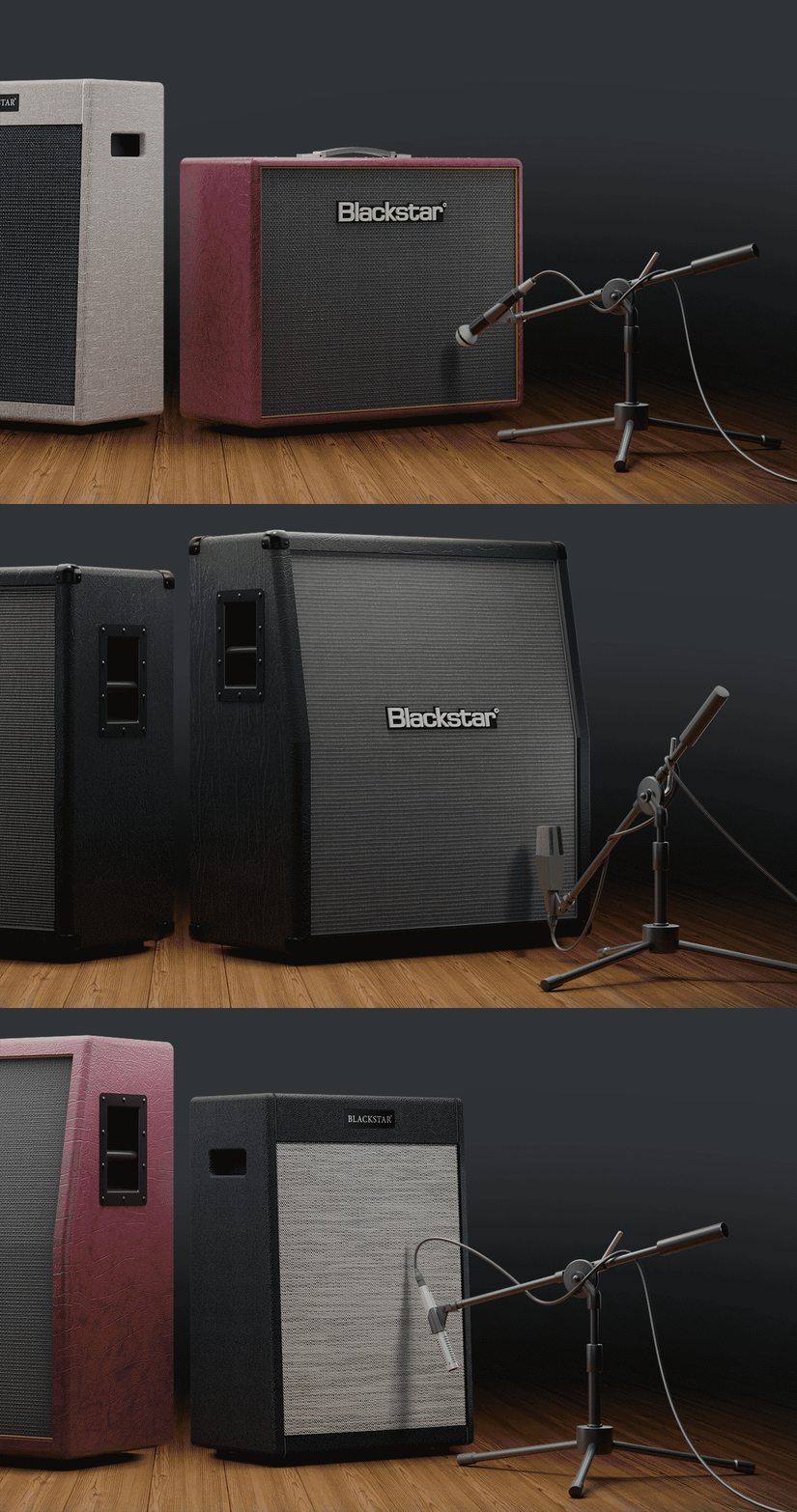
CabRig is Blackstar's next-generation DSP speaker simulator that reproduces the sound and feel of a mic’d up guitar cab in incredible detail. Their new advanced algorithm simulates a speaker, cabinet, mic and room with incredible detail with effectively zero latency, no phase mismatch and with much more flexibility than a ‘snapshot’ IR. CabRig for the St. James plugin is unique, offering a curated selection of 9 classic Blackstar speaker cabinets and 6 industry standard microphones. Get outstanding results every time, without any of the hassle.
The St. James Range
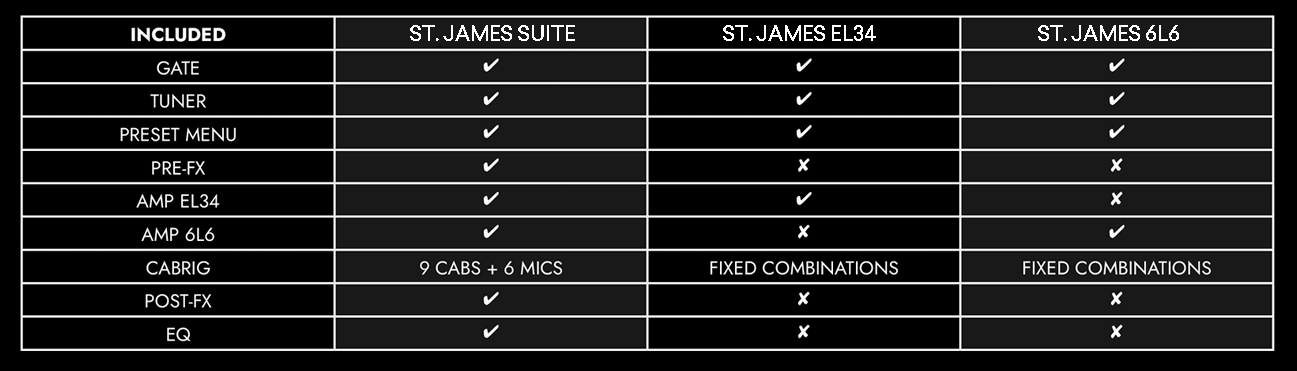
Also available is the St. James Suite and the St. James 6L6 - for information as to what is included with each product, see the table below
Features
- St. James EL34 valve amp
- CabRig advanced speaker simulation
- Standalone, VST, AU and AAX
- Noise gate
System Requirements
PC
- Windows 8 or later
- AMD Quad-Core Processor (R3 2200G or higher) / Intel Core i3 Processor (i3-4130 / i5-2500 or higher)
- 8 GB of RAM
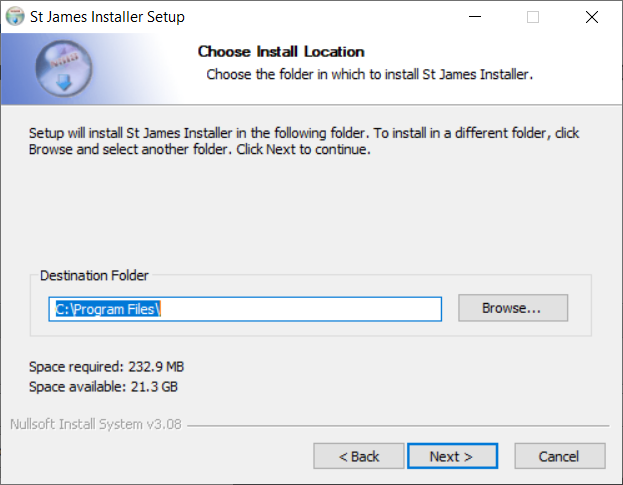
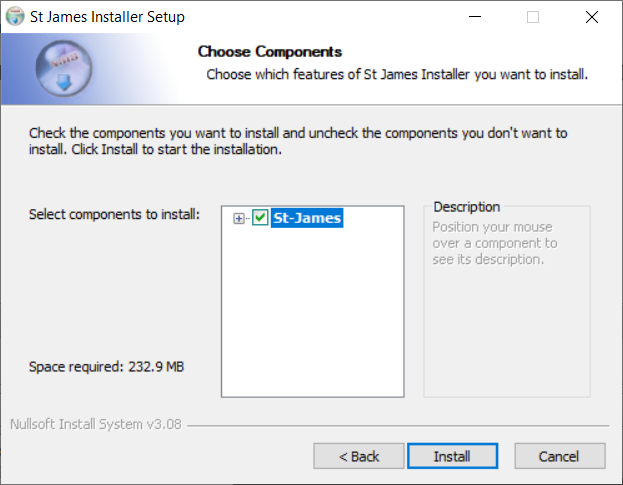
- 350 MB of drive storage
Mac
- Mac OSX 10.15 (Catalina) or later
- Intel Core i3 Processor (i3-4130 / i5-2500 or higher).
- 8 GB of RAM
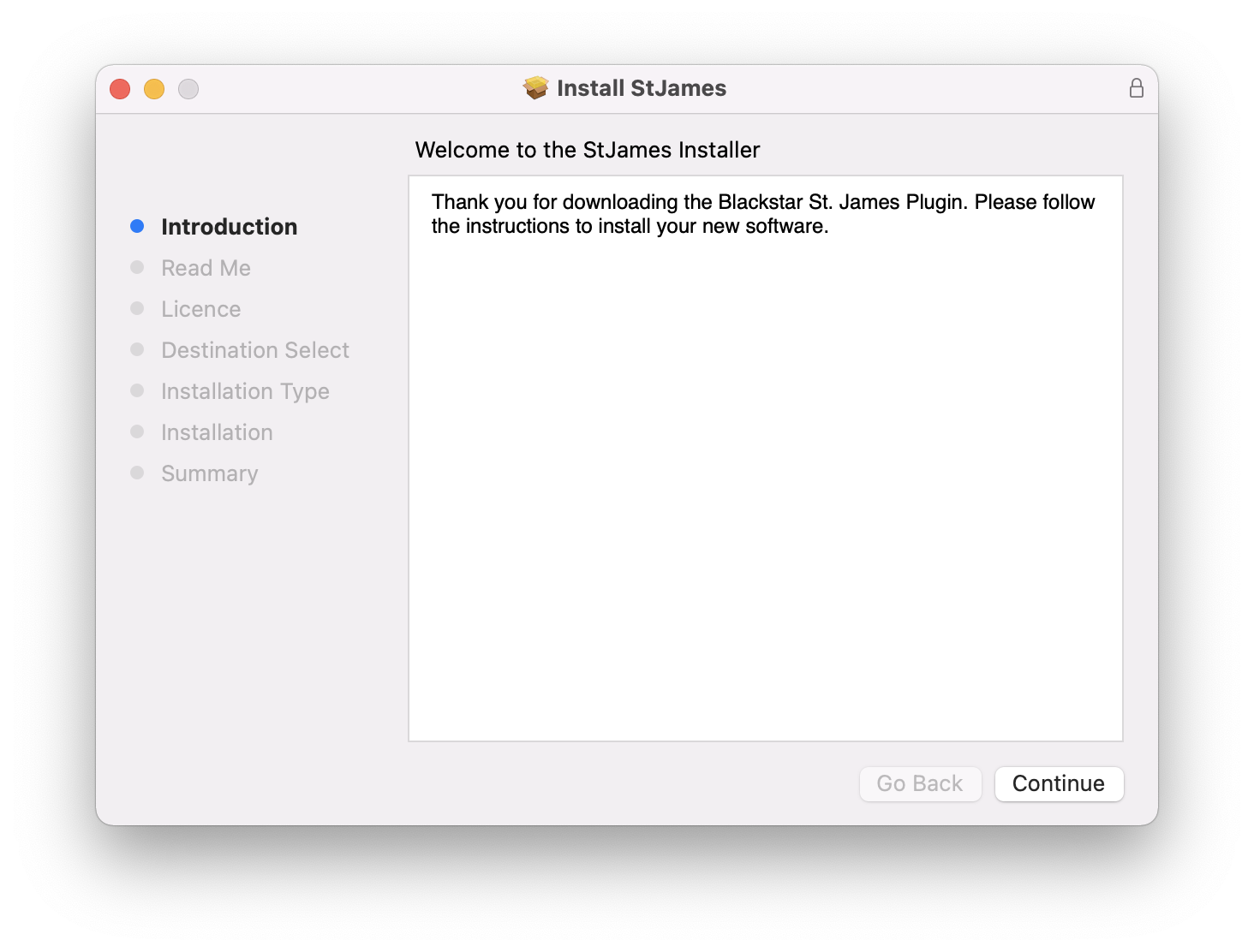
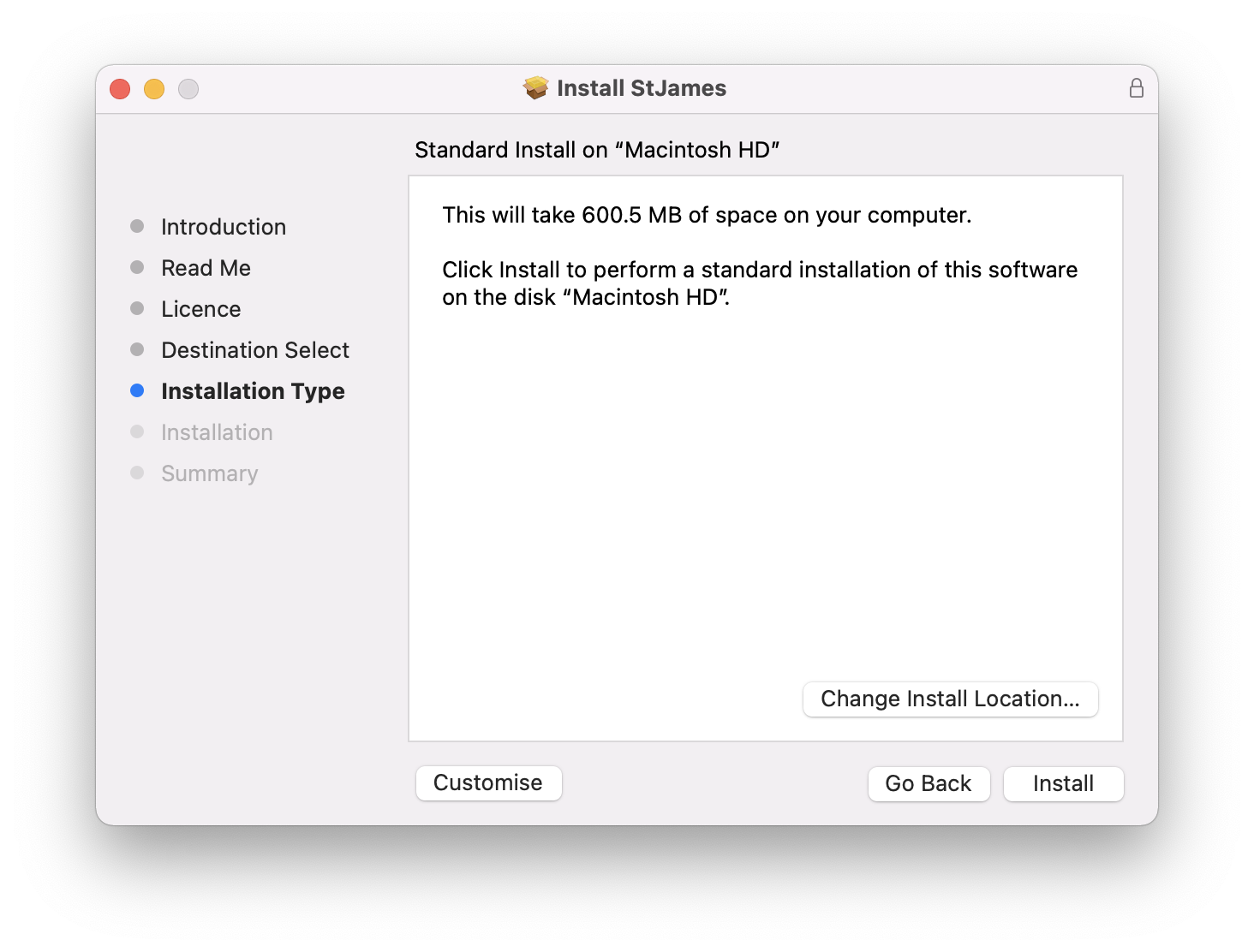
- 700 MB of drive storage
Authorization
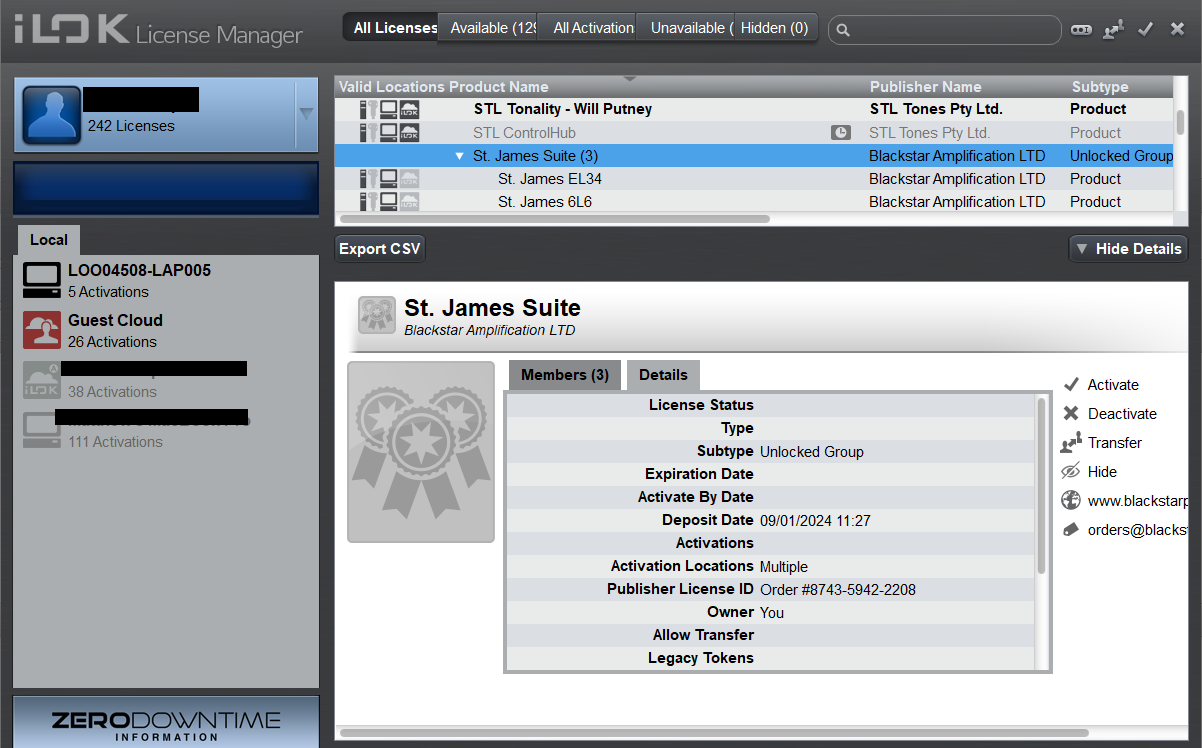
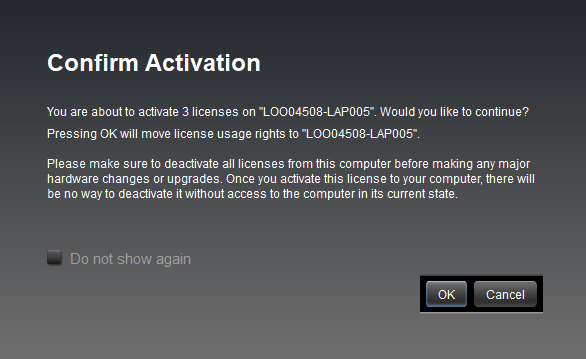
- iLok License Manager and an internet connection are required.