Log In
Free gifts available with your purchase
Return of the Tweed
A Major Classic
The F-59 is a milestone guitar amplifier from the 1958-60 era which set the course of technology and tone for decades. This iconic trendsetter in tube amplification had a groundbreaking impact on the sound of rock and roll, inspiring countless players all around the globe. There are many great amps out there for sure, but the F-59 is what it is: A pure tweed monster.
Thick, Smooth and Rich
It's no secret that the F-59 is a veritable tone wonder for guitar. Keeping it clean or just on the edge of breakup delivers thick, deep tones with a lot of body, while cranking it results in that smooth, rich and simply beautiful type of distortion. Off the beaten paths, synths and beats appreciate the plugin, too, benefiting big time from its warm timbre, sweet crunch and responsive dynamic feel.
Full Fledged and Then Some
The F-59 plugin painstakingly emulates both preamplifier channels, the legendary tone stack network as well as the power amplifier including the revision A presence filter feedback circuit. A cabinet simulation and a linear level control have been added to meet the demands of ITB workflow. The cabinet stage can be bypassed for use with your preferred IR or cabinet emulation suite.
Love at First Strum
With its surprisingly organic feel and great pick response the F-59 is one of the most realistic sounding and playing emulations of the amp. It works for and not against you when performing in the box, and it offers an amazing palette of real world tones to choose from without ever sounding over-processed. Just plug in and play it loud – it's an ear opener!
Features
- Iconic Amplifier: The F-59 is a classic guitar amp from 1958-60, known for shaping rock and roll sound and inspiring musicians worldwide.
- Rich Tone: Delivers thick, deep tones when clean, transitioning to smooth and beautiful distortion when cranked, also enhances synths and beats.
- Authentic Emulation: Carefully models both preamp channels, tone stack network, and power amp, with added cabinet simulation and linear level control for ITB use.
- Organic Feel: Offers a realistic sound and dynamic response, providing a wide range of tones without sounding over-processed—just plug in and play!
System Requirements
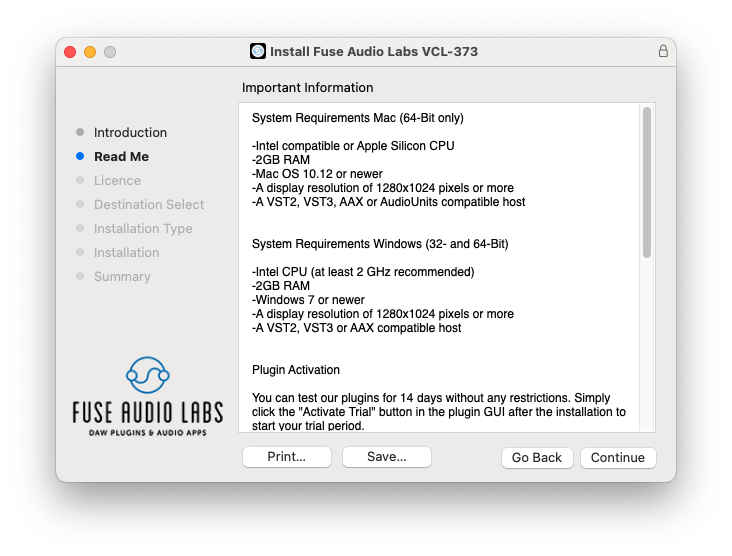
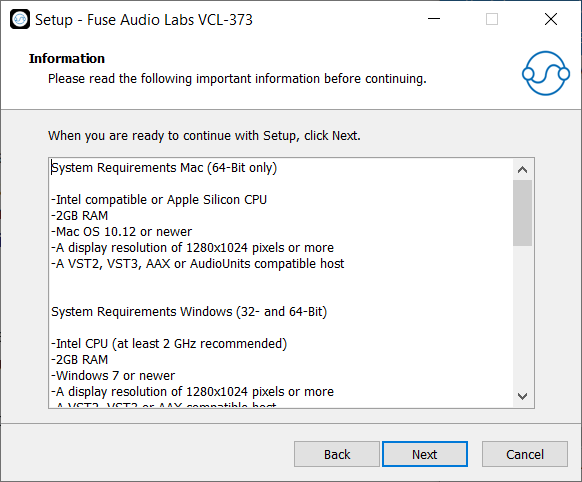
Mac (64-Bit only)
- Intel compatible or Apple Silicon CPU
- 2GB RAM
- Mac OS 10.12 or newer
- A display resolution of 1280x1024 pixels or more
- A VST2, VST3, AAX or AudioUnits compatible host
Windows (32- and 64-Bit)
- Intel compatible CPU (at least 2 GHz recommended)
- 2GB RAM
- Windows 7 or newer
- A display resolution of 1280x1024 pixels or more
- A VST2, VST3 or AAX compatible host