Save $199.99 compared to buying products individually
Buy TONEX + FREE Metal Gems Expansion, get a free gift with purchase:
TONEX

AI Machine Modeled tone creator, player, browser and editor
With the release of TONEX 1.9.1, TONEX and TONEX SE get 20 FREE new Tone Models, covering everything from pristine cleans to crushing high-gain distortion. Users can download the latest version from the IK Product Manager. Once installed, you can access the new presets and Tone Models separately in your TONEX library. Additionally, to make searching, transferring, and auditioning easier, there are two folders in the preset library called Factory Presets v2 and the original presets in Factory Presets v1.
Experience hyper-realistic Tone Models
A revolutionary concept in rig modeling, and the core of the TONEX ecosystem, TONEX software uses breakthrough AI Machine Modeling™ technology to let you model the sound of any amp, cabinet, combo or pedal, and turn it into a plug-in, all with a sonic accuracy that’s virtually indistinguishable from the real thing.
From rare one-of-a-kind vintage amps to modern rigs, TONEX makes it possible and affordable to own the most sought-after gear in the world.
TONEX Tone Modeling features
- Model amps, cabinets, combos and pedals (like distortion, overdrive, fuzz, EQ or boost) in any combination, from single element to complex rig
- Built-in assistant guides you through each step from hardware connection to complete modeling
- Assign custom skins to your modeled gear and open them as a plug-in or standalone inside the TONEX software and app, or AmpliTube 5 for Mac/PC
- Create Tone Models in minutes (as fast as 5 minutes on modern computers*) using AI Machine Modeling technology with selectable levels of accuracy
- Ultra-precise reproduction of high-frequency content
Learn more about TONEX
Tonex Metal Gems Expansion
Timeless Jewels of Brutal Tone
Metal Gems is an exclusive collection for TONEX of 100 high-gain Tone Models. Meticulously captured to deliver both classic and contemporary metal tones, this collection gives you instant access to 4 legendary amps based on: a Peavey® 5150, Diezel Herbert, Soldano SLO-100 and a Bogner Überschall.
The very essence of these high-gain jewels was captured in glorious high-definition using IK's cutting-edge AI Machine Modeling Technology in conjunction with a sonically perfect environment to produce incredible results that you can own today.
Collection Overview
- 100 Tone Models based on legendary high-gain amps
- A Premium Tone Model collection for use across the entire TONEX ecosystem
- Compatible with all TONEX versions including the free TONEX CS and TONEX App
- Captured at a professional studio with ideal acoustics and the perfect gear
- Created using cutting-edge AI Machine Modeling™ technology with advanced training
- All Tone Models can easily be loaded to TONEX Pedal and used for live performance
Learn more about Tonex Metal Gems Expansion
TONEX for Mac/PC is a 64-bit application and requires a 64 bit CPU and Operating System.
Mac®
- Intel: Intel® Core™ i3 (Core i5 recommended for Modeler), macOS® 10.15 (macOS® 11 Big Sur required for Modeler), 4 GB of RAM, 6 GB of hard drive space
- Apple Silicon: Apple M1, macOS® 11, 4 GB of RAM, 6 GB of hard drive space. TONEX is a native Apple Silicon application.
- Supported Plug-in formats : Audio Units, VST 3, AAX.
Windows®
- Intel: Intel® Core™ i3 or equivalent CPU (Core i5 recommended for Modeler), Windows® 10, 4 GB of RAM, 6 GB of hard drive space, NVIDIA GPU with Maxwell or newer architecture is recommended to reduce training times (eg. GeForce GT 750 or higher).
- Supported Plug-in formats (64-bit): VST 3, AAX.
Internet connection is required to authorise the application and access ToneNET.
Installation
1. Go to https://www.ikmultimedia.com/products/productmanager/#download or click 'Download' in your Plugin Boutique User Account.
2. Download the relevant installer by clicking on the Windows or Mac download buttons.
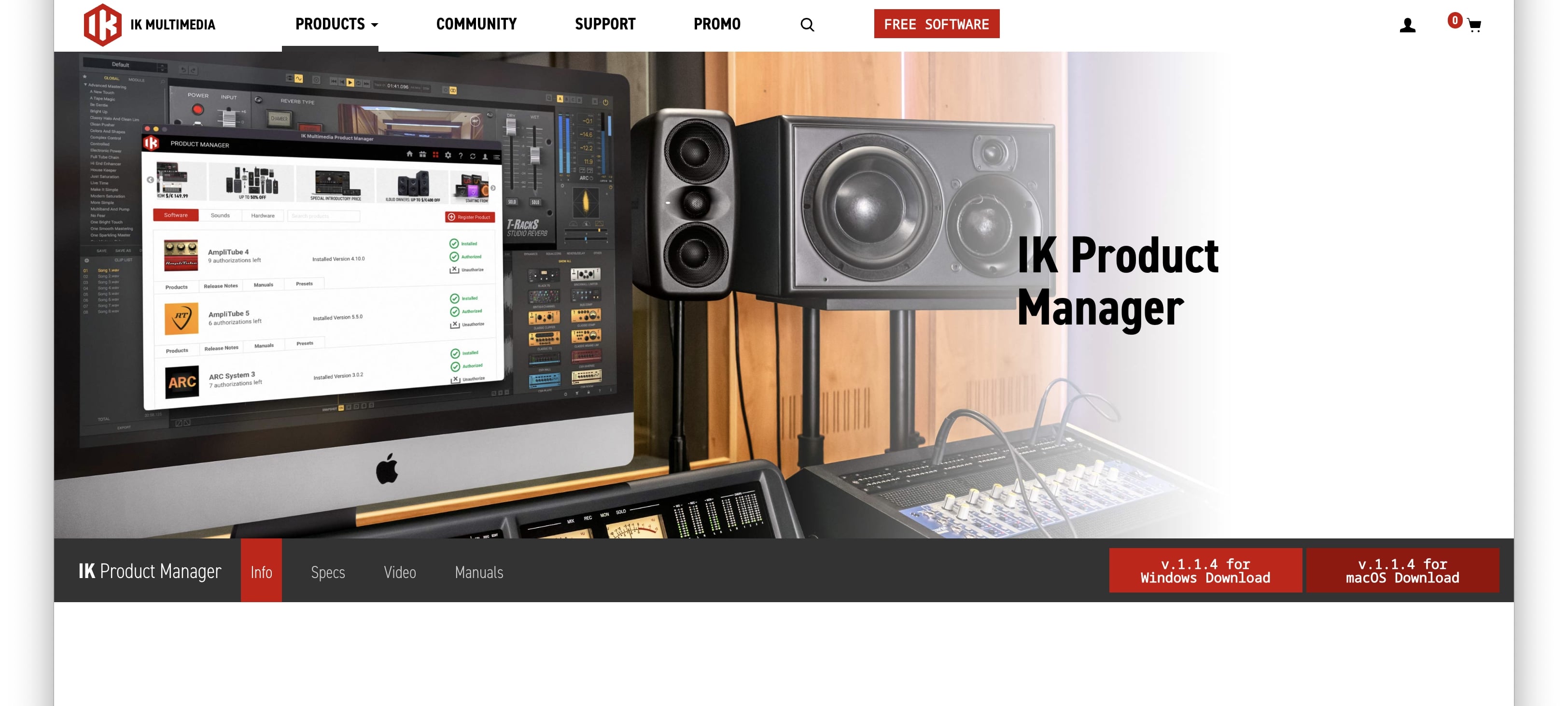
3. Install the IK Multimedia Product Manager > Open once installed.
4. Click 'Create Account' > If you already have an IK Media account, skip to step 7.
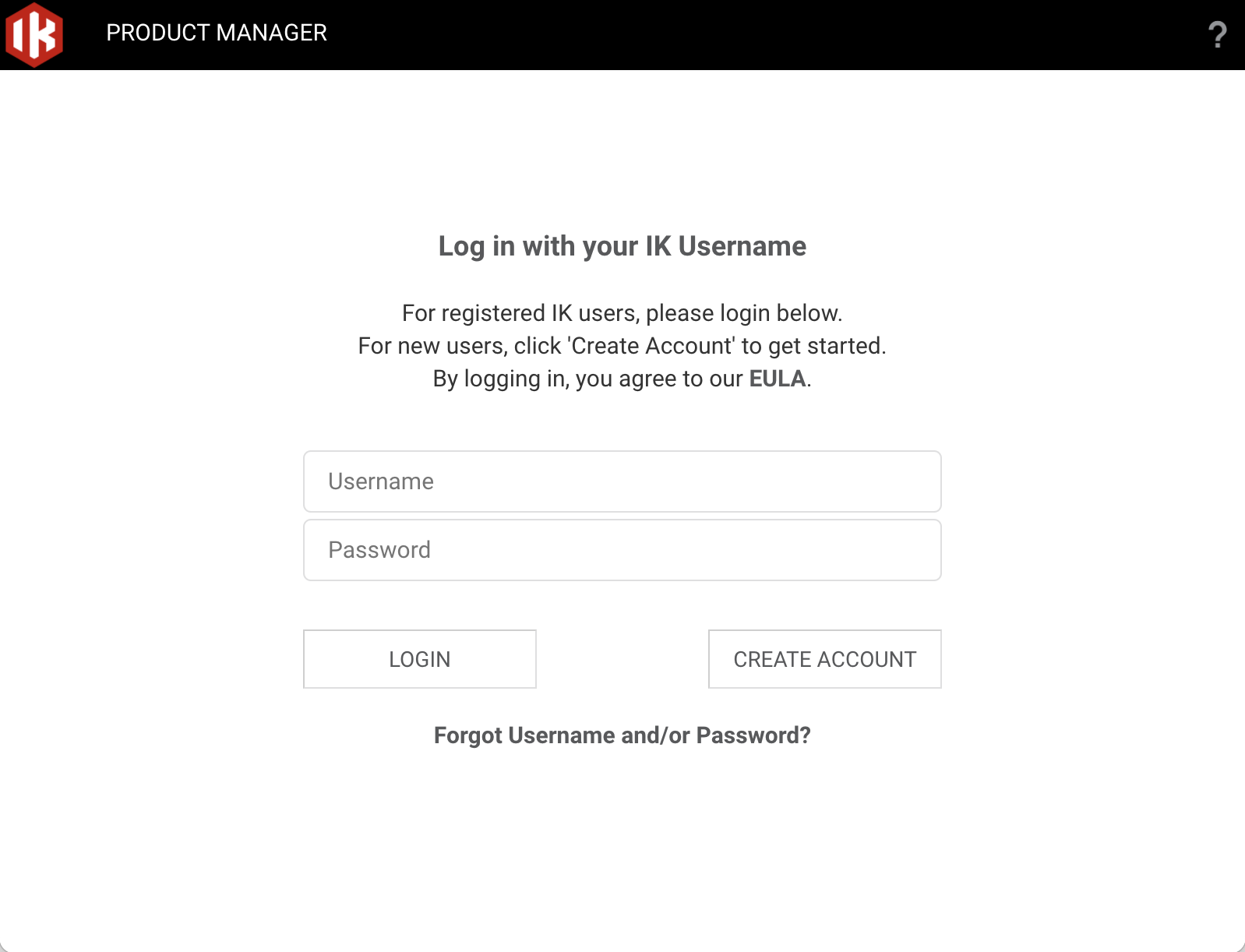
5. Enter the requested information > Click 'Register'.
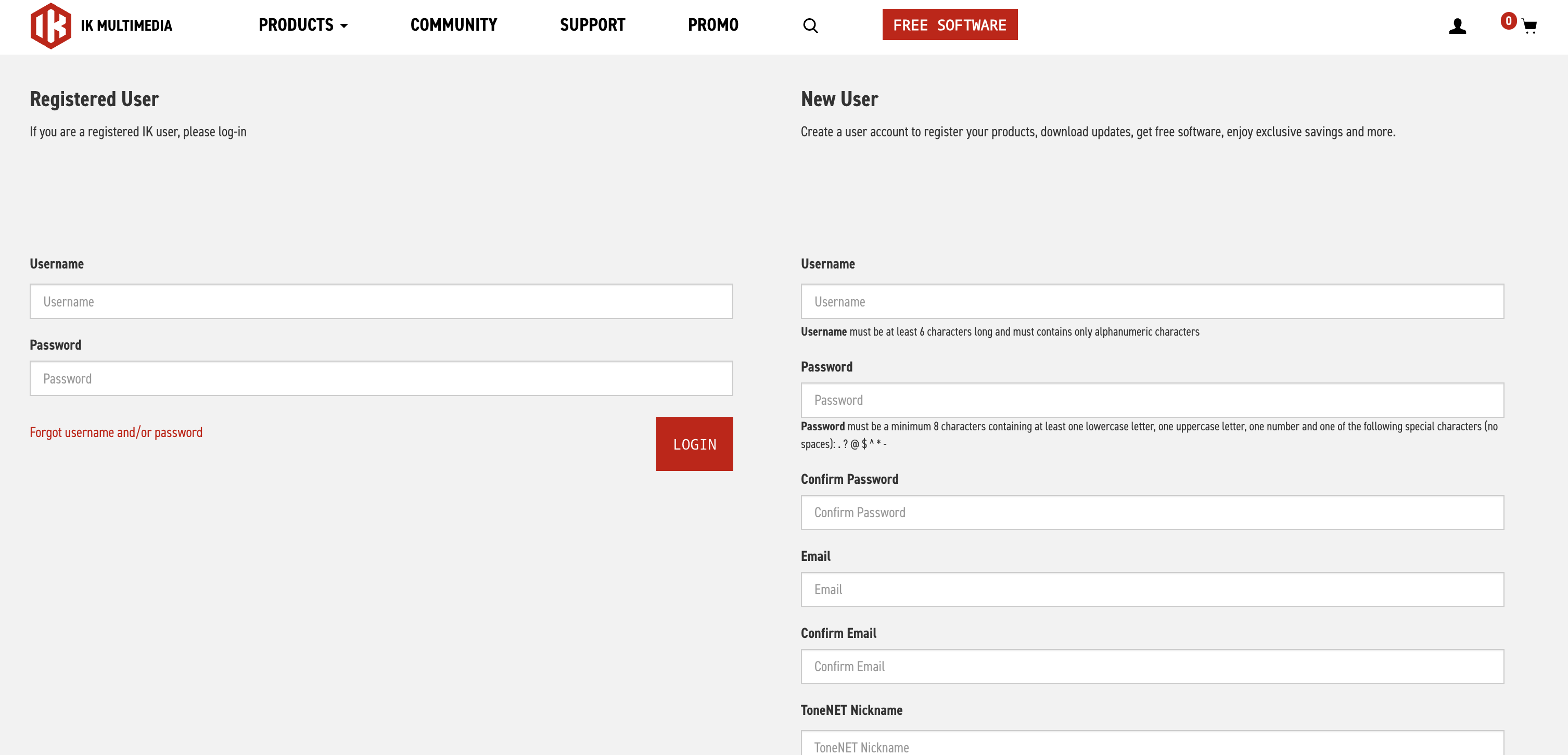
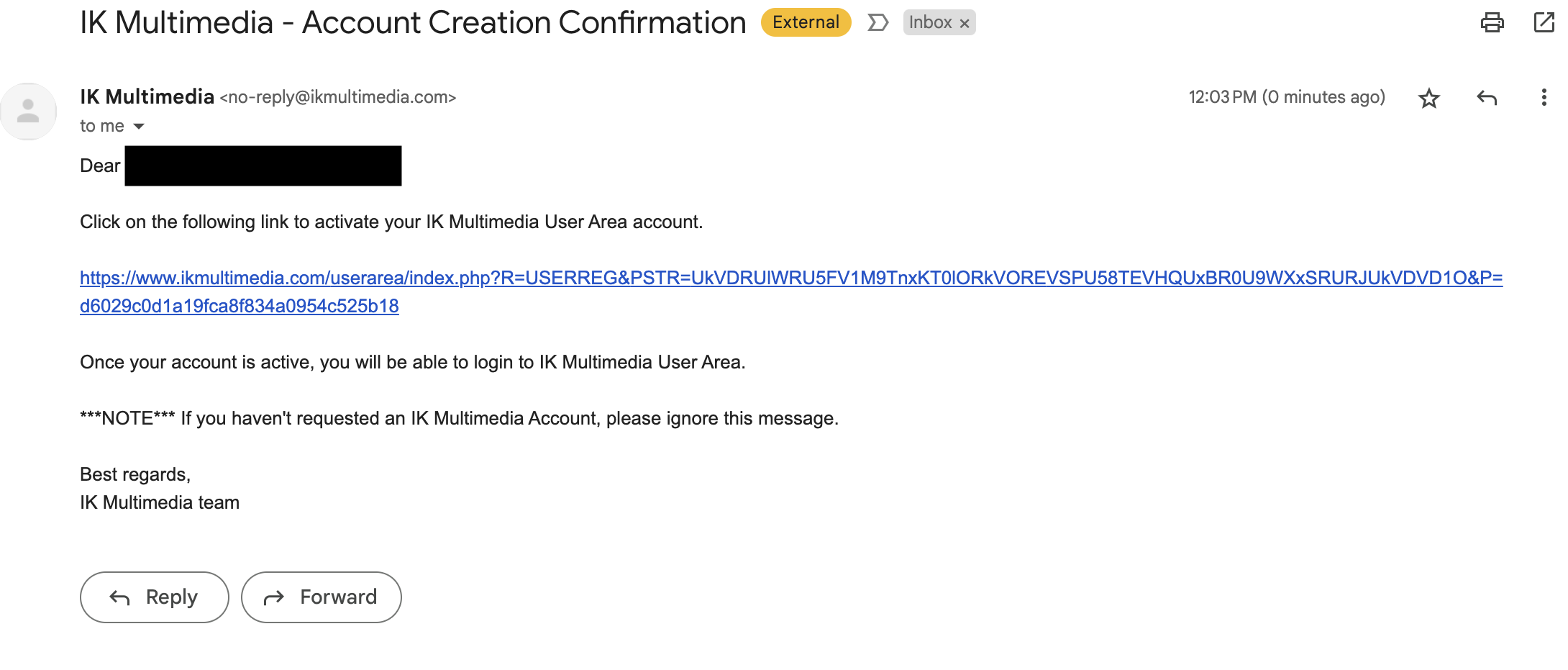
6. Open your email and locate the conformation email from IK Multimedia > Click the conformation link.
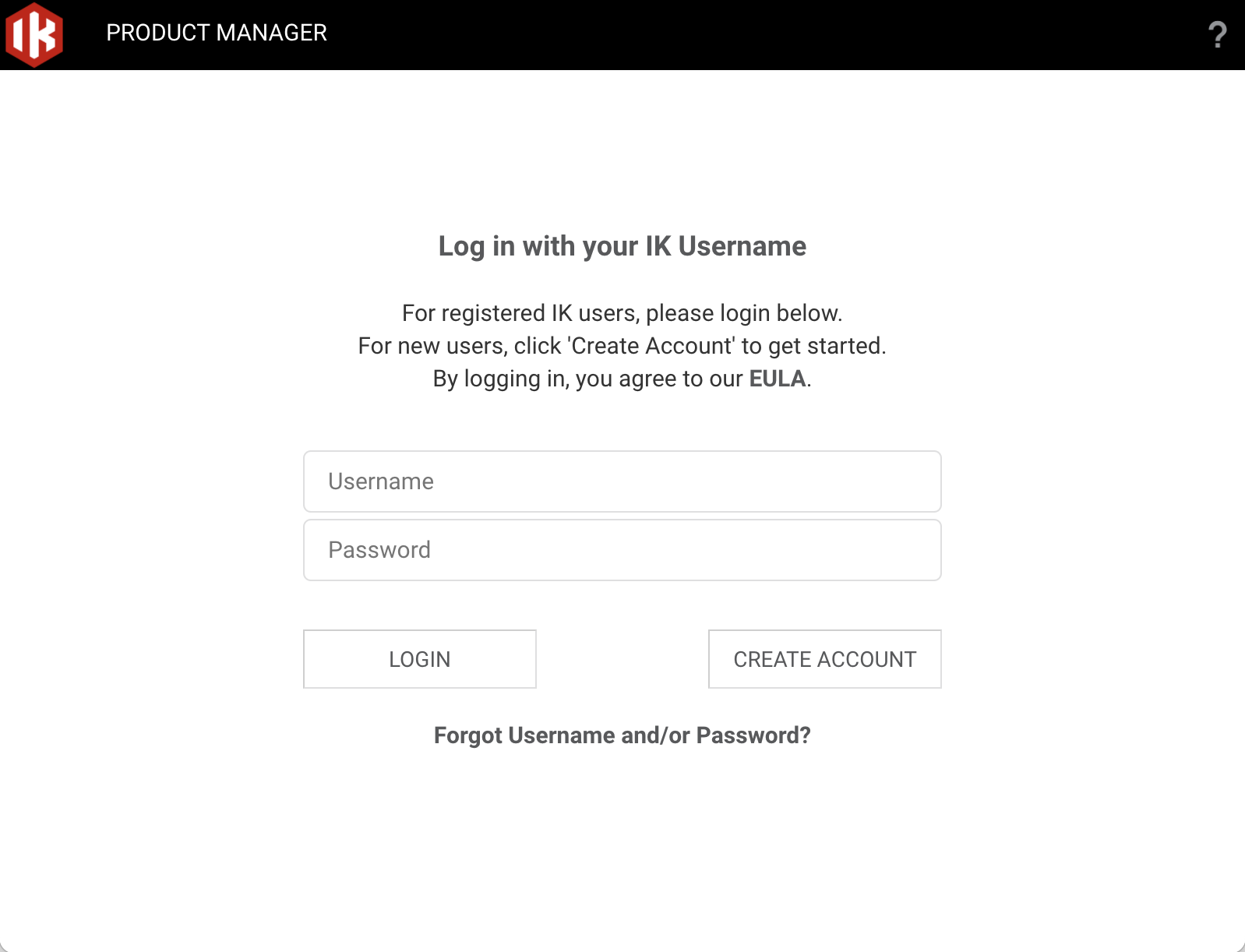
7. Head back to the Product Manager and log in with your newly created account details.
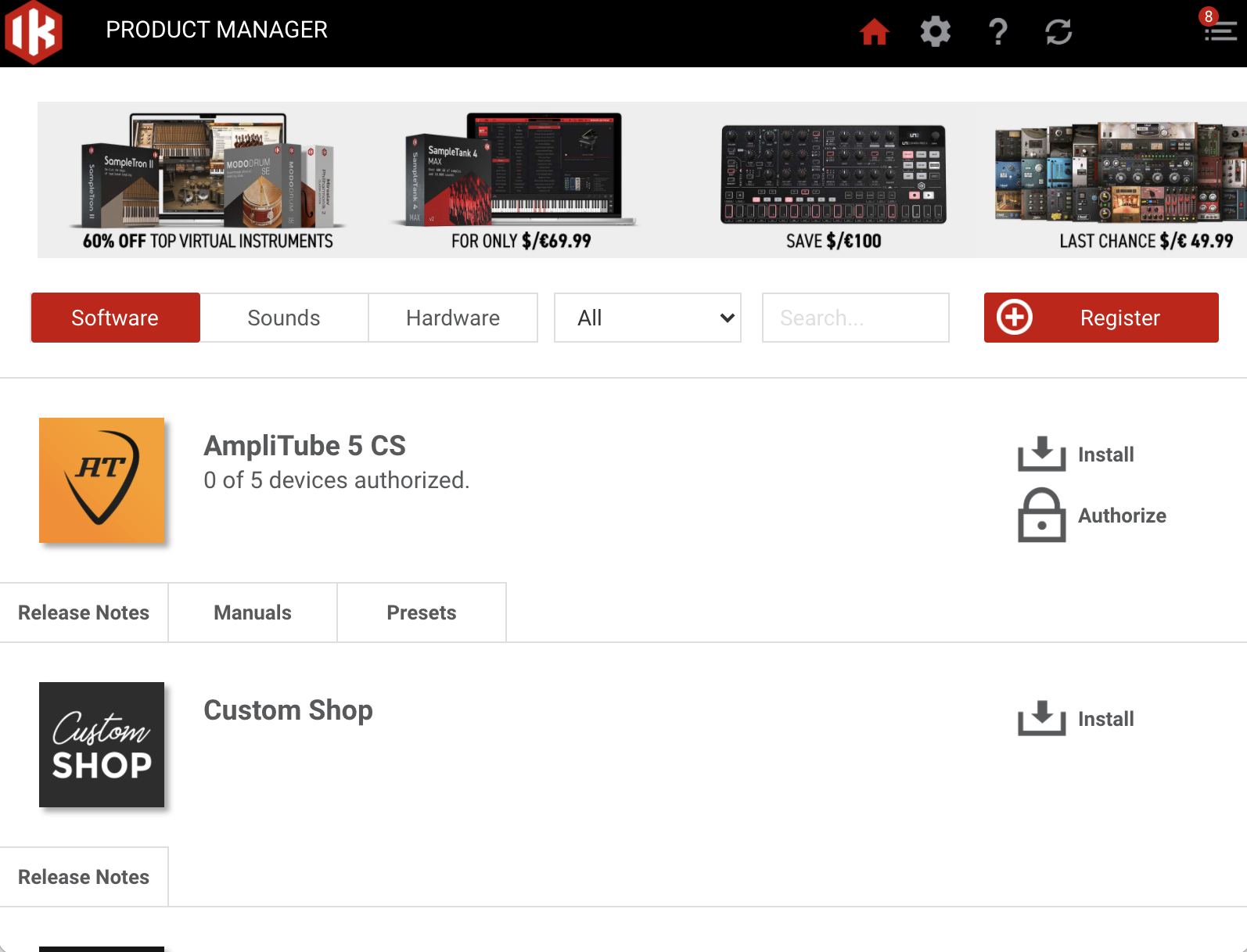
9. Click 'Register'.
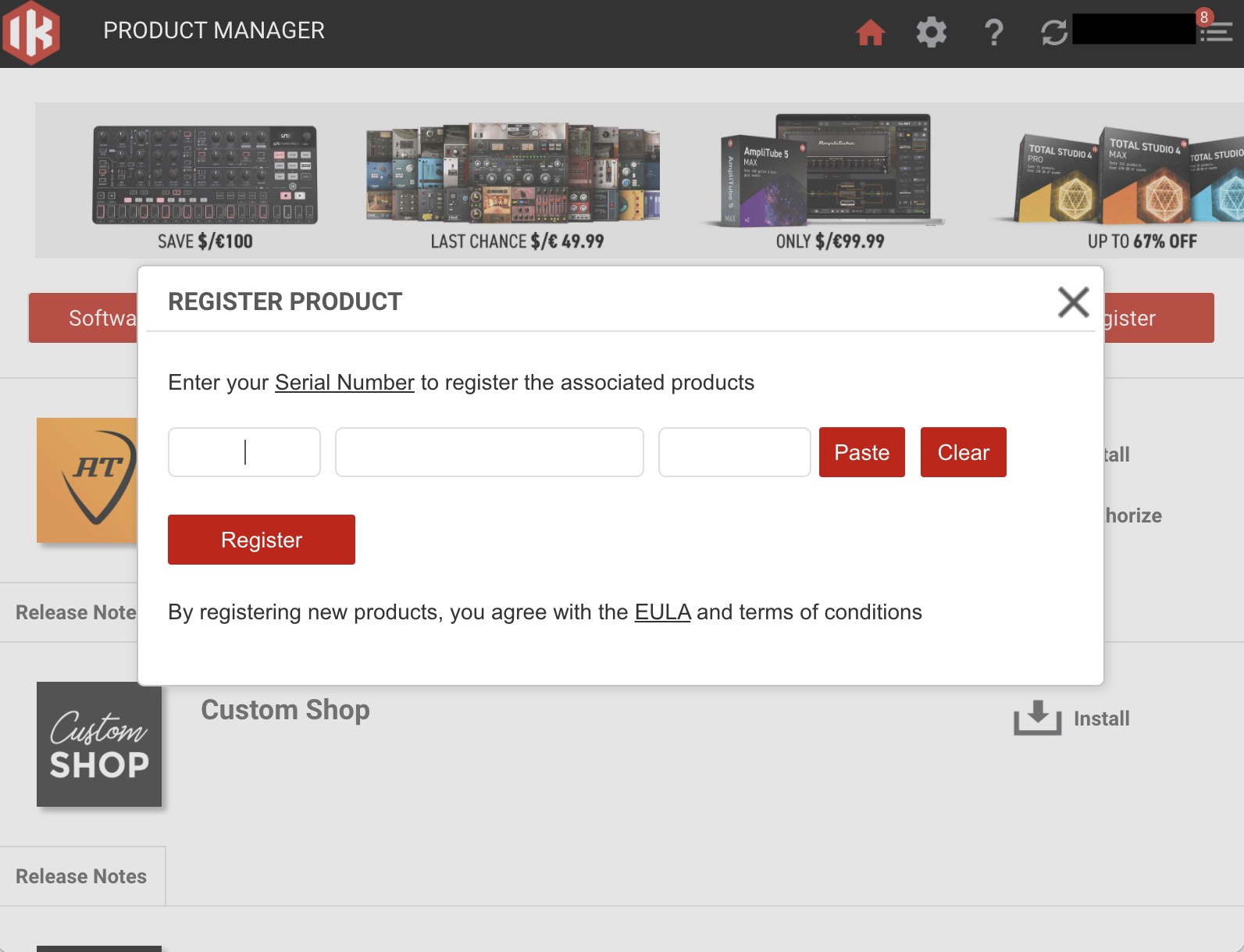
10. Enter the Serial Number in your Plugin Boutique User Account > Click 'Register'.
11. Click 'Install' on the plugin you wish to install.
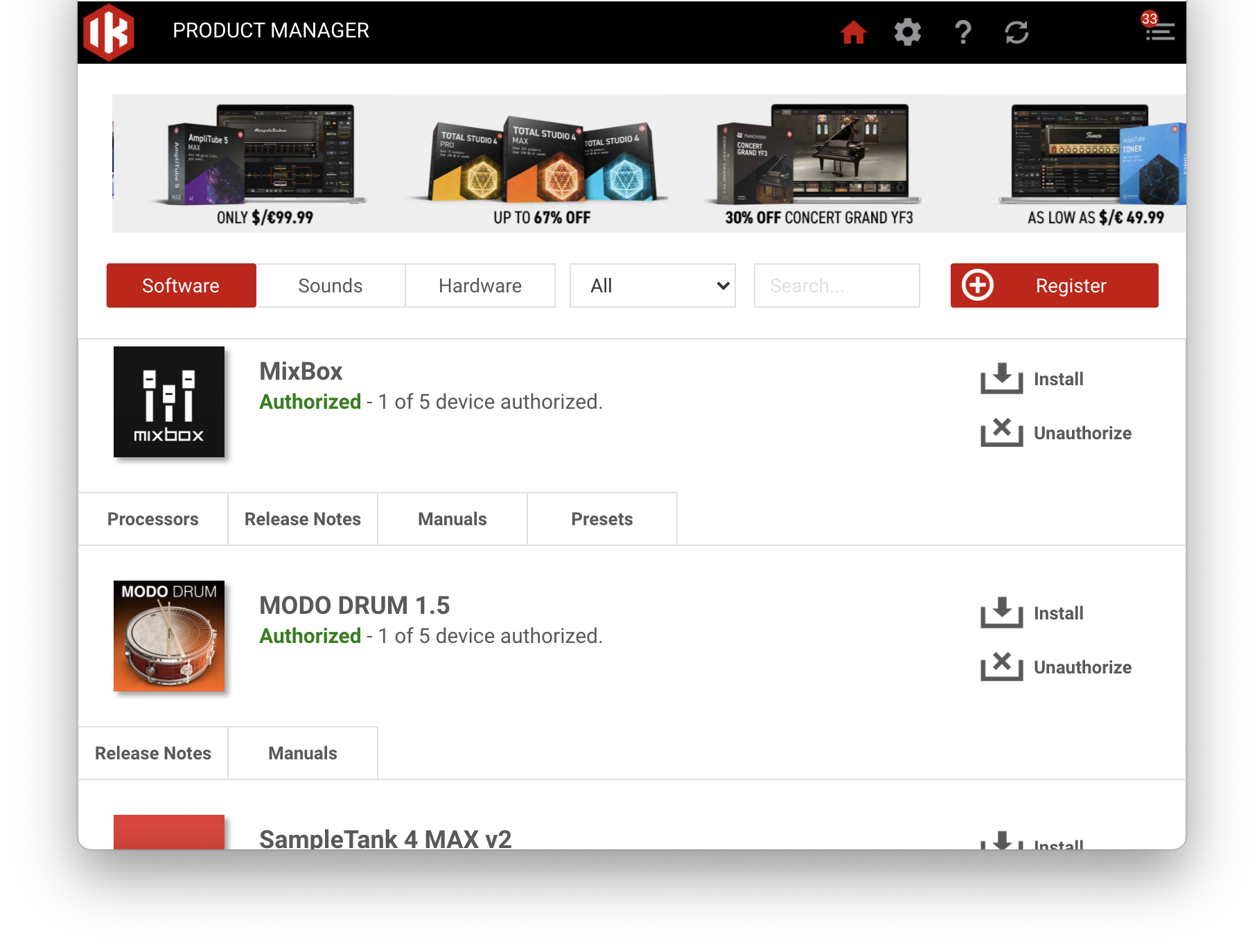
Your plugin is now installed and ready to be used within your DAW!