Log In
Free gifts available with your purchase
This amp is a fixture in classic and modern metal production, known for its ability to handle the tightest riffs without sacrificing low-end thunder. The two featured channels of the BH4 audio plugin offer unparalleled tone thickness and inspire the respect that this amp both demands and deserves.
From legendary bands to countless modern acts, the BH4 is based on an amp hailed for its clarity under high-gain pressure.
Under the watchful eye of master producer Jens Bogren, the perfect mix-ready characters of channels 3 and 4 have been captured, along with a finely tuned boost pedal option.
Cabs
Pick your cab: Modern, Vintage, or load your own IR for ultimate tone versatility.
Plug In, Rock Out
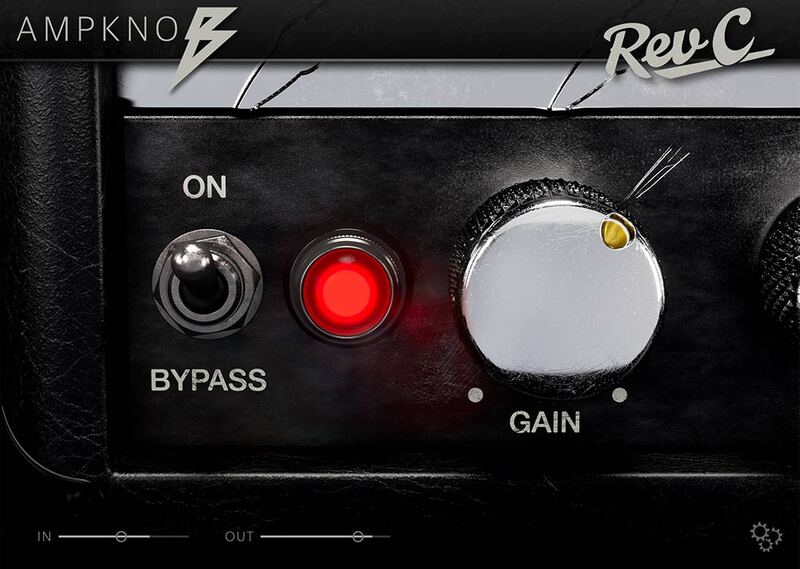
As with all Bogren Digital’s Ampknob series plugins, the Ampknob BH4 is extremely easy to use and provide a distraction-free path to album-ready sounds. Jens Bogren has poured his 20+ years of experience into crafting sounds that just work, allowing you to focus on the music.
IRDX Included
The cabinet section is powered by Bogren Digital’s IRDX technology, which adds a true-to-life dynamic response to the included speaker models. In fact, IRDX affects any cabinet IR you load into the plugins, so they will have a more vivid, dynamic response than when used in your standard IR loader.
Standalone Versions
The Ampknob BH4 comes in standalone versions in addition to the plugin you can run within your DAW. This allows you to fire up the amp sim fast when you just want to play or practice without launching your DAW.
The standalone version includes a metronome and a very handy riff recorder — so when your noodling results in a killer riff, you can capture it on the spot without launching your DAW and setting up tracks. When you’re done, just drag the sound file into your DAW to add other instruments, etc. The riff recorder is also great for practicing with the built-in metronome. Both the plugin and standalone version include a tuner and a noise gate.
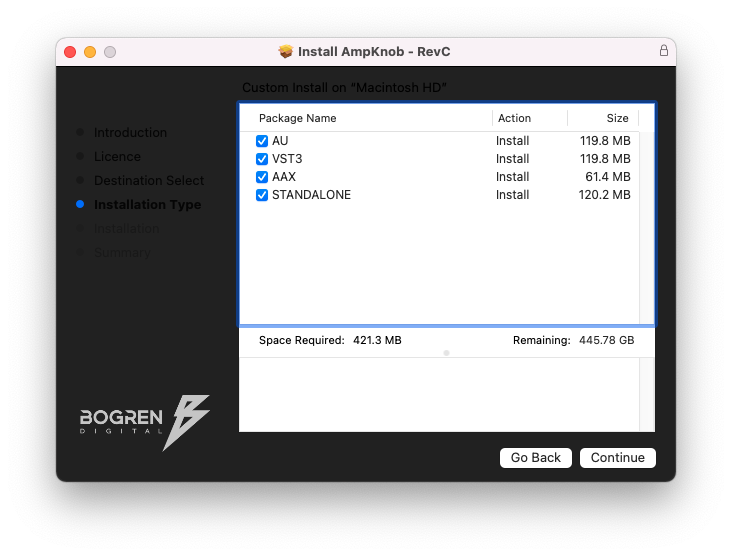
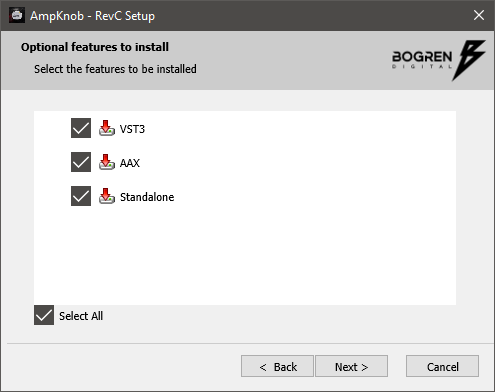
- Available in VST3, AU, AAX, Standalone formats
- Windows 10 or newer
- macOS 10.13 or newer (Intel and silicon native)