


 Log In
Free gifts available with your purchase

Moogerfooger MF-101S Lowpass Filter
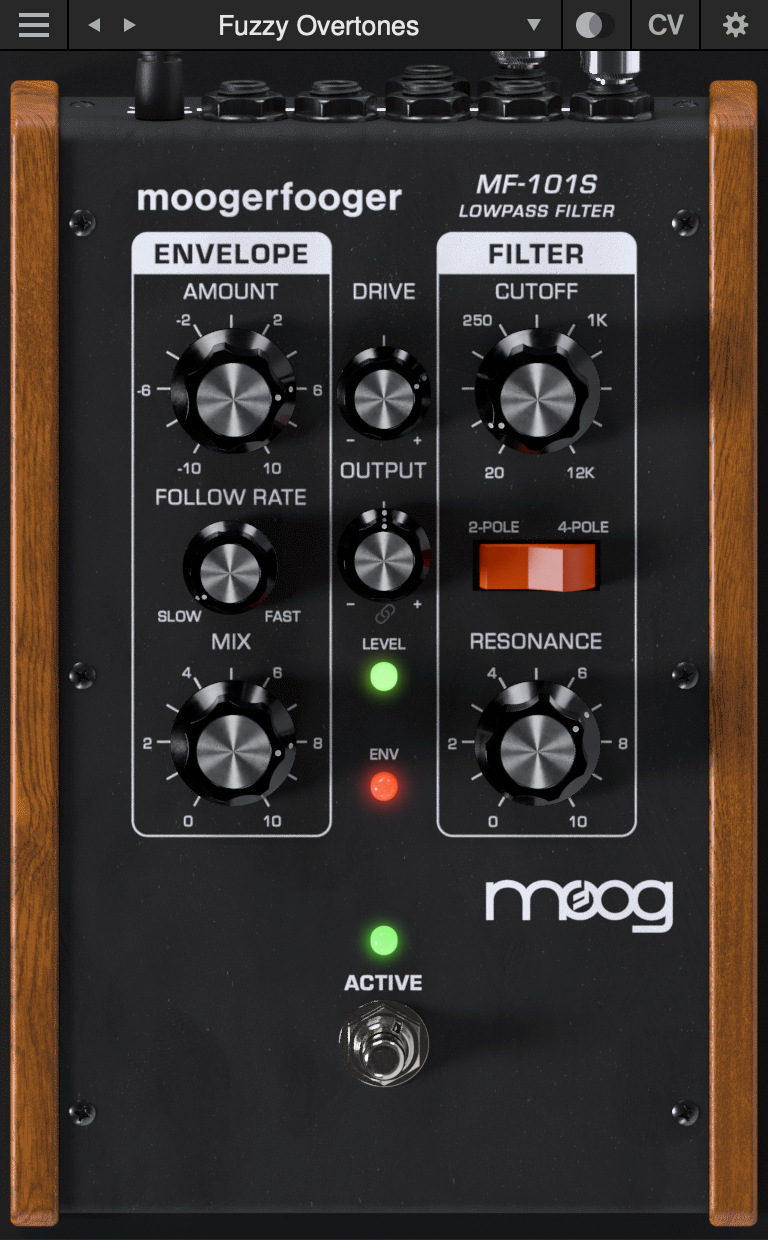
The MF-101S Lowpass Filter is a re-invention of Moog Music’s classic MF-101 analog effects pedal.
The hardware MF-101 Lowpass Filter, introduced in 1998, contained two complete modular functions: a classic, all-analog 4-pole Lowpass Filter paired with an envelope follower to impart dynamic motion to the filtered sound. Designed by Bob Moog and his engineering team, the MF-101 was a direct descendant of the original Moog modular synthesizers, adapted to process, modulate, and play with inputs ranging from guitar, voice, and synthesizer to any imaginable audio source.
The MF-101 Lowpass Filter has been meticulously recreated as the MF-101S, capturing not only the warm and vibrant sound of the original, but also the organic way in which the parameters interact to create a musical playing experience.
With CV interconnectivity, stereo functionality, an extended feature set, the ability to run multiple instances, and presets, the MF-101S plug-in further tailors the classic Moogerfooger functionality to the modern digital creator.
About the Moogerfooger Effects Plug-ins
Moogerfooger Effects Plug-ins are a re-invention of Moog’s classic analogue effects pedals, bringing the legendary tone, musicality, and interconnectivity of the original hardware effects to your digital music production environment.
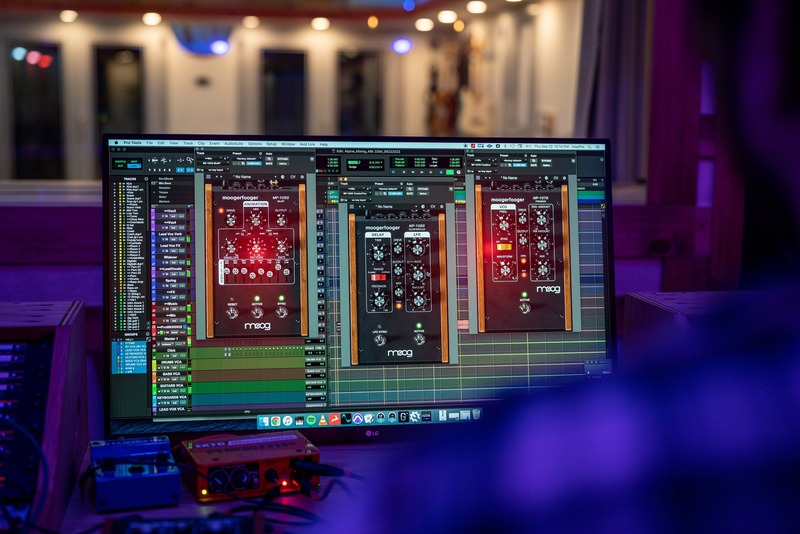
Designed by Bob Moog and his engineering team in the late '90s and '00s, Moogerfooger effects pedals were direct descendants of the original Moog modular synthesisers, adapted to process, modulate, and play with inputs ranging from guitar, voice, and synthesiser to any imaginable audio source. From the MF-104's lush, warm analogue delay circuit to the swirling phaser effects of the MF-103 and legendary resonant ladder lowpass filter in the MF-101, Moogerfoogers have become renowned for their sound and modularity, adopted by studios and performers around the world.

Each Moogerfooger plugin has been meticulously recreated with reverence for the lush, distinctive tones of the original analogue circuits—now ready to be integrated into your digital audio workstation. With stereo functionality and an extended feature set, these plug-ins further tailor the classic Moogerfooger functionality to the modern digital creator. With all parameters ready to be automated as well as the ability to save and manage presets, Moogerfooger Effects Plug-ins mutate and re-shape themselves around your audio tracks.
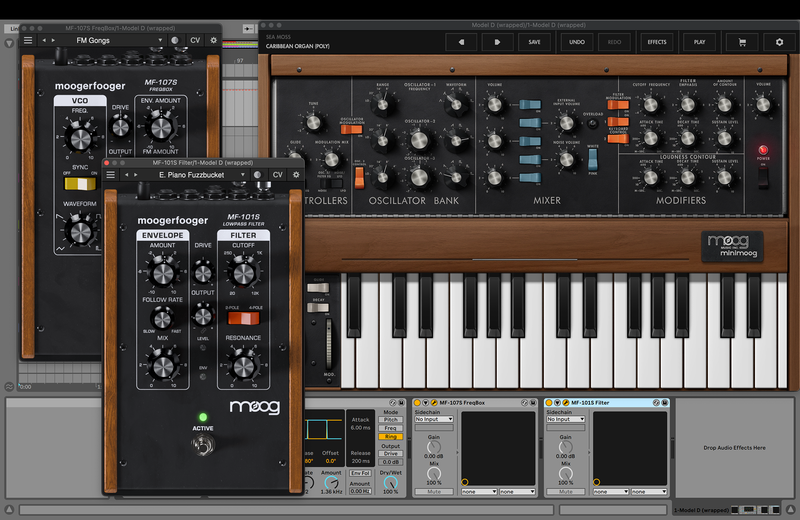
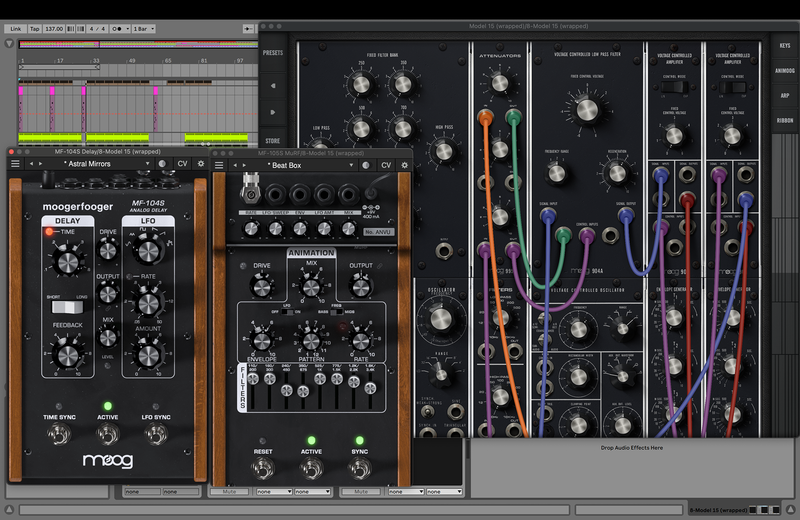
The original collection of Moogerfoogers were more than the sum of their parts due to their powerful and flexible control voltage inputs and outputs—able to play amongst themselves and combine into dynamic inter-related effects. The Moogerfooger Effects Plug-ins recreate that CV interconnectivity, allowing each instance of a Moogerfooger to modulate the parameters of any other across your project in any DAW as an AUv2, VST3, or AAX plug-in. Each effect springs to life and captures nuances in your signal with digital attenuverters added to every CV input and side-chain capabilities, providing innovative sound design possibilities and deep control over every aspect of your sound.
Looking for the Moogerfooger plugin collection? The full bundle is available HERE.
System Requirements
- MacOS 11.7 or newer, Intel or Apple Silicon
- Windows 10 or newer, 64-bit Intel systems or newer
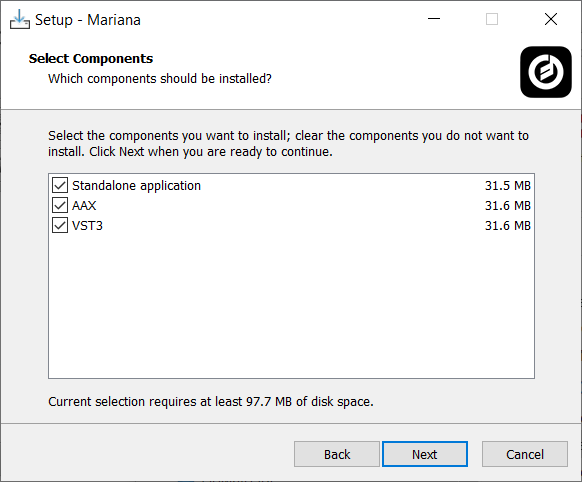
- VST3/AU/AAX formats supported


Reviews Summary
While it aims to provide a helpful overview, it may not capture every perspective or detail. We encourage you to read individual reviews to make an informed decision.
Users praise this Moog lowpass filter plugin as an excellent, authentic recreation of the classic hardware filter. It excels at low-end processing for kick drums and bass, offering rich features and high-quality sound, though UI scalability could be improved.


