


 Log In

Free gifts available with your purchase
Animate your Filtering
Whether it's drums, bass, synths, pads or vocals, filtering is a key element of the production process for adding variation and excitement to a track.

Introducing: FilterMod
FilterMod goes beyond the traditional filter plugin to bring you 20 different filter types and two modulation envelopes, giving you complete flexibility and more creative possibilities.
What can FilterMod do?
- Create dynamic and evolving filter sweeps.
- Add groove and movement to a sound with rhythmic filtering.
- Create custom bass filters.
- Add movement to synths, pads, chords and arpeggios.
- Create tension and release during key moments of a track.
20 Filter Types
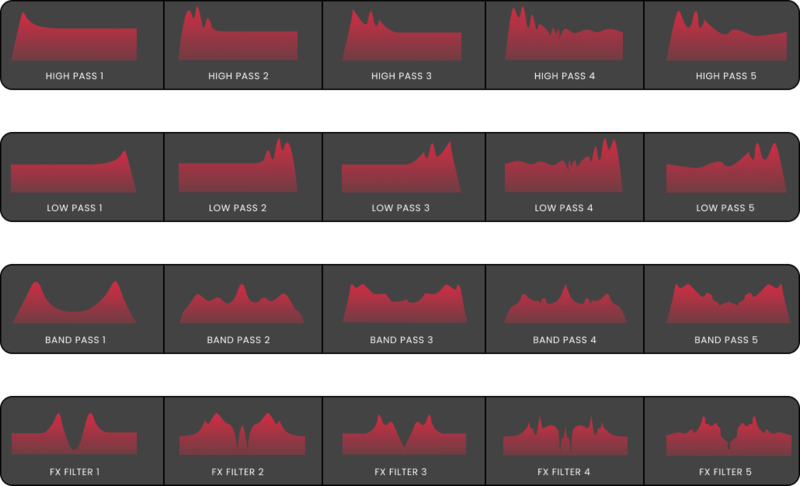
At the core of FilterMod is 20 different filter types to choose from, including Lo-Pass, Hi-Pass, Band-Pass and FX filters. These filters have been designed to mimic the odd and even harmonics of analogue saturation and deliver a level of clarity, sheen and precision not found in other filters. Cycle through to find your desired filter, set the steepness of the filter cutoff, and then set the cutoff and resonance to taste.
Modulate your Filters
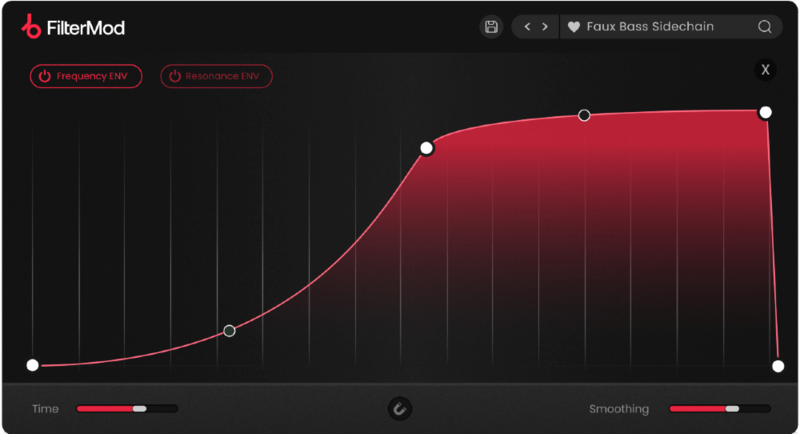
FilterMod's modulation page contains the two independent envelopes for modulating the cutoff and resonance of the filter. From here, with no limit to the number of nodes, you can draw your own precise envelope shape. Set the time interval of the envelope to repeat the modulation, and use the smoothing option to create smooth, clean filtering effects.
Features
- 20 custom-designed filters.
- Two dedicated envelopes for adding movement to the cut-off and resonance.
- Unlimited node creation capability.
- Time intervals ranging from 1/32 to 32 bars.
- Tempo sync & straight / dotted / triplet timing options.
- Snap to grid function for the envelope nodes.
- Smoothing control to smooth out the envelope.
- 75 Presets
System Requirements
macOS
- macOS 10.15 or higher.
- Natively compatible with Apple Silicon
- Plugin Formats: VST, VST3, AU, AAX, Standalone
- DAW's Supported: Ableton Live, Pro Tools, Logic Pro, FL Studio, Cubase, Nuendo, Reaper, Reason + more.
- Compatibility: 64-bit compatible only.
Windows
- Windows 7 or higher
- Plugin formats: VST, VST3, AAX, Standalone
- DAWs supported: Ableton Live, Pro Tools, FL Studio, Cubase, Nuendo, Reaper, Reason + more.
- Compatibility: 64-bit compatible only.
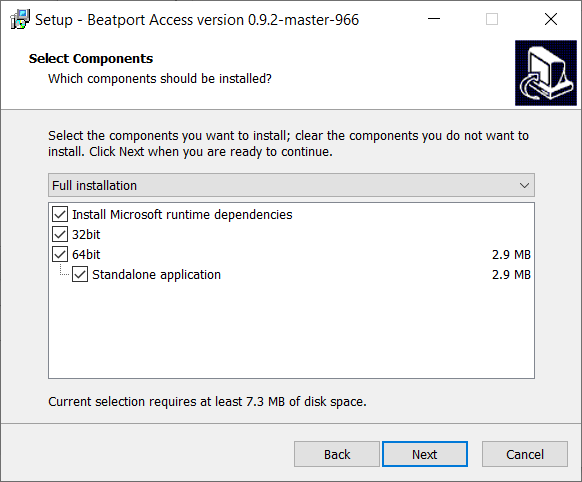
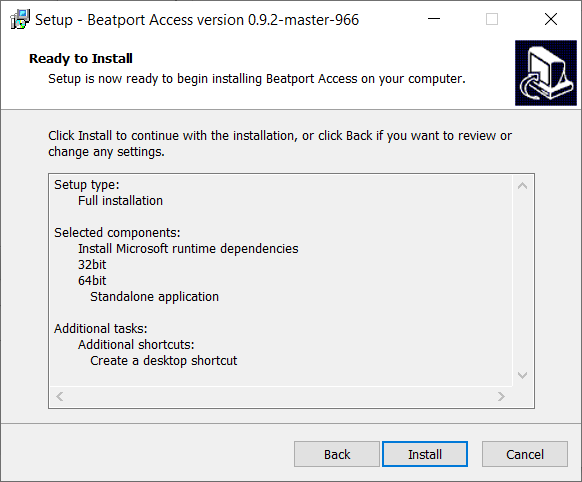
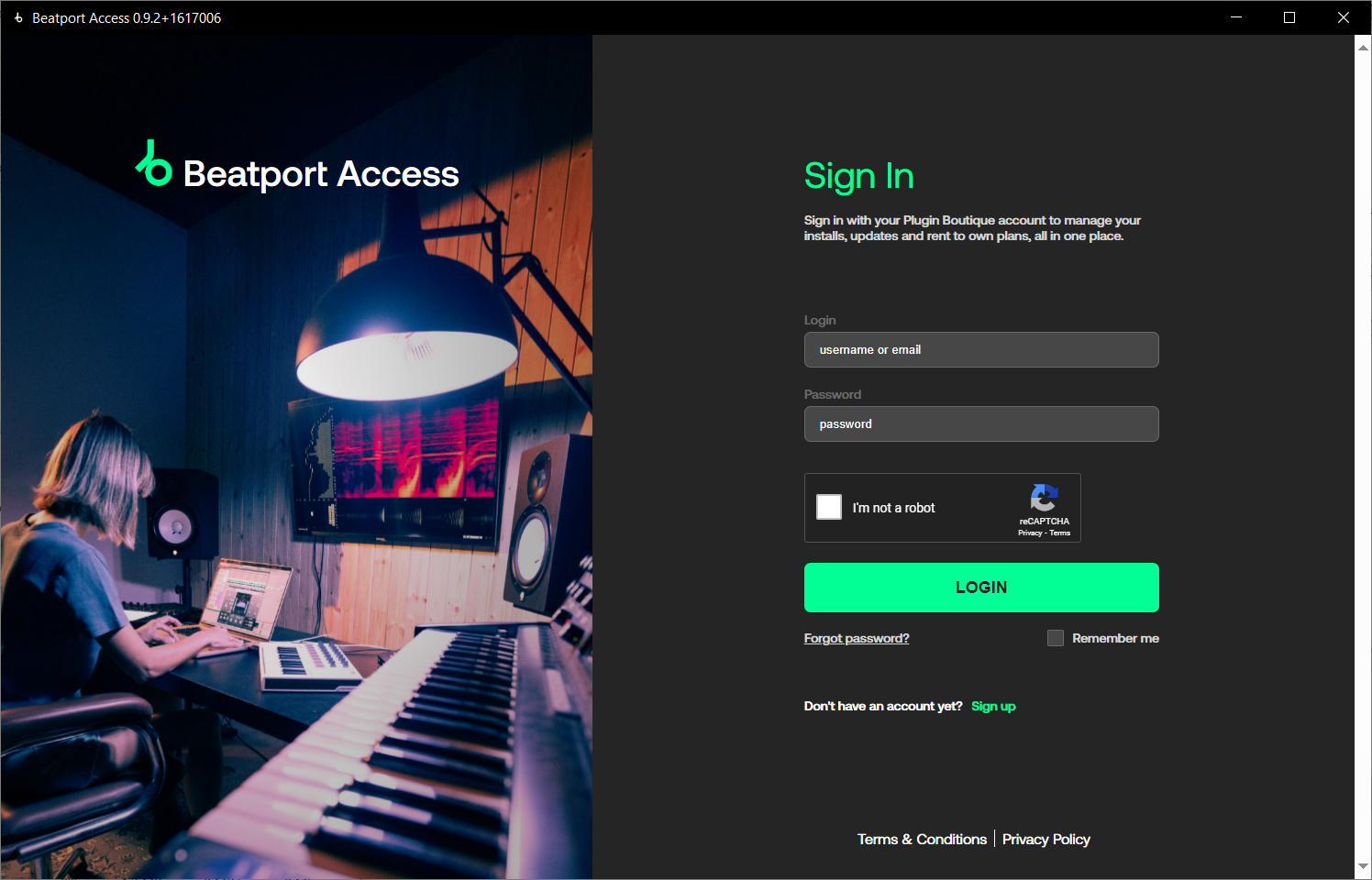
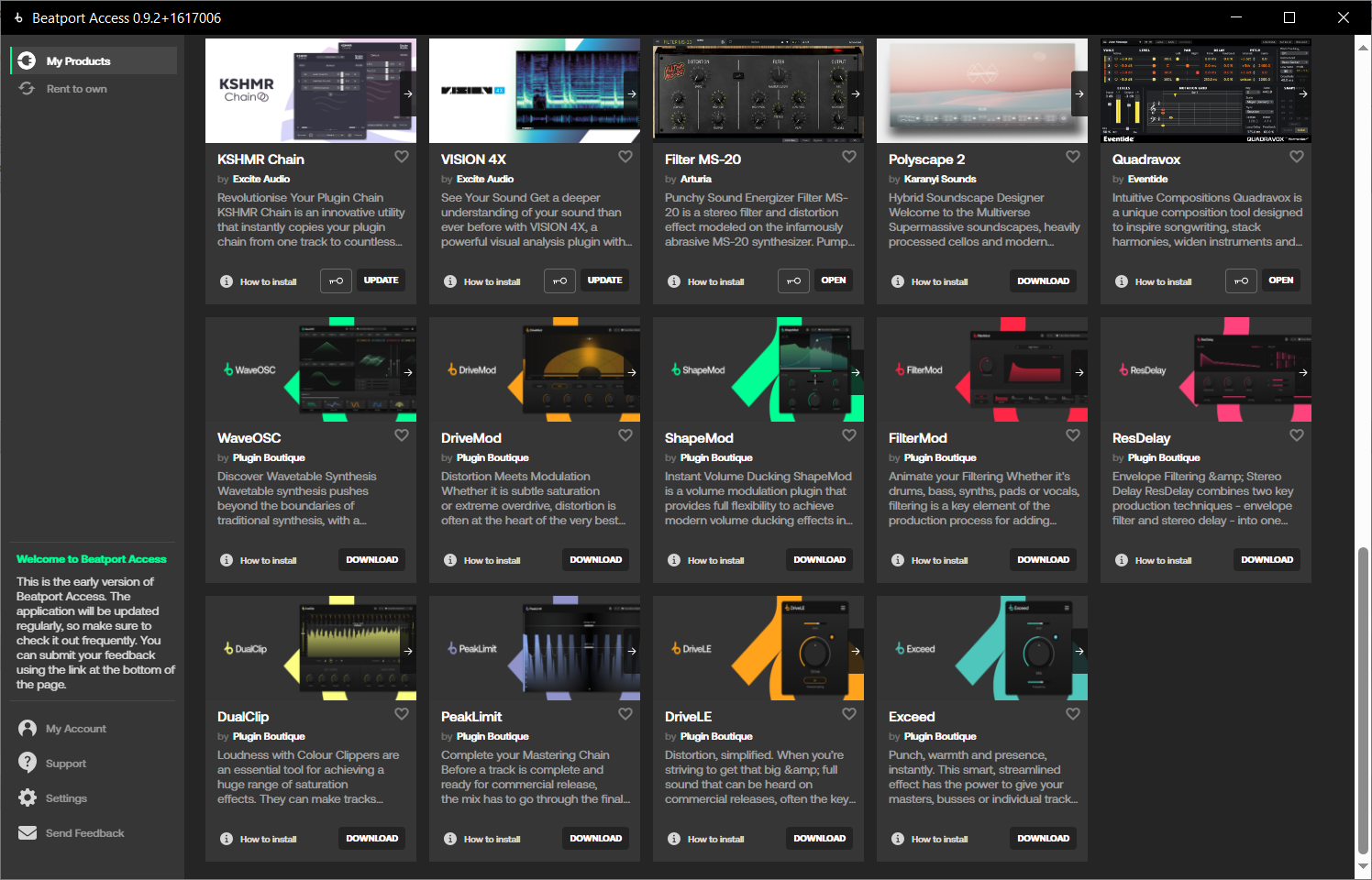
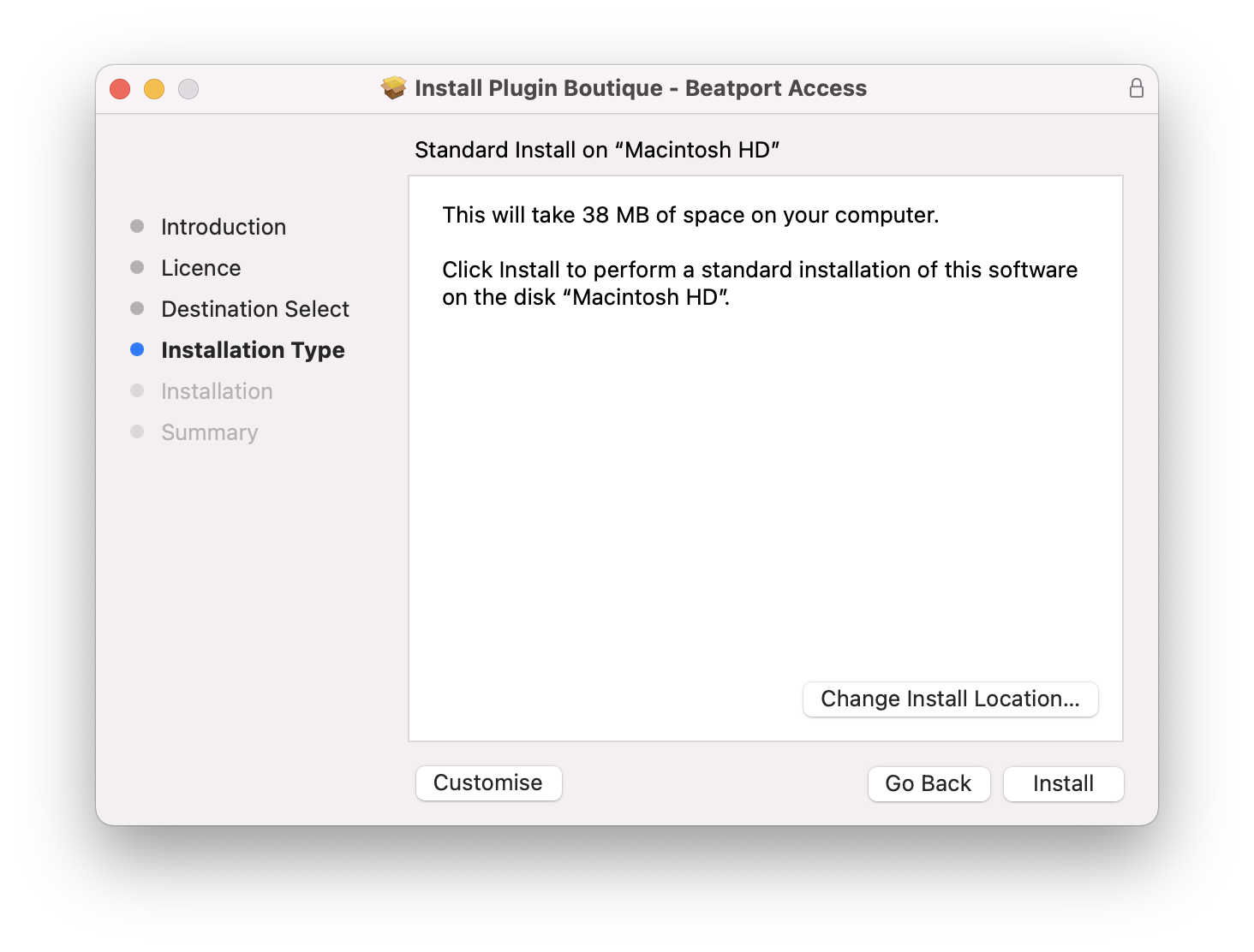
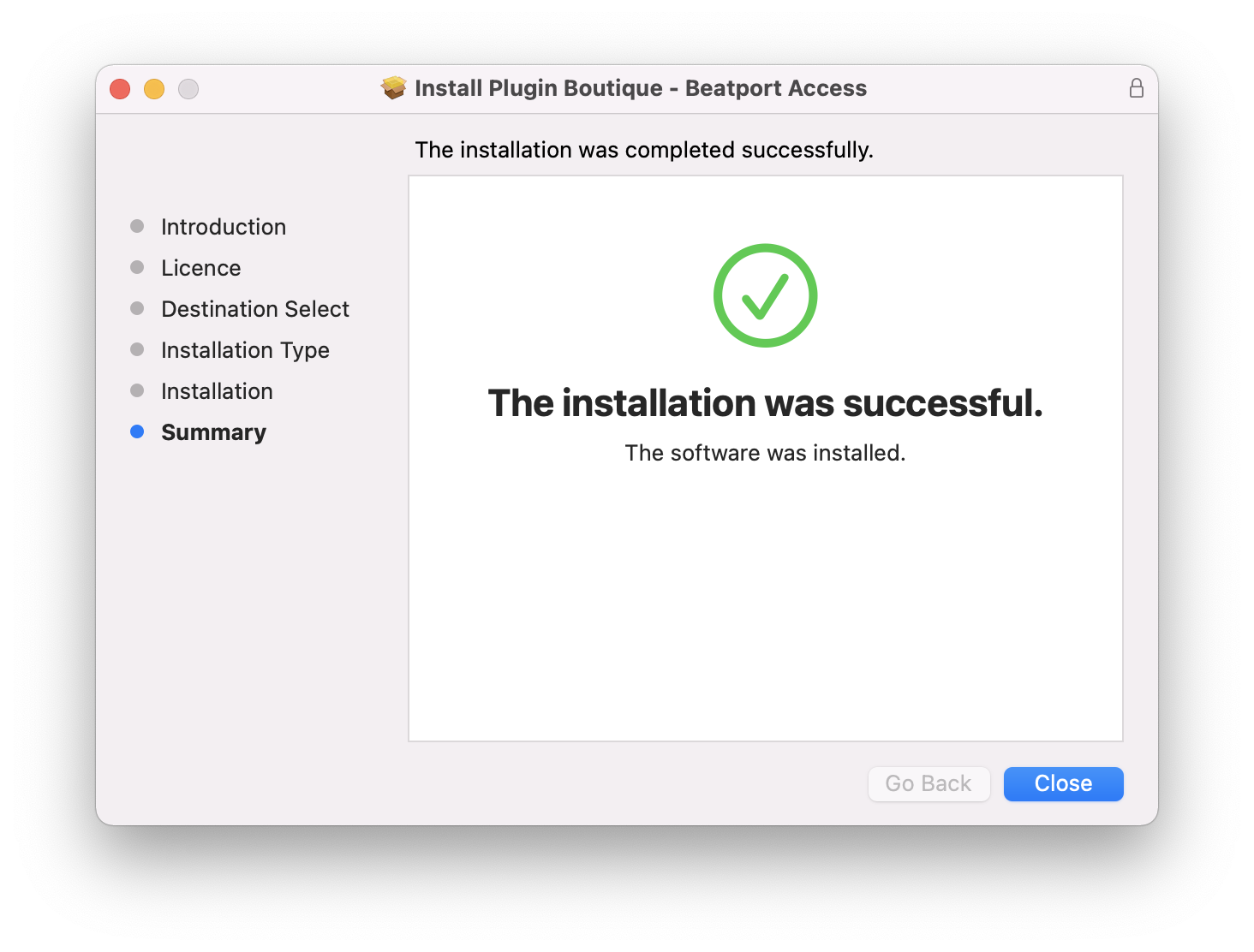
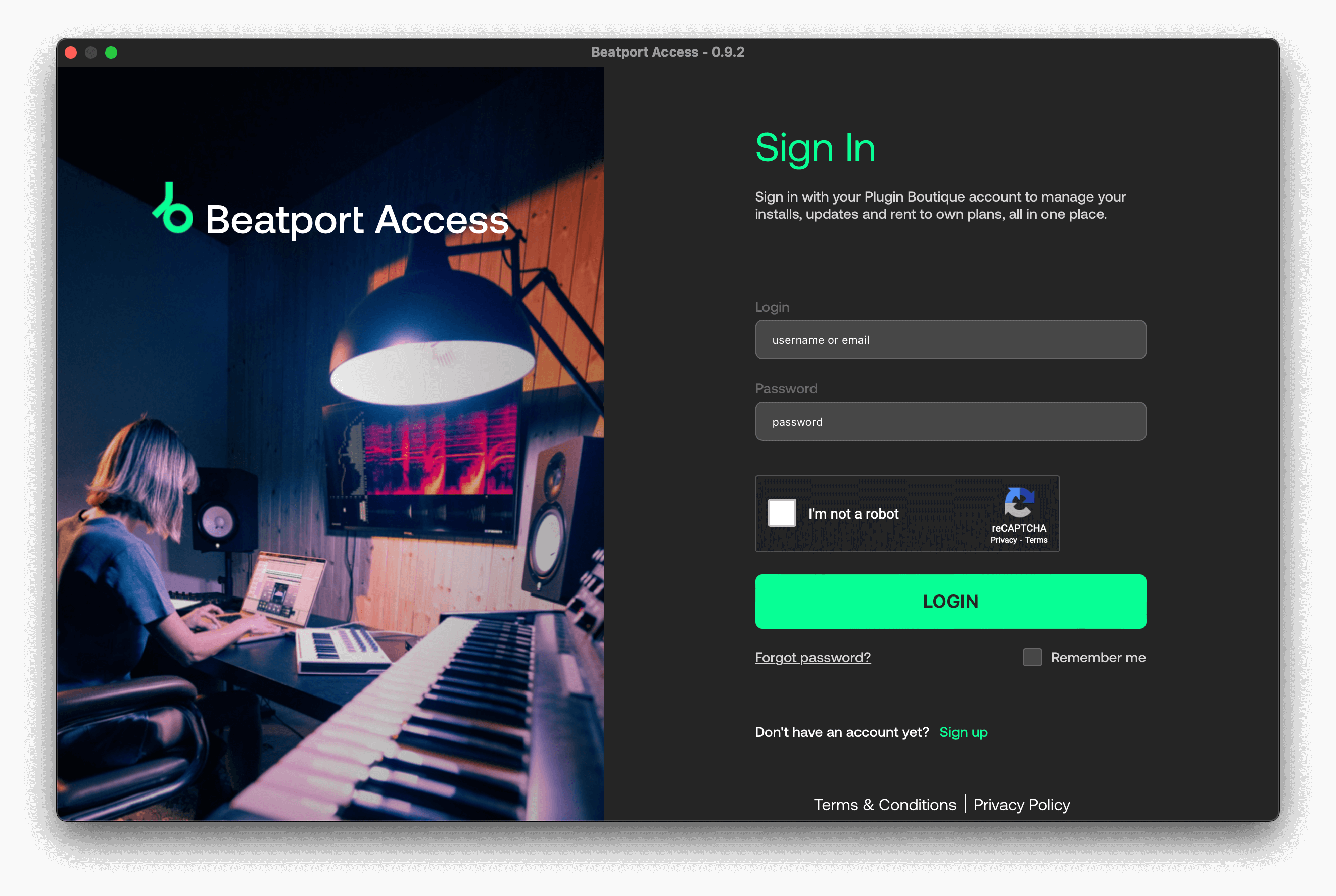
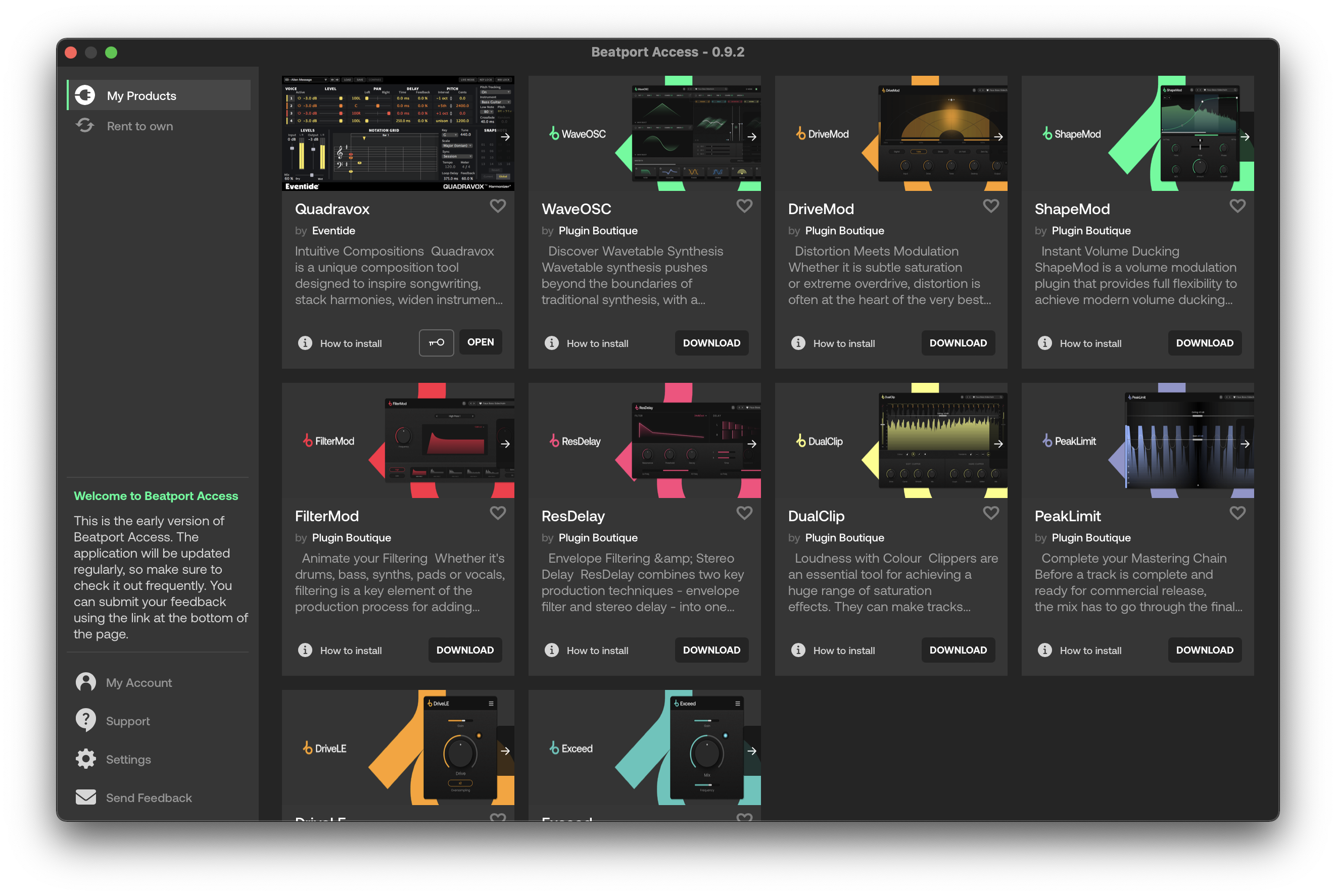
Important note: When accessing this software via a Rent to Own plan or the Beatport Studio membership, it's installed and run through the Beatport Access portal. An internet connection is required every 30 days to validate your license.

Reviews Summary
While it aims to provide a helpful overview, it may not capture every perspective or detail. We encourage you to read individual reviews to make an informed decision.
Customers highly praise this plugin bundle for its incredible value, ease of use, and versatile sound design capabilities. Reviewers appreciate its intuitive interface, rich sound quality, and flexible filter shapes with custom envelopes for rhythmic filtering.


