Buy TDR Ultrasonic, get a free gift with purchase:
TDR Ultrasonic is a filter designed to control the accumulation of ultrasonic content in oversampled recording, processing, or playback chains. The idea is to prevent ultrasonics from running into nonlinear systems.
Examples of nonlinear systems are peak limiters, creative distortion devices, compressors, and other forms of modulation. Analog capture devices such as tape recorders and disc cutting systems also exhibit nonlinear behavior, as do all playback systems (albeit to a lesser degree).
The total distortion produced by a nonlinear system grows with the incoming signal bandwidth. This is true for both audible and inaudible content, and applies throughout production: While a narrow-band monophonic signal such as guitars or vocals can artistically handle huge amounts of distortion, a wideband mix can audibly fall apart with only the slightest amount of saturation.
This is because nonlinearities not only produce harmonic distortion but also intermodulation distortion, a largely non-harmonic type of distortion. This form of IMD distortion produces new partials at the sum and difference of the original partials’ frequencies. As a result, these new partials end up beyond and below the source frequencies, with the latter possibly ending up in the audible bandwidth..
TDR Ultrasonic controls the same effect, on a larger scale. It allows for losslessly reducing the amount of intermodulation distortion otherwise provoked by ultrasonic content running into nonlinear devices.
A freely resizable user interface provides intuitive access to all traditional filter parameters and a set of exotic tricks such as a dynamic ultrasonic gate, the enforcement of infinite attenuation at Nyquist, and a neat “Bypass All” function allowing for A/B testing of the effect of ultrasonic filters over whole mixes. A precise ultrasonic frequency analyzer gives detailed insight into the ultrasonic spectrum and the filtering in action.
Features
- Linear phase, continuously variable slope filtering
- Ultrasonic gate
- Support for samplerates up to 20 Mhz
- Freely resizable hardware accelerated user interface, full-screen capable
Windows
- Win Vista or above
- VST2 / VST3 (32-bit / 64-bit)
- AAX (64-bit only)
Mac
- macOS 10.9 or above
- VST2, VST3, AU, AAX (64-bit only)
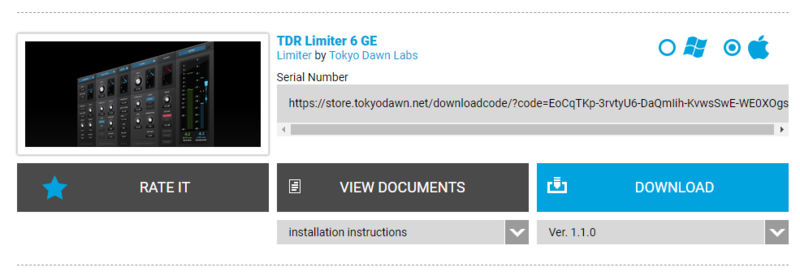
Note: TDR Limiter 6 GE is used as the example.
Mac
Registration
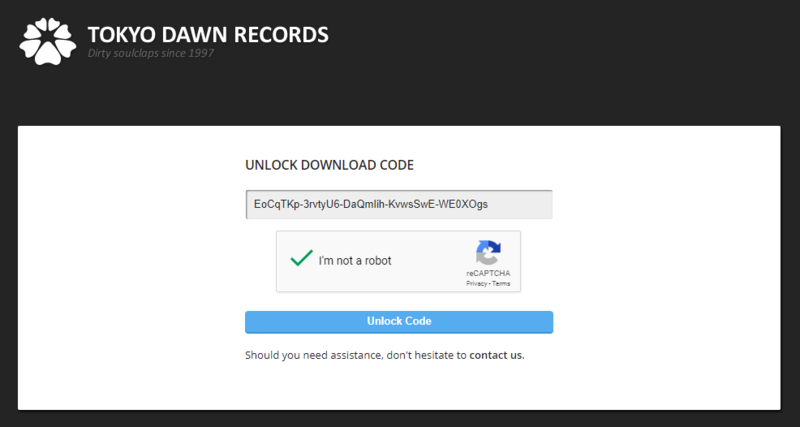
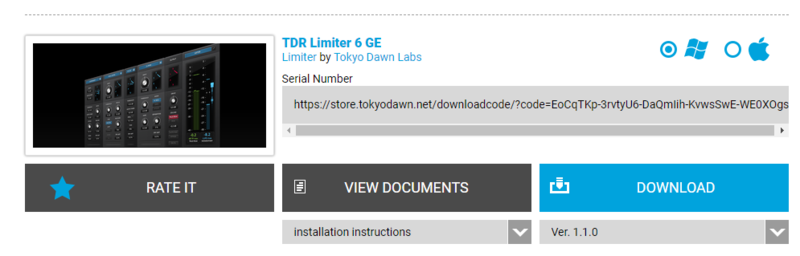
1. Go to your Plugin Boutique User Account > Copy and paste your serial number into your web browser search bar and press 'enter' on your keyboard.

2. Check the box that states 'I'm not a robot' > Click 'Unlock Code'.

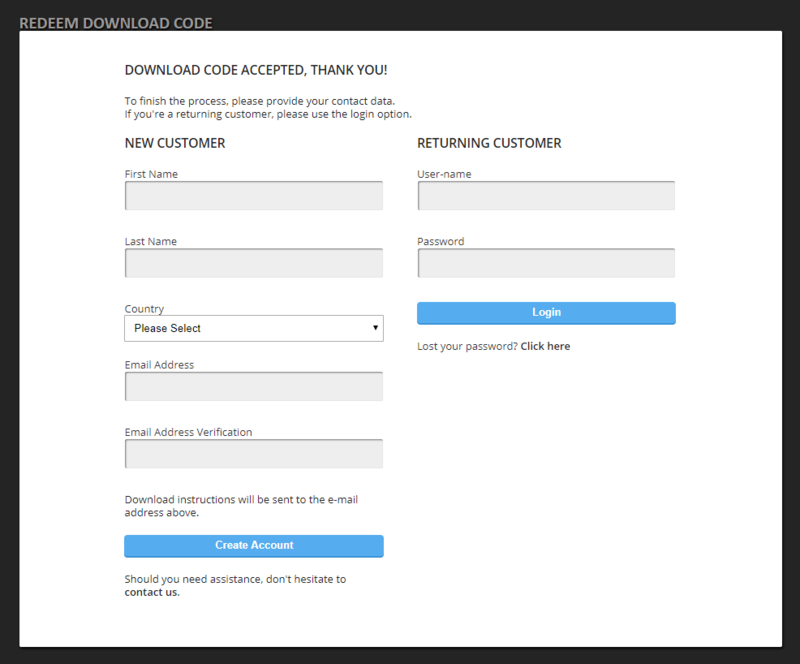
3. Enter your Name & email address and select your country from the drop-down menu > Click 'Create Account'.

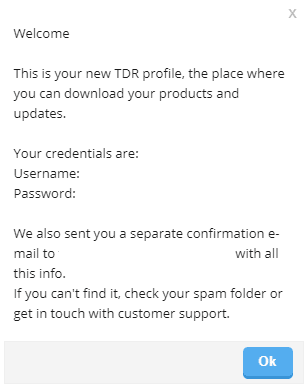
4. Click 'Ok'.

Installation
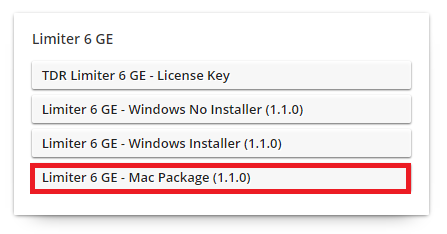
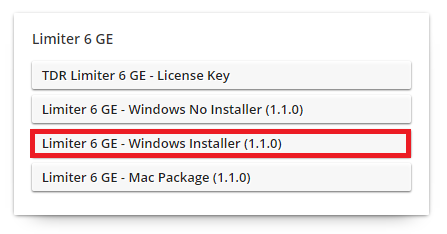
1. Click the Mac installer link to download the correct installer for your operating system.

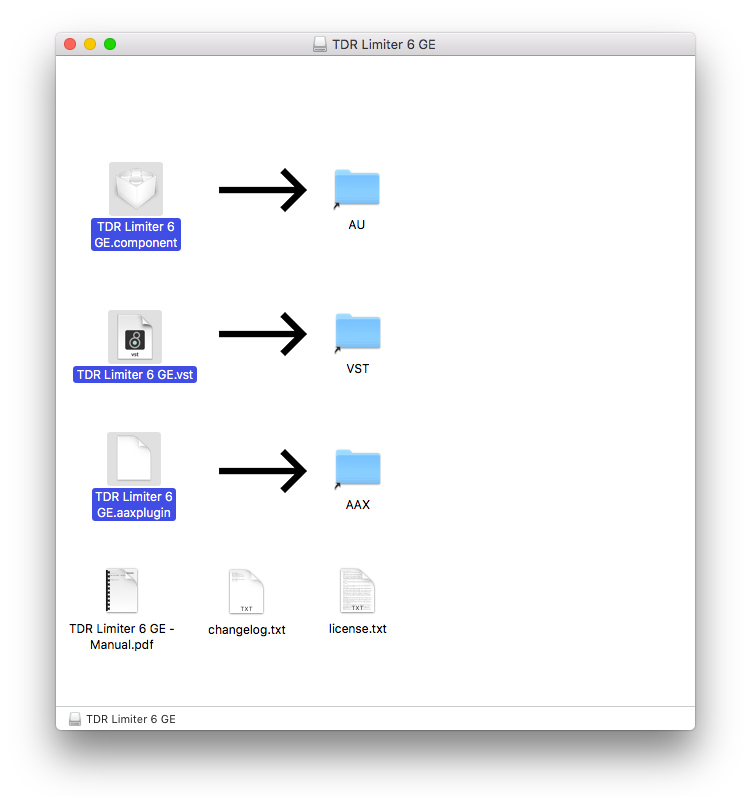
2. Open the .dmg file > Click and drag the Component, VST and AAX Plugin files into their respective folders.

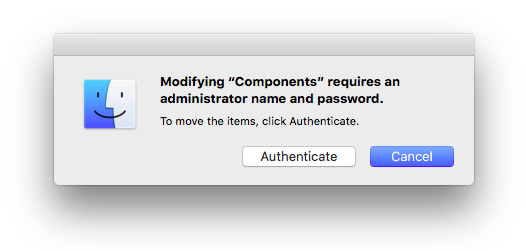
3. Click 'Authenticate'.

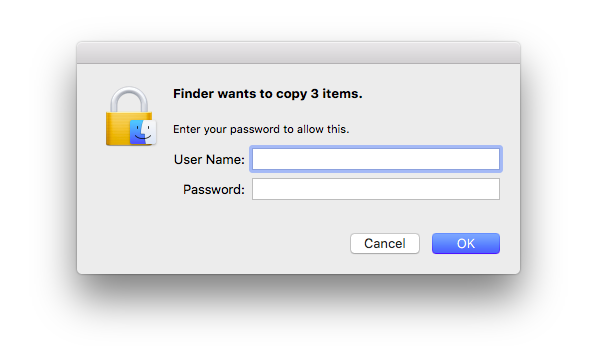
4. Enter your computer Username and Password > Click 'Ok'.

Online Activation
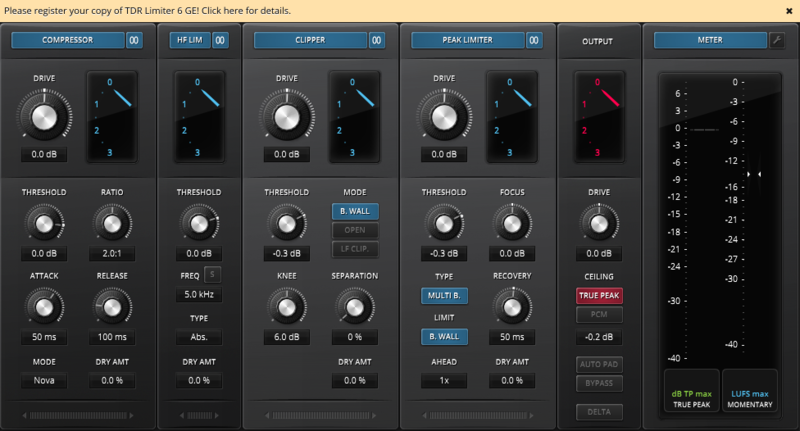
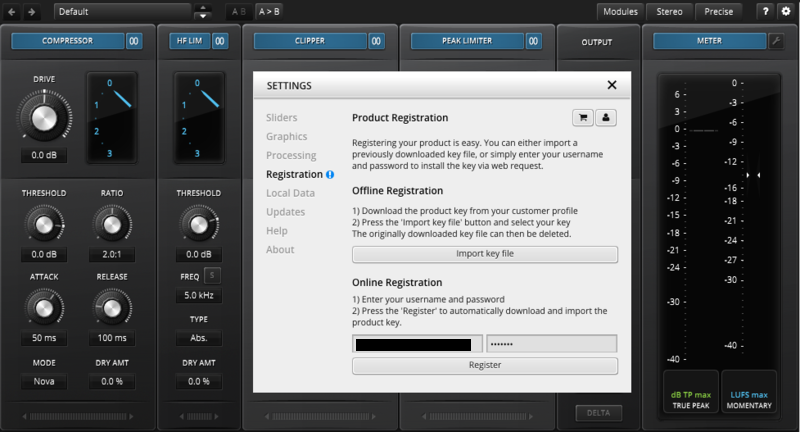
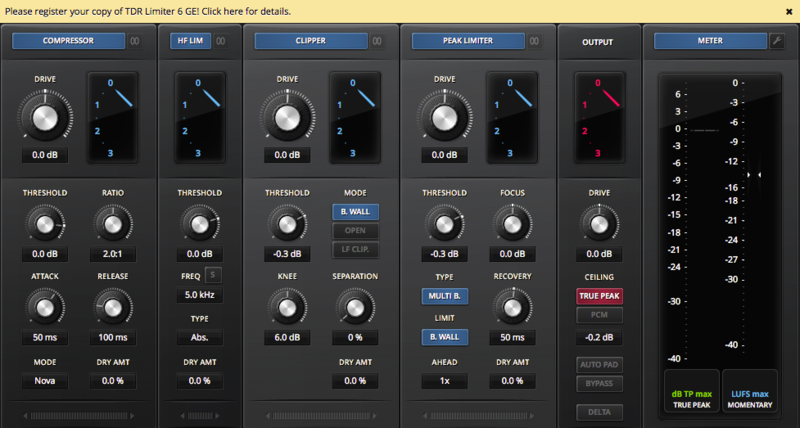
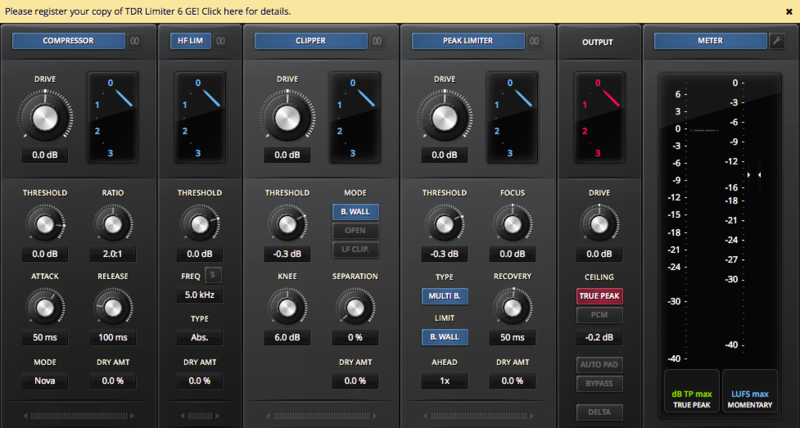
1. Open the installed software in your DAW > Click the dialogue box at the top of the plugin to open the activation menu.

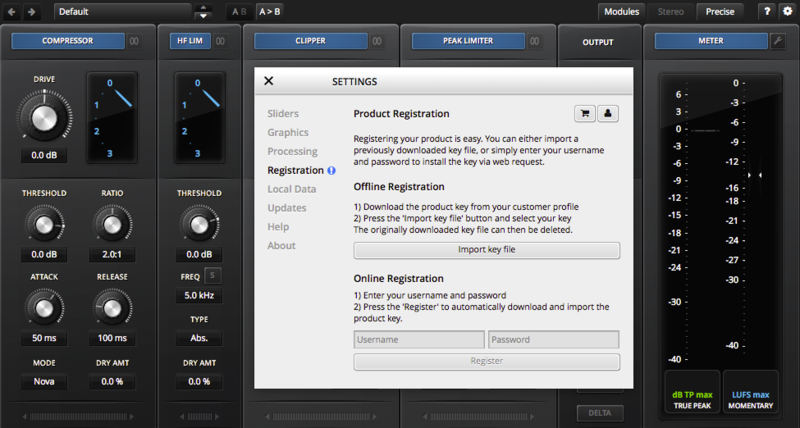
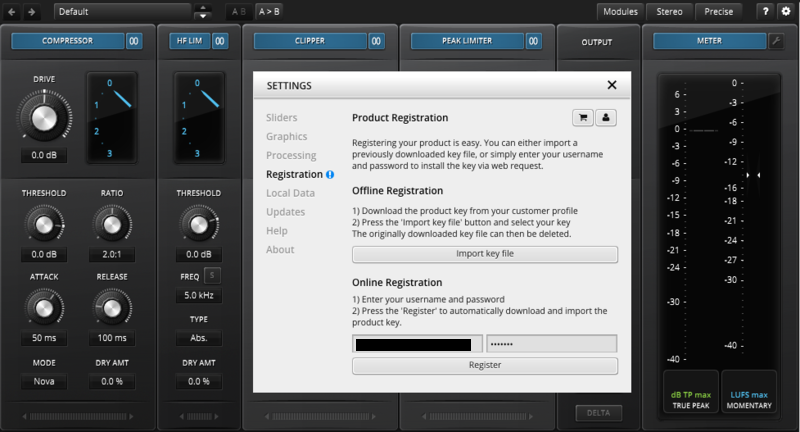
2. Enter your Tokyo Dawn Labs registered email address and password > Click 'Register'.

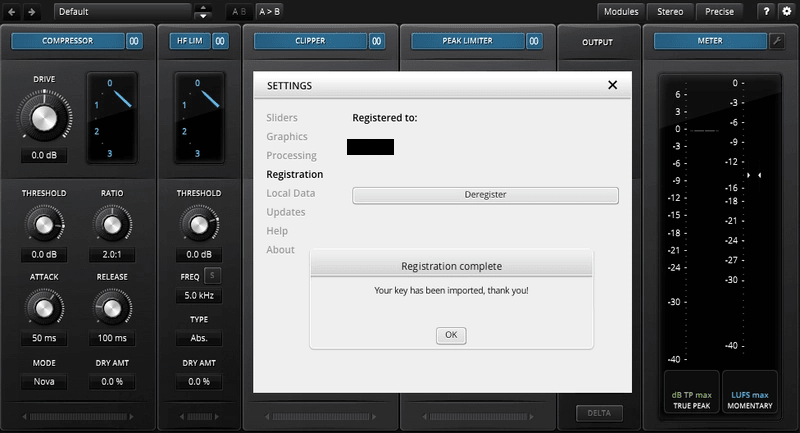
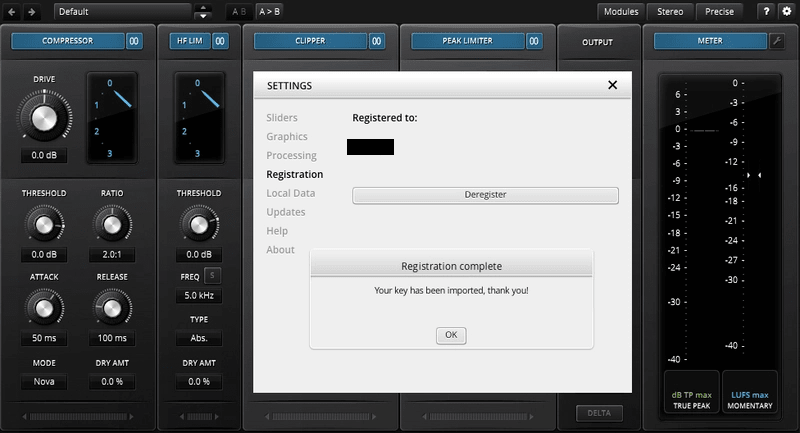
3. Click 'Ok'.

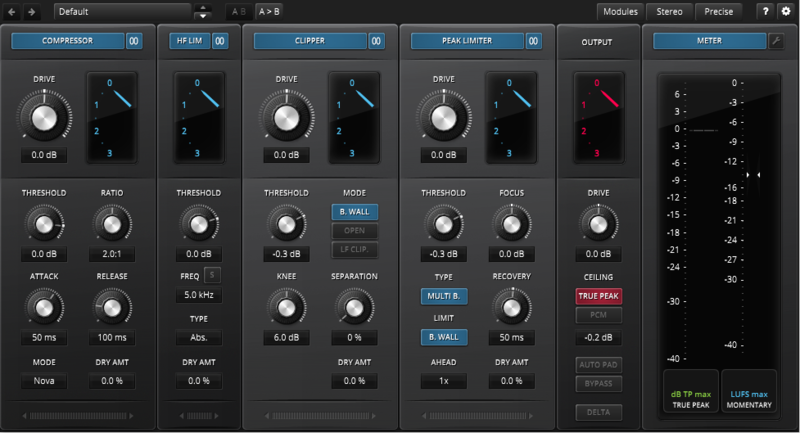
Your software is now activated and ready to use within your DAW.

Offline Activation
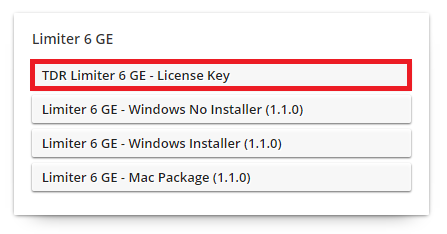
1. Go to your Tokyo Dawn Labs User Account > Download the License Key File for your software.

2. Open the installed software in your DAW > Click the dialogue box at the top of the plugin to open the activation menu.

3. Click 'Import Key File'.

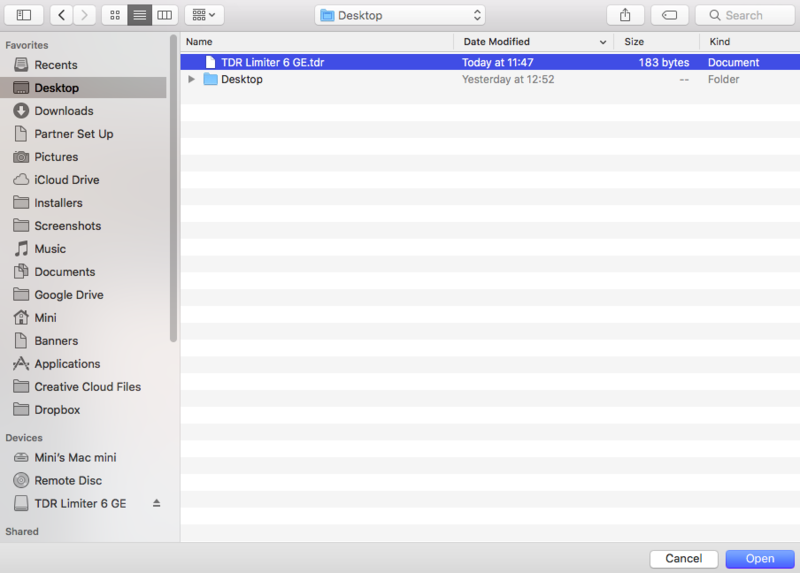
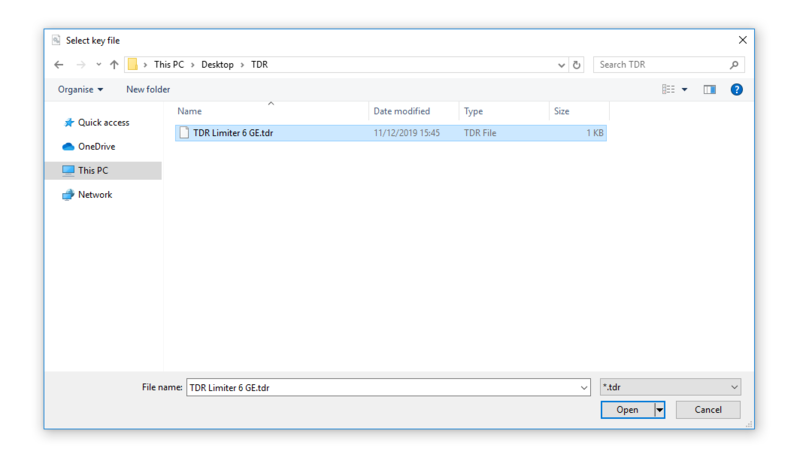
4. Select the License Key File > Click 'Open'.

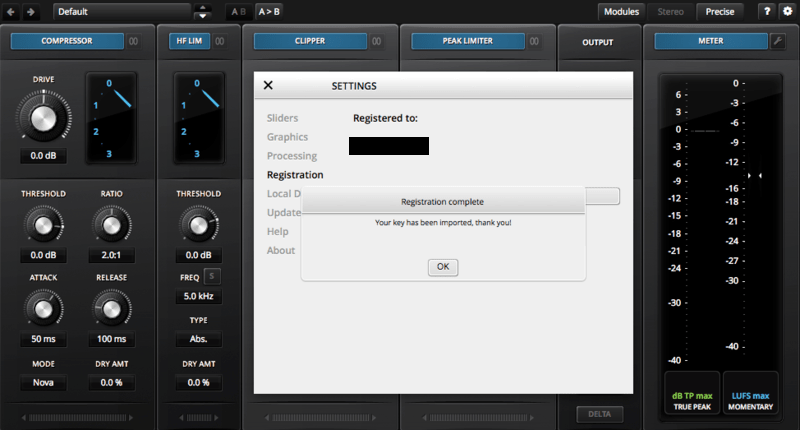
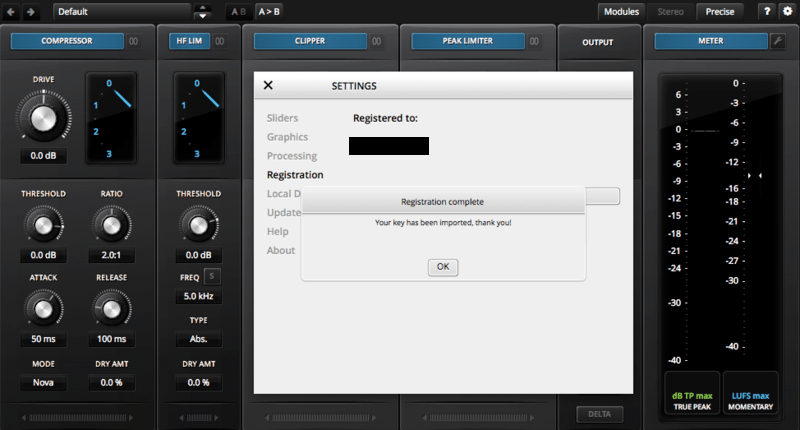
5. Click 'Ok'.

Your software is now activated and ready to use within your DAW.

Windows
Registration
1. Go to your Plugin Boutique User Account > Copy and paste your serial number into your web browser search bar and press 'enter' on your keyboard.

2. Check the box that states 'I'm not a robot' > Click 'Unlock Code'.

3. Enter your Name & email address and select your country from the drop-down menu > Click 'Create Account'.

4. Click 'Ok'.

Installation
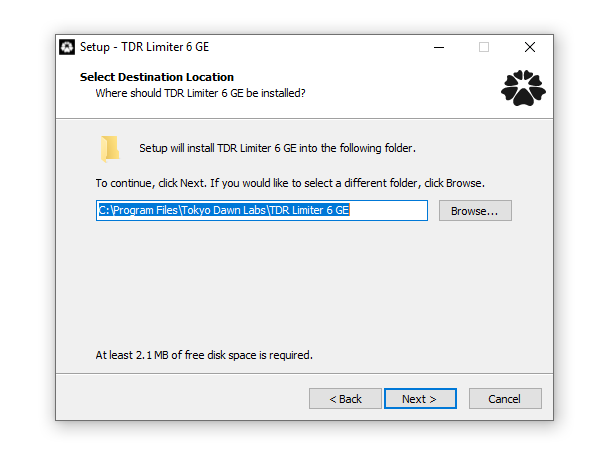
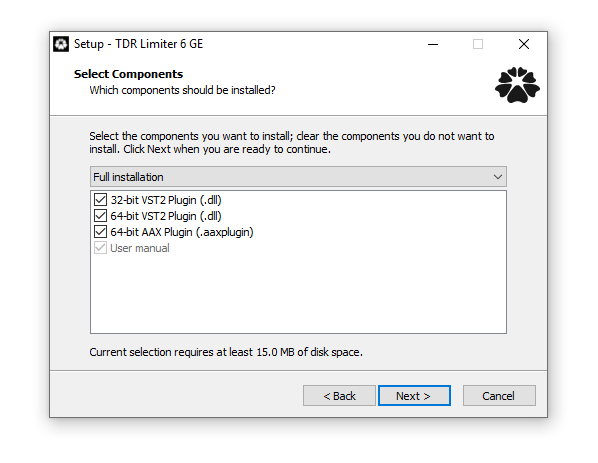
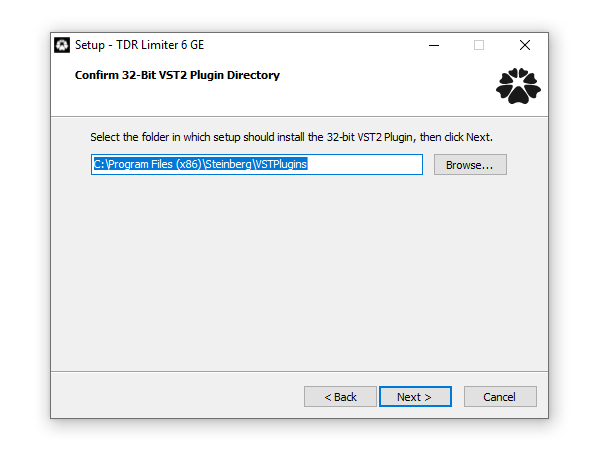
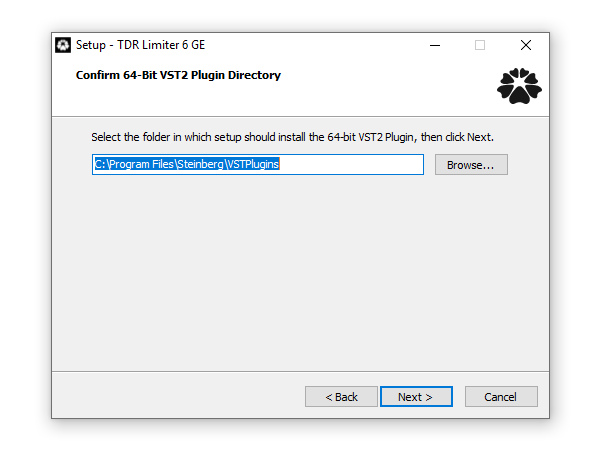
1. Click the Windows installer link to download the correct installer for your operating system.

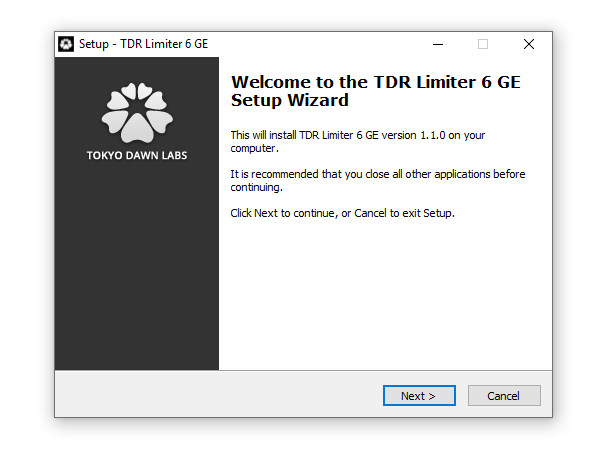
2. Double-click the .zip file to extract the contents and open the .exe file to begin the installation > Click 'Next'.

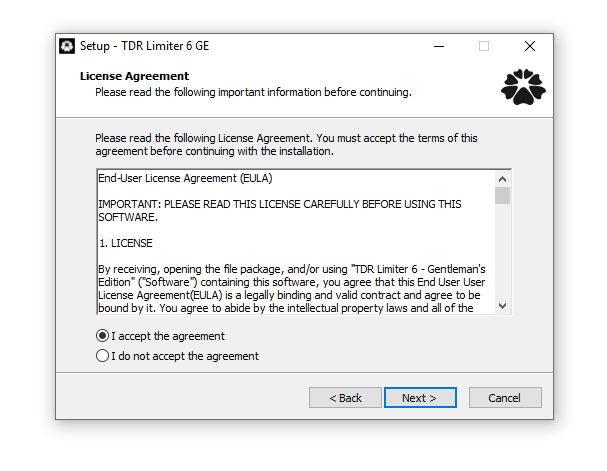
3. Select 'I accept the agreement' > Click 'Next'.

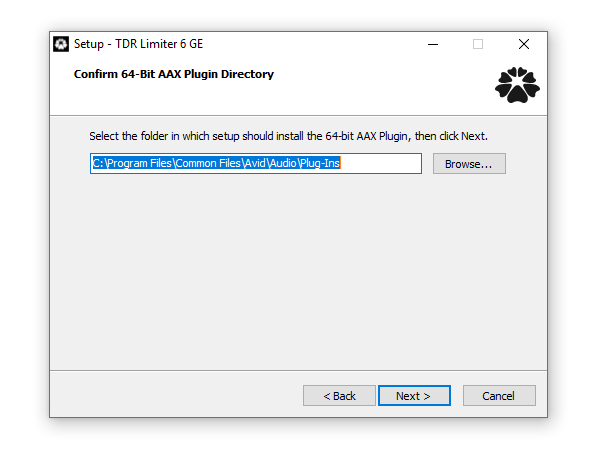
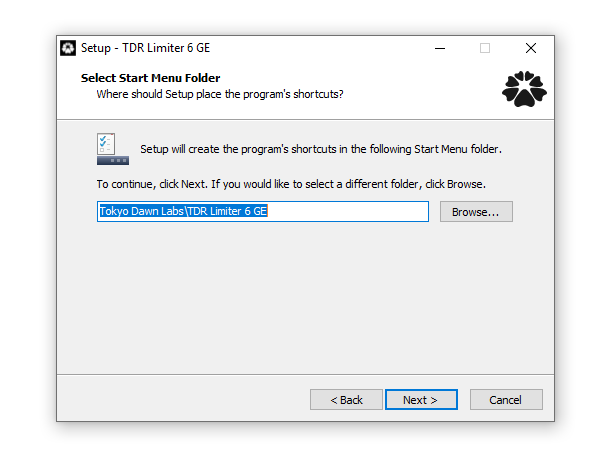
4. Click 'Next'.

5. Click 'Next'.

6. Click 'Next'.

7. Click 'Next'.

8. Click 'Next'.

9. Click 'Next'.

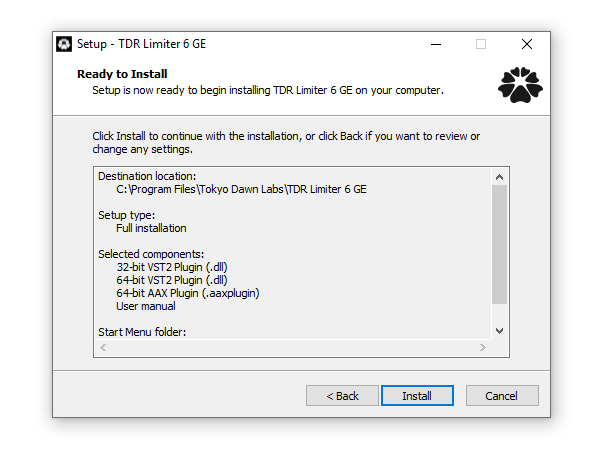
10. Click 'Install'.

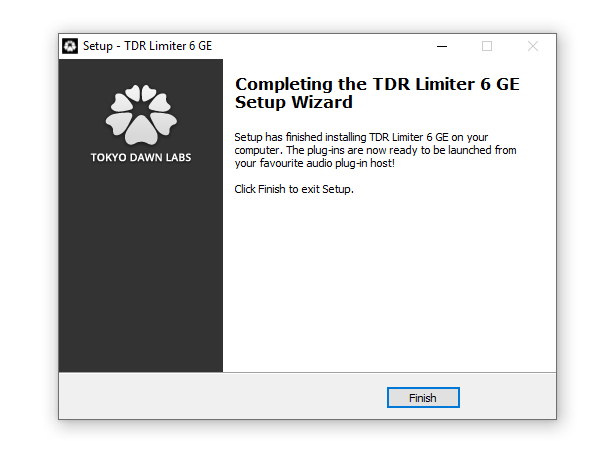
11. Click 'Finish'.

Online Activation
1. Open the installed software in your DAW > Click the dialogue box at the top of the plugin to open the activation menu.

2. Enter your Tokyo Dawn Labs registered email address and password > Click 'Register'.

3. Click 'Ok'.

Your software is now activated and ready to use within your DAW.

Offline Activation
1. Go to your Tokyo Dawn Labs User Account > Download the License Key File for your software.

2. Open the installed software in your DAW > Click the dialogue box at the top of the plugin to open the activation menu.

3. Click 'Import Key File'.

4. Select the License Key File > Click 'Open'.

5. Click 'Ok'.

Your software is now activated and ready to use within your DAW.