


 Log In

Free gifts available with your purchase
Product information
OneKnob Filter
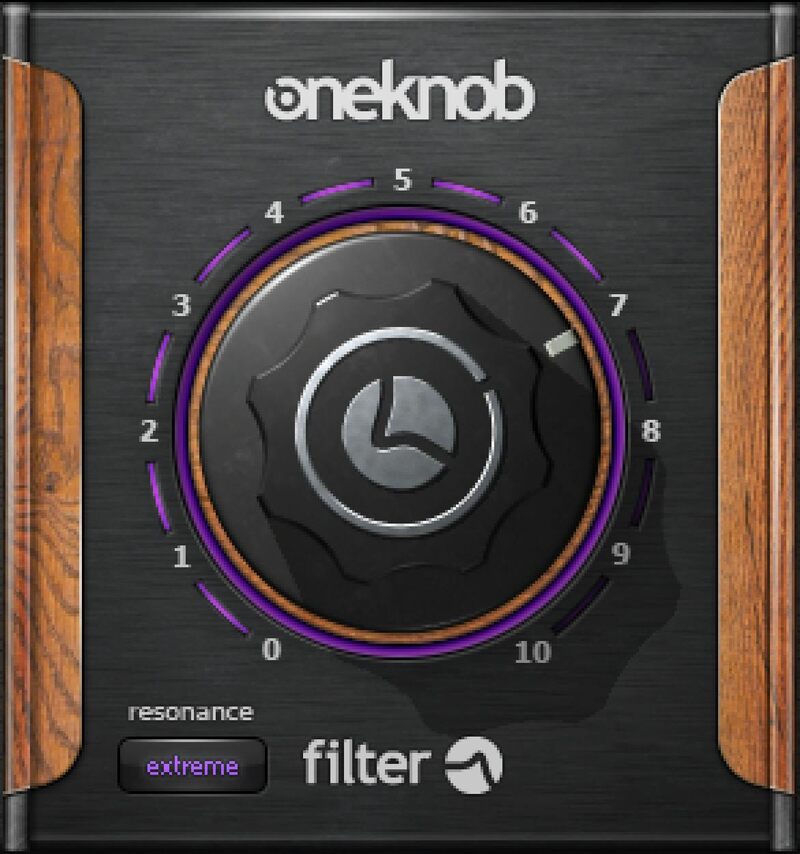
Create the Smoothest Sweeps—Instantly
OneKnob Filter transitions so smoothly from low to high frequencies that it sounds like the analog circuits of vintage synthesizers. From frequencies so low OneKnob Filter mutes the audio, to frequencies so high it passes the full audio frequency range, this is the essence of silky filtering.
Perfect in the studio for altering instrumental and vocal tone, OneKnob Filter is also an ideal live DJ tool—automate the knob for classy wah effects, or build dynamics live for the club.
Features
- Resonance button steps through 4 settings, from none to extreme
- 12 dB/octave low-pass filter with silky-smooth sound
- Cutoff frequency from below 20 Hz to above 20 kHz
- Sweep the filter frequency without quantized “stair-stepping”
- Fast, easy-setup filter for dance productions and breakdowns
- The same familiar sound and control as DJ club mixers
System Requirements
Mac
- macOS Monterey 12, Ventura 13, Sonoma 14, Sequoia 15
- VST / AU / AAX
PC
- Windows 10+
- VST / AAX
Installation Instructions














