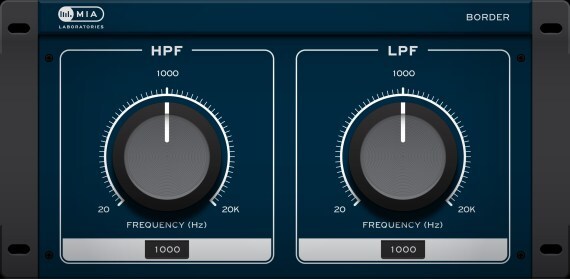
Border is a second-order Butterworth Low-Pass, High-Pass filter combination for general use, characterised by a smooth response and analogue character.
Remove unwanted frequencies from your signals, with the smooth filtering that Border provides!
Features
- Second-order Butterworth Low-Pass, High-Pass filter combination
- Smooth response and analogue character
System Requirements
Mac
- macOS 10.7 - 11.6 (Intel only) (64-bit only)
- AAX, AudioUnit, VST 2
- No iLok required
Windows
- Windows 7, 8, 10 (64-bit only)
- AAX, VST 2
- No iLok required
Supported Plugin Hosts:
- Ableton Live 9+
- Cubase 5+
- FL Studio
- Logic Pro X
- Pro Tools 11+
- REAPER 5+
- Studio One
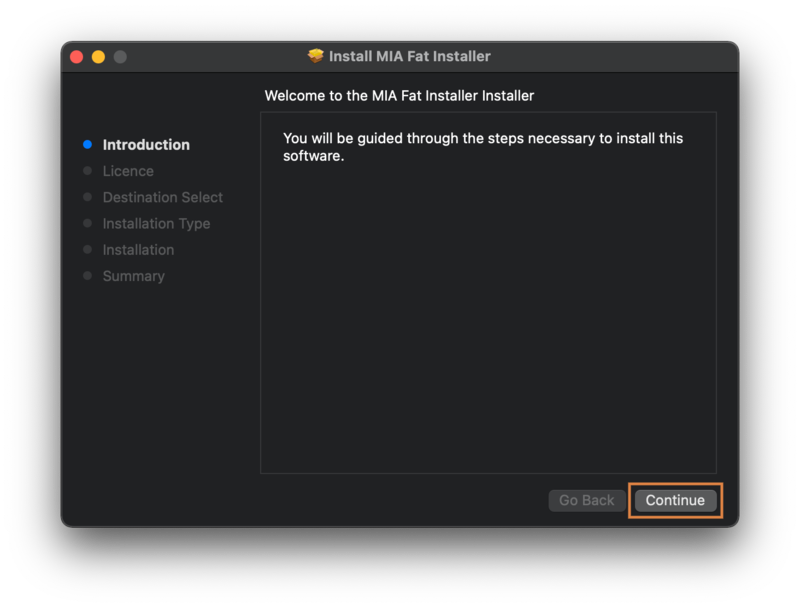
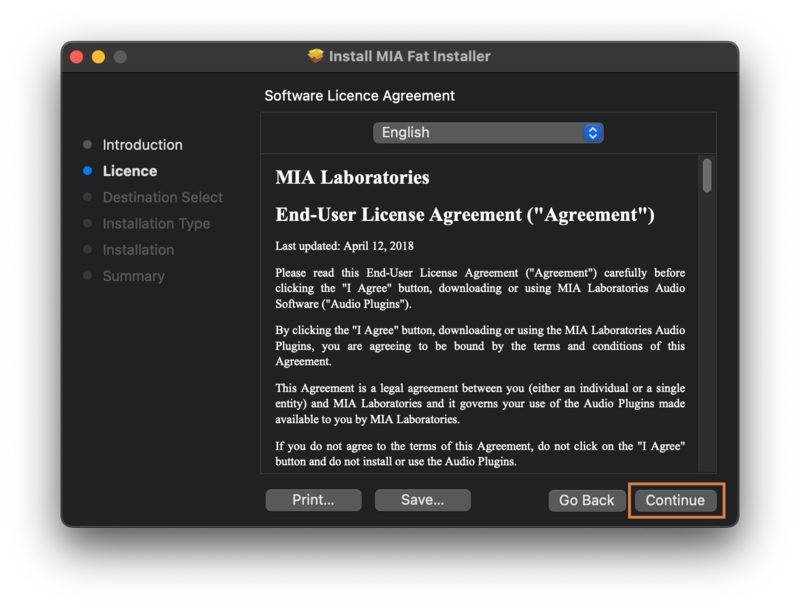
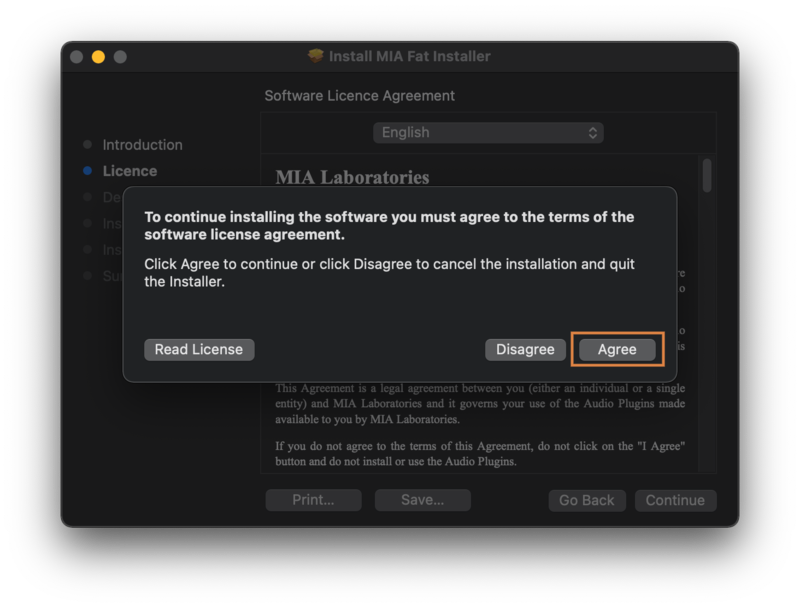
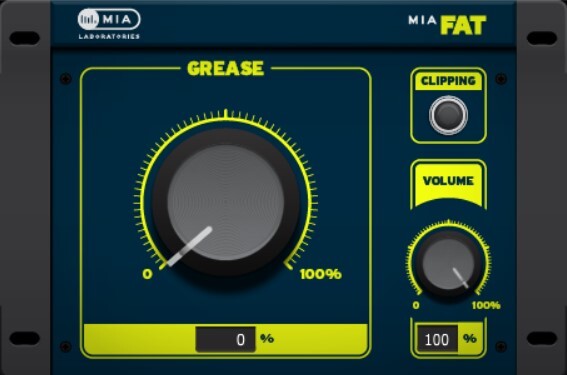
Please Note: MIA Fat is used as an example.
Mac Installation
1. Download the product installer from the FREE PRODUCTS of your Plugin Boutique Account.
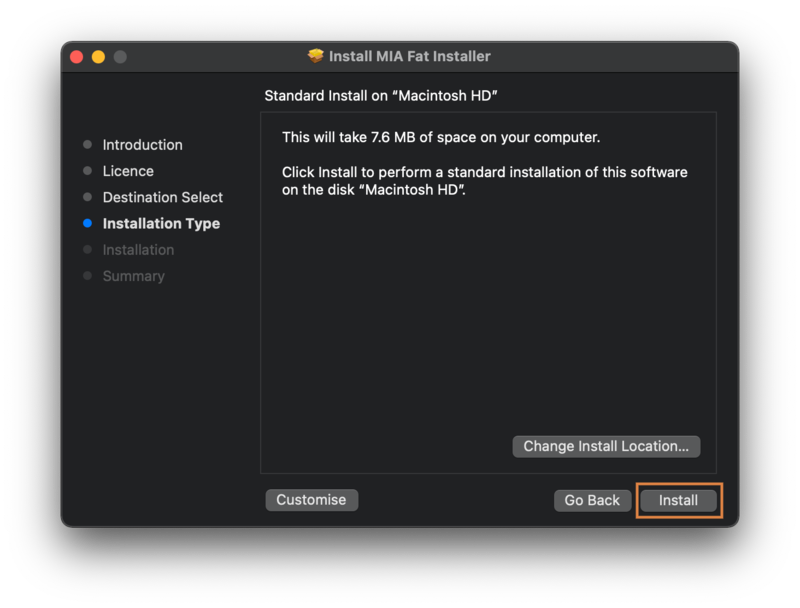
2. Double-click the .pkg file to begin the installation > click 'Continue'.

3. Read through the license agreement > click 'Continue' > click 'Agree'.


4. Select your preferred installation location > click 'Install'.

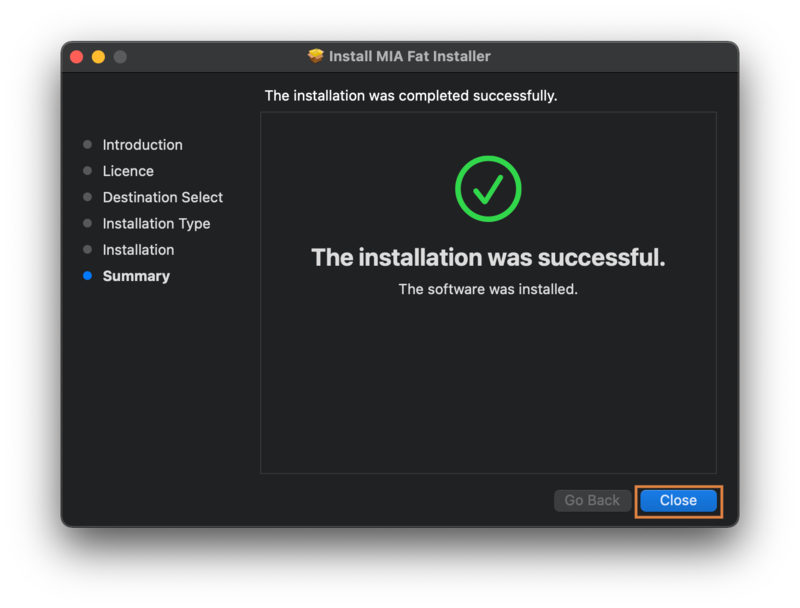
5. Click 'Close' to finish the installation process.

Your software is now ready to use within your DAW!

Windows Installation
1. Download the product installer from the FREE PRODUCTS of your Plugin Boutique Account.
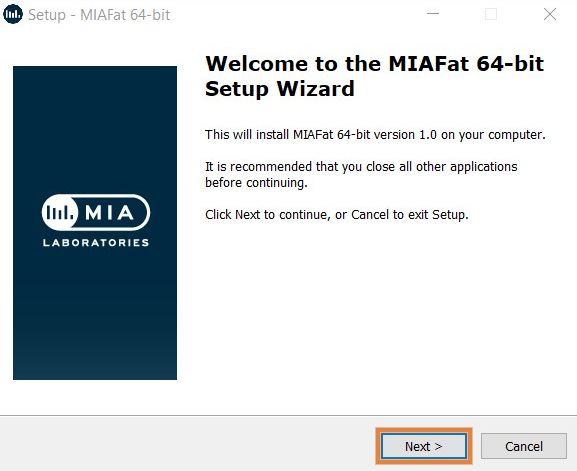
2. Double-click the .exe file to begin the installation > click 'Next'.

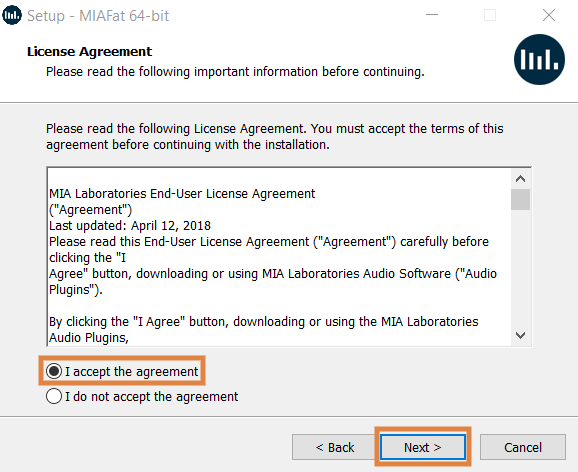
3. Read through the license agreement > click 'I accept the agreement' > click 'Next'.

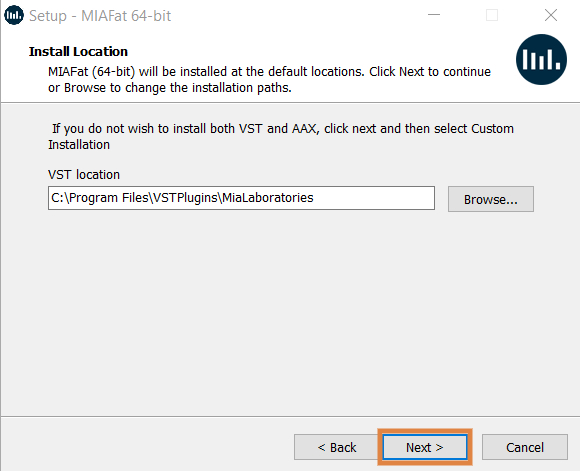
4. Select your preferred VST installation location > click 'Next'.

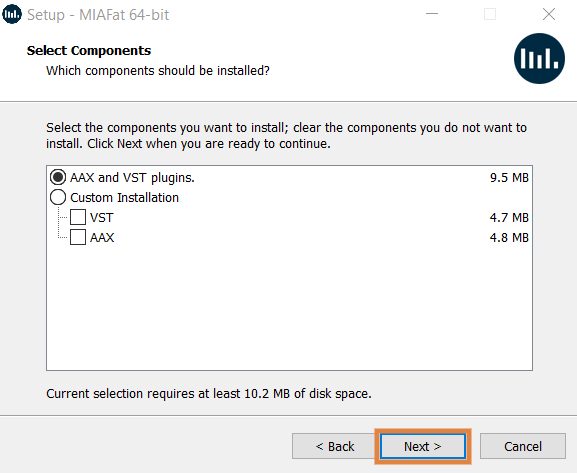
5. Select the components you would like to install > click 'Next'.

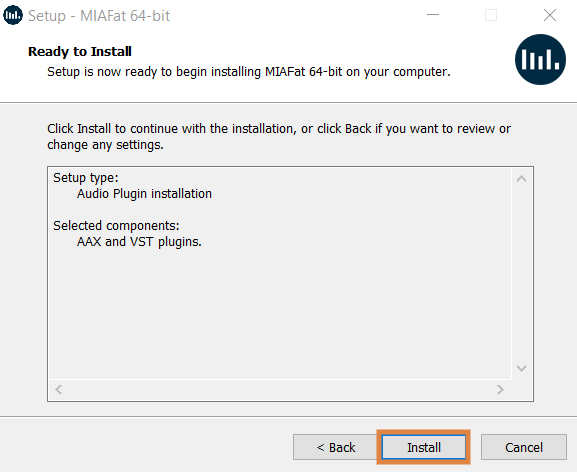
6. Check the details and click 'Install'.

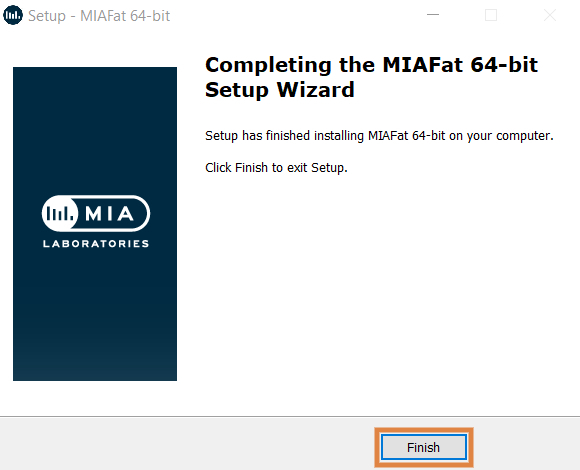
7. Click 'Finish' to close the installation window.

Your software is now ready to use within your DAW!