/ Gate / Spectral Gate
Harrison Consoles

Spectral Gate

5.0 (1 Reviews)
$49.00
Spectral Gate - 1
Spectral Gate - 1
Harrison - 3D Delay, Dyno Mite, Spectral Gate & Stunning Phaser Plug-in Overview with Jacob Lyons gallery thumbnail
Spectral Gate - 2
Spectral Gate - 3
Buy Now
Product information

Intelligent Frequency Dependent Noise Gate 

Experience surgical-level noise gating with the Harrison Spectral Gate, an intelligent, frequency-dependent gate plug-in that learns the unique spectral fingerprint of your desired “Source” material and the unwanted “Spill” in your tracks. Whether you’re cleaning up drum overheads, isolating vocals, or sculpting razor-sharp loops, Spectral Gate delivers effortless control over bleed and noise, letting your mix breathe with clarity. 

The Harrison Spectral Gate brings next-level precision to noise gating by learning the exact spectral fingerprint of what you want to keep (Source) and what you want to remove (Spill). Its real-time spectrum display instantly visualizes green and red curves that map your audio’s frequencies, so you know exactly what you’ve captured. Depth and Threshold controls let you dial in anything from gentle spill reduction to total removal, while Hold and Release settings shape the gate’s timing for natural, musical decay. The result is crystal-clear drum tracks with zero cymbal bleed, pristine vocals stripped of stage rumble, and faster cleanup workflows that free you from manual noise-riding and let you focus on creativity. 

Whether you’re laying down drums, tracking live shows, crafting samples, or editing dialogue in post-production, Spectral Gate integrates seamlessly into every stage of your production process. In the studio, learn each instrument’s spectrum and gate out unwanted bleed as you record.

In music production, import stems, isolate individual hits, and sculpt loops without compromising tone. During mixing, place it on overheads or room mics, visualize source versus spill curves, and even sidechain for creative, frequency-dependent ducking.

With Harrison Spectral Gate, intelligent frequency-dependent gating transforms cluttered mixes into transparent, focused productions.

Features

  • Intelligent ‘Source & Spill’ Learning: capture the exact spectral profile of audio you want to keep (Source) and remove (Spill) with a single click.
  • Real-Time Spectrum Display: visualize green Source and red Spill curves mapping your track’s frequencies for instant, surgical precision. 
  • Depth & Threshold Controls: dial in gentle spill reduction or total removal while allowing the desired signal to pass through unchanged. 
  • Hold & Release Timing: set how long the gate stays open after the signal drops and how smoothly it closes, for natural-sounding decay. 
  • Supported formats: AAX, VST, VST3 & AU.  
System Requirements

System Requirements

  • Mac: macOS 13+, AAX/AU/VST/VST3
  • Windows: Windows 10+, AAX/VST/VST3
  • Linux (for supported products): GCC 5 compatible systems, OpenGL 3.2 or higher, with libcurl-gnutls installed
Installation Instructions

Important note:

  • For licenses with the format - XXXXXXX-XXXX-XXXX-XXXXXXXX - please scroll down and follow the instructions for Harrison Multi Band Compressor, below
  • For iLok licences with the format XXXX-XXXX-XXXX-XXXX-XXXX-XXXX-XXXX-XX please follow the instructions for Harrison Bass Flow & SSL Guitarstrip immediately below

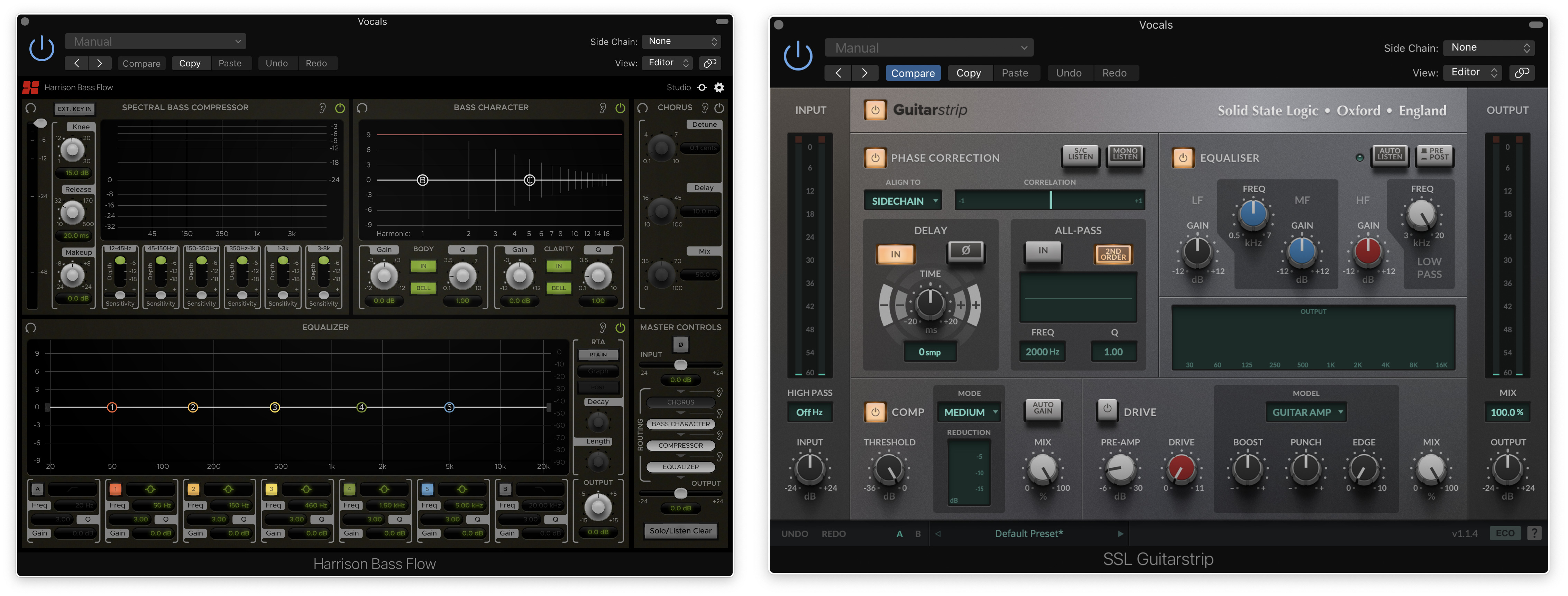
Please Note: Harrison Bass Flow & SSL Guitarstrip are used as examples

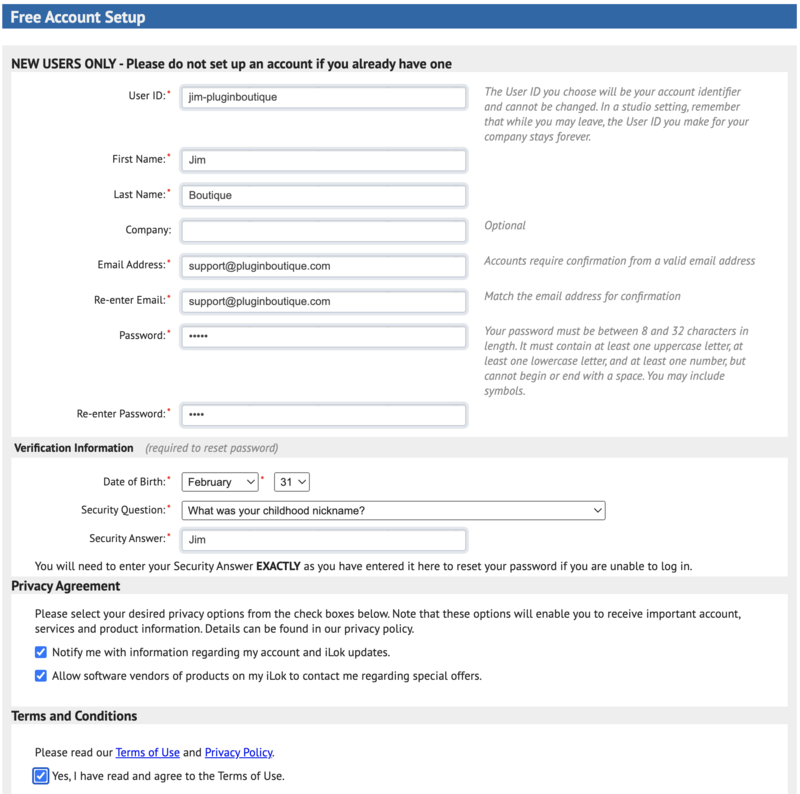
iLok Registration

1. Go to the iLok website and create a new account if you are not currently registered and do not have the iLok Licence Manager installed on your computer

Note: Skip to the 'Registration' procedure if you are already an iLok registered user

2. Download and install the iLok License Manager

SSL Download Manager Installation

1. Go to https://solidstatelogic.com/ssl-download-manager or click DOWNLOAD in your Plugin Boutique User Account

2. Click either macOS or Windows to download the installer (Linux versions available here)

3. Double-click installer > Follow the on-screen instructions to install

4. Open SSL Download Manager

5. Locate Harrison Bass Flow & SSL Guitarstrip > Click Install on each plugin

iLok Authorisation

1. Open your iLok license manager application > click Sign In

2. Enter your iLok registered User ID and password > click Sign In

3. Once you are signed in, click the ‘Redeem’ icon which is located at the top-right corner of the iLok Licence Manager’s interface

4. Copy and paste/manually enter the 30-digit code from your Plugin Boutique User Account into the available Activation Code boxes, and then click Next

5. Select your activation destination > Click Activate

6. Click OK

7. Open the plugins in your DAW

Your plugins are now installed and ready to use. Enjoy!


Please Note: Harrison Multi Band Compressor is used as an example

Note: Harrison and SSL plugins now share the same installation process via the SSL Download Manager

iLok Registration

1. Go to the iLok website and create a new account if you are not currently registered and do not have the iLok Licence Manager installed on your computer

Note: Skip to the 'Registration' procedure if you are already an iLok registered user

2. Download and install the iLok License Manager

Registration

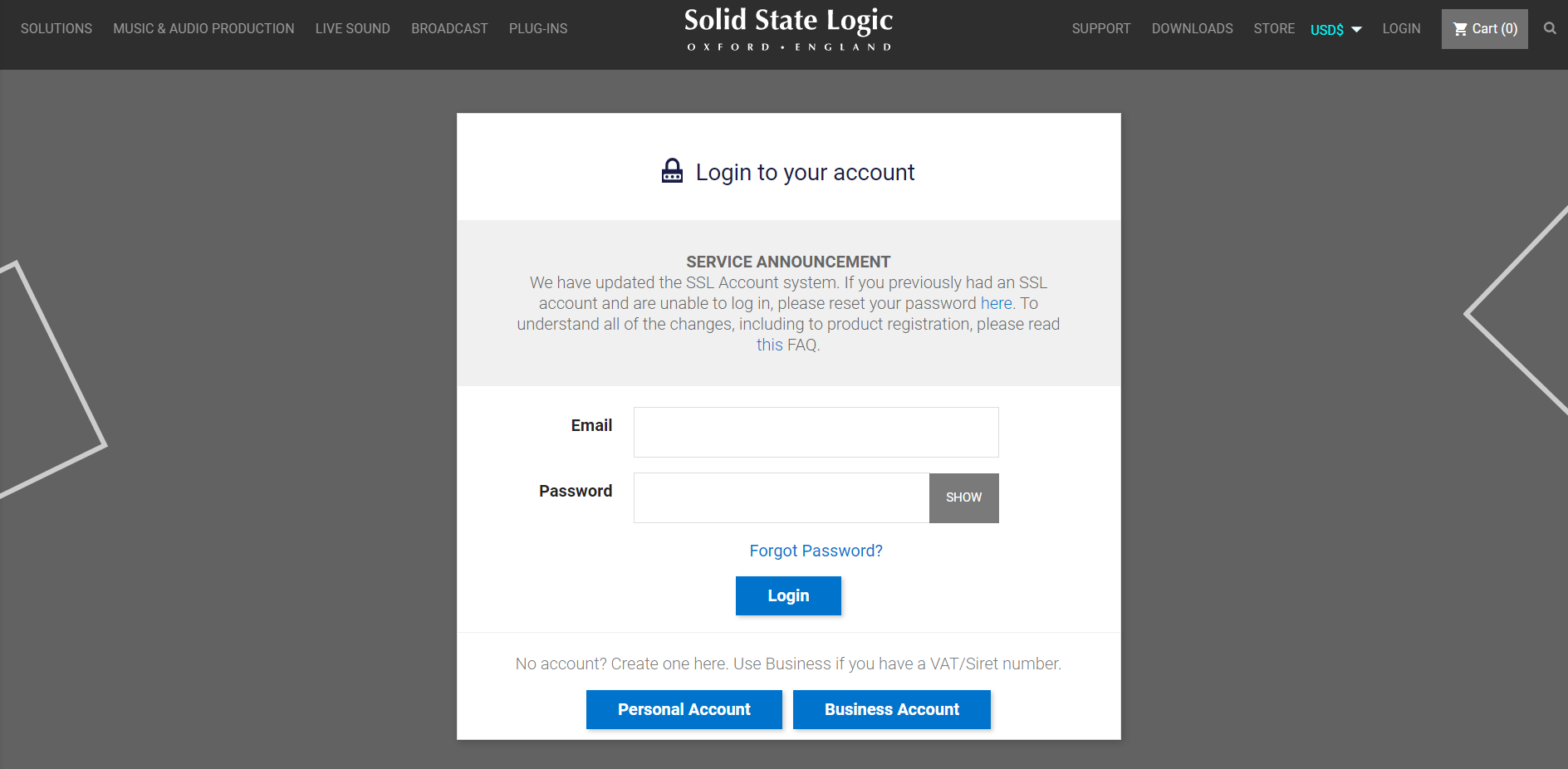
1. Go to https://account.solidstatelogic.com/register-software > Create a new account or log into your existing account if you have one

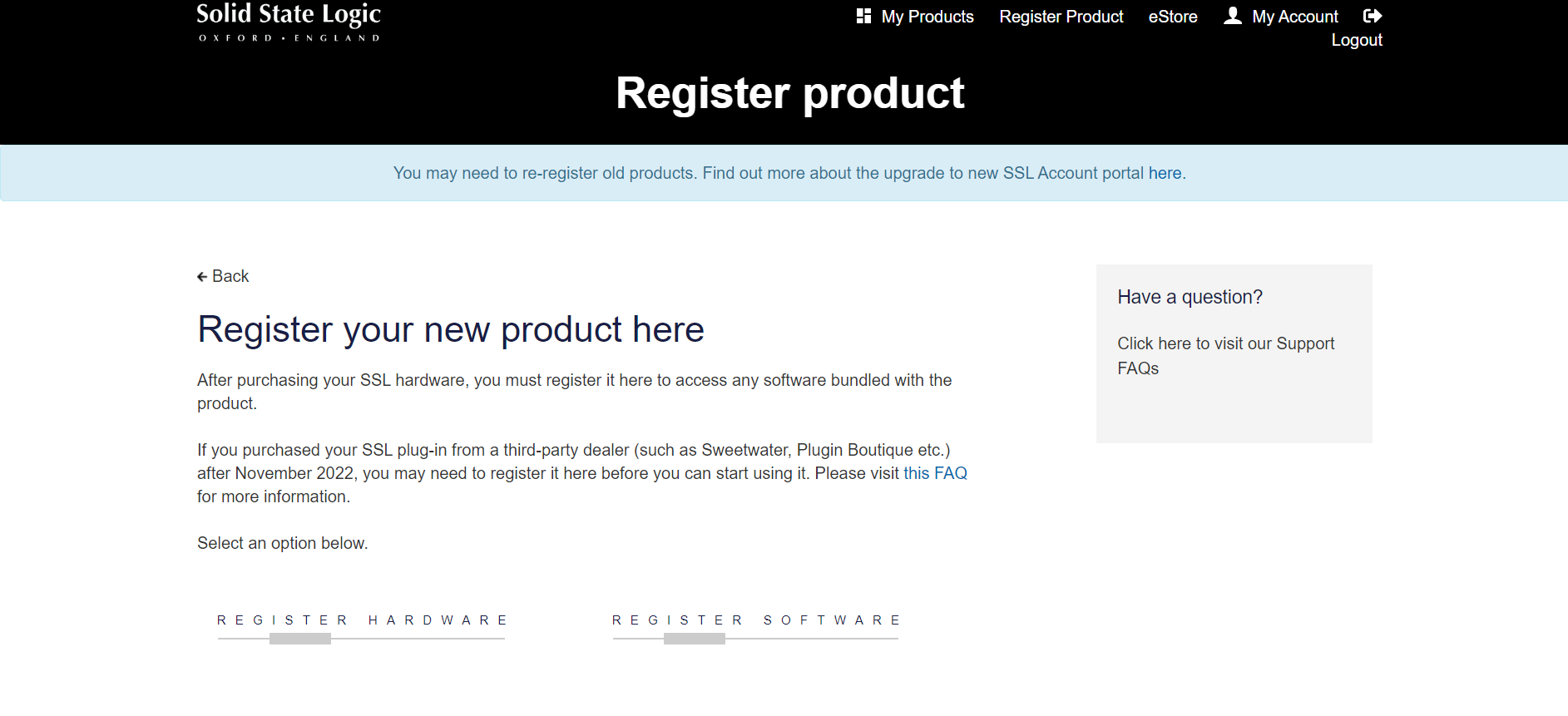
2. Click REGISTER SOFTWARE

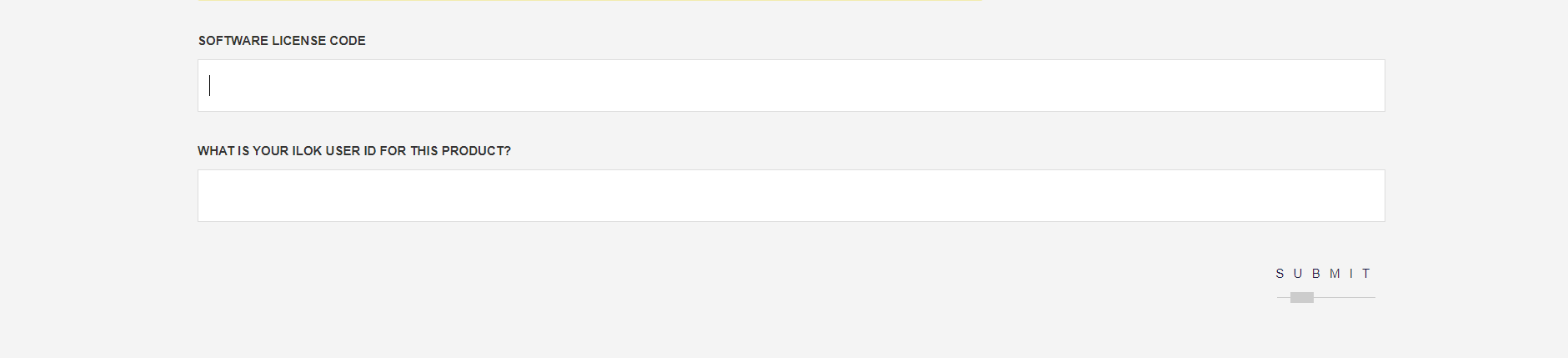
3. Enter your license code found in your Plugin Boutique User Account as well as your iLok ID > Click SUBMIT

SSL Software Installation

1. Go to https://solidstatelogic.com/ssl-download-manager or click DOWNLOAD in your Plugin Boutique User Account

2. Click either macOS or Windows to download the installer (Linux versions available here)

3. Double-click installer > Follow the on-screen instructions to install

4. Open SSL Download Manager

5. Locate Harrison Multi Band Compressor > Click Install

6. Open your DAW > Scan for plugins

7. Click Activate

8. Click Skip

9. Enter your iLok account details > Click Next

10. Select 'Harrison Multi Band Compressor' > Click Next

11. Select an activation location > Click Next

12. Click Continue

13. Open the plugin in your DAW

Your plugin is now installed and ready to use. Enjoy!

Plugin Boutique Rewards

Discover the most rewarding loyalty programme among all plugin retailers.

  • Free Loopmasters Samplepacks
  • Discounts on products and courses
  • Extra Virtual Cash claimed immediately at checkout
Find out more

Follow us:

X (Twitter) Facebook YouTube Instagram
Logo Logo

Plugin Boutique Limited, Part of the Beatport Group LLC.

Copyright © 2011-2025 Plugin Boutique. All rights reserved