Mac
1. Download the .zip folder from your User Account.
2. Double-click on the .zip folder to extract and reveal the individual product installer files.
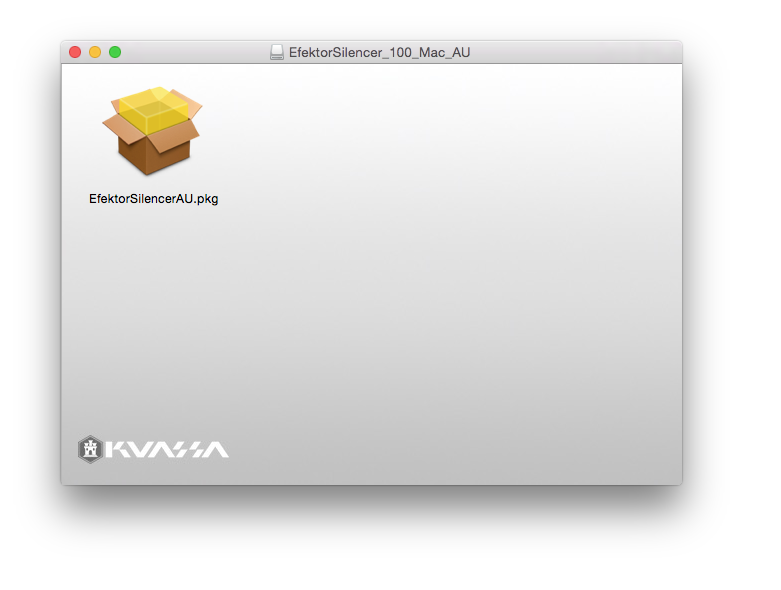
3. Select the correct format file that is compatible with your DAW, and double-click on it to begin the installation process.
4. Double-click on the .pkg installer app icon.

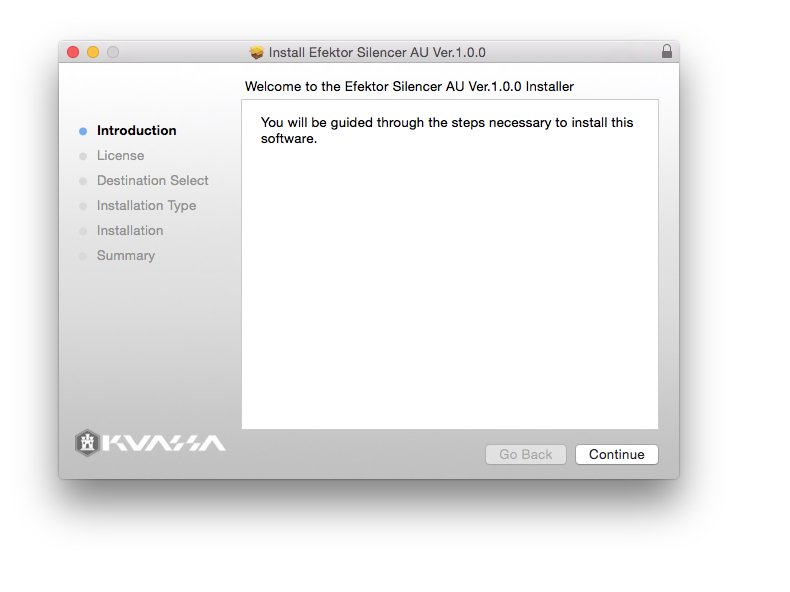
5. Follow the on-screen instructions and click 'Continue.'

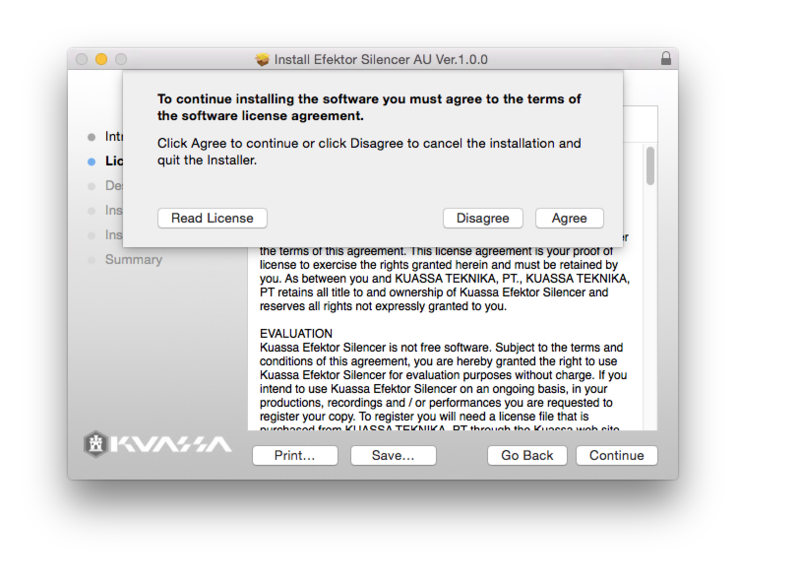
6. Read through the Licence Agreement > click 'Continue' and then 'Agree.'

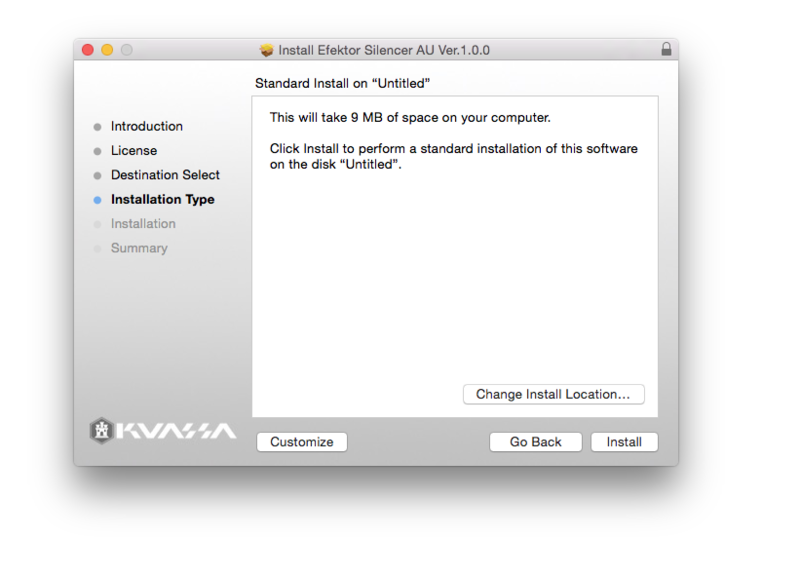
7. Read through the information and click 'Install.'

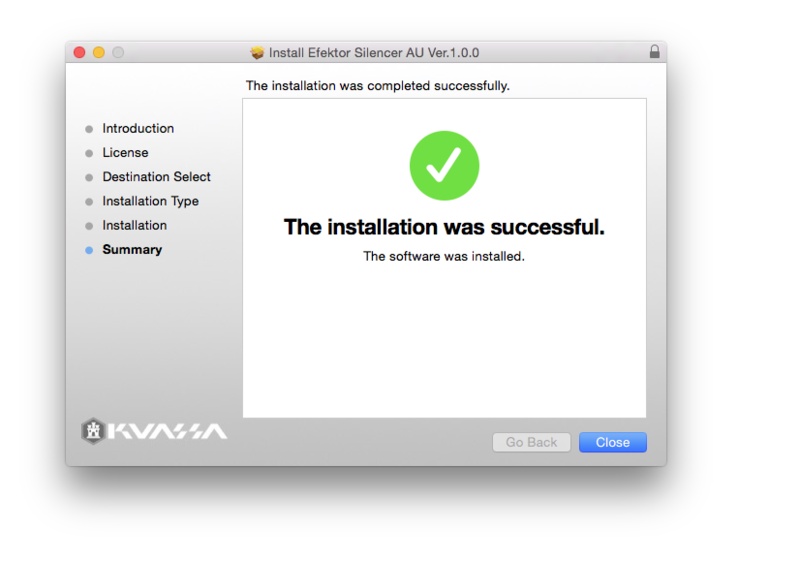
8. The installation of the software has now successfully completed > click 'Close.'

9. Restart and/or Rescan your DAW's Plugin List within the Plugin Manager - this may differ depending on your software environment.
Your Software is Now Ready for Use Within Your DAW!

PC
1. Download the .zip folder from your User Account.
2. Double-click on the .zip folder to extract and reveal the individual product installer files.
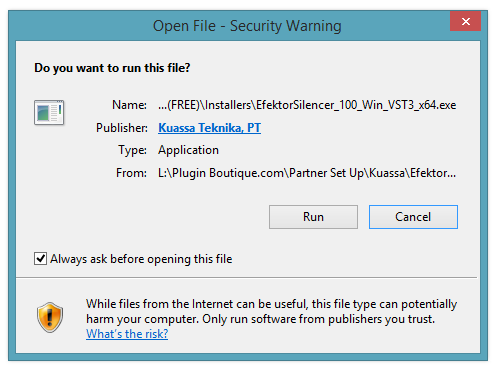
3. Select the correct format and bit-depth file that is compatible with your DAW > double-click on it to begin the installation process > click 'Run.'

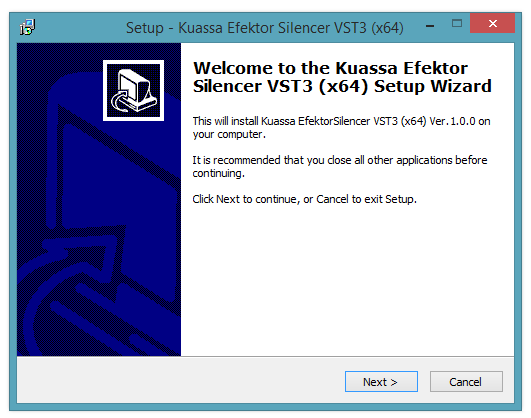
4. Read through the information and click 'Next.'

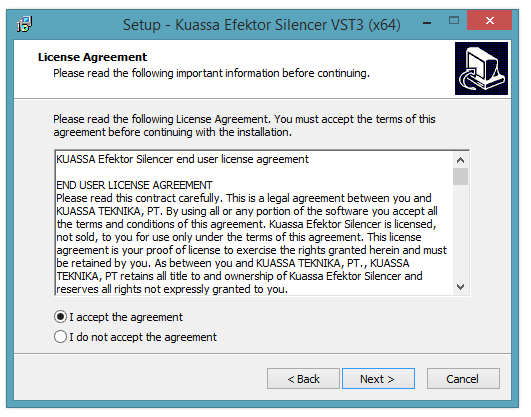
5. Read through the information and select 'I Accept the Agreement' option > click 'Next.'

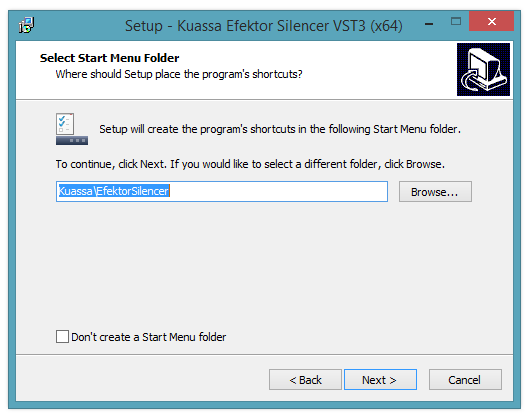
6. Select the 'Start Menu Folder' in which to create shortcuts to the software > click 'Next.'

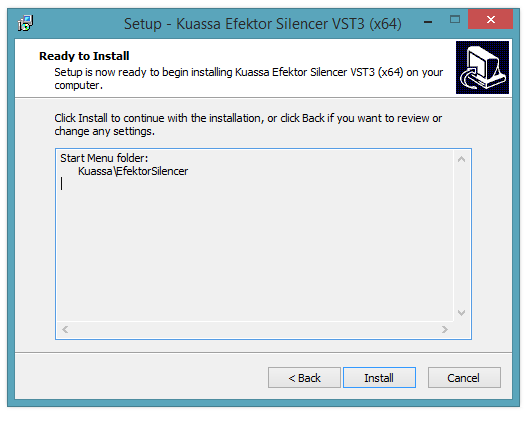
7. Review the installation and click 'Install.'

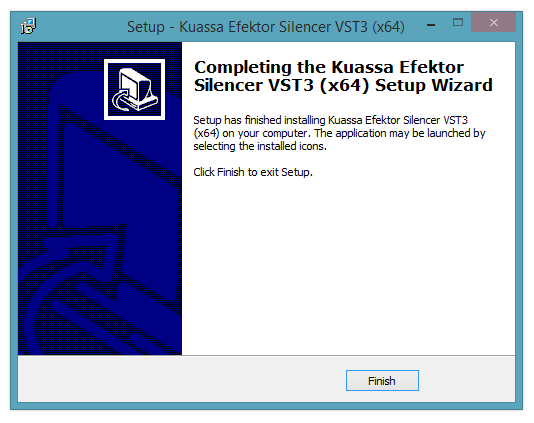
8. The installation of the software has now successfully completed > click 'Finish.'

9. Restart and/or Rescan your DAW's Plugin List within the Plugin Manager - this may differ depending on your software environment.
Your Software is Now Ready for Use Within Your DAW!