
The Creative Gate Sequencer
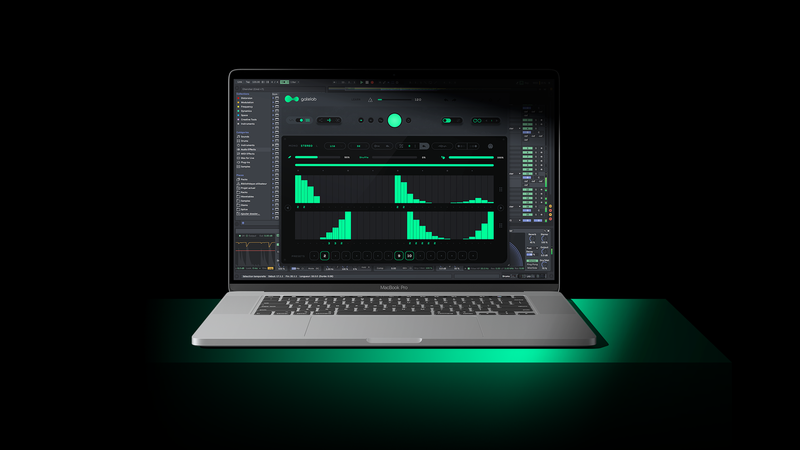
Gatelab is a Creative Gate Sequencer, Volume Modulation Generator and Beyond.
You can choose from a variety of randomization modes, density values, Flow or Gate mode and Built-in presets.
Gatelab randomizes a unique combination of parameters and is delivering ever-evolving patterns and endless rhythmic effects.
Chop up any audio signal through a number of music-creation and sound-mangling features. and generate fresh new ideas on the spot.
It can also send MIDI data, giving it the ability to control or randomize parameters in other plugins.
Gatelab is an endlessly variable Gate Sequencer available for Windows and Mac.

Features
- Generate Gate Sequences in real-time
- Syncs to Host tempo
- Wet / Dry mix control
- MIDI Controllable
- Infinity Mode
- Quick Load presets
- Instant / Tap Bypass for live performance
- Gate / Flow modes
- Disintegration & Grow modes
- Customizable Sequence Range
- MIDI Output
- No Two Patterns will ever be the same
System Requirements
- macOS 10.12 or higher (64-bit only) (M1 Mac supported)
- Windows 7 or higher (64-bit only)
- At least 50 MB of free drive space.
- Comes in VST / VST3 / AU / AAX format.
- Reliable internet connection for download delivery and product activation.
Note: Riffer is used as an example.
Mac
Installation
1. Download the .zip file from within your Plugin Boutique User Account and double-click it to extract the contents > Double-click the .pkg file to begin the installation.
2. Click 'Continue'.
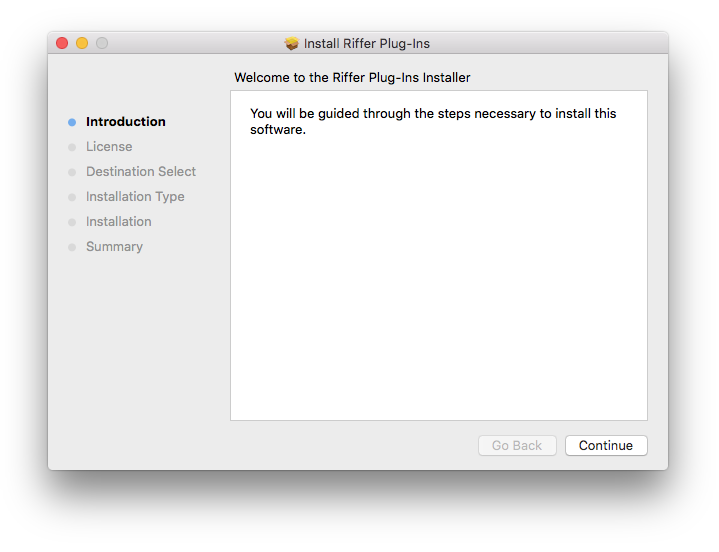
3. Click 'Continue'.
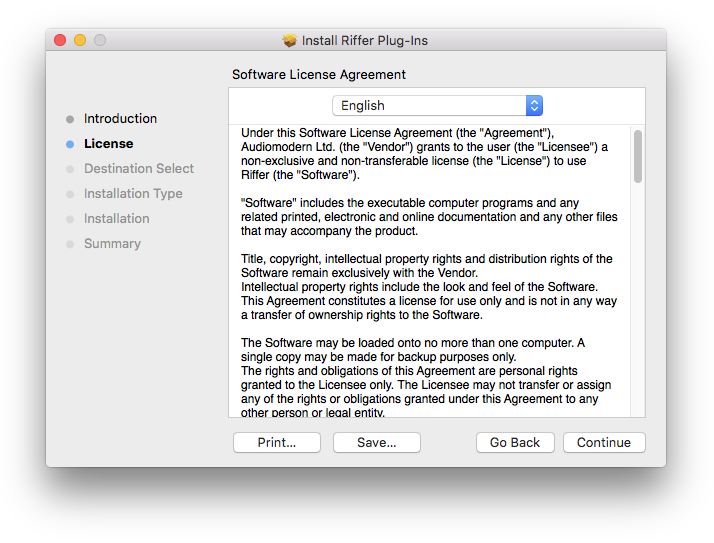
4. Click 'Agree'.
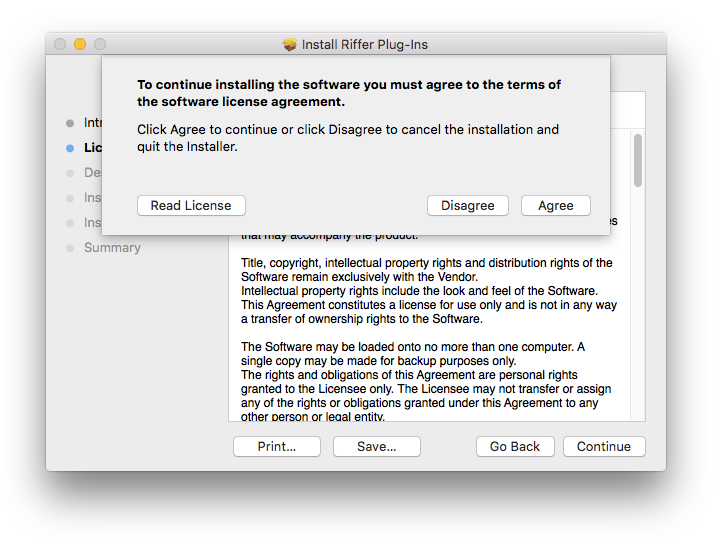
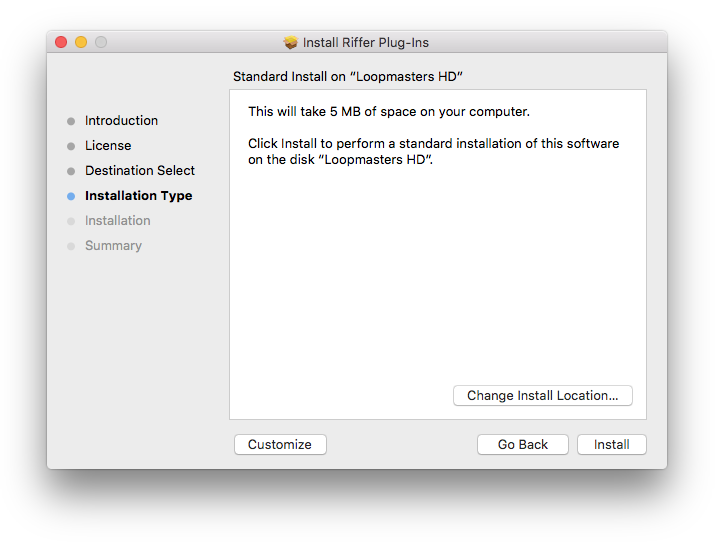
5. Click 'Install'.
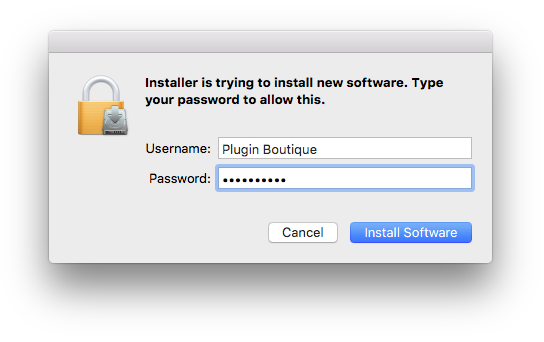
6. Enter your computer Username and Password > Click 'Install Software'.
7. Click 'Close'.
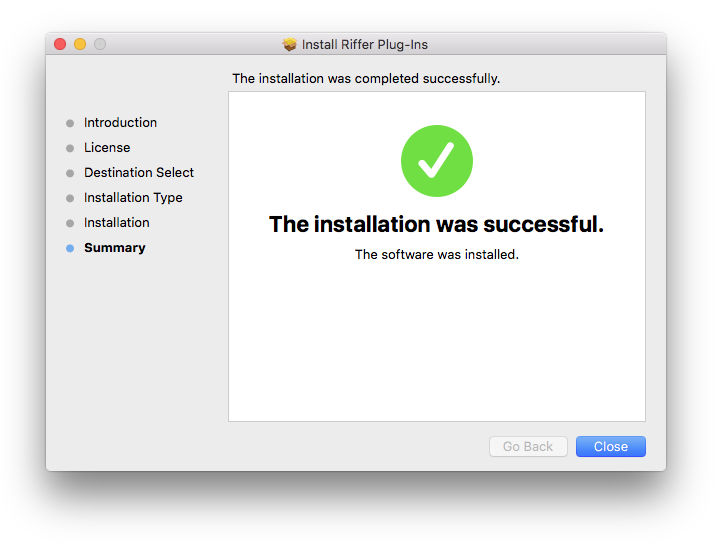
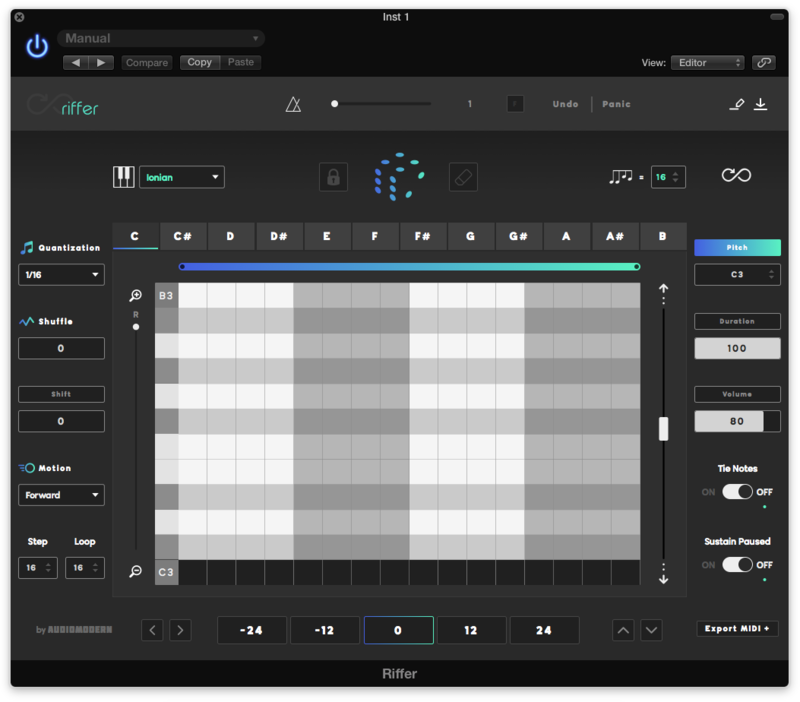
8. Open the installed software in your DAW.
Your software is now ready to use!
Windows
Installation
1. Download the .zip file from within your Plugin Boutique User Account and double-click it to extract the contents > Double-click the .exe file to begin the installation.
2. Select 'I Accept the Agreement' > Click 'Next'.
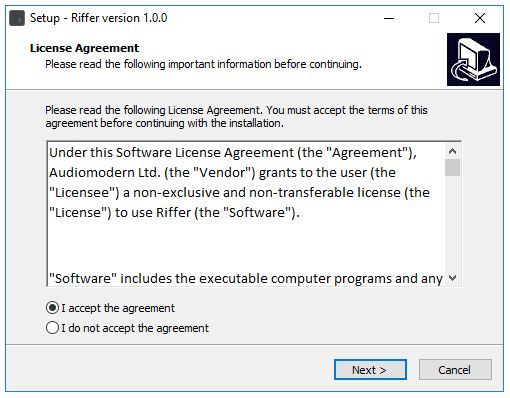
3. Click 'Next'.
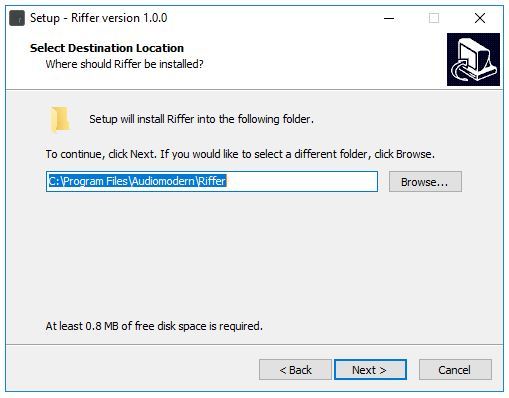
4. Click 'Next'.
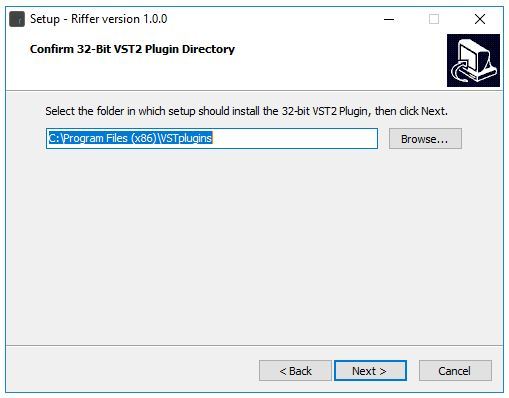
5. Click 'Next'.
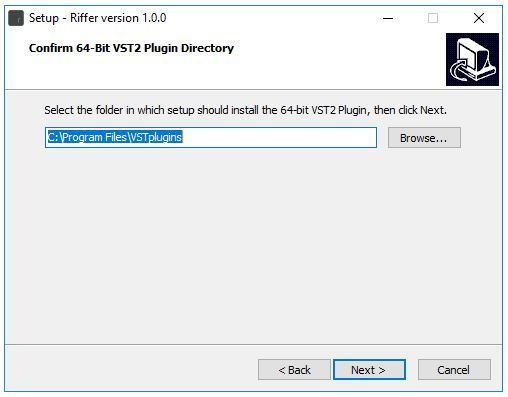
6. Click 'Next'.
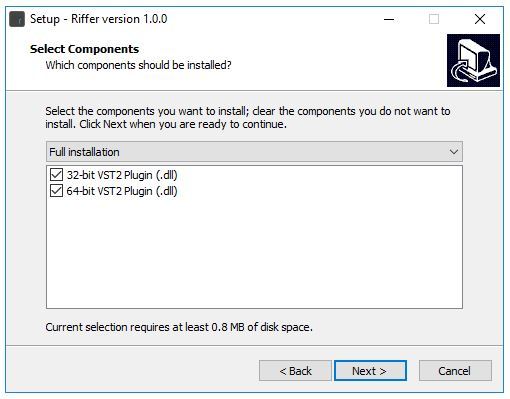
7. Click 'Next'.
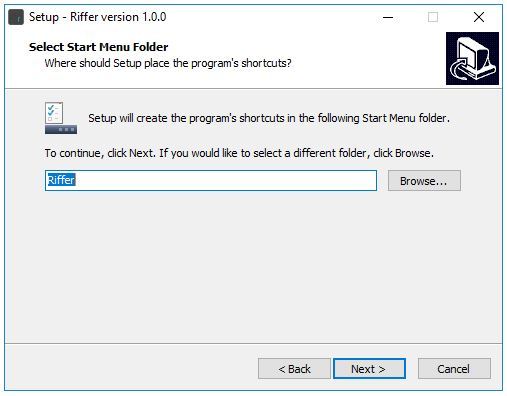
8. Click 'Install'.
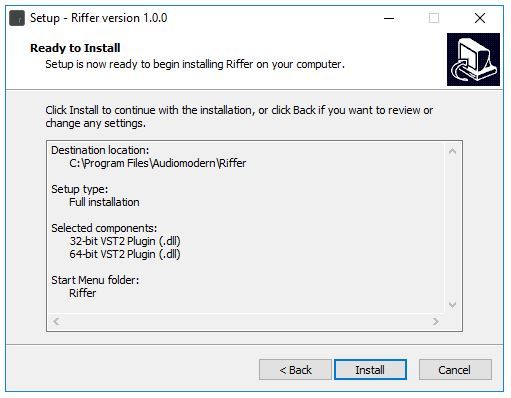
9. Click 'Finish'.
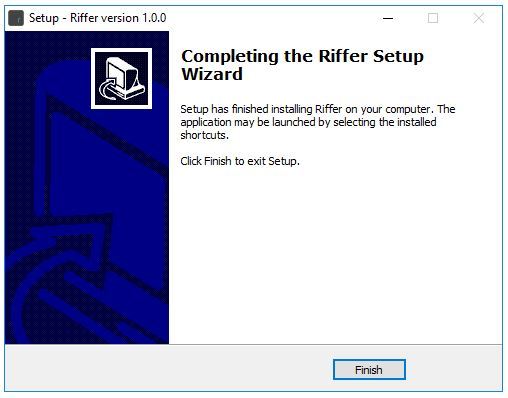
10. Open the installed software in your DAW.
Your software is now ready to use!