Log In

Free gifts available with your purchase

50 Years of Analog Design in One Single Plugin
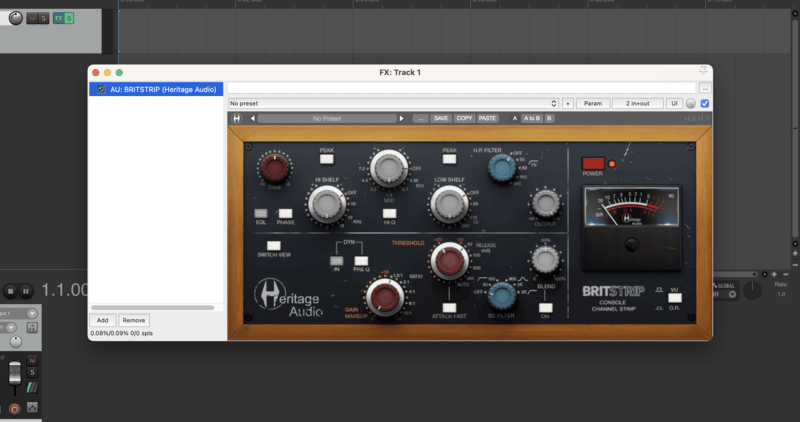
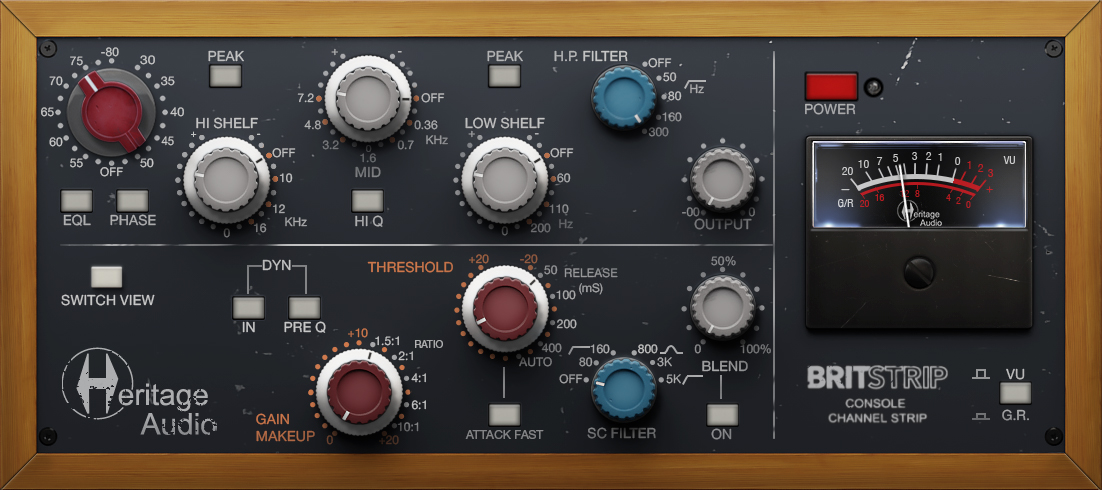
Introducing the Heritage Audio BritStrip Plugin, a true recreation of Heritage Audio’s very own BritStrip Console Channel Strip—a modern classic in thousands of studios around the world. The BritStrip combines a rich, inductor-based 73-style equalizer with the famous diode bridge compressor from Heritage Audio’s popular Successor.
An Expanded 73 Equalizer
The impact of the BritStrip EQ is hard to believe, with extreme boosts remaining surprisingly musical. The mid-band is ideal for sculpting fat and punchy snares, kicks, guitars, and vocals. Unlike most equalizers, the BritStrip maintains clarity even at extreme settings, ensuring no phase issues or signal degradation. The Class-A high-pass filter removes excess low end without compromising the overall quality of the signal, while the high and low shelves include a bell mode for precise tonal shaping.
A Successor-Like Compressor
This powerful, diode bridge-modeled compressor design is perfect for tracking, delivering a thick, solid, punchy sound with thorough dynamic control. It features a “Blend” function that allows for the perfect balance between the original and compressed signals, as well as a sidechain filter to focus compression on specific frequencies. This enables performers to monitor a finished, real-time sound while recording, enhancing the overall performance experience.
Routing Flexibility
The BritStrip offers versatile internal routing options. Equalizing before compression makes the compression detector more sensitive to boosted frequencies and less sensitive to those cut. Alternatively, equalizing after compression ensures that the detector remains unaffected by EQ settings, providing greater control over the final sound.

Two Versions for Different Needs
Heritage Audio designed the BritStrip Plugin to pair seamlessly with the i73 Pro line of interfaces, complementing its 73-style analog preamps. However, as more users explored the plugin, they recognized its potential as a standalone tool. To accommodate different workflows, Heritage Audio has introduced two versions: a lightweight BritStrip without the preamp and a full version featuring the meticulously modeled Heritage Audio 73-style preamp. Now, users can choose the version that best suits their needs
Features
-
50 Years of Analog Design in One Plugin
- Faithful recreation of the Heritage Audio BritStrip Console Channel Strip
- Combines a 73-style inductor-based equalizer with the Successor’s diode bridge compressor
-
Expanded 73-Style Equalizer
- Musical and transparent boosts, even at extreme settings
- Mid-band ideal for sculpting snares, kicks, guitars, and vocals
- Class-A high-pass filter removes low-end mud while preserving clarity
- High and low shelves include a bell mode for precise tonal shaping
-
Successor-Like Compressor
- Diode bridge-modeled design for thick, punchy, and controlled dynamics
- "Blend" function for parallel compression to retain natural dynamics
- Sidechain filter for frequency-focused compression
- Real-time monitoring of the finished sound while tracking
-
Flexible Internal Routing Options
- EQ before compression for more responsive compression behavior
- EQ after compression for unaffected compression detection and greater tonal control
-
Two Versions for Different Workflows
- BritStrip Plugin (Full Version) – Includes the Heritage Audio 73-style preamp
- BritStrip Plugin (Lightweight Version) – Excludes the preamp for users who don’t need it
- Designed to pair seamlessly with the i73 Pro interface or as a standalone tool
System Requirements
-
Formats:
- VST3, AU, AAX (64-bit)
-
Platforms:
- macOS: 10.15.7 and up (Both INTEL and Native Apple Silicon M1/M2/M3 Compatibility)
- PC: Windows 10 and 11
-
DAWs supported:
- All major DAWs, including Ableton Live, Pro Tools, Logic Pro, FL Studio, Cubase, Studio One, Bitwig, Reaper, Reason etc
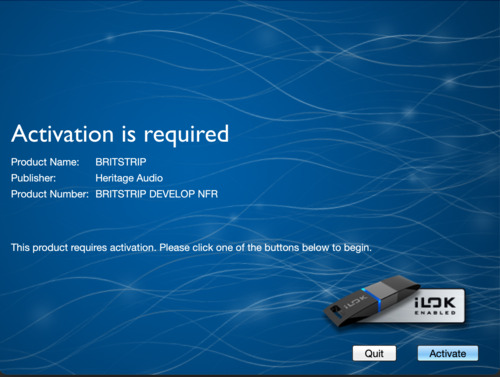
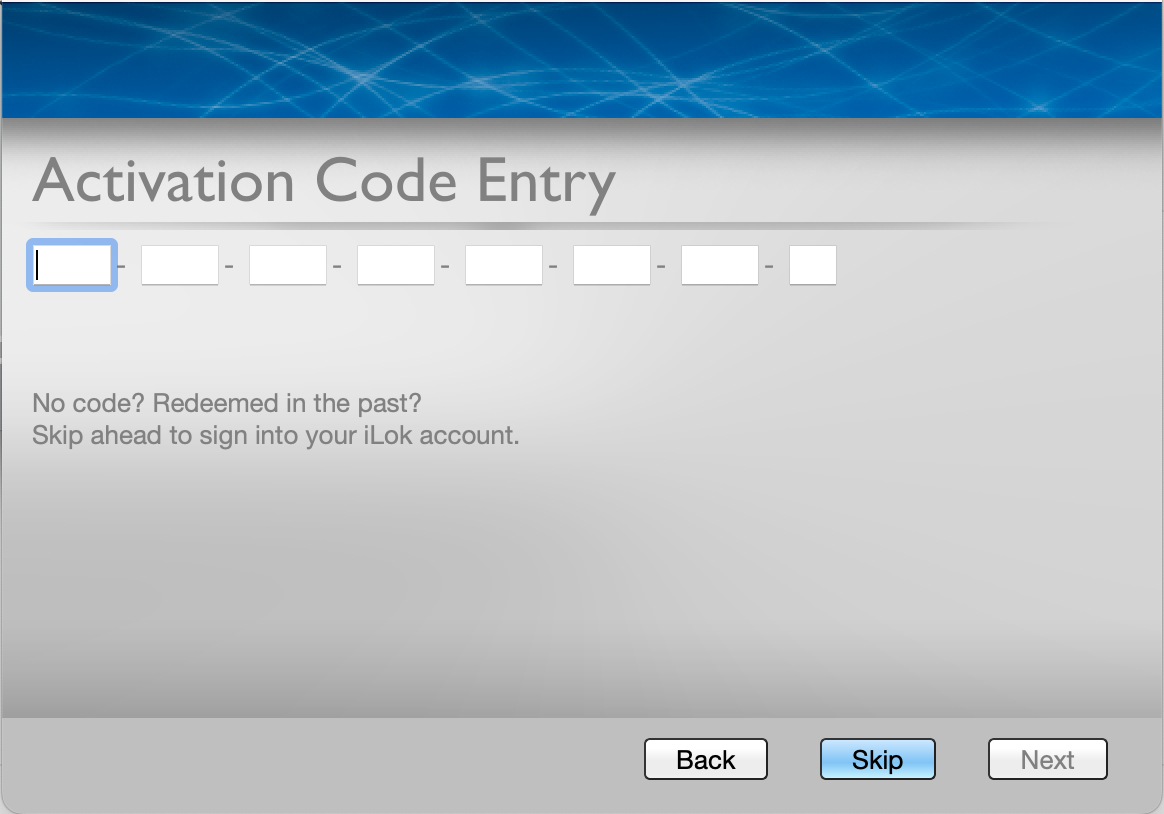
Please note: A free iLok cloud account is required to install and authorise this product