


 Log In

Free gifts available with your purchase

Saturation / Dynamics / EQ
Goliath V2 features 4 analogue modelled processing chains featuring ALLOY (Nickel, Iron, Steel-based Transformers), TUBE, TAPE & VINYL with a drive control plus a FET-based envelope and a 3-band EQ.
This is a truly revolutionary and “analogue” sounding tool. Be prepared to be pleasantly surprised!
What’s New?
Goliath, Tone Empire's top-selling plugin is back in a brand new avatar with a completely new sound engine and new features.
This plugin now has 4 types of Saturation models – Alloy, Tube, Tape & Vinyl with Drive. Tone Empire now use their Advanced DSP models featuring their own proprietary “Multi Convolution” & Component Modelling Technique to simulate “Real” hardware chains of analogue gear. Additionally, the plugin now features a full FET compressor in its envelope section and a 3-band EQ plus a Low Cut Filter.
All these engines make Goliath V2 a great sounding & versatile channel strip with multiple colours of sound processing.
If you love that vintage analogue “goodness”, then Goliath V2 is for you!
Analog Modelled Processing Chain Section
In order to develop Tone Empire's fantastic and realistic-sounding analogue chains, Tone Empire used multiple samples of hitting the gear at different levels using Tone Empire's proprietary “Multi Convolution” & Component Modelling Technique. Hence you actually get the “REAL” sound of the gear!
The signal chain in Goliath V2 is: Low Cut EQ > Analog Processing Selector (4 choices) > ENVELOPE Section > EQ Section.
Features
Analog Processing:
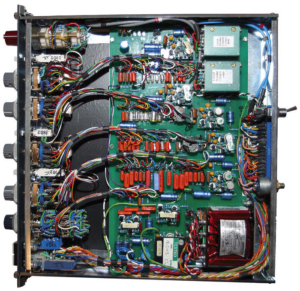
ALLOY
This is an analogue processing chain featuring the famous British 1081 sound which has characteristics of its transformer made of Nickel, Iron, Steel.
This gives you a taste of that clean silky analogue processing.
TUBE
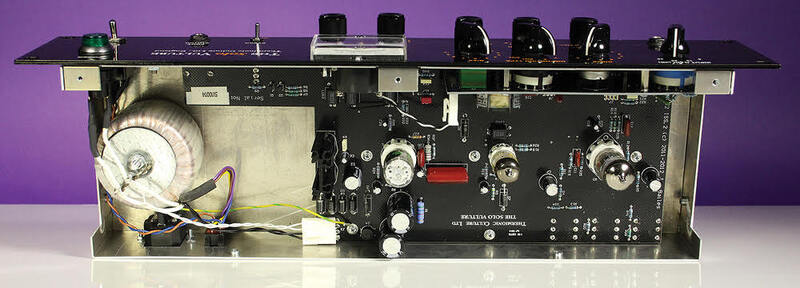
The Tube chain is modelled using a modern/ classic valve processing chain with an AIR circuit. An immediately pleasing sound that will bring 2nd order harmonics to your material.
TAPE
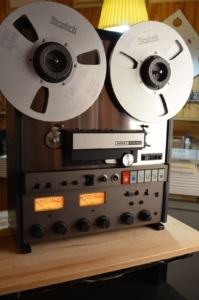
Here Tone Empire have used the ATR – 700 Tape Recorder at 15ips to capture that warmth and compression of Tape. Immediately hear your transients being “warmed” up and also get third-order harmonic saturation.
VINYL
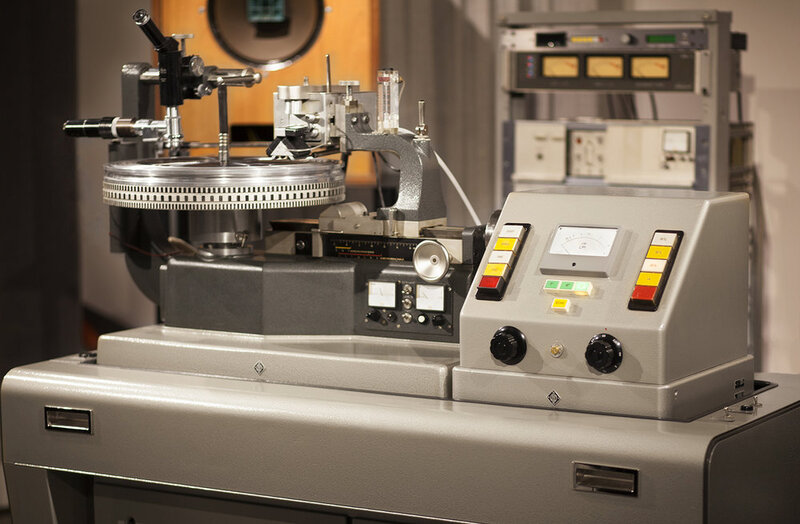
This one features an analogue mastering chain going to a Neumann vinyl cutting machine and multiple IRs sampled from the dubplate. Finally, get your record to sound like a “Record”!
More Features:
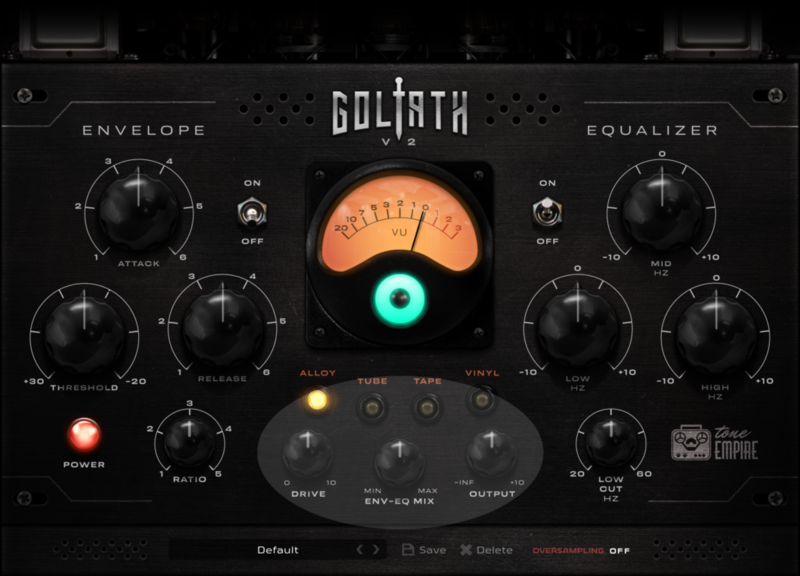
- DRIVE Control: This controls lets you “drive” the analogue chain selected for its respective saturation characteristics. The levels remain the same, hence there will be no need to keep reaching for that output control. Go from a light touch of the analogue chain to full-on driven saturation by hitting the signal hard.
- Env-EQ MIX: Use this control to dial back the amount of Envelope and EQ used by parallel mixing in the signal from the analogue chain before the Env-EQ sections. This acts as a kind of dry/wet control for the ENV-EQ.
- OUTPUT Control: This lets you control the gain of the final output of the processing from -inf to +10 DB. It’s helpful when compressing a lot and you need a signal boost at the end, or for cutting back the levels.
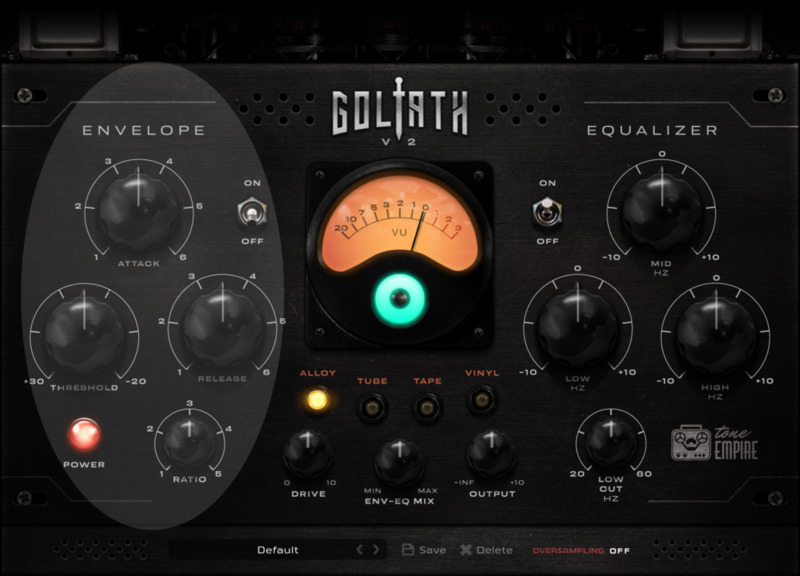
Envelope Section:
ON/OFF Switch: Engage or bypass the Envelope Section.
The Envelope Section features an 1176 style FET compressor with controls for Threshold and fixed controls for Ratio, Attack Time & Release Time. The Attack, Release, and Ratios were carefully chosen to be applicable to a vast variety of materials. Drums to Pianos or Vocals, you can throw anything at this compressor and it will lightly control or aggressively grab the sound!
- Threshold: Controls the threshold for the Envelope to kick into action.
- Attack: Preprogrammed fixed Attack times going from Fast to Slow.
- Release: Preprogrammed fixed Release times going from Fast to Slow.
- Ratio: Fixed ratios ranging from 2:1 to “ALL Buttons In” (Smashing ratio).
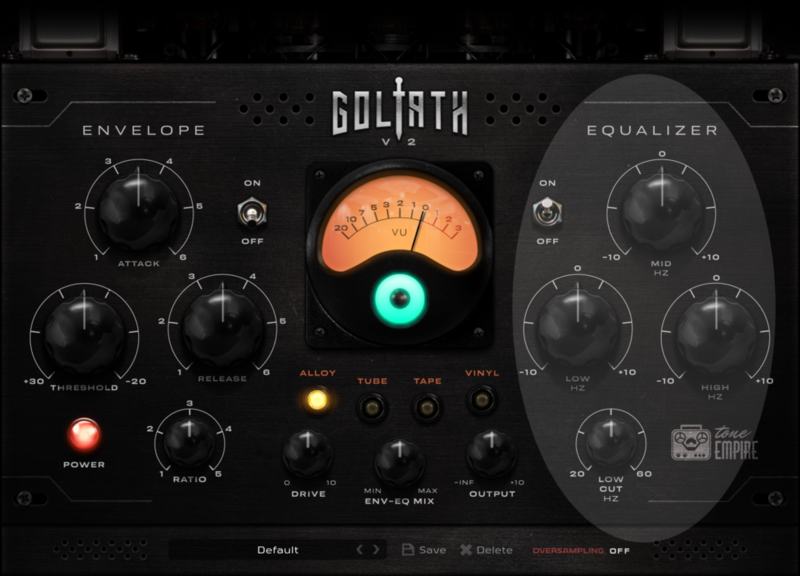
EQ Section:
ON/OFF Switch: Engage or bypass the EQ section. This Section features a 3 band Eq and a low cut filter.
- Low Cut Filter: First Order Low Cut Filter ranging from 20Hz to 60Hz.
- Low EQ: A peak filter Eq set at 65 Hz for boosting or cutting the low frequencies by +/-10 DB.
- Mid EQ: A peak filter Eq set at 1.5KHz for boosting or cutting the mid frequencies by +/-10 DB.
- High EQ: A peak filter Eq set at 15 kHz for boosting or cutting the high frequencies by +/-10 DB.
System Requirements
Mac:
- macOS 10.13 or later (Intel / M1 macOS Big Sur supported) (64-bit only)
- VST3, AU, or AAX (64-bit only)
- Intel i3 / AMD Ryzen or equivalent
- 2 GB RAM / 300 MB HD Required
- Screen Resolution: 1024×768
Windows:
- Windows 10 or later (64-bit only)
- VST3 or AAX (64-bit only)
- Intel i3 / AMD Ryzen or equivalent
- 2 GB RAM / 300 MB HD
- Screen Resolution: 1024×768
Important Note:
- Some anti-virus software might alert while installing/downloading the files, kindly ignore those warnings. Those are False positives.
- Tone Empire have tested their installers on Norton Anti-Virus and the files are clean.













