Log In

Free gifts available with your purchase
Note: This product is the Native version. The HD version for AAX DSP users is also available.
The 6050 Ultimate Channel Strip has everything you need to make your mix sound great. All the modules from the award-winning 6020 Ultimate EQ and 6030 Ultimate Compressor plug-ins are included. Additional modules include gates, expanders, signal saturators, and specialized filters.
The 6050 Ultimate Channel Strip has input and output stages, wrapped around 3 module bays in which any of the 28 modules can be inserted. Easily drag and drop any module to rearrange the signal flow of your channel strip. A module selector panel allows quick auditioning of equalizers, compressors and additional effects. Like the original 6020 and 6030 plug-ins, each new module in the 6050 draws on classic and modern designs over the last four decades. Operation is simple and intuitive, and the sound quality is what professionals worldwide have come to know in McDSP plug-ins.
Artist Presets included from: Mike Dean, Bob Horn, Neal Avron, ROCAsound, John Feldmann, Aaron Harris, and Lovy Longomba.
New Modules
S 671
Tracks needing a bit of grit will benefit from a touch up from the S671 saturation module. A Tone control is provided to taylor the ‘edge’ added by the S671 to a variety of applications.
Moo-D
If the analog saturation from the S671 is not the right tone tweak, then the creamy tube overdrive of the Moo-D module may be a better choice. Often a better choice for mixes than for individual tracks.
D-100
In-your-face distortion is what the D-100 module is for. When tracks need to get ‘nasty’ the D-100 is a go-to choice.
MEF-1
The Mid Emphasis Filter (MEF) does more than just cut out some of the low and high frequency content of a track. The Emphasis control brings out what is left between the two filter bands, helping tracks stand out without competing with each other.
E404
A re-issue of the classic FilterBank E4 module from 1999, the E404 offers up the same high pass filter, low shelf, parametric, and high shelf EQ that made FilterBank an award-winning plug-in.
EZ G
Inspired by noise gate units such as the dbx 904, 363x, and 463x, the EZ G is a great complement to the dynamics Over EZ compressor. A set of adjustable side chain high pass and low pass filters make the EZ G a versatile noise gate.
FRGX
Upwards and downwards expansion is what the FRG X is all about. Up to 24 dB of signal cut or boost is available, along with a ratio control. Adjustable signal chain filtering is included.
iX
The iX downward expander provides as much signal rejection as the EZ G, but as an expander also offers a ratio control to adjust the transition, or slope, between the unaffected and expanded signals.
Features
- Optimization for Apple Silicon and Latest Intel Processors
- Two activations per license / subscription
- High definition updated user interfaces
- New presets
- Zero Latency Algorithms
- Double Precision Processing
- Analog Saturation Modeling
- Over 25 EQ, compressor, gate, expander, saturator, and filter modules
- Easy drag and drop, on the fly module auditioning
- Sidechain support
- Mono and stereo versions
System Requirements
Mac
- macOS 10.13 or higher (64-bit only) (macOS 12 Monterey compatible)
- McDSP plugins run natively on Intel and M1 Apple Silicon processors
- McDSP HD plugins support AAX DSP plugin format, AAX Native, AU, and VST3 plugin formats
- McDSP plugins support Mac OS 10.13.x (High Sierra), 10.14.x (Mojave), 10.15.x (Catalina), 11.x (Big Sur), 12.x (Monterey), and Windows 10
- Mac OS version 10.12.x (Sierra) may work but is not officially supported. Earlier Mac OS versions are not officially supported
Windows
- Windows 7, 8 & 10 (64-bit only)
HD v7 Software Support
- AAX DSP
- AAX Native
- Audio Units (AU)
- VST3
Compatible DAW's
- McDSP HD and Native plugins are compatible with Pro Tools, Logic Pro, Cubase, Nuendo, Ableton Live, LUNA, Reaper, Sonar, Studio One, and other DAWs that support AAX, AU, and/or VST3 plugin formats
- As of v7.0, VST is no longer supported. VST versions of v6 McDSP plugins will no longer be updated and will be uninstalled
- McDSP HD plugins also support the VENUE S6L systems. McDSP VENUE plugins are packaged in a VENUE specific installer available on the McDSP website.
Activation:
- McDSP plugins require an iLok2 or iLok3 USB Smart Key, or an iLok License Manager account and iLok Cloud for activation.
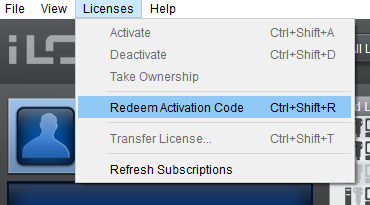
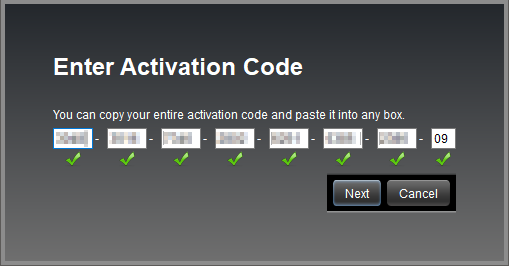
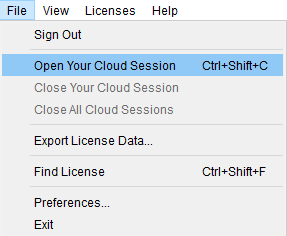
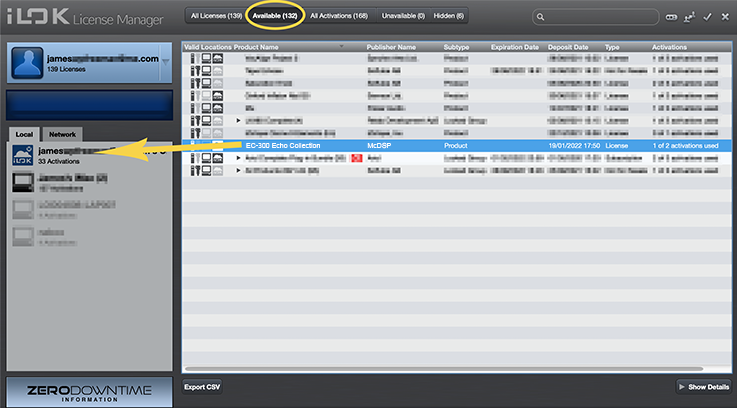
Important note: McDSP plugins require an iLok2 or iLok3 USB Smart Key, or a FREE iLok License Manager account and iLok Cloud session for authorisation. Each McDSP v7 plugin contains two activations per authorisation.
Tape Op
Bi-monthly American recording magazine that focuses on creative recording techniques.
“That’s the real success of rack-style plug-ins for me - the convenience of opening one insert, and everything’s there in one place.”
Sound On Sound
The world's premier music recording technology magazine.
“McDSP’s modular channel strip places the focus firmly on creating a fast and enjoyable user experience and does so very effectively.”
Audio Media International
Audio Media International is the leading technology magazine for the pro-audio professional.
“One of my favourite features of the 6050 is the ability to keep your settings while changing modules.”
With almost 30 separate processing modules available, McDSP’s 6050 promises to be the “ultimate channel strip”. Is it? McDSP’s principal developer Colin McDowell has been in the game longer than most, and if there’s such a thing as a classic plug-in, his FilterBank and CompressorBank defin...
Read MoreIn 2010, McDSP released the 6030 Ultimate Compressor plug-in [Tape Op #105], which offered ten different compressors in one virtual rack — some original concepts as well as some inspired by classic analog units. A few years later, they did the same with the 6020 Ultimate EQ. Now, McDSP has combin...
Read More