


 Log In
Free gifts available with your purchase

Introducing SEQUND Lite, a streamlined version of SEQUND, 510k's flagship sequencer plug-in for macOS and Windows, available to all main DAWs with an even more accessible entry point to polyrhythmic sequencing.
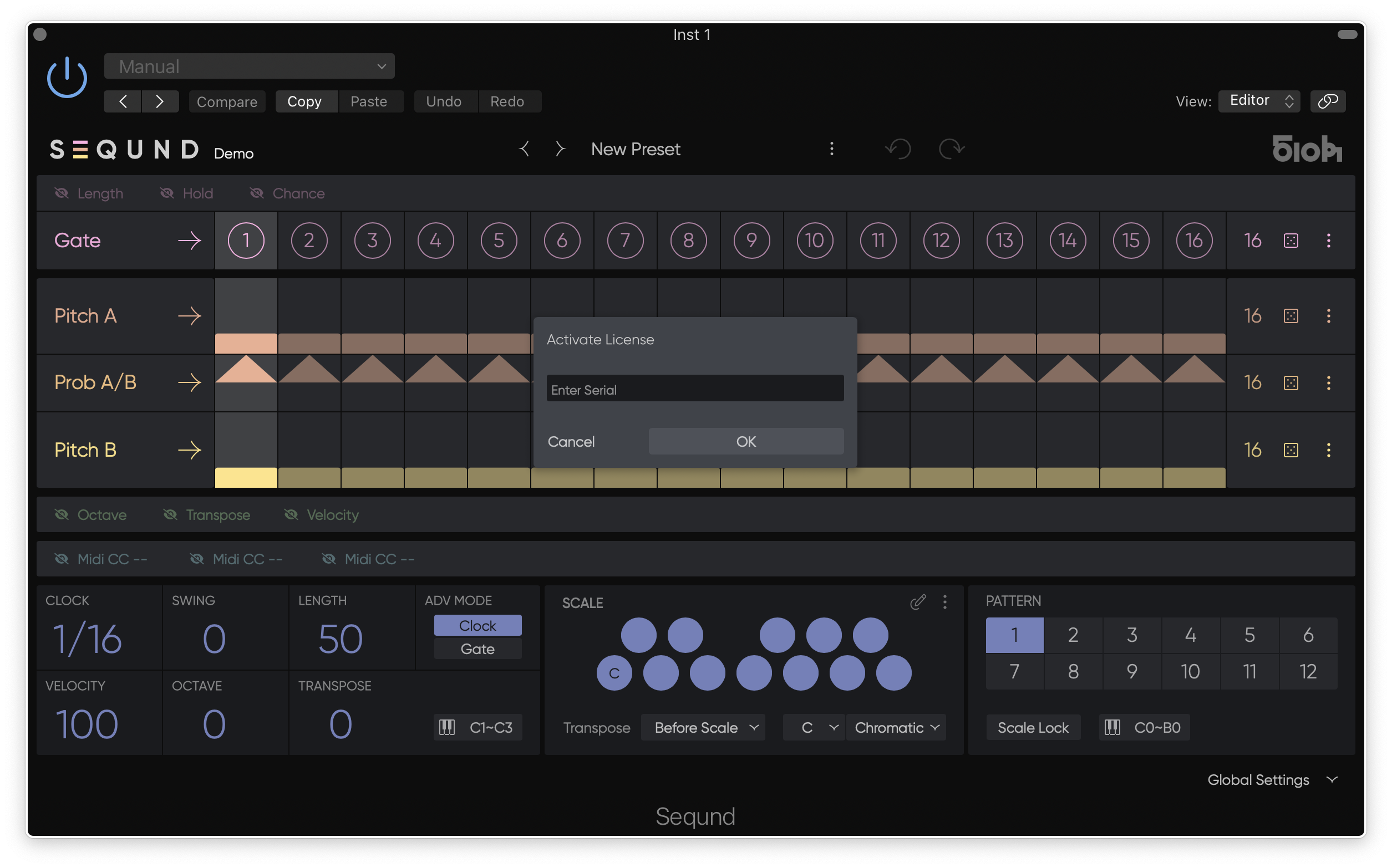
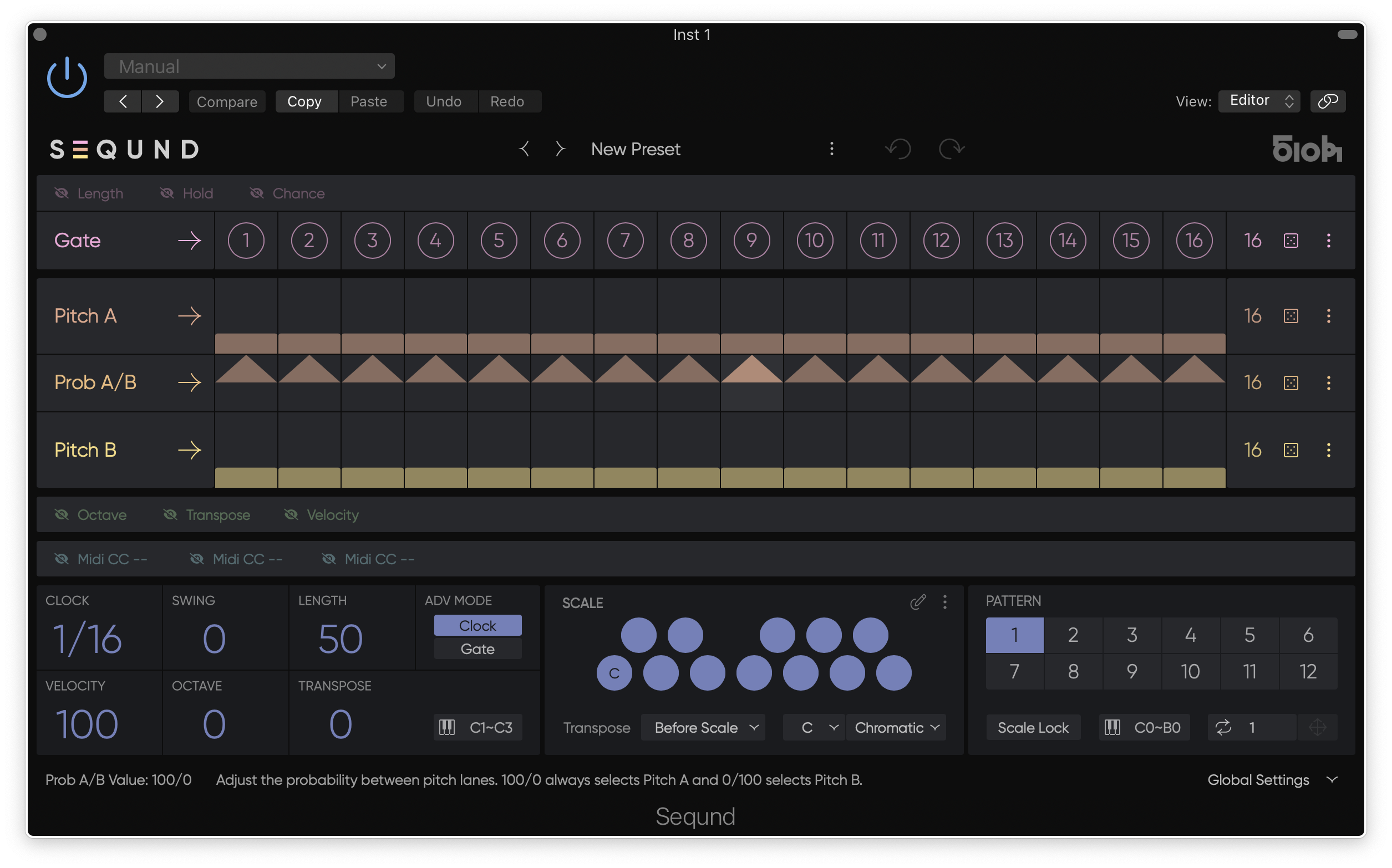
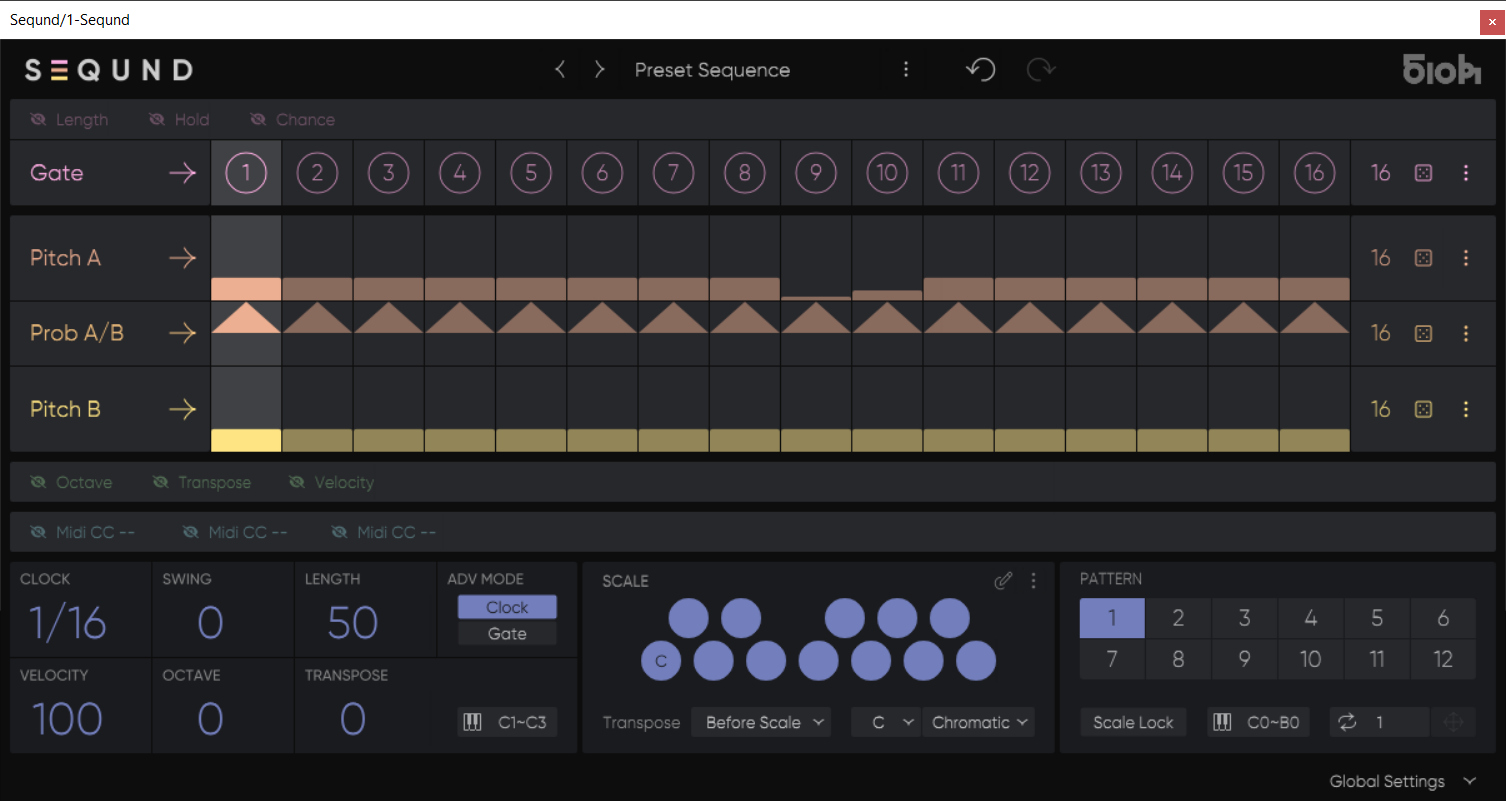
With Gate, Hold, Pitch, Velocity, CC Lanes and Scale Quantization, SEQUND Lite retains the core features of the original SEQUND, offering a focused tool for exploring polyrhythms and instant generation without the extra features.
Each lane has an independent length, facilitating the generation of complex polyrhythms and evolving patterns with ease. Whether creating bass lines with subtle variations or unexpected melodies in a blink, SEQUND Lite’s intuitive interface enhances your creative process and calls for exploration.
Each user preset contains up to 12 patterns that can be recalled instantly via MIDI notes, allowing seamless pattern changes and precise timing.
The Transpose function is available before or after scale quantization, enabling you to shift your melody and stay in key or act as a traditional transpose.
All main global parameters can be automated via your DAW, and you can use SEQUND Lite with soft synths as well as hardware synths.
510k have retained and improved the randomization and step lock features for instant sequence generation and increased control over your sequences.
Newly designed presets by both talented newcomers and established legends, including Boris Werner, Distilled Noise, DJ Bone, Julie Marghilano, La Boum Fatale, Luise, Luna Ludmila, Monty Luke, and Vince Watson, are included to get you started.
System Requirements
Mac
- Mac OS 10.14 or higher (Intel / Apple Silicon supported (64-bit only)
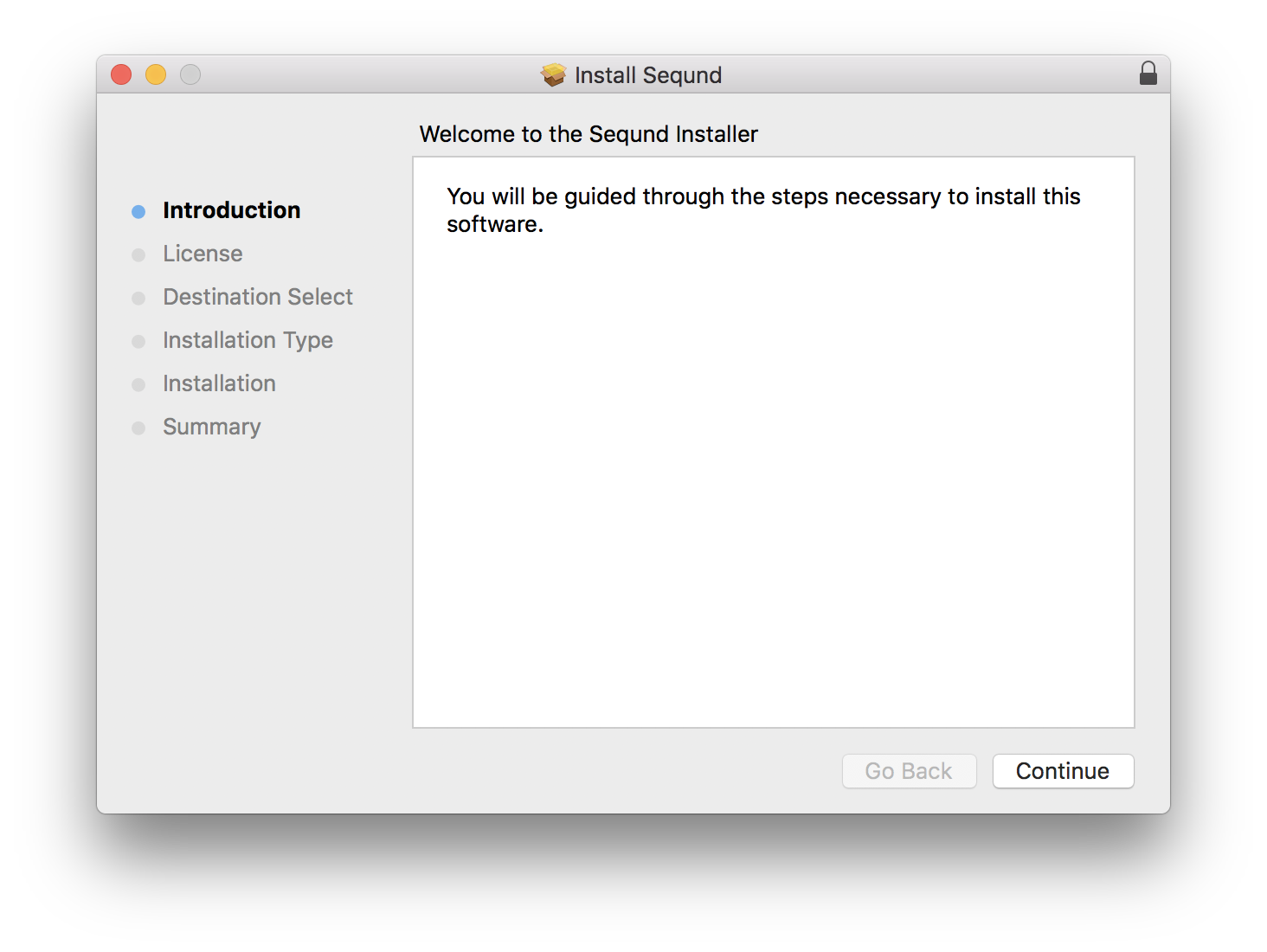
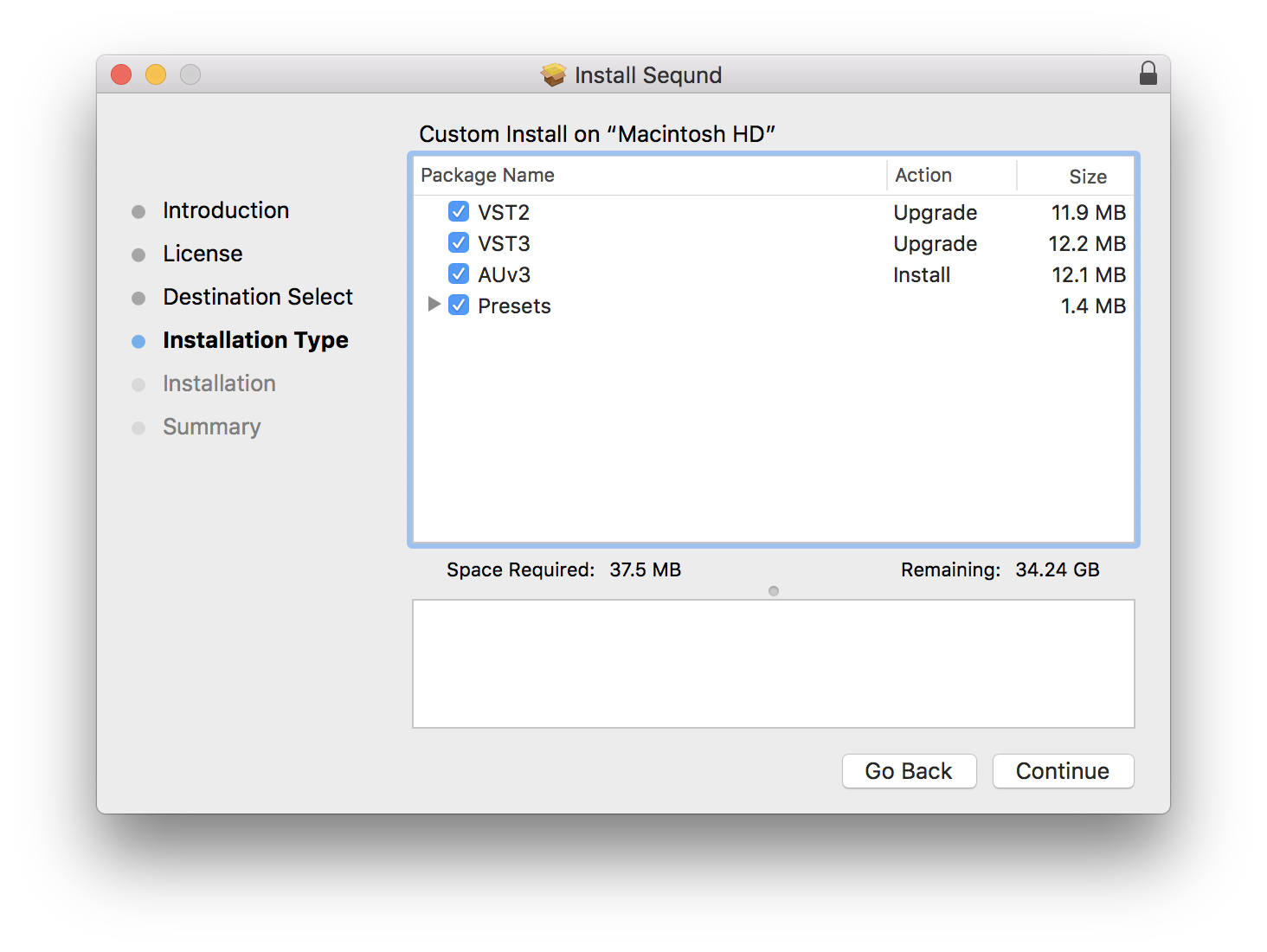
- VST2, VST3, AUv3
Windows
- Windows 10 (64-bit only)
- VST2, VST3
Important Notes
- AUv3 is for Logic Pro users only
- This product does not work with GarageBand
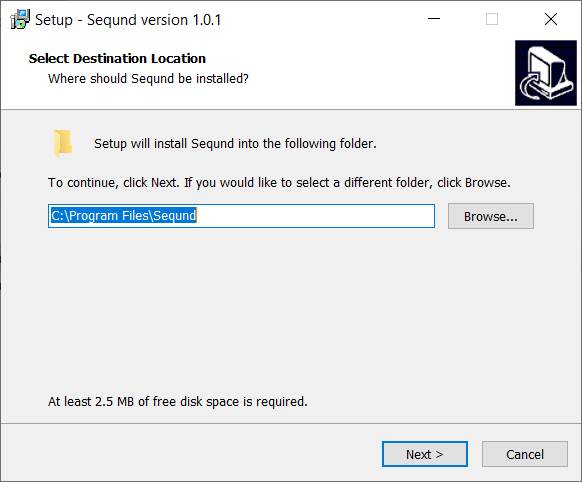
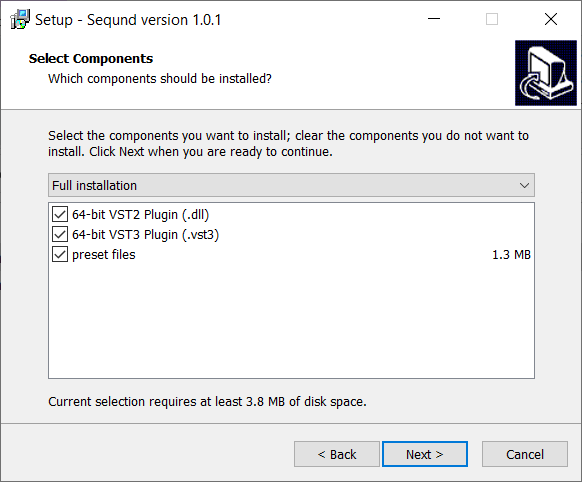
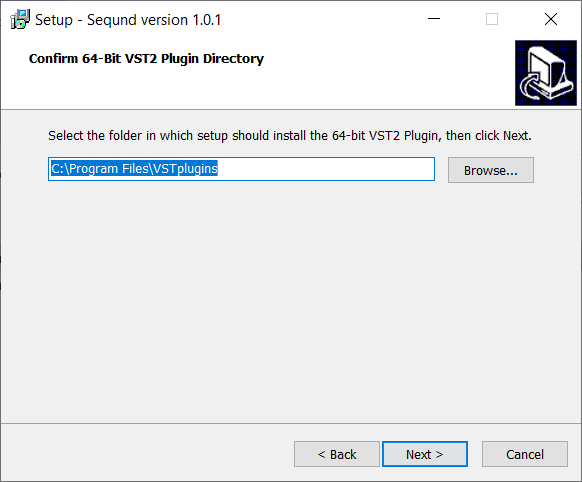
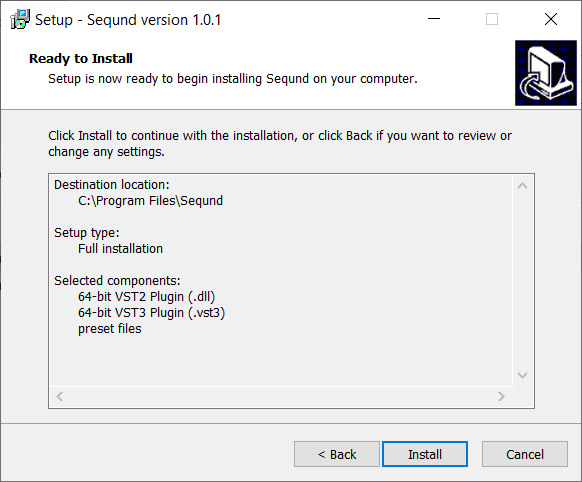
Reviews Summary
While it aims to provide a helpful overview, it may not capture every perspective or detail. We encourage you to read individual reviews to make an informed decision.
Users highly praise this flexible and easy-to-use sequencer, noting its usefulness for sound design, rapid experimentation, and electronic music. While reviewers appreciate features like preset scales and its capability as an external sequencer, one noted drawback is the lack of an upgrade path to the full version.


