


 Log In
_-_HQ_GUI_plugin_boutique.jpg)
Free gifts available with your purchase

Essential Laptop Rhythm Sequencer
Upgrade your Musical Typing with Rhythm Box – the essential sequencer plugin for laptop producers. Skip tediously drawing on the piano roll and instantly perform striking rhythms on the fly, all just using your laptop keyboard.
Instant Creativity
- Skip the endless hours of sequencing patterns.
- Effortlessly switch between pre-sequenced patterns and perform them using just your laptop keyboard.
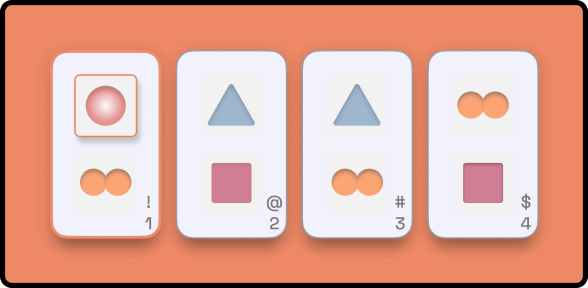
Expert Presets
- Achieve natural, expressive beats with human-like sequenced patterns.
- Dive into our expertly crafted presets across various genres for instant professional grooves.
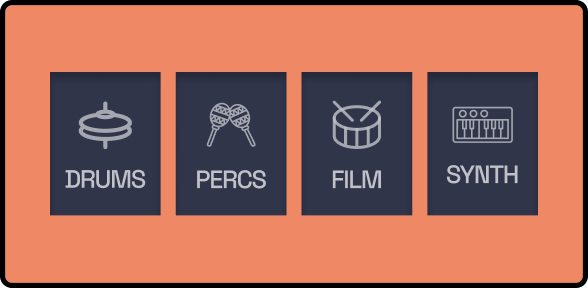
Built-In Sampler
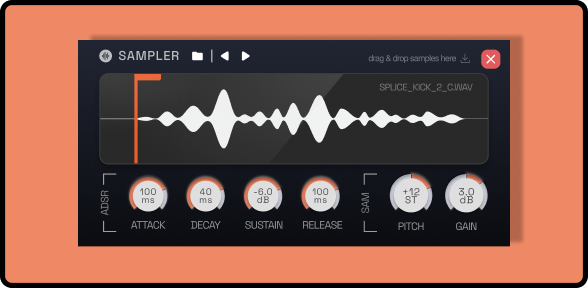
- No more sample hassles. Choose from sampled kits (Trap, Bongo, Conga, Shakers etc) and produce mix ready rhythms in no time.
- Plus, host your favourite synth or sampler instrument seamlessly.
System Requirements
Rhythm Box is a hosting-enabled MIDI FX plugin. Easily host your favourite Synths/Samplers and use them in unique ways.
- DAW Compatibility : Ableton Live 9 and above, Logic Pro X - AU (Instrument & MIDI FX), Cubase, FL Studio, Studio One, Reaper, Bitwig Studio
- Format : AU (Mac Only), VST, VST3
- Hardware : Intel, AMD, Apple Silicon
- Operating System : OS X 10.13 & above, Windows 10 (64 bit)

SWEDE of 808 MAFIA
MULTI-PLATINUM PRODUCER (LIL WAYNE, DJ KHALED, GUCCI MANE)
“Rhythm Box by Pitch Innovation is a versatile MIDI plugin that transforms complex rhythm creation into an intuitive and creative process, perfect for enhancing any musical composition.”

P0gman
DJ & PRODUCER
“Rhythm Box is so much fun and opens up the producers world into combining interesting and intricate patterns to include in their tracks. I will 100% be using this plugin in my future productions!”

ZARDONIC
Fear Factory / All Elite Wrestling / NBC Sports
“Rhythm Box is everything that hardware drum machines are trying to be!”
Reviews Summary
While it aims to provide a helpful overview, it may not capture every perspective or detail. We encourage you to read individual reviews to make an informed decision.
Users generally praise the plugin as a fun, creative, and intuitive tool for quickly generating rhythm patterns and percussion ideas without tedious MIDI programming. It is especially appreciated by those working on laptops without MIDI controllers, live performers, and producers needing instant inspiration. While praised for its ease of use and time-saving workflow, some users noted minor drawbacks, including a slight initial learning curve, limited genre-specific presets, occasional bugs with MIDI playback/VST scanning, and average built-in sounds compared to third-party samplers.


