


 Log In

Free gifts available with your purchase

The Next Generation Of Polyrhythmic Sequencing
SEQUND is a powerful VST/AU polyrhythmic sequencer combining -and improving- all the best features from the already successful Max4Live sequencers created by electronic musician Alexkid, redesigned in collaboration with Tadashi Tsuginomori from HY-Plugins.
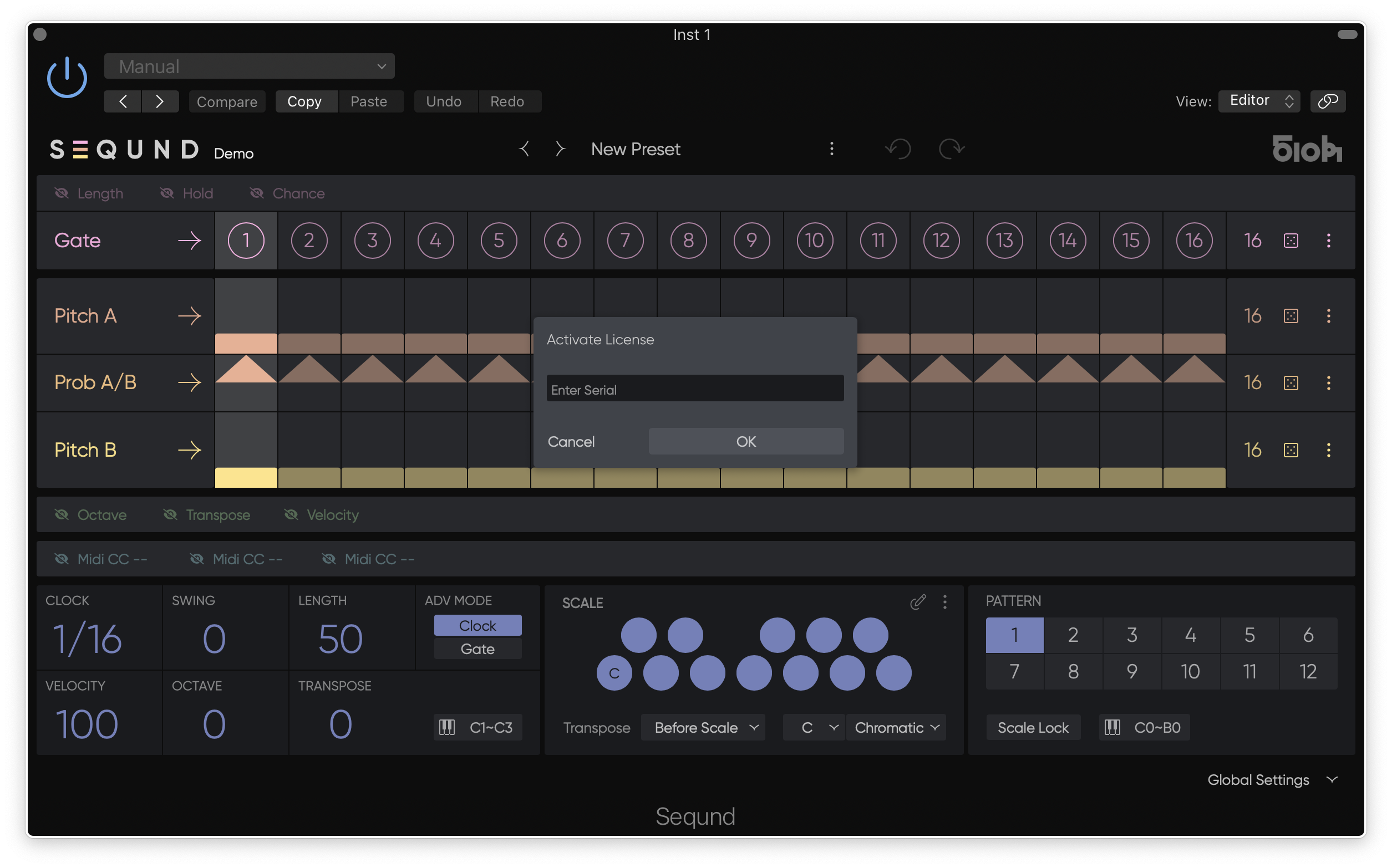
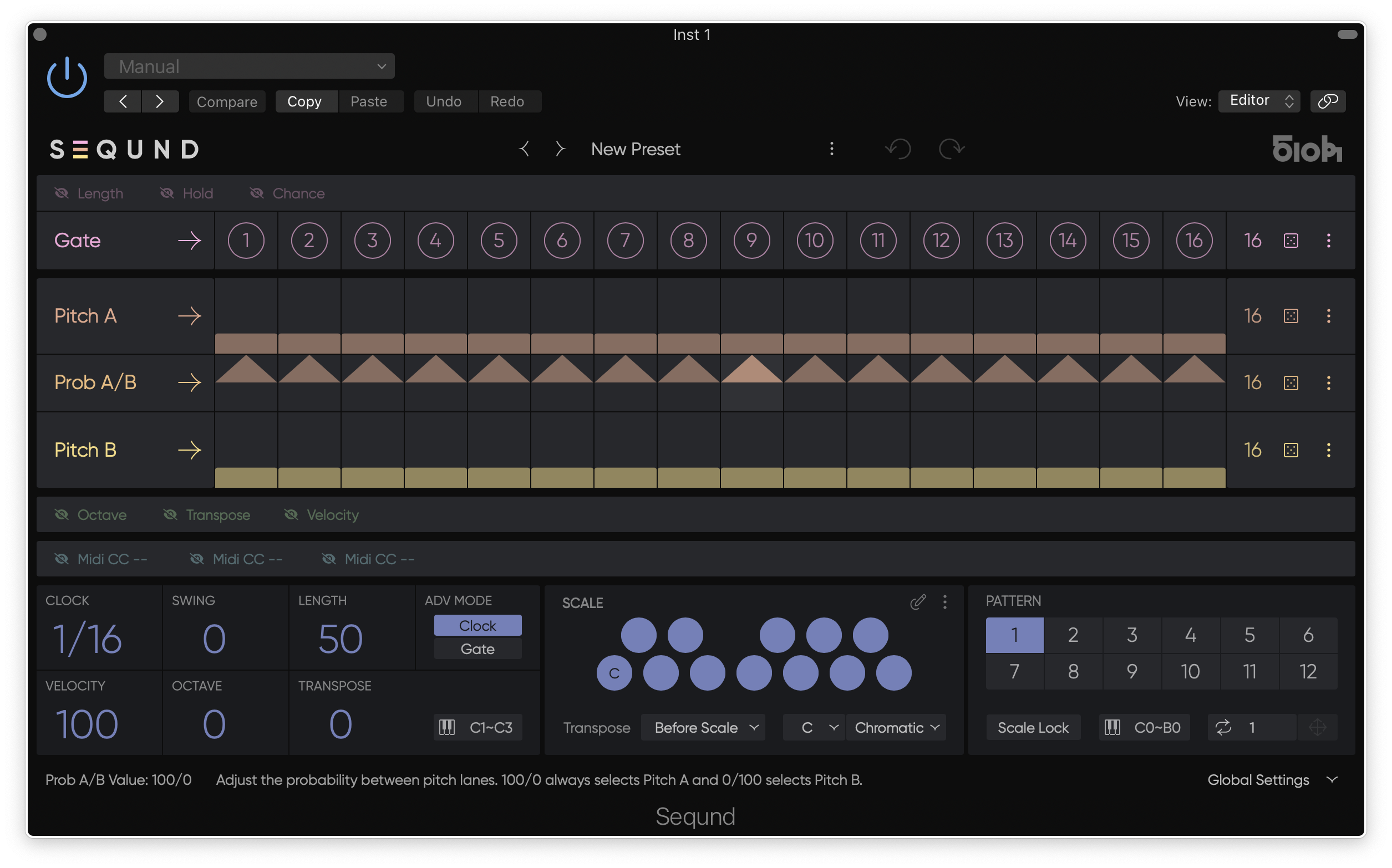
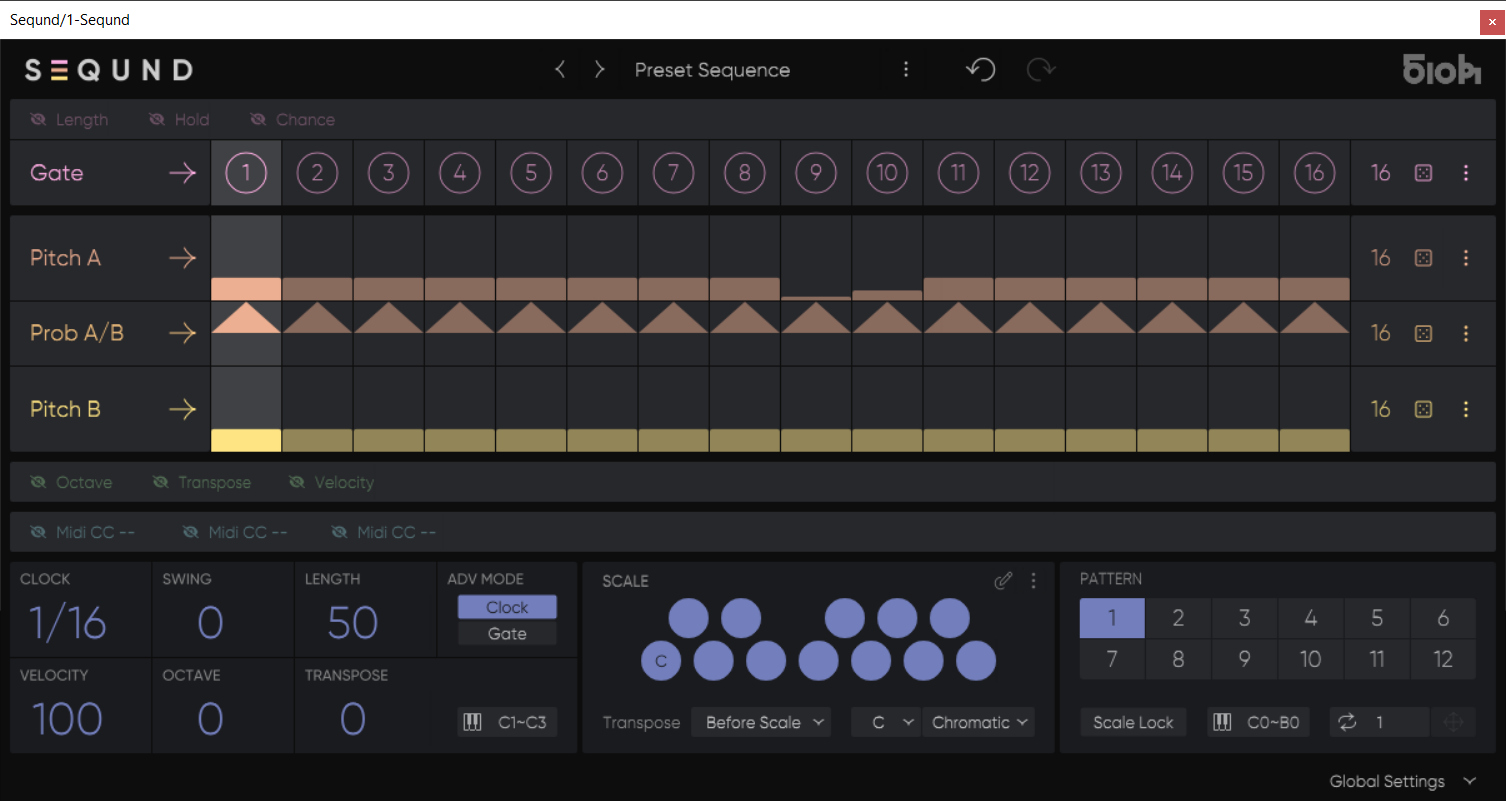
It features Gate, Length, Hold, Chance, Pitch A, Pitch B, Probability A/B, Transpose, Octave, 3x assignable MIDI CC lanes, each with an individual amount of steps. It also has 2 different types of step advance modes, positive and negative swing and up to 12x patterns per preset with instant recall via MIDI.
A lot of effort has been put into creating the best user experience, focusing on results whilst maintaining the simplicity and the fun factor. Whether you want to create exciting bass-lines with subtle variations or eccentric melodies filled with groove, SEQUND’s extremely intuitive interface instantly triggers your creativity process. The peculiarities of some of its functions sets it apart from more traditional monophonic sequencers.
Two Pitch lanes and a probability lane allow you to alternate between two different melodies. Each lane has an independent length thus facilitating the generation of complex polyrhythms and evolving patterns with disconcerting ease even with “only” 16 steps available per pattern.
It also has the unique ability to set a different amount of steps per Gate lane generating the rhythm, and per Pitch lane, thus creating unexpected patterns evolving in very musical ways by shifting the gate/pitch correspondence and separating the rhythm from the melody.
The Transpose function is available before or after the scale quantisation, allowing you to shift your melody and always stay in key whatever you do. This function is also controllable via MIDI notes in real time via your keyboard. Patterns can also be recalled dynamically as “punch-in” mode via MIDI notes, simplifying the pattern chaining even when using polyrhythms.
Already a favourite of many producers because of it’s randomisation features for instant generation of sequences, it comes packed with a selection of artist presets from no less than Alexander Kowalski, Arno, Brawther, Christian Burkhardt, Cristi Cons, Cyrk, D’Julz, Goldmoon, Janeret, Josh Wink, Katie Drover, Okain, Oshana, Reboot, Robin Ordell, Rodriguez Jr., Soela, tINI, and Tripmastaz to get you started…
Mac
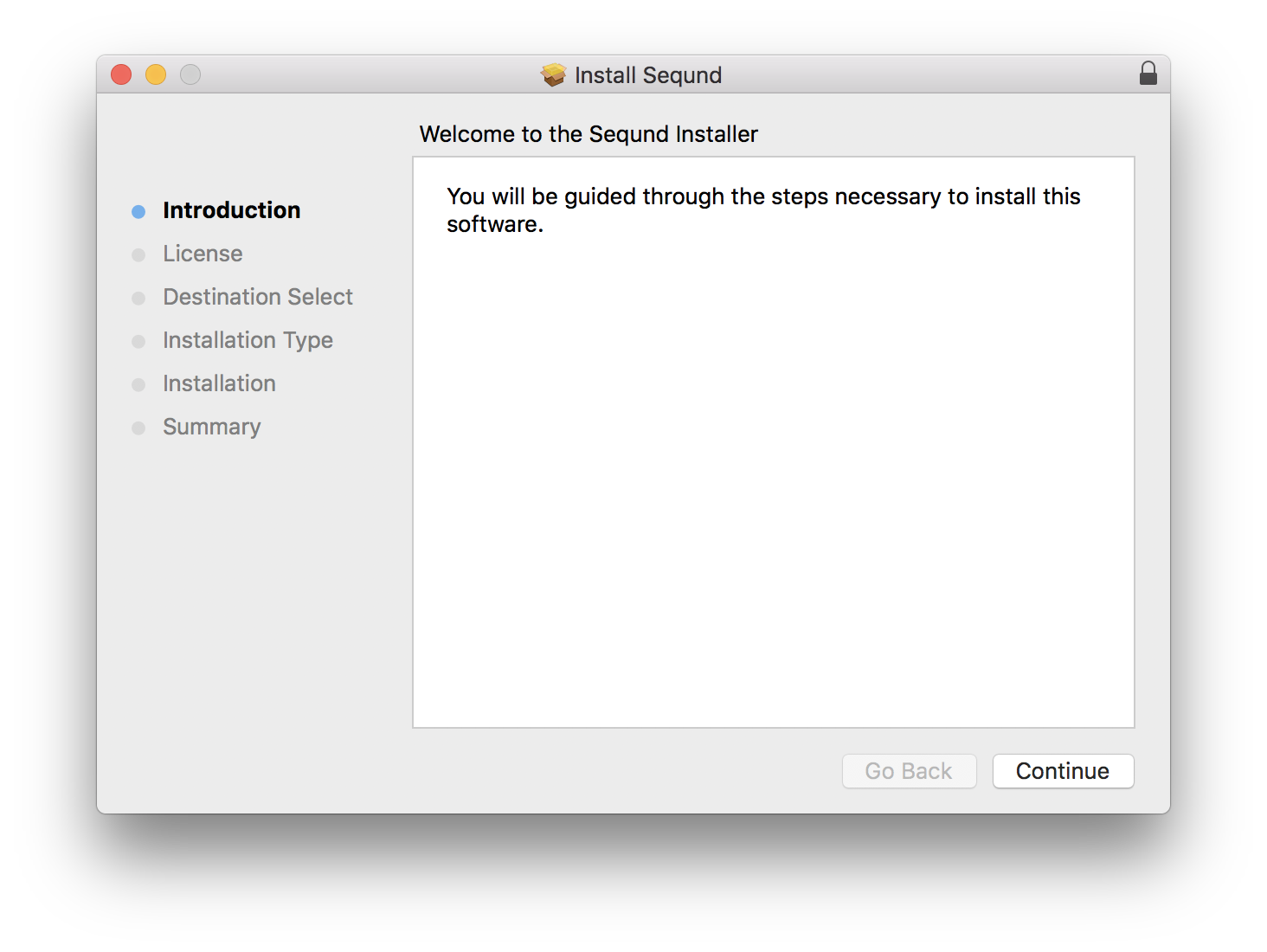
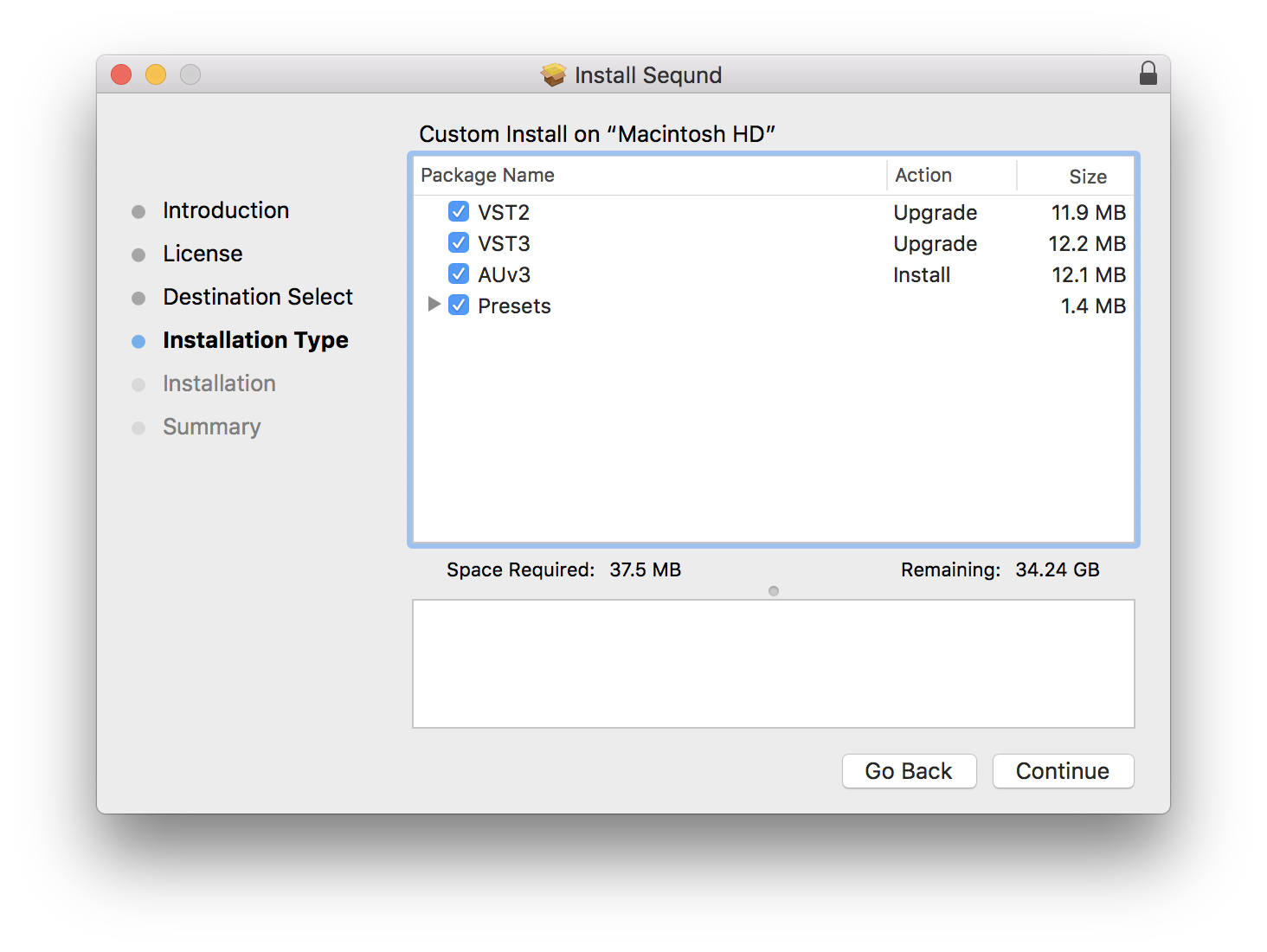
- Mac OS 10.14 or higher (Intel / Apple Silicon supported (64-bit only)
- VST2, VST3, AUv3
Windows
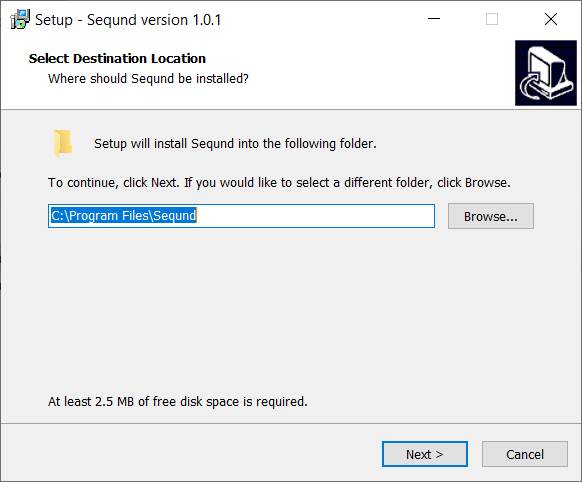
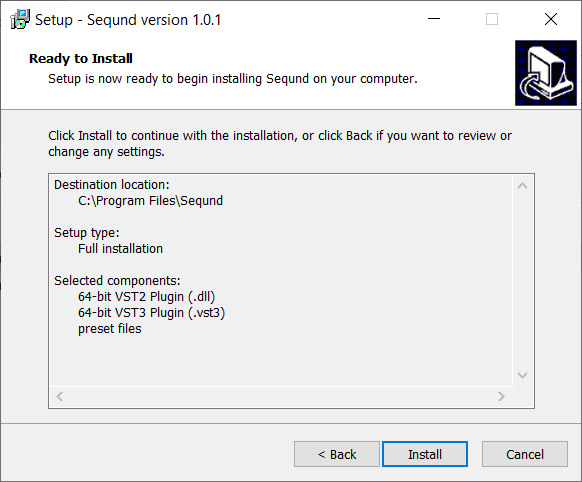
- Windows 10 (64-bit only)
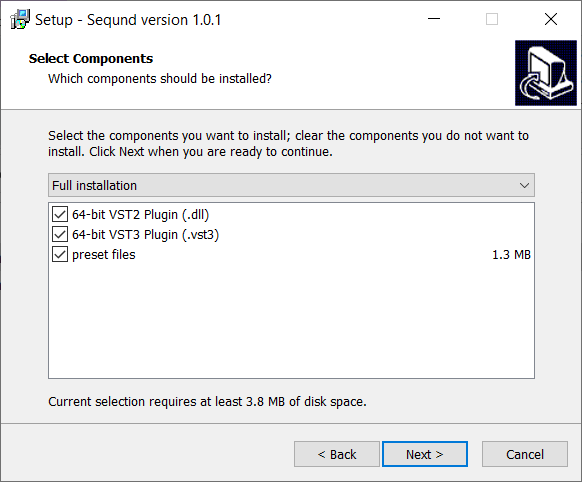
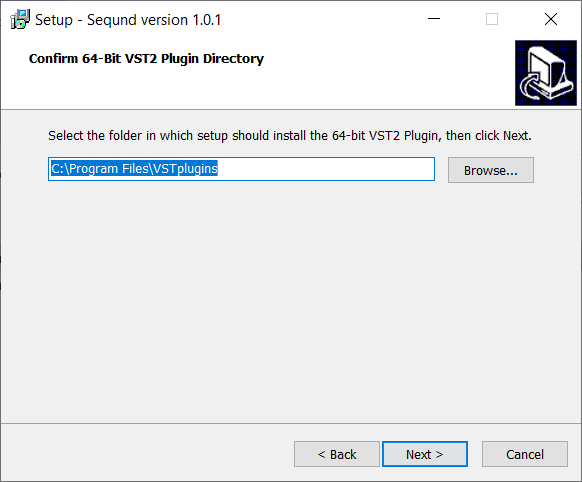
- VST2, VST3
Important Notes
- AUv3 is for Logic Pro users only
- This product does not work with GarageBand or Reason
- When accessing this software via a Rent to Own plan or the Beatport Studio membership, it's installed and run through the Beatport Access portal. An internet connection is required every 30 days to validate your license.
Reviews Summary
While it aims to provide a helpful overview, it may not capture every perspective or detail. We encourage you to read individual reviews to make an informed decision.
Customers overwhelmingly praise the sequencer for being intuitive, fun, and highly capable, highlighting its strong creative potential, useful presets, and inspiring workflow. While a user noted the absence of a polymeter feature and another mentioned the lack of an upgrade path from the Lite edition, the product is widely regarded as a worthwhile and powerful addition to music production setups.


