Log In

Free gifts available with your purchase
The Hassle-Free & Most Flexible Stereo Plug-In
Seize control over your stereo imaging with this one-stop stereo plug-in. Keep your sounds three-dimensional and dynamic by using STEREOLAB to morph your mono signal into a full-range stereo sound, or shrink your wide field into a coherent, single mono mix. With left/right independent panning, mid-side gain, left and right delays to create interaural time differences. STEREOLAB truly is an all-in-one stereo-mono plug-in that is a must-have on every FX chain.
Take Control
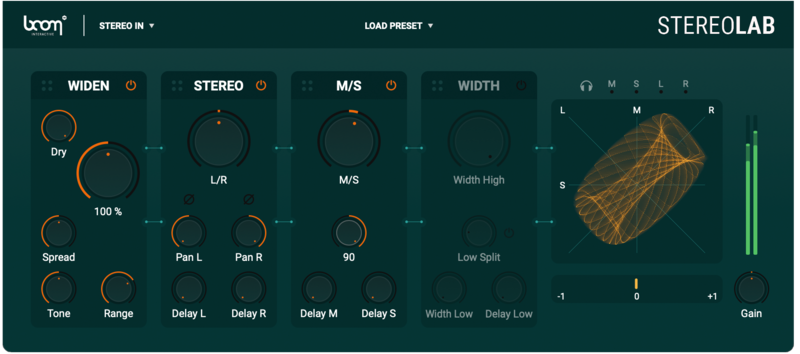
STEREOLAB brings together all stereo effects into one place. And with very simple controls, STEREOLAB makes it easy to carve out the right audio position for your tracks with surgical precision.
Your Choice for All Your Stereo Needs!
STEREOLAB can be the quick fix to literally all your stereo needs. From precise placement to ultra-wide fields, sound rotation to narrowing, and more. Including bass bypassing and mono compatibility tools – features often left out of other stereo plug-ins.
- Coloring Explosion Tail
Use micro delays to create inter-aural differences to create sound source placement.
- Backing Vocal Widening
Add massive depth to vocals by spreading the signal ultra-wide.
- Acoustic Guitar Spread
Create a sense of live ambience using spread on your guitar rhythms.
- Clean and Rearrange Stereo Image
Bring sounds to life with clear movement and direction.
- Create Room in Center
Immerse your audience in the ambiance of a scene while keeping what’s important front and center.
- Mono Ambience to Stereo
Widen mono ambient recordings to give them more space and present.
- Mono Voice To Stereo
Aid your mix by bringing your mono voice into stereo.
- Weird Image Icecrack
Get creative with stereo effects and mangle in ways you never thought possible.
4 Different Modules - Extensive Possibilities
STEREOLAB comes with four main stereophonic modules and combines them into one, with a completely customizable order.
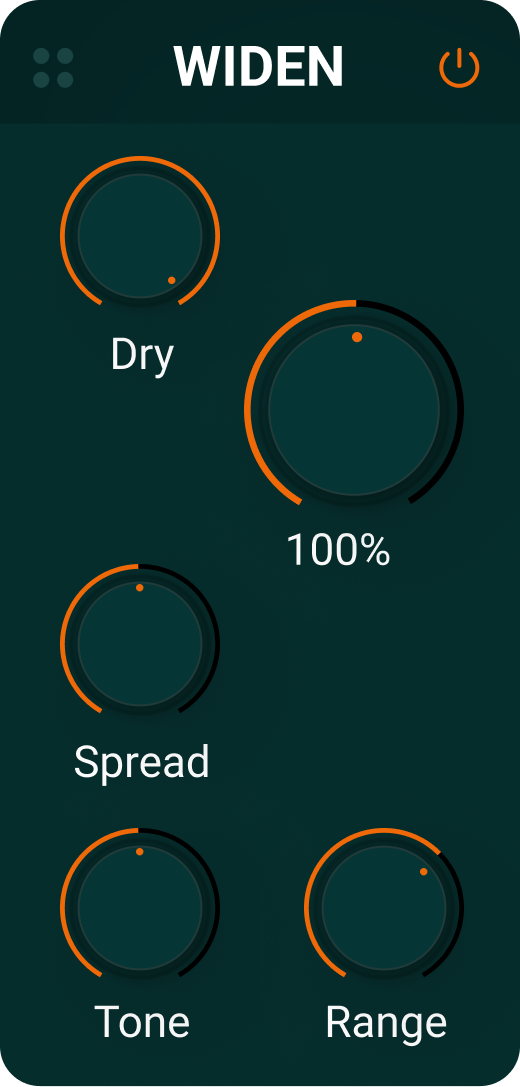
Widen
Through algorithmic magic, it creates a side signal from any source, by leaving the mid signal unaltered.
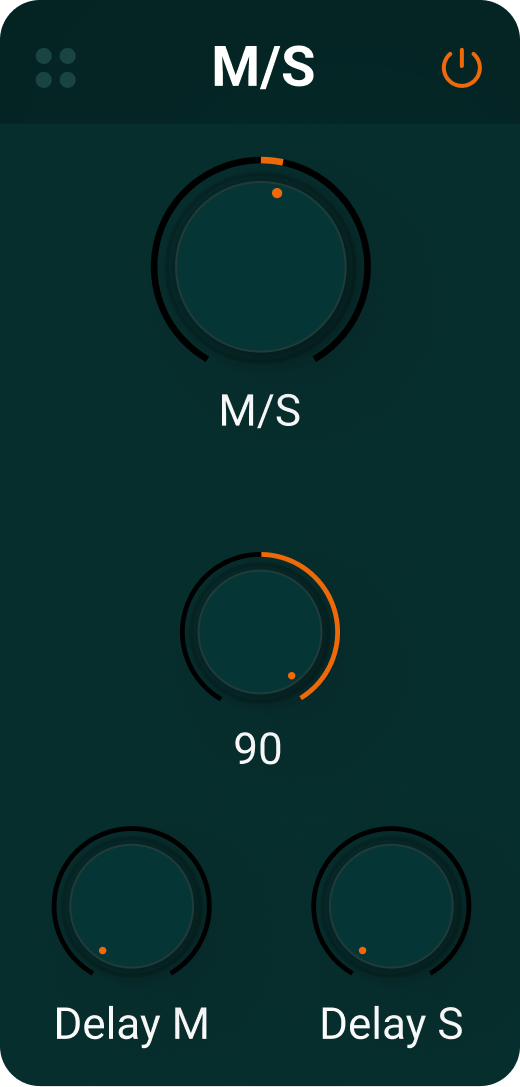
M/S
Mid/Side allows you to gain more control over either the mid or side elements of the stereo field. Extremely helpful to add a sense of movement.
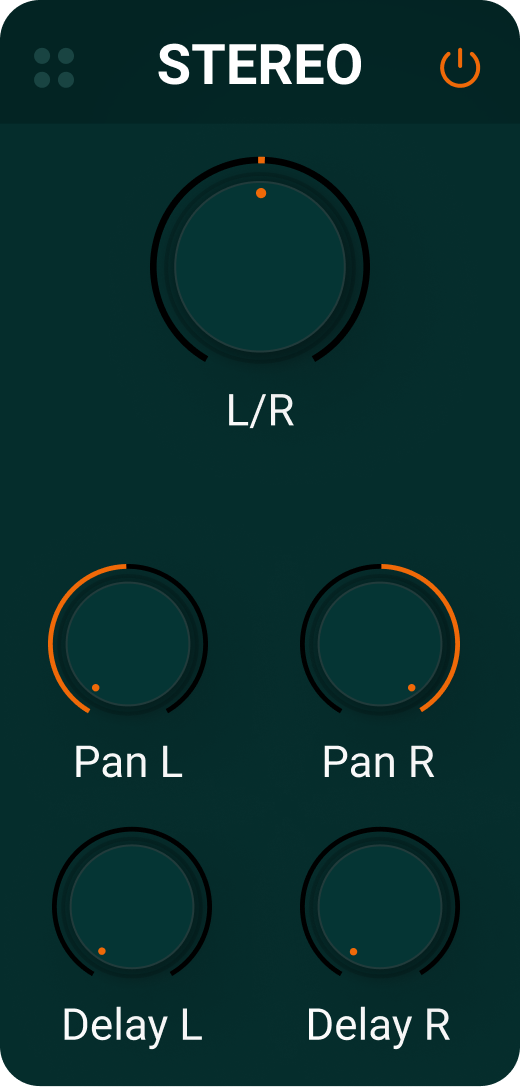
Stereo
Gives you full control over panning and balance as well as IDT (Interarual Time Delay) options.
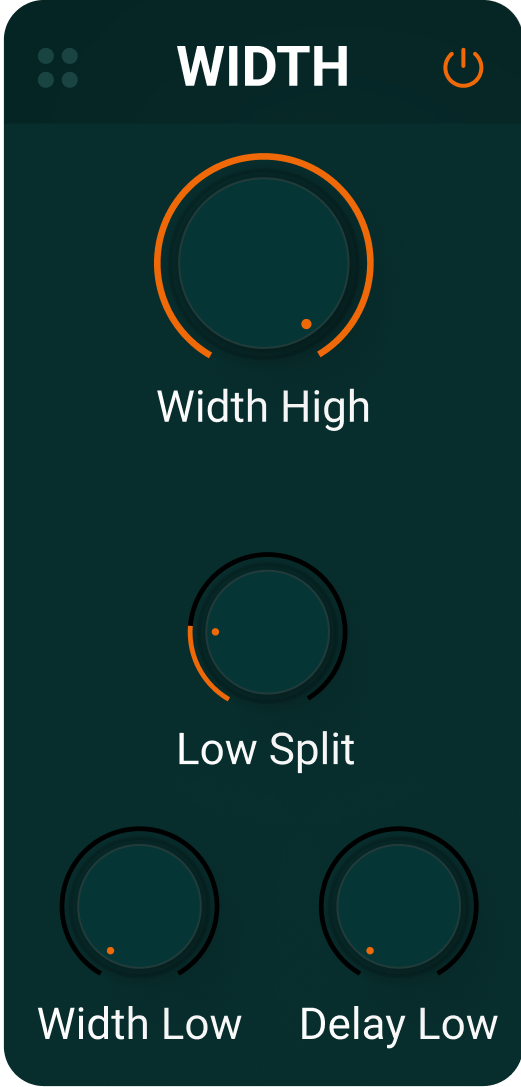
Width
Helps you tame the width in a signal. With an optional band splitter, it can be used to selectively control low frequency width.
Control the Output
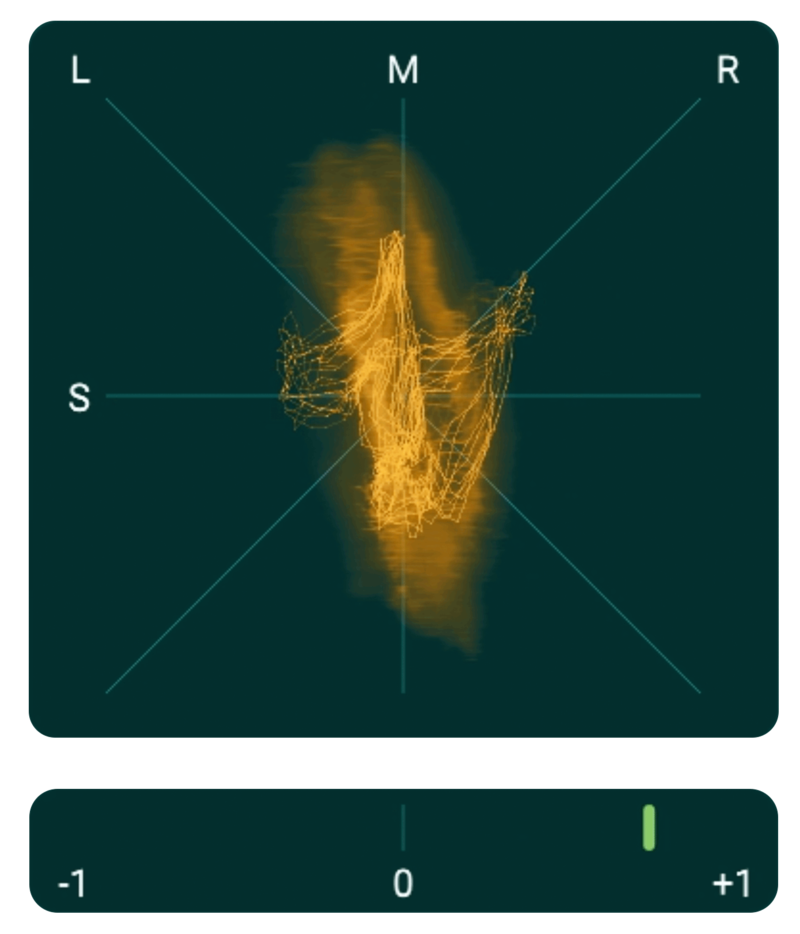
At the end of the effects chain, Boom have added a vectorscope so that you have clear, visual feedback on what’s happening to your sound.
Features
- Left/Right independent panning
- M/S adjustment and rotation
- Precision delays for interaural time differences
- Increase the width to insane proportions
- Control lower frequency width independently
- Ensure mono compatibility
Use Cases
- Drums – Create wider, more spacious sounding drums that surround the listener.
- Synths – Create huge, wide sounding synths with intricate stereo layers.
- Sound effects – Use panning and gain to precisely place sounds and create movement and space.
- Vocals – Design interesting vocal effects like flanging and phasing.
- Ambient sounds – Manipulate the stereo image of recordings to give a sense of depth.
- Basically all stereo use cases you can imagine!
System Requirements
- VST, AU, AAX
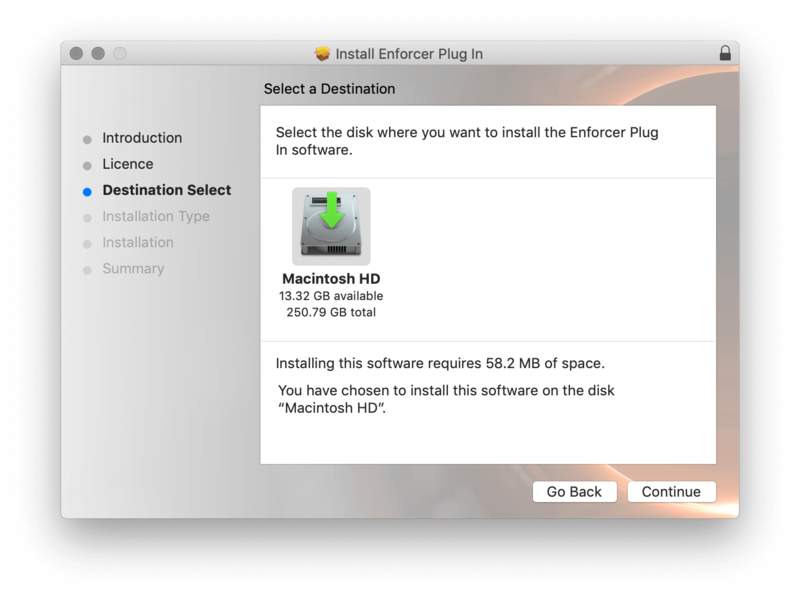
- Requires 111 MB of hard-disk space
- Windows 8 (64-bit), 8 GB Ram, Intel® Core™ i5 or similar
- macOS 10.13 (64-bit), 8 GB RAM, Apple Silicon or Intel® Core™ i5
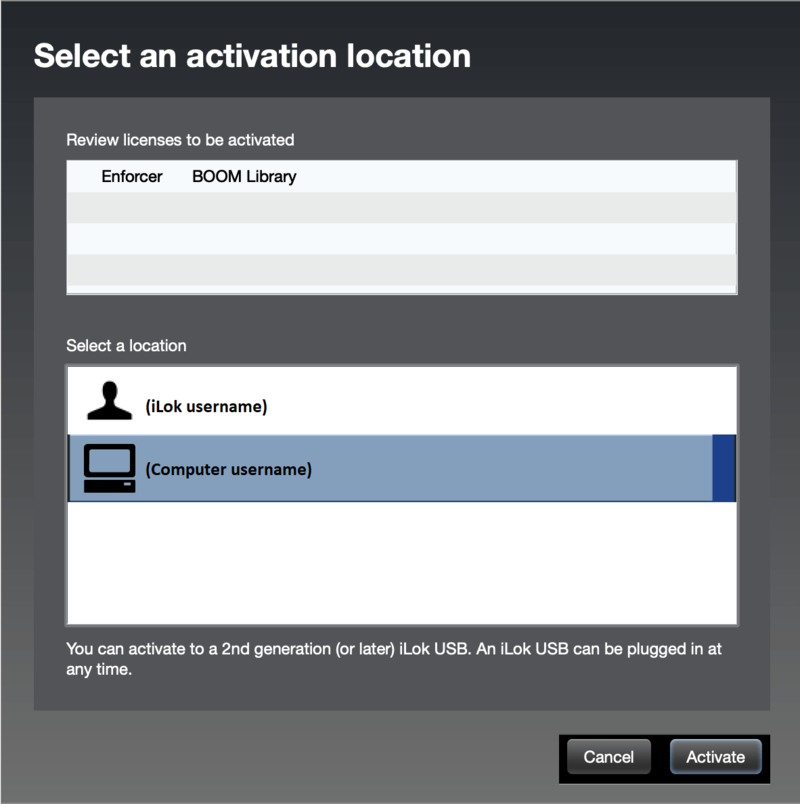
- STEREOLAB requires a free iLok account