


 Log In
.jpg)
Free gifts available with your purchase
Melda Production designed MCenter to unlock the full potential of your stereo signal. This simple yet powerful plugin is designed to give you unparalleled control over stereo qualities. MCenter goes beyond traditional mid-side processing by offering advanced features that accurately manipulate the "phantom center" and the remaining stereo signal.
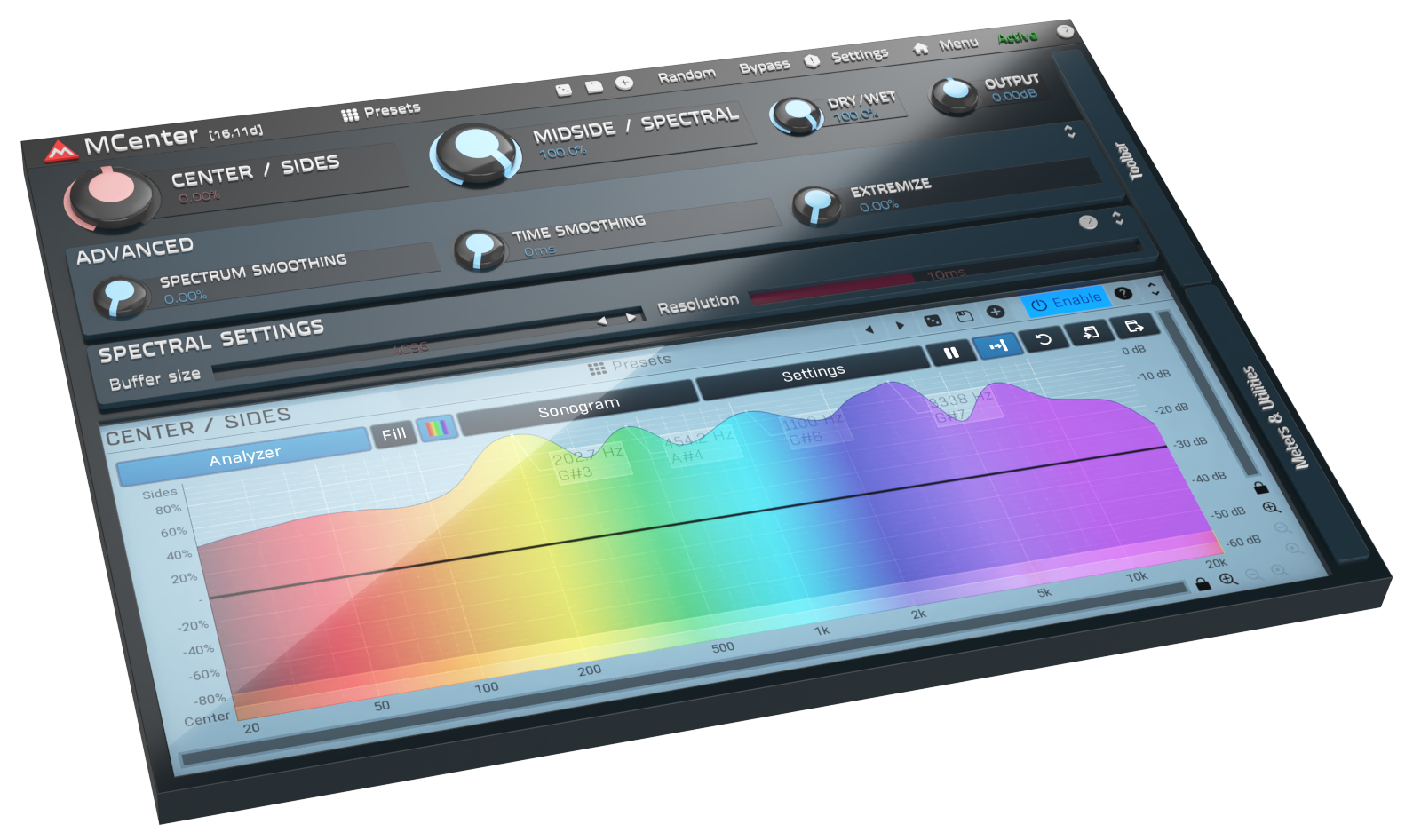
Phantom Center Control
MCenter lets you take charge of the elusive "phantom center" in your stereo signal. MCenter employs a complex spectral algorithm, which separates what really sounds stereo and really sounds mono, which is not true for mid/side processing - for example, just a hard panned track is 50% mid and 50% side from mid/side processing perspective, despite it naturally sounds stereophonic. MCenter is here not only for mastering but for every occasion where true mid/side balance is needed. For mixing reason or creative use.
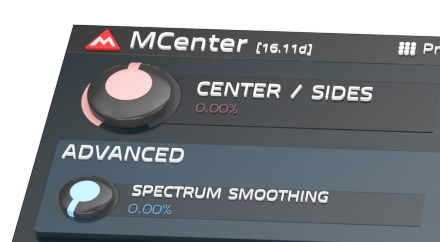
The Heart Of The Plugin
If you don't want to go into too much detail, MCenter can serve you with a single-knob operation. Its CENTER/SIDES knob will allow you to truly balance the center and side parts of the stereo to your satisfaction within a second.
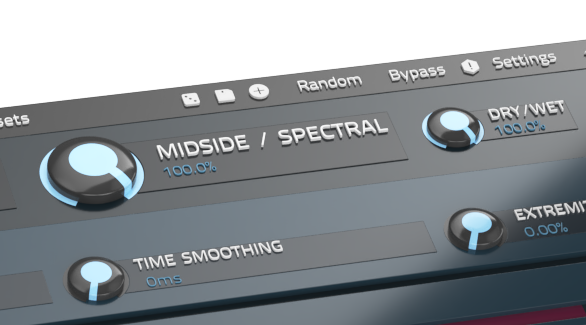
Dual Processing Algorithms
Compare and contrast results with MCenter's dual processing capabilities. It combines the accuracy of spectral processing with the traditional mid-side operation, empowering you to choose the approach that best suits your creative vision.
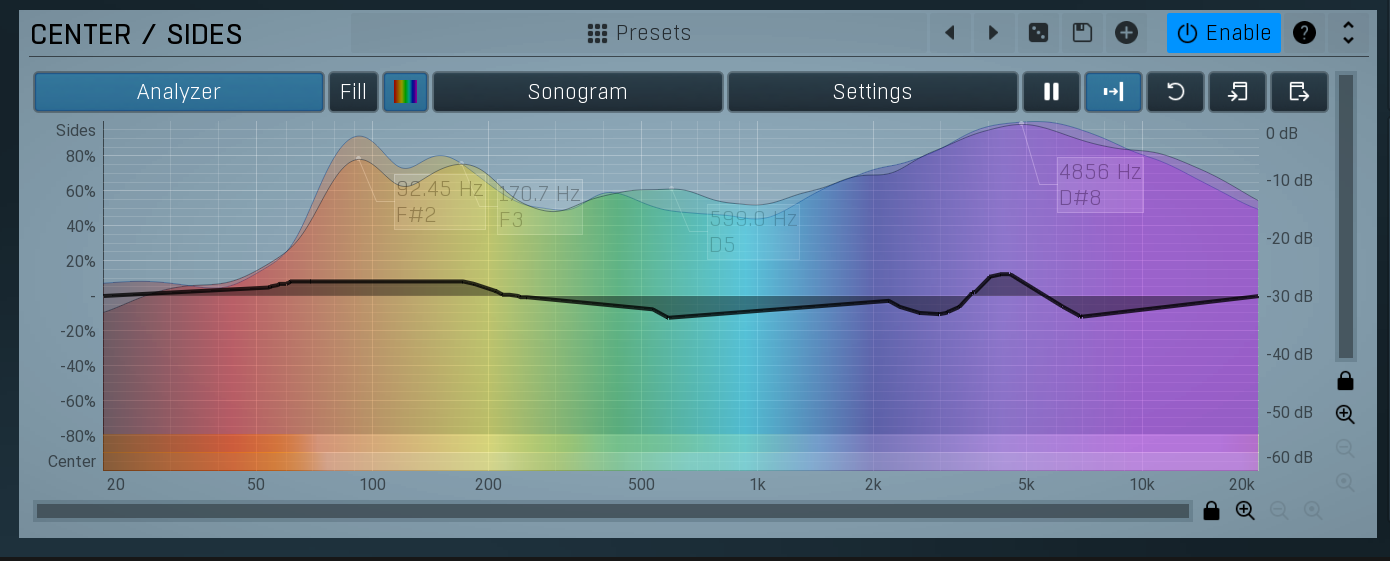
Freeform Frequency Drawing
Dive into detailed frequency manipulation with MCenter's freeform drawing capability. Control each frequency separately, allowing you to sculpt your sound with precision by shaping the response of individual frequency bands.
System Requirements
Windows
- Windows 8 / 10 / 11 (64-bit)
- VST / VST3 / AAX compatible host (64-bit)
- Intel/AMD processor with SSE2 support
macOS
- macOS 10.14 and newer (64-bit)
- VST / VST3 / AU / AAX compatible host
- Intel/AMD/M1 processor with SSE2 support
- Native Apple Silicon ARM CPU support
Note: Please check your product PDF documentation for more information and installation instructions.







Reviews Summary
While it aims to provide a helpful overview, it may not capture every perspective or detail. We encourage you to read individual reviews to make an informed decision.
Users generally praise this Melda Production VST plugin as a stable, highly capable tool for Mid/Side processing, specifically for adjusting and cleaning up the center channel of a stereo mix. While some reviewers find it a bit niche, redundant, or equipped with a signature quirky Melda interface, they agree that it runs efficiently on CPU, offers extensive parameter control, and performs exceptionally well compared to its competitors.


