


 Log In

Free gifts available with your purchase

Dream in Stereo
Manipulating stereo width is a vital processing technique in modern music production and allows producers to explore the full reaches of the sonic landscape.

Lifeline Width's unique controls can help you create vast soundscapes, captivating leads and intimate vocal takes and is designed to give your recordings depth, and immersion.
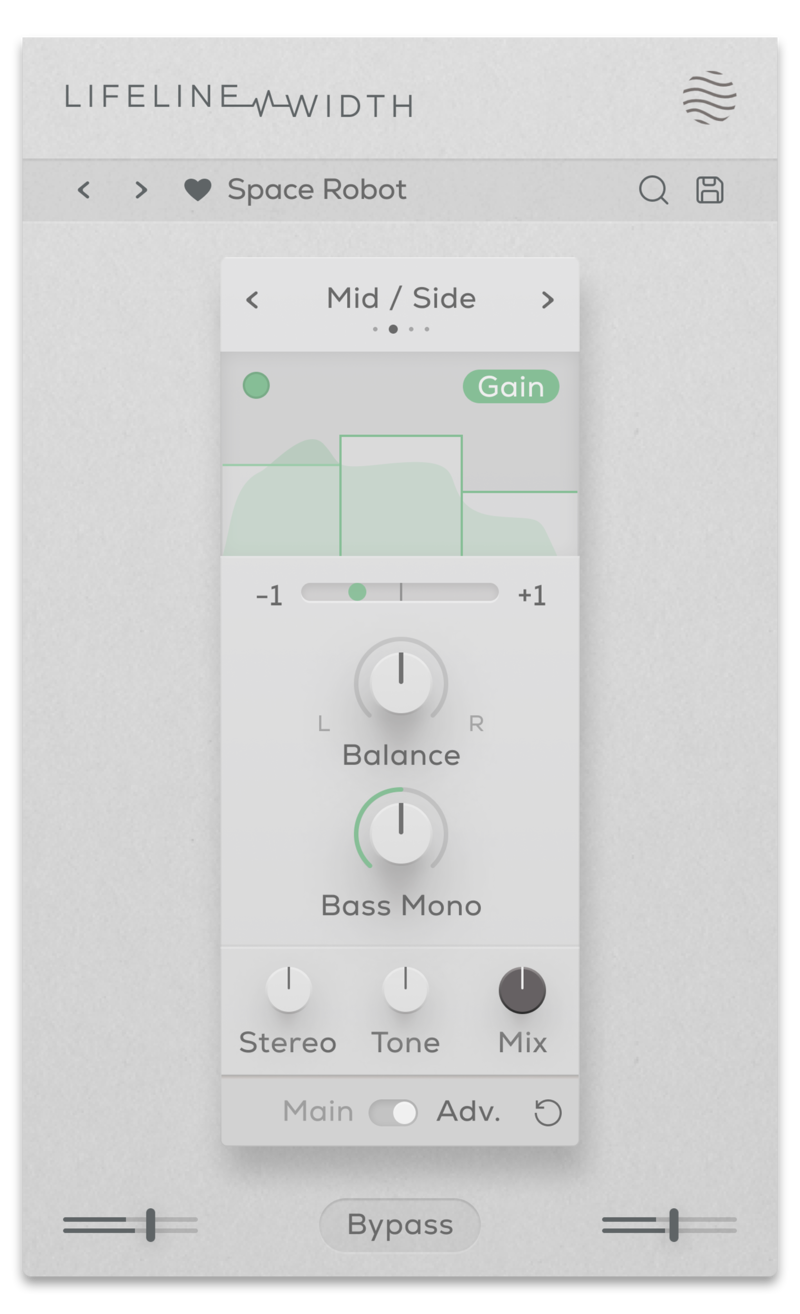
Whether it’s through panning, pitching, signal boosting or detuning, Expanse offers balanced and detailed control over your mix. Access the full spectrum of your audio’s potential by utilising effective, streamlined parameters to produce any kind of stereo-width processing.

- Haas: Creates stereo width by duplicating the audio signal.
- Mid / Side: Alters the balance between the mid and side signal.
- Detune: Adds pitch variation for a wide, chorusing effect.
- Mono: Reduces the width of the audio
Features
- 4 Stereo Width algorithms
- Stereo control (With Adv. Multiband processing)
- L/R Balance & Bass Mono controls
- Phase correlation meter
- Dry/Wet Mix, Output Gain & Tone controls
- Multiband functionality for Gain and Effect processing
- Input/Output Gain Controls
- Global Bypass
- Resizeable UI
- Zero Latency
- 50 Presets
System Requirements
macOS
- macOS 10.15 or higher (Intel / Native Apple Silicon supported).
- Plugin Formats: VST3, AU, AAX, Standalone
- DAW's Supported: Ableton Live, Pro Tools, Logic Pro, FL Studio, Cubase, Nuendo, Reaper, Reason + more.
- Compatibility: 64-bit compatible only.
Windows
- Windows 7 or higher
- Plugin formats: VST3, AAX, Standalone
- DAWs supported: Ableton Live, Pro Tools, FL Studio, Cubase, Nuendo, Reaper, Reason + more.
- Compatibility: 64-bit compatible only.

KSHMR
American musician, songwriter, record producer, and DJ.
"When a sound is too plain or needs character - boom - Lifeline is the shortcut."

Dokkodo Sounds
Composer, Producer, and Sound Designer - Inner Ocean Records, Ninja Tune Music, EMI.
"A great tool to help convey emotion and add life to your recordings."
.jpg?t=1793006375)
CAZZETTE
Swedish drum and bass artist with over 250 million Spotify plays.
"Lifeline is excellent for pushing and expanding any sound source."


