


 Log In

Free gifts available with your purchase
Product information
Center
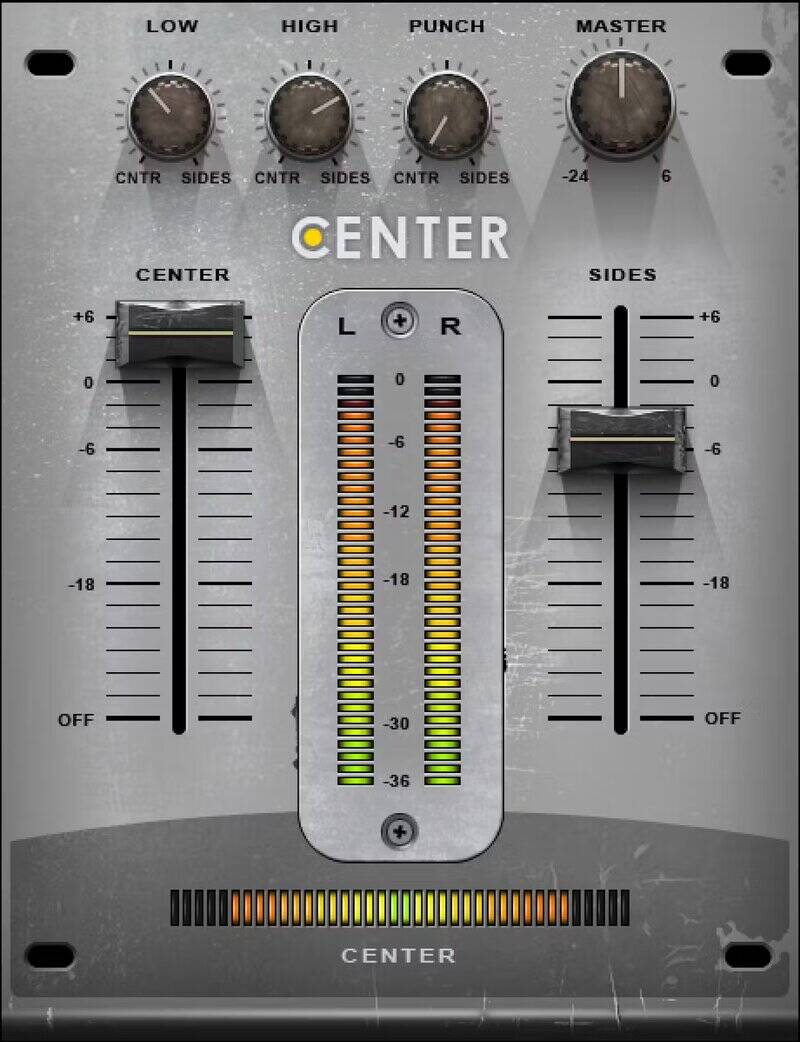
Take Control of the Center and Sides of Already-Mixed Tracks
It’s never too late to fix a “finished” stereo mix—with Center, you can widen or narrow the stereo image, change the balance of sounds panned to the sides or center, raise or lower lead vocals, remix drum loops, minimize “mud,” or bring out the best in bus effects—even when you don’t have access to the multitrack session.
Center distills complex mid-side processing techniques into a convenient, easy-to-use tool. Now you can fine-tune and even “remix” tracks during mastering—from changing vocal levels, to opening up more space for synth pads. If the audio is split between center and sides—Center will give you full control.
Features
- Separate the center “phantom” channel from the sides
- Change vocal levels in already mixed tracks
- Widen stereo imaging for more impact and clarity
- With stereo pads, open up space for sounds mixed to center
- “Remix” old mixes when the original multitracks aren’t around
- Narrow the low frequencies for vinyl mastering
System Requirements
Mac
- macOS Monterey 12, Ventura 13, Sonoma 14, Sequoia 15
- VST / AU / AAX
PC
- Windows 10+
- VST / AAX
Installation Instructions














