


 Log In

Free gifts available with your purchase
Product information
S1 Stereo Imager
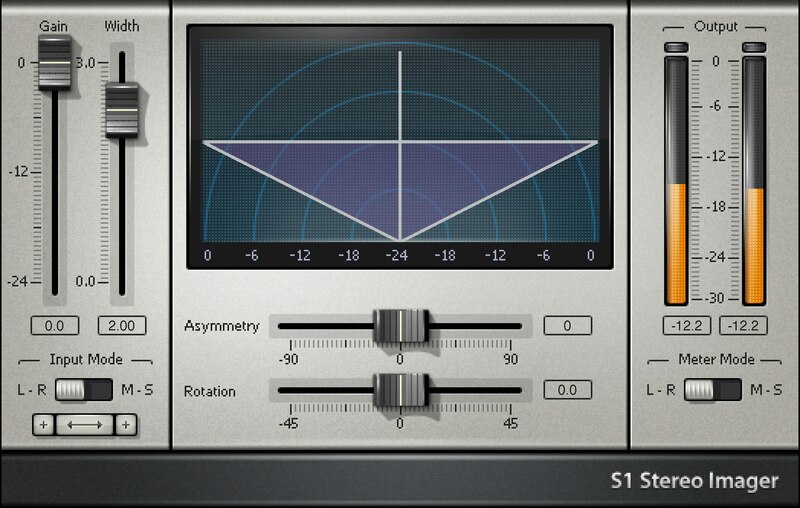
Image Is Everything: 3 Plugins for a Wider & Better Stereo Image
Create a massive spread of background vocals or layered guitars. Push reverb and delay further away from the center. Tilt the stereo image. Correct unbalanced loops and stereo mixes. This suite of three plugins has everything you need to alter width, stereo positioning, and stereo imaging.
Whether using the S1 Imager to enhance stereo, S1 Shuffler to also widen bass (with full mono compatibility), or the S1 MS utility for mid-side processing, this toolkit will upgrade your image.
Features
- S1 Imager enhances imaging with stereo mixes
- S1 Shuffler also widens bass, yet retains full mono compatibility
- Widen buses, stereo tracks, or even full mixes
- Powerful alternative to panning provides more mixdown flexibility
- Give mixes more width, size, and authority
- Create mid-side processing with the MS Matrix utility plugin
System Requirements
Mac
- macOS Monterey 12, Ventura 13, Sonoma 14, Sequoia 15
- VST / AU / AAX
PC
- Windows 10+
- VST / AAX
Installation Instructions












Customer Reviews
(3)


