


 Log In

Free gifts available with your purchase
WIDE AWAKE
Beyond Mono
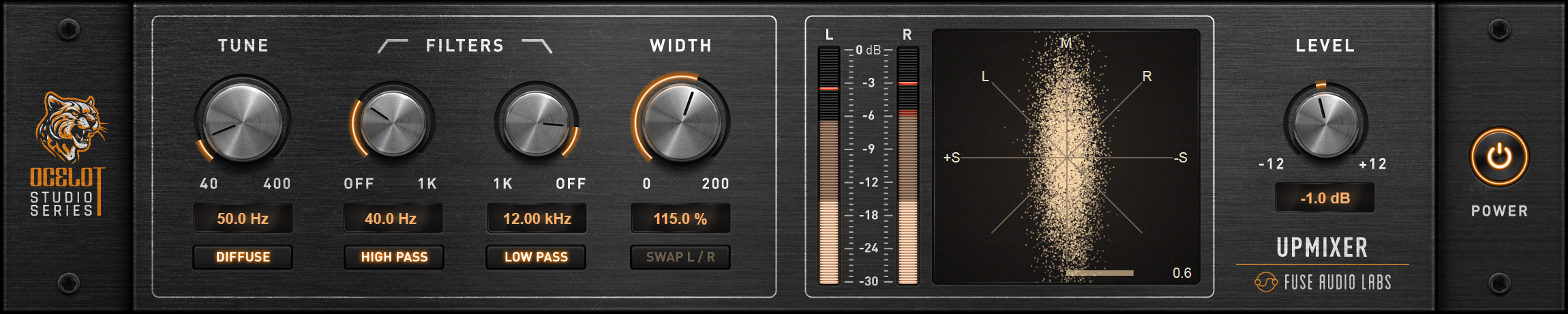
Discover a new dimension in sound with the OCELOT Upmixer. This state-of-the-art plugin transforms your mono sources into vibrant, natural-sounding stereo signals. Utilizing innovative spectral diffusion technology, it expands your soundstage without introducing unwanted artifacts. It breathes life into even the simplest recordings, turning them into a rich, dynamic soundscape.
Authentic Stereo
The OCELOT Upmixer creates a stereo image that feels both expansive and natural. By evenly distributing the mono signal across the stereo field and frequency spectrum, it enhances the listening experience while preserving full mono compatibility. Whether you're working with single drum mics, backing vocals, or guitars, enjoy lifelike stereo that honors your original performance.
Tone Tuner
The powerful Tune control adapts the upmix to the distinct character of any instrument or voice, with high and low-pass filters and a switchable diffusion mode offering further tonal refinement. Carefully crafted to widen your sound without introducing unwanted artifacts like metallic or hollow tones, it delivers pristine, phase-coherent stereo that stays true to your source.
Smooth Integration
Designed with an intuitive parameter set, the OCELOT Upmixer fits seamlessly into your workflow. Precision level and correlation metering, along with a vector scope, provide real-time feedback for phase-coherent, balanced stereo. Its low CPU load and zero latency keep you in the creative flow – whether you’re refining a mix in the studio or pushing boundaries live on stage.
Ocelot Series
In an ever-growing sea of plugins, a select few stand out as essential tools you rely on in every session. These gems enhance your workflow with their powerful features and intuitive user interfaces, building the core of your personal sound. They become indispensable, evolving alongside you. The Ocelot Series puts these tools right in your hands, delivering cutting-edge low CPU, zero or low latency studio essentials built with top-notch DSP tech.
Features
- Mono to Stereo Transformation – Converts mono sources into natural-sounding stereo with spectral diffusion technology.
- Authentic Stereo Imaging – Expands the soundstage while maintaining full mono compatibility.
- Customizable Tone Control – Fine-tune the upmix with Tune, high/low-pass filters, and switchable diffusion mode.
- Seamless Workflow Integration – Intuitive controls, real-time metering, and a vector scope for precise stereo balance.
- Low CPU & Zero Latency – Optimized performance for both studio and live use.
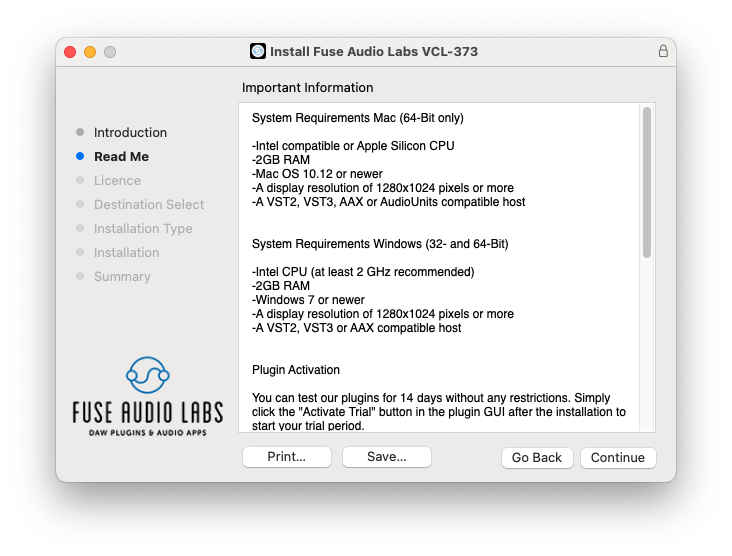
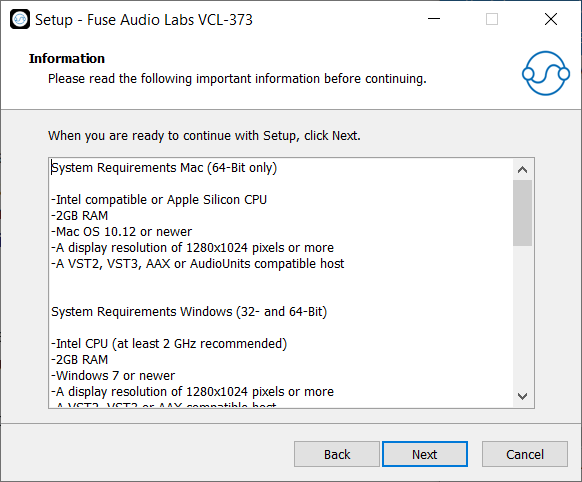
System Requirements
Mac (64-Bit only)
- Intel compatible or Apple Silicon CPU
- 2GB RAM
- Mac OS 10.12 or newer
- A display resolution of 1280x1024 pixels or more
- A VST2, VST3, AAX or AudioUnits compatible host
Windows (32- and 64-Bit)
- Intel compatible CPU (at least 2 GHz recommended)
- 2GB RAM
- Windows 7 or newer
- A display resolution of 1280x1024 pixels or more
- A VST2, VST3 or AAX compatible host




Reviews Summary
While it aims to provide a helpful overview, it may not capture every perspective or detail. We encourage you to read individual reviews to make an informed decision.
Users highly praise this Fuse Audio plugin as an underrated, easy-to-use, and powerful spatializer. It effectively converts mono signals into expansive, natural-sounding stereo with analog quality, making it ideal for enhancing mono recordings.


