Buy Stunning Phaser, get a free gift with purchase:
Warp Your Audio World
Inject ‘stunning’ movement, character, and depth into your mixes. The Harrison Stunning Phaser is a creative modulation powerhouse built to enhance your sound design and production. Using an array of modulated filters and versatile LFO shapes, this plugin crafts everything from subtle shimmer to dramatic swirl, perfect for adding life and dimension to any instrument. Whether you’re shaping intricate soundscapes or dialing in tight rhythmic effects, Stunning Phaser offers classic tone with modern flexibility.
Designed for producers, mixers, and engineers across a wide range of acoustics, electronic, classic and contemporary genres, Stunning Phaser is a new go-to creative processor to your toolkit. Add vintage-style swirl to guitar tracks, subtle drift to keys and pads, or explosive modulation to drums and synths. With customizable beat divisions and freeform LFO shaping, you can mimic rotating Leslie cabinets, shape evolving textures, or sync groove-based modulation directly to your DAW’s tempo. It’s an ideal tool for both precise tonal manipulation and wild experimental expression.
Stunning Phaser includes multiple filter types, manual and synced modulation options, regenerative feedback settings, and mix blending control for pristine integration. Whether you’re mixing for finesse or pushing sonic boundaries, Stunning Phaser keeps you firmly in command.
Features
- 4 Filter Modes: Vintage, Wide, Tight, and Sprung.
- 6+ LFO Modes: Triangle, Sine, Tri-Saw, Freeform, Stepped, Manual.
- Beat Division Control: Sync modulation speed to BPM for rhythmic effects.
- Regeneration Feedback: Create lush to aggressive synth-like phaser tones.
- Mix Blend Control: Fine-tune wet/dry signal balance (0–100%).
- Barberpole Mode: Create infinite spiraling motion with seamless saw shapes.
- Manual Mode: Full control over phaser sweep for precise automation.
- Freeform & Stepped LFO Display: Customize waveform shape with 8-point editing.
- Works in Mono and Stereo channel configurations.
- Supports AAX, VST, VST3, AU formats.
System Requirements
- Mac: macOS 13+, AAX/AU/VST/VST3
- Windows: Windows 10+, AAX/VST/VST3
- Linux (for supported products): GCC 5 compatible systems, OpenGL 3.2 or higher, with libcurl-gnutls installed
Important note:
- For licenses with the format - XXXXXXX-XXXX-XXXX-XXXXXXXX - please scroll down and follow the instructions for Harrison Multi Band Compressor, below
- For iLok licences with the format XXXX-XXXX-XXXX-XXXX-XXXX-XXXX-XXXX-XX please follow the instructions for Harrison Bass Flow & SSL Guitarstrip immediately below
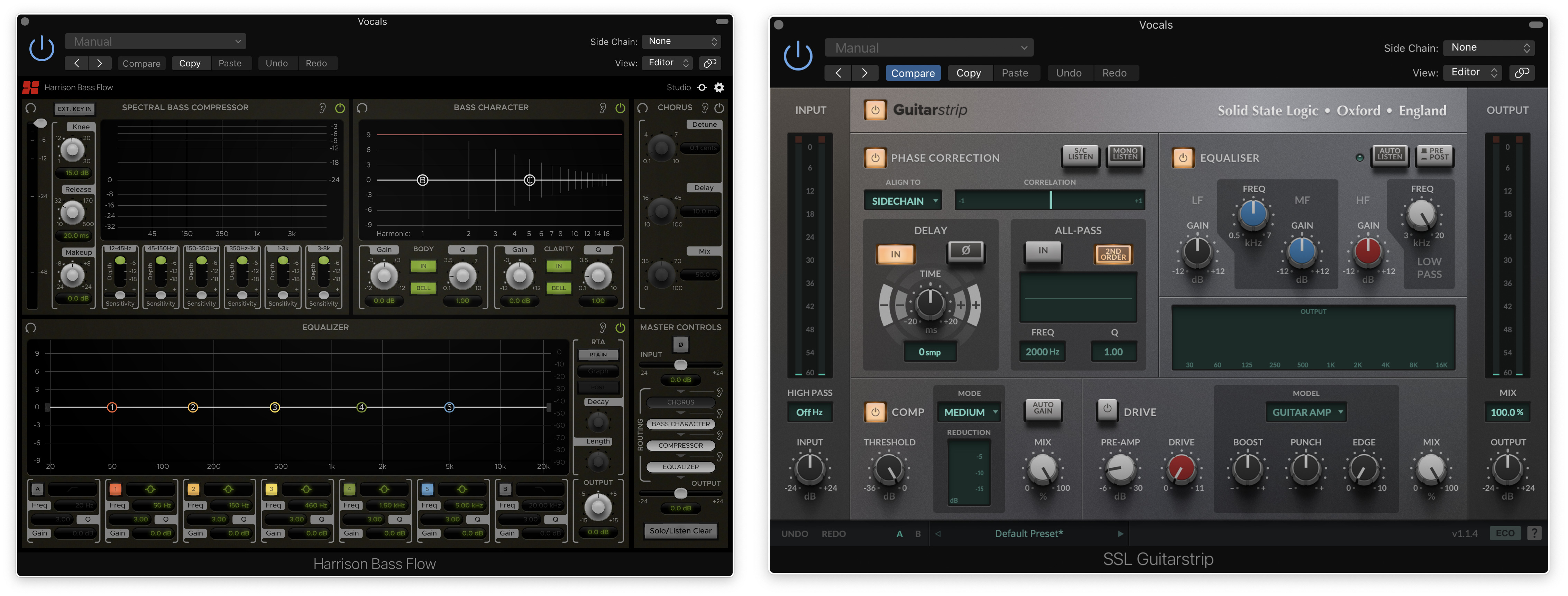
Please Note: Harrison Bass Flow & SSL Guitarstrip are used as examples
iLok Registration
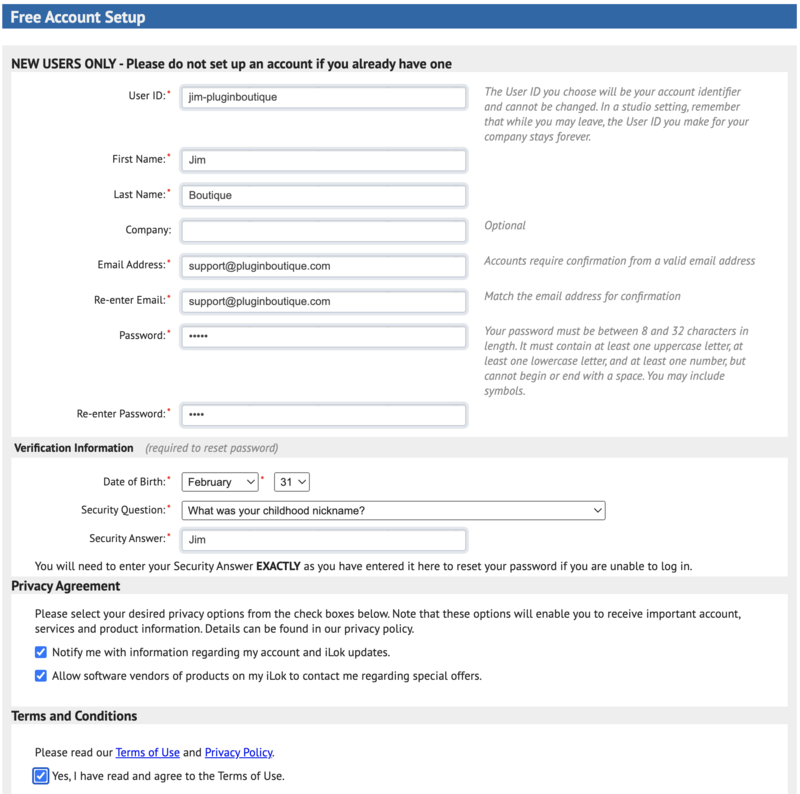
1. Go to the iLok website and create a new account if you are not currently registered and do not have the iLok Licence Manager installed on your computer
Note: Skip to the 'Registration' procedure if you are already an iLok registered user

2. Download and install the iLok License Manager
SSL Download Manager Installation
1. Go to https://solidstatelogic.com/ssl-download-manager or click DOWNLOAD in your Plugin Boutique User Account
2. Click either macOS or Windows to download the installer (Linux versions available here)

3. Double-click installer > Follow the on-screen instructions to install
4. Open SSL Download Manager

5. Locate Harrison Bass Flow & SSL Guitarstrip > Click Install on each plugin
iLok Authorisation
1. Open your iLok license manager application > click Sign In

2. Enter your iLok registered User ID and password > click Sign In

3. Once you are signed in, click the ‘Redeem’ icon which is located at the top-right corner of the iLok Licence Manager’s interface

4. Copy and paste/manually enter the 30-digit code from your Plugin Boutique User Account into the available Activation Code boxes, and then click Next

5. Select your activation destination > Click Activate

6. Click OK

7. Open the plugins in your DAW

Your plugins are now installed and ready to use. Enjoy!
Please Note: Harrison Multi Band Compressor is used as an example
Note: Harrison and SSL plugins now share the same installation process via the SSL Download Manager
iLok Registration
1. Go to the iLok website and create a new account if you are not currently registered and do not have the iLok Licence Manager installed on your computer
Note: Skip to the 'Registration' procedure if you are already an iLok registered user

2. Download and install the iLok License Manager
Registration
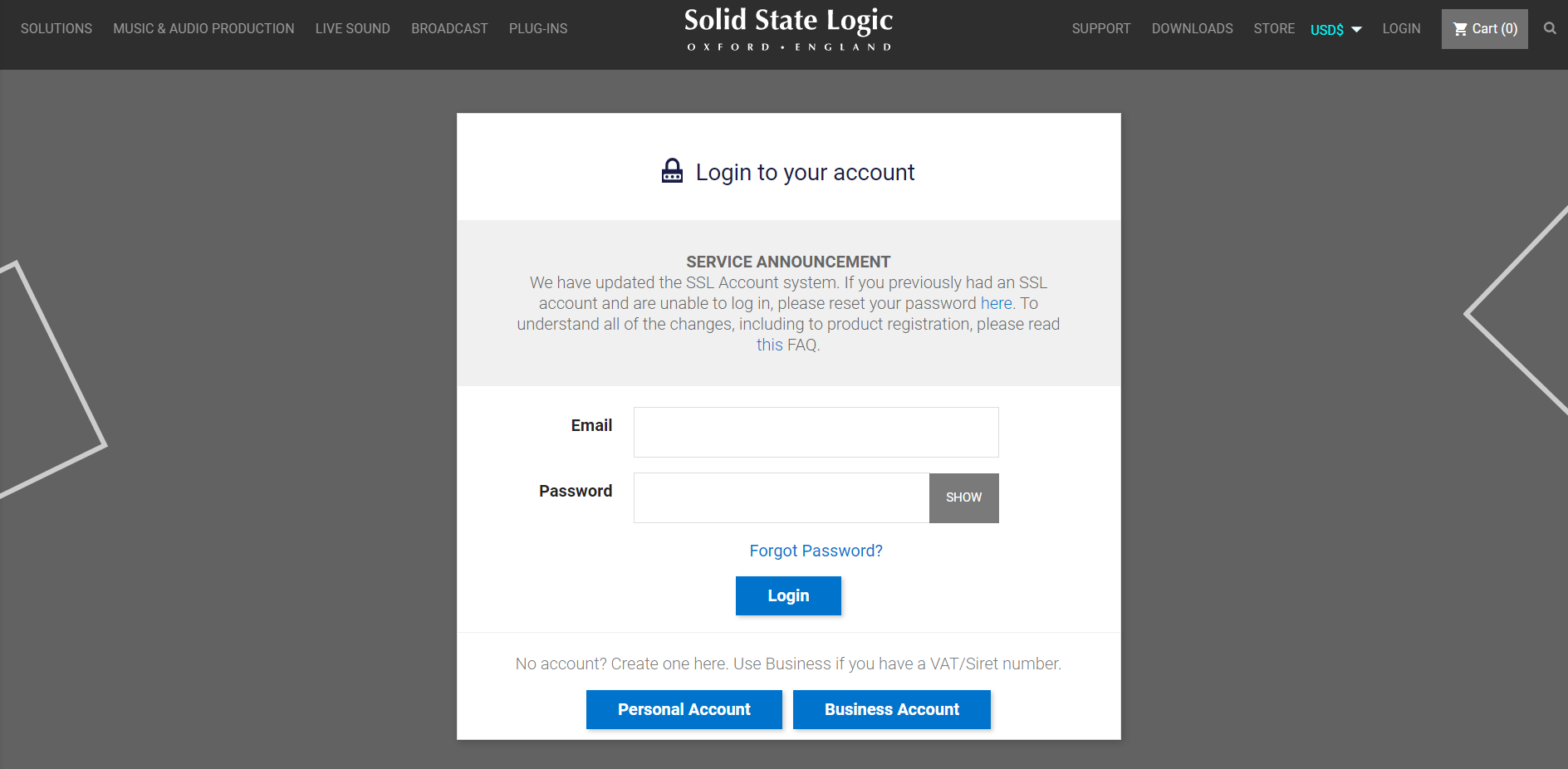
1. Go to https://account.solidstatelogic.com/register-software > Create a new account or log into your existing account if you have one

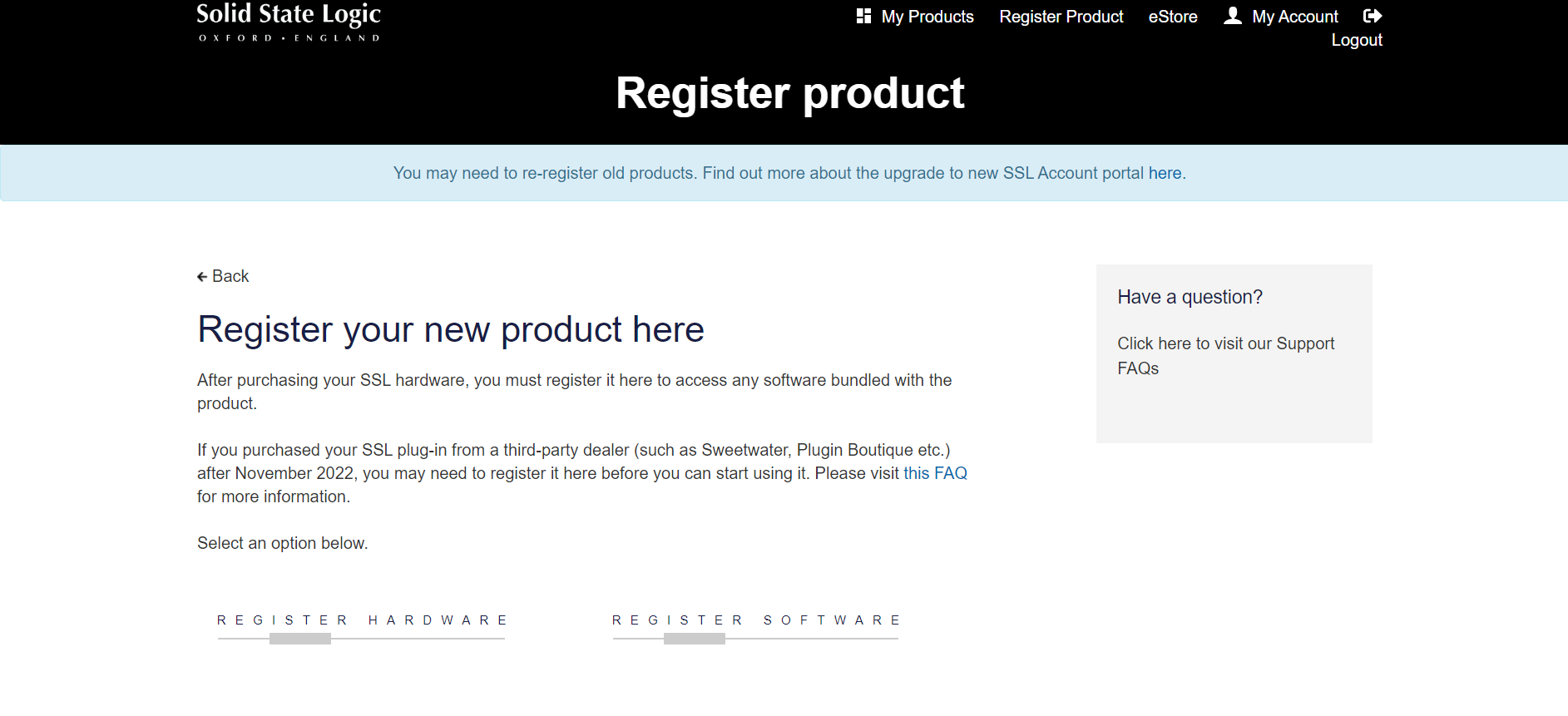
2. Click REGISTER SOFTWARE

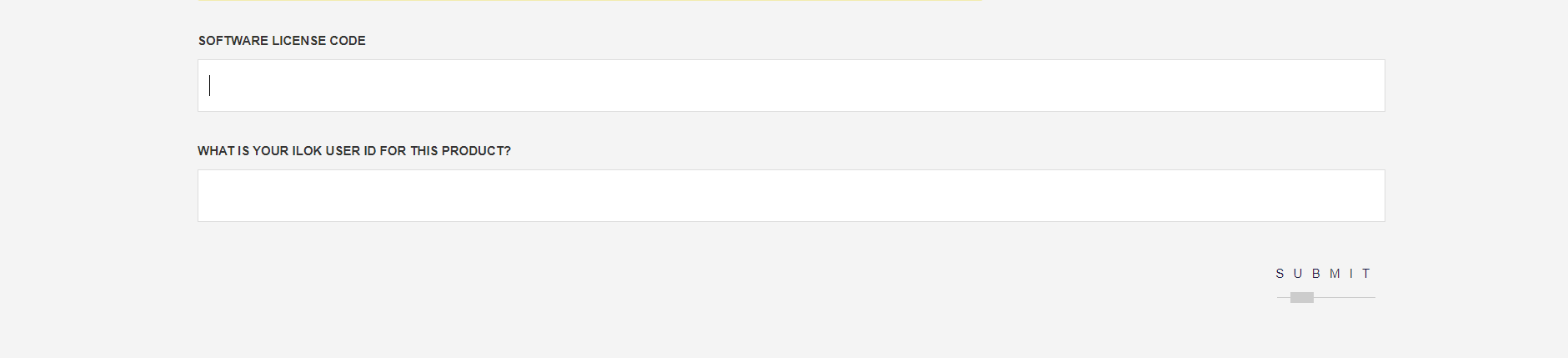
3. Enter your license code found in your Plugin Boutique User Account as well as your iLok ID > Click SUBMIT

SSL Software Installation
1. Go to https://solidstatelogic.com/ssl-download-manager or click DOWNLOAD in your Plugin Boutique User Account
2. Click either macOS or Windows to download the installer (Linux versions available here)

3. Double-click installer > Follow the on-screen instructions to install
4. Open SSL Download Manager

5. Locate Harrison Multi Band Compressor > Click Install
6. Open your DAW > Scan for plugins
7. Click Activate

8. Click Skip

9. Enter your iLok account details > Click Next

10. Select 'Harrison Multi Band Compressor' > Click Next

11. Select an activation location > Click Next

12. Click Continue

13. Open the plugin in your DAW
Your plugin is now installed and ready to use. Enjoy!