.jpg)
Buy Fazortan 2, get a free gift with purchase:
Have you ever wanted to replicate that unique, magical breeze floating through most of Jean Michael Jarre's music?
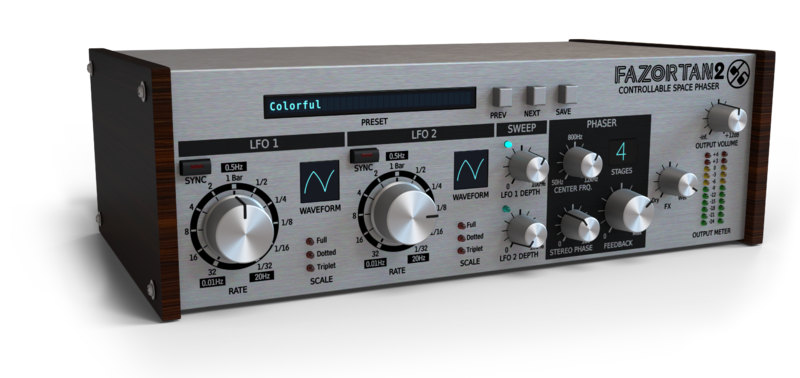
Fazortan 2 is the new incarnation of Controllable Space Phaser which is part of D16's SilverLine Collection. Total control over the Phase shifter provides you with adjustability and allows you to obtain the desired contour with high precision. Have you ever wondered where does that unique magical breeze so audible in most of Jean Michael Jarre's tunes come from? Surprisingly the backbone here isn't the synth itself but the effect unit coupled with the synthesizer, saying more precisely - analogue phaser of which Fazortan 2 seems to be a fine equivalent. Thanks to the analogue modelling technique D16 were able to implement all-pass filters comprising characteristics identical to its analogue counterpart based on Operational Transconductance Amplifiers. Now in version 2 D16 are even closer to the sound character the original hardware unit brings.
You can think about Fazortan 2 as the exact copy of a retro phaser taken out from the '70s and redone to become a virtual unit. But being the same sounding unit that provides primal functionality and sound of the original is where similarities end and where limitless scope of plugin comes to play. Bearing in mind only one Rate knob and a Color switch on the front panel of the real phaser device, Fazortan 2 from the first look at its GUI, presents itself as a completely new device that effectively expands the capabilities of its origin.
Structure
Full control over two LFOs (waveform, rate and depth) controlling the unit and unlike the hardware unit Fazortan 2 LFO works in various waveform modes: sinus, triangle, hyper-triangle and random (i.e. only triangle is available in original).
By using both LFOs simultaneously you're now able to obtain the result that owners of the hardware box could only dream about. Endless contour diversity stretches results from monotonous sluggish swing to become a gurgling scrumble, just by a slight repositioning of the rate knob. Additionally, it is now possible to add consecutive all-pass stages as well as regulate the feedback effect. The amount of stages translates to how many humps and pits residues are in the converted sound spectrum while the feedback parameter value implies the severity of these irregularities. The feedback knob gives you sounds from soft to rapid and drilling. To visually display how it works, consider white noise as an input signal. Moving the feedback knob will start to morph incoming "sea waves" reminiscent noise into "windy" whizz. Additionally, each LFO can be modified by altering its respective phase giving, as a result, an improved panning of the incoming signal.
Who would like to use it?
The best way to judge Fazortan 2 is to listen to it. D16 made every effort to make sure Fazortan will fulfil all expectations one could have before buying an analogue phaser unit. Especially guitarists and retro keyboard players may appreciate the possibility to adjust it so it can emulate the rotary speaker, what along with its rich and lush sound, completes satisfactorily every audio chain.
Of course, given much more manoeuvrability it is a fine fx unit to be adapted regardless of genre.
Features
- True emulation of a classic analogue all-pass phase shifter.
- 2 full controllable LFOs
- LFO synchronization with host application
- Unique sound different from the other digital phasers
- 64bit internal processing
- No harmonic distortions at output
- Tag-based preset browser
- Two alternative GUI sizes
- MIDI-learn functionality throughout
System Requirements
Windows
- Windows 7 - 10 (32 or 64-bit)
- CPU - Single-core 2.0 GHz SSE (Multi-core 2.4 GHz SSE recommended)
- RAM - 8 GB (16 GB Recommended)
- Plugin Formats - VST2, VST3, AAX
Mac
- macOS 10.13 - macOS 12 Monterey (64-bit only)
- CPU - Intel 1.8 GHz / Apple M1 (Intel 2.4 GHz / Apple M1 recommended)
- RAM - 8 GB (16 GB Recommended)
- Plugin Formats - VST2, VST3, AU, AAX
Please Note: This is not a standalone program - a host application (DAW) is required to use it.
Le Castle Vania
"Fazortan has quickly become and integral part of my sound you can hear it on almost all of my recent works."
Dash Berlin
"Finally a phaser that makes you sound like Jean Michel Jarre and beyond. Fazortan is that good."
Dario Piana
"In my live sets, Fazortan is always protagonist! And for the really bad guys"
It’s been quite a while since “Phoscyon” came out and a small coder team named d16 got loads of attention by music producers. While first being critical about just another TB-303 clone it became clear those guys know what they are doing – so no surprise there the plugin’s successors, being emulat...
Read MoreWindows
1. Visit the D16 Group website to create or login into your user account.
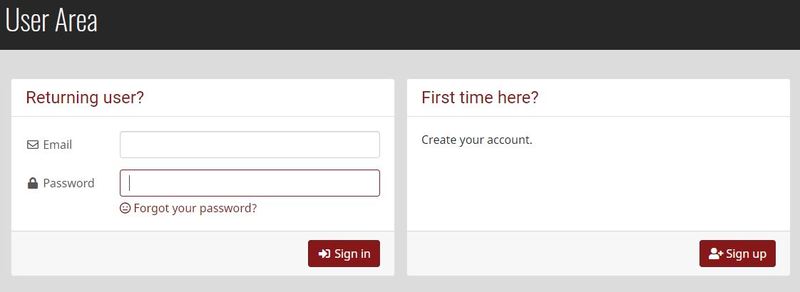
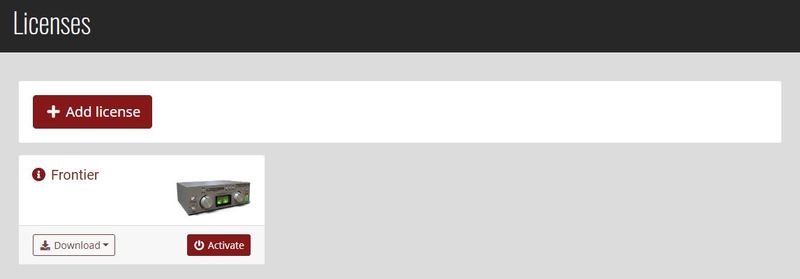
2. Once logged into your account, select the '+ Add Licence' tab
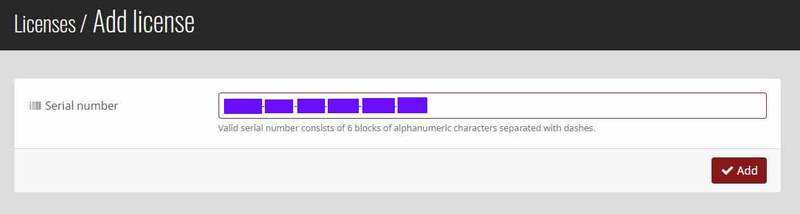
3. Copy and paste the serial number provided in your Plugin Boutique User Account into the box and click 'Add.'
Note: Ensure there are no spaces at the beginning and end of the licence before clicking 'Add' to register it.
4. Once the licence has successfully been added to your account, click 'Close.'

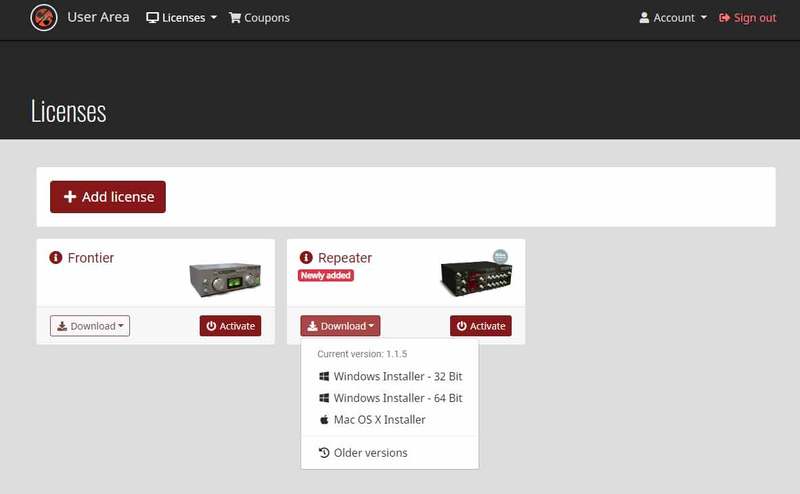
5. Select the 'Download' tab to reveal the drop-down list and click your preferred 32 and/or 64-bit Windows Installer option to obtain the software.
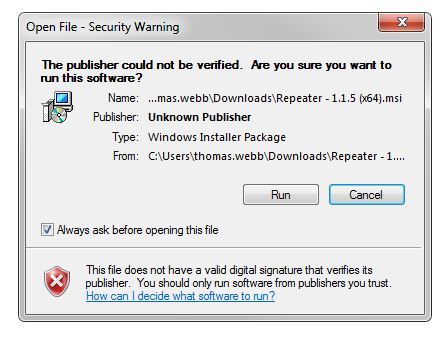
6. Once downloaded, double-click the .msi installer file to begin the installation process > then click 'Run.'
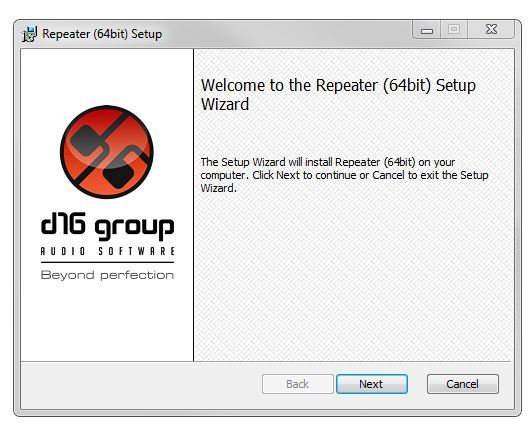
7. Click 'Next.'
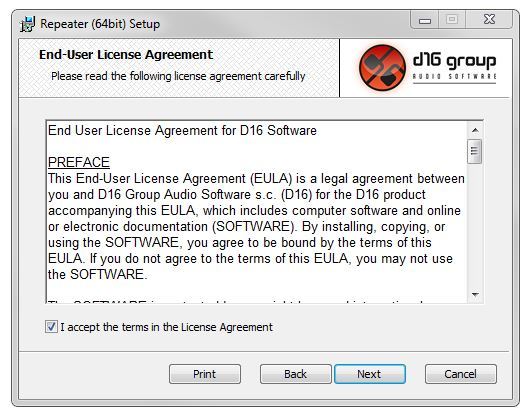
8. Read through and select 'I accept the terms in the licence agreement' and click 'Next.'
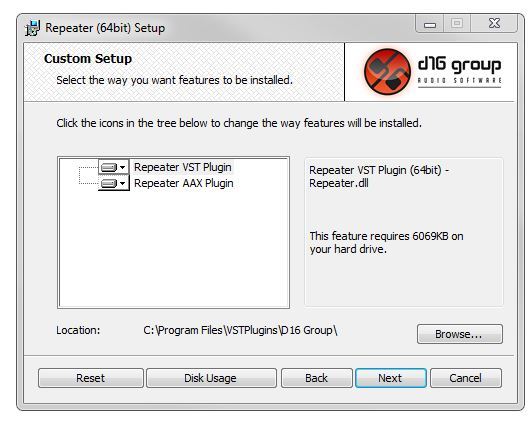
9. Select the format (s) i.e VST/AAX that you wish to install and click 'Next.'
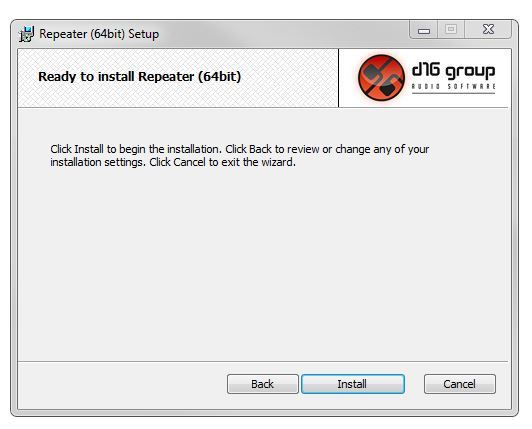
10. Click 'Install' to complete the installation process.
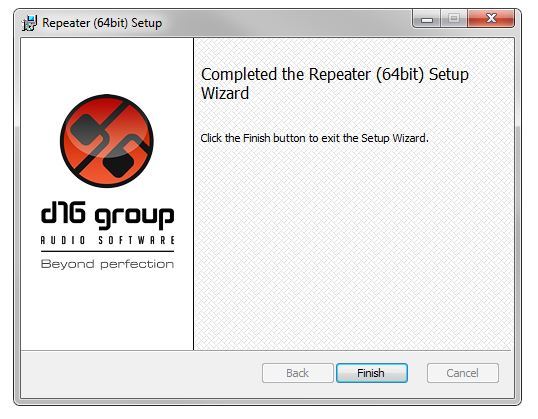
11. The installation of the software has successfully completed > click 'Finish.'
Activation
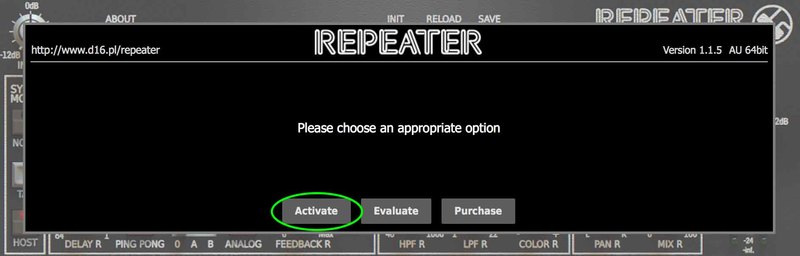
1. Open and load the software within your DAW and then click the 'Activate' tab.
Note: If the software fails to appear, rescan your DAW's plugin selection and/or restart your computer.
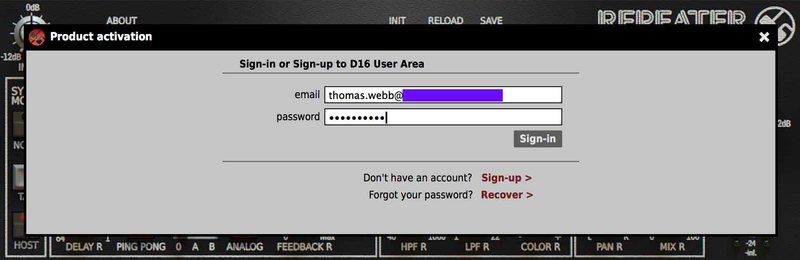
2. Enter your D16 Group user account email and password > then click 'Sign-In.'
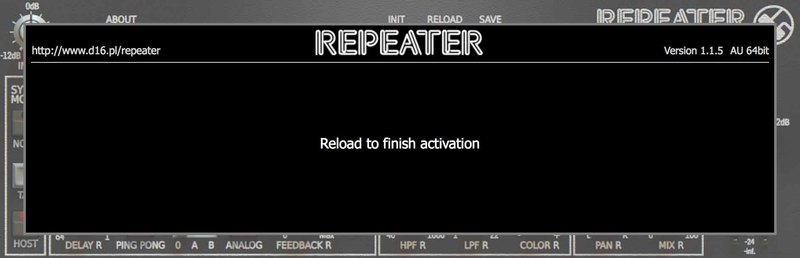
3. Close the plugin and then reopen it to complete activation of the software.
The Software is now Activated and Ready for Use!
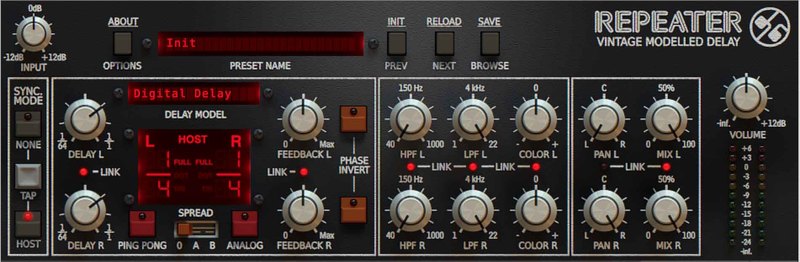
Mac
1. Visit the D16 Group website to create or login into your user account.
2. Once logged into your account, select the '+ Add Licence' tab
3. Copy and paste the serial number provided in your Plugin Boutique User Account into the box and click 'Add.'
Note: Ensure there are no spaces at the beginning and end of the licence before clicking 'Add' to register it.
4. Once the licence has successfully been added to your account, click 'Close.'
5. Select the 'Download' tab to reveal the drop-down list and click your preferred Mac OS X Installer option to obtain the software.
6. Once downloaded, double-click the .dmg installer file to unpack the .pkg file.
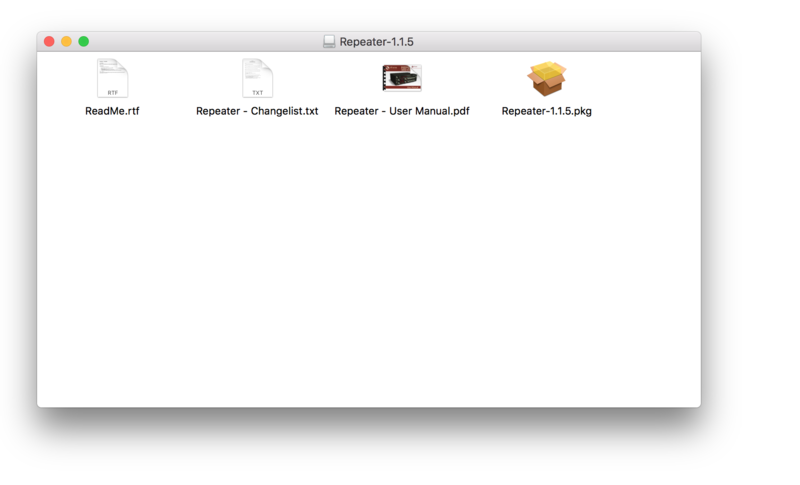
7. Double-click the .dmg .pkg installer file to begin the installation process > then click 'Continue.'
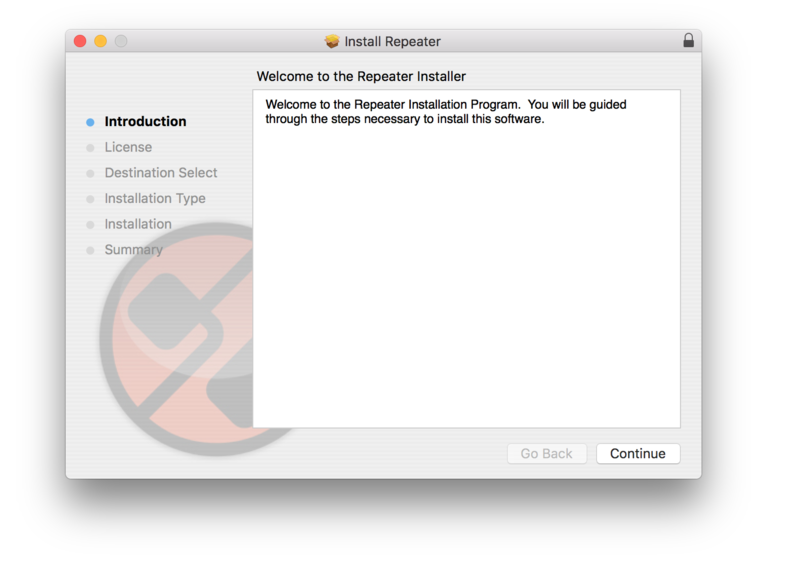
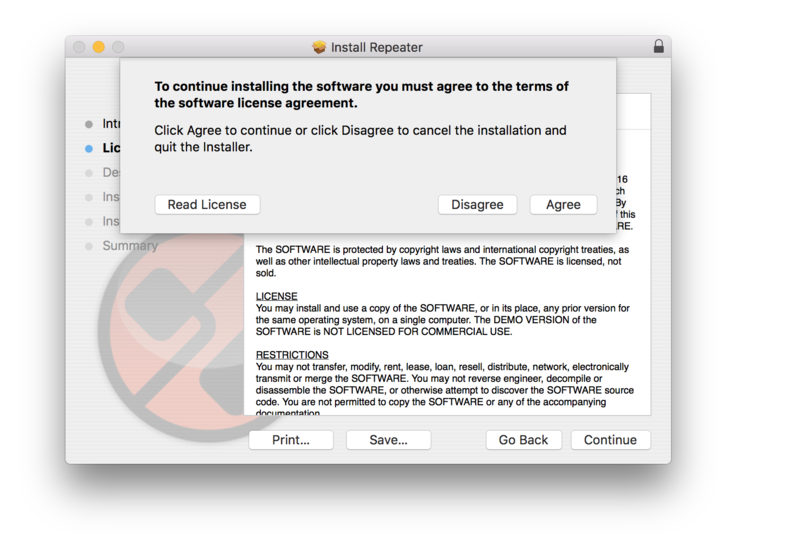
8. Read through the licence agreement > click 'Continue' then 'Agree.'
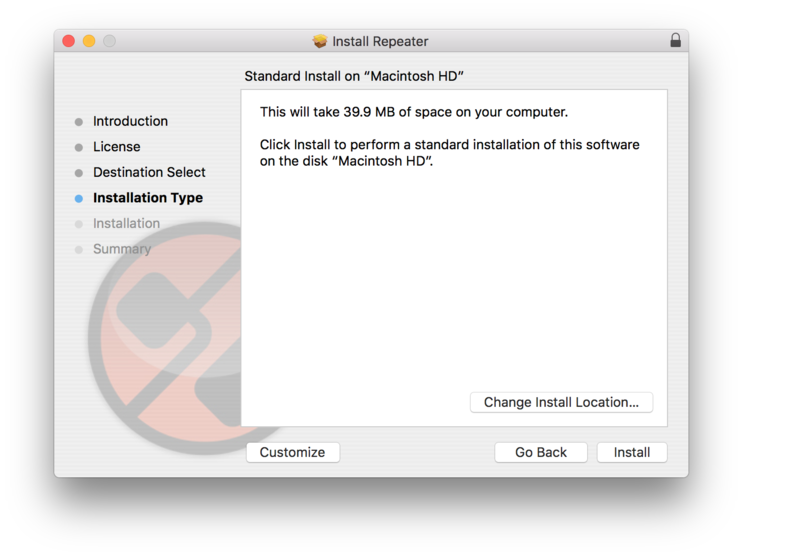
9. Click 'Install.'
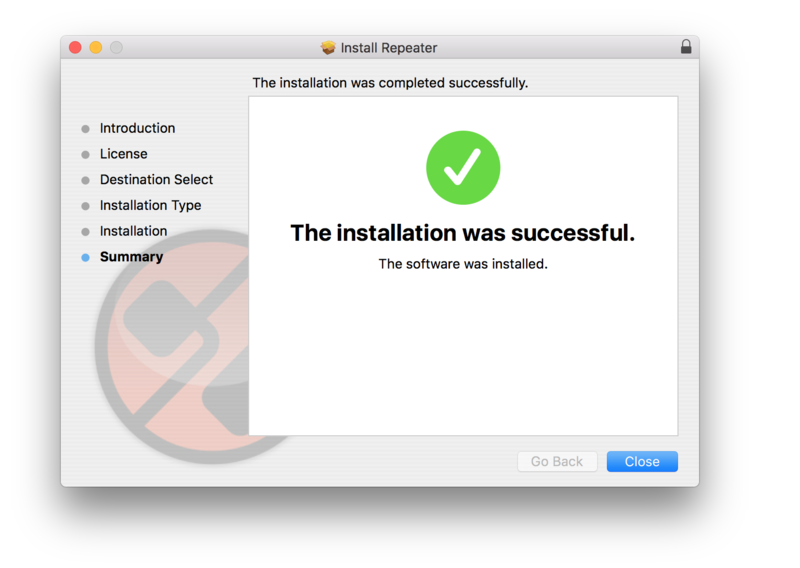
10. The installation of the software has successfully completed > click 'Close.'
Activation
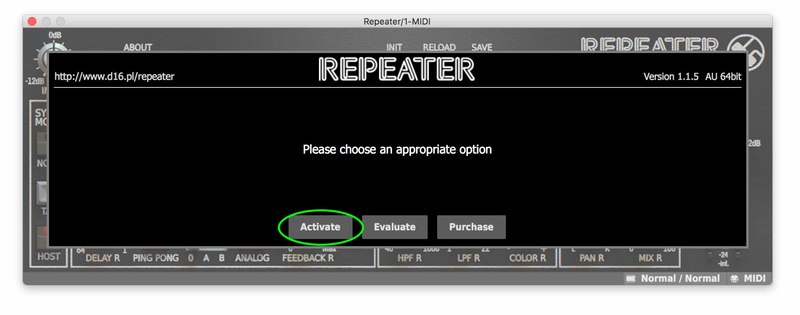
1. Open and load the software within your DAW and then click the 'Activate' tab.
Note: If the software fails to appear, rescan your DAW's plugin selection and/or restart your computer.
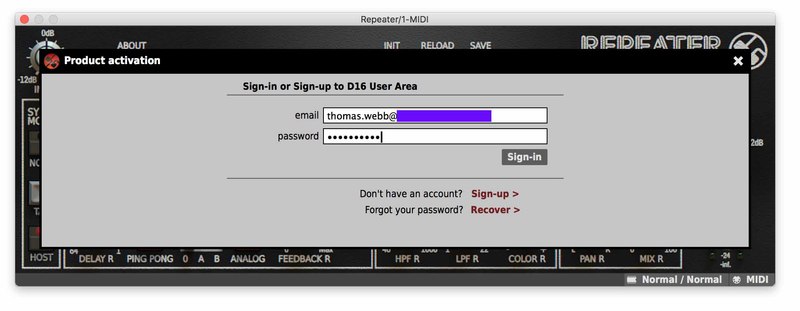
2. Enter your D16 Group user account email and password > then click 'Sign-In.'
3. Close the plugin and then reopen it to complete activation of the software.
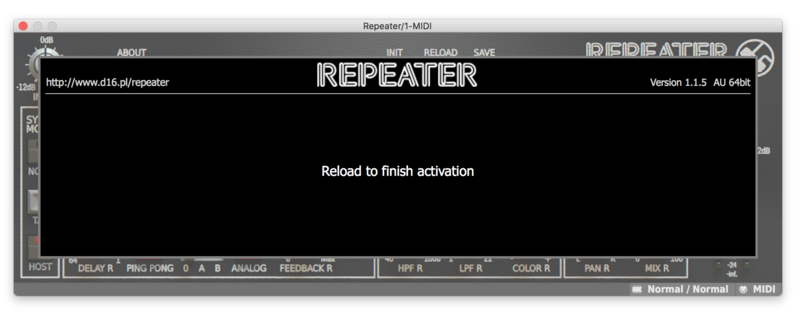
The Software is now Activated and Ready for Use!