Buy Doomagorgon, get a free gift with purchase:
Ultimate Doom Fuzz
Doomagorgon is the most brutal octave fuzz and distortion pedal Audiority has ever made.
This is their take on one-half of a Boss® FZ-2™ (the Univox™ SuperFuzz channel) and one-half of the HM-2™ to create the ultimate two-headed infernal riff beast.
It can go from deep fat octave-fuzz doom and sledge tones, up to tight modern death metal chainsaws with just the turn of a knob.
They went ever further by adding a transposer, a “FILTH MOD” (doubling down distortion and scoop for the fuzz channel) and a “RAT MOD” (to switch the chainsaw channel from a smooth overdrive to a RAT-like hard clipping distortion).
Features
- Faithfully modeled on original hardware pedals
- Octave Fuzz Channel
- Chainsaw Channel
- Switchable FILTH MOD for the Fuzz channel
- Switchable RAT MOD for Chainsaw channel (hard clipping mode)
- Independent Tone Shaping per Channel
- Transposer
- Noise Gate
- Level Meters
- Pre and Post effect gain
- Mix control
- Resizable interface
System Requirements
Intel Mac
- OSX 10.13 or later
- Intel i5 or higher
- 2GB RAM
- Screen resolution: 1024×768
- CLAP, VST2, VST3, AU 64-bit host
- PT11 or higher, AAX 64-bit host
Silicon Mac
- macOS 11.0 or later
- Apple M1 or higher
- 2GB RAM
- Screen resolution: 1024×768
- CLAP, VST2, VST3, AU 64-bit host
- PT11 or higher, AAX 64-bit host
Windows
- Windows 7 64bit or later
- Intel i5 or higher
- 2GB RAM
- Screen resolution: 1024×768
- CLAP, VST2, VST3 64-bit host
- PT11 or higher, AAX 64-bit host
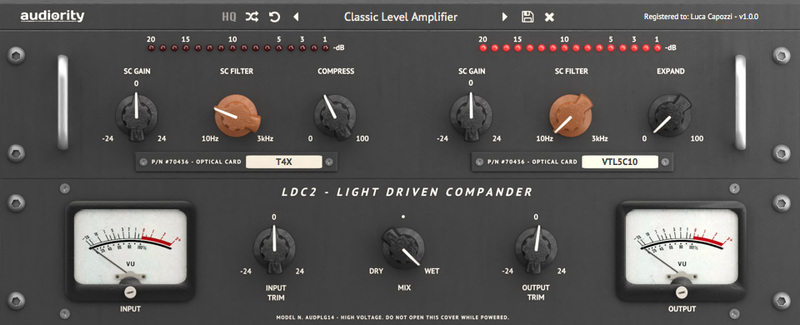
Note: LDC2 Compander is used as the example.
Mac
Registration
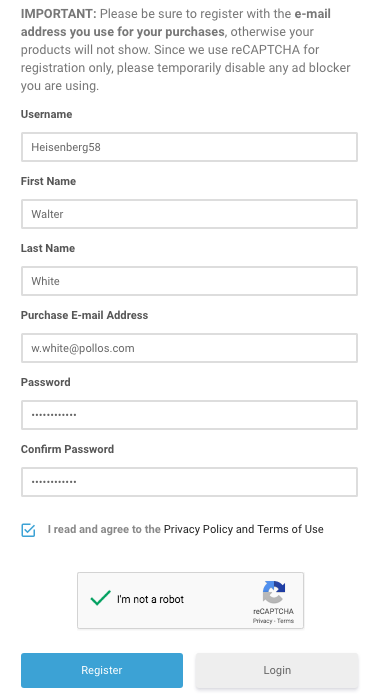
1. Visit https://www.audiority.com/register and enter your personal details > Click 'Register.'

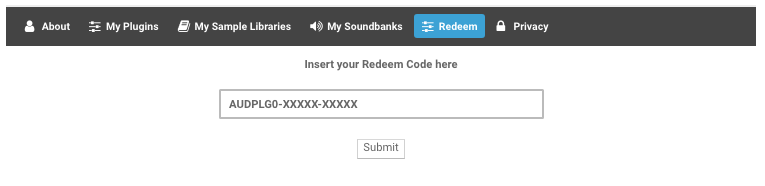
2. Once logged in, Click the 'Redeem' button at the top of the page and enter the redeem code, found in your Plugin Boutique User Account > Click 'Submit'.

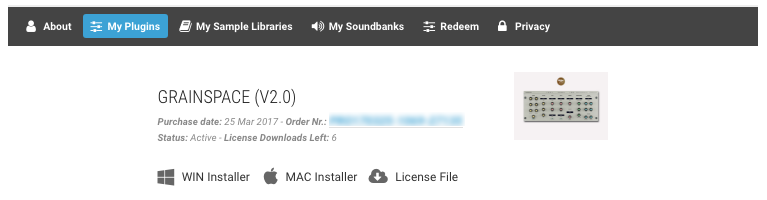
3. Click the 'My Plugins' button > Select the Mac Installer.

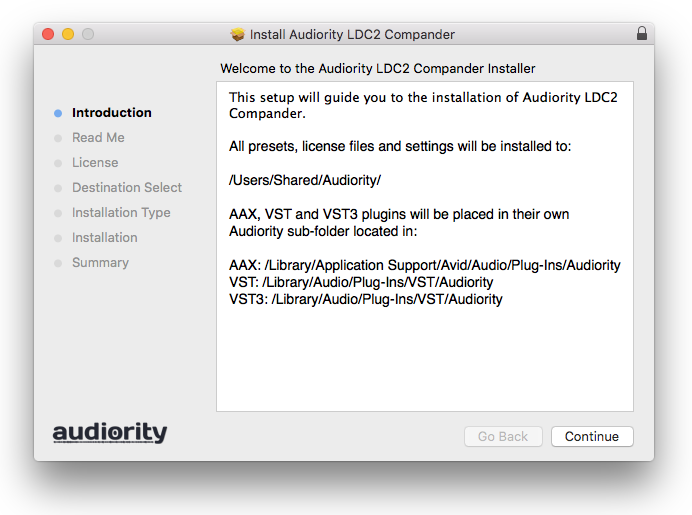
4. Locate the .dmg installer file from the 'Downloads' section of your computer, and double-click it to begin the installation process > click ‘Continue.’
Installation
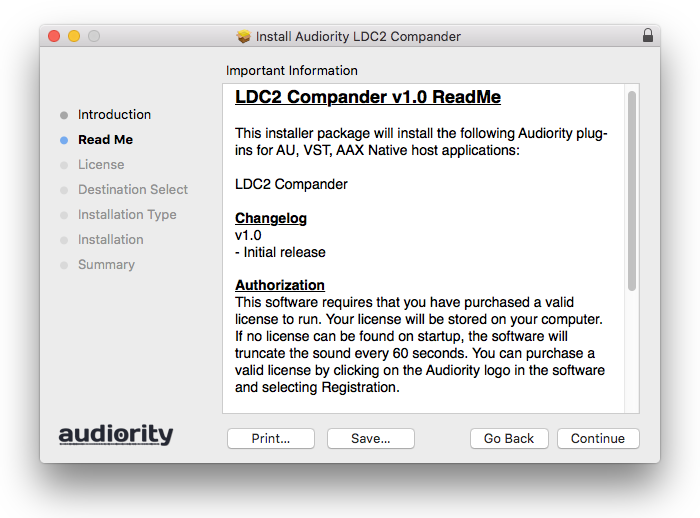
1. Open the .dmg file > Open the .pkg file to begin the installation.
2. Click 'Continue'.

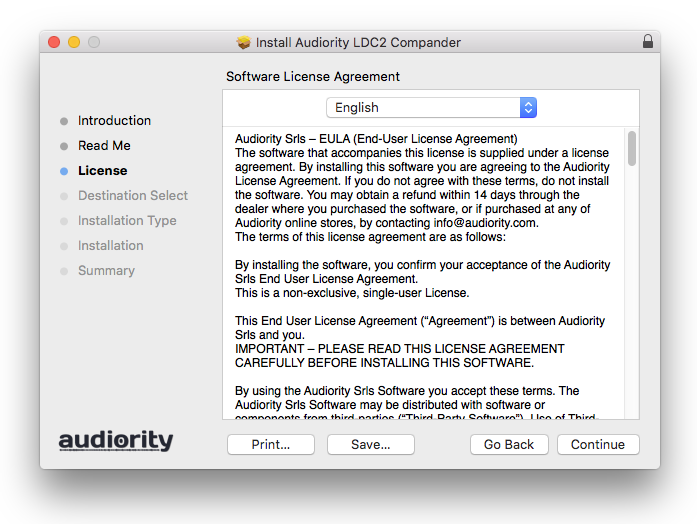
3. Click 'Continue'.

4. Click 'Continue'.

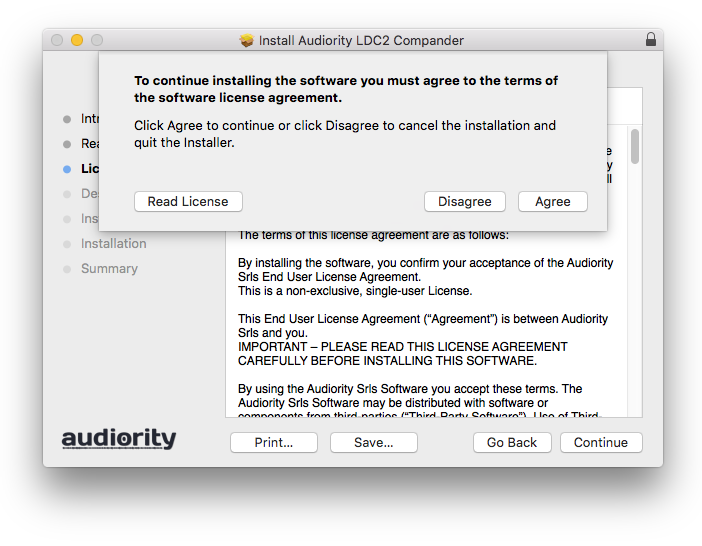
5. Click 'Agree'.

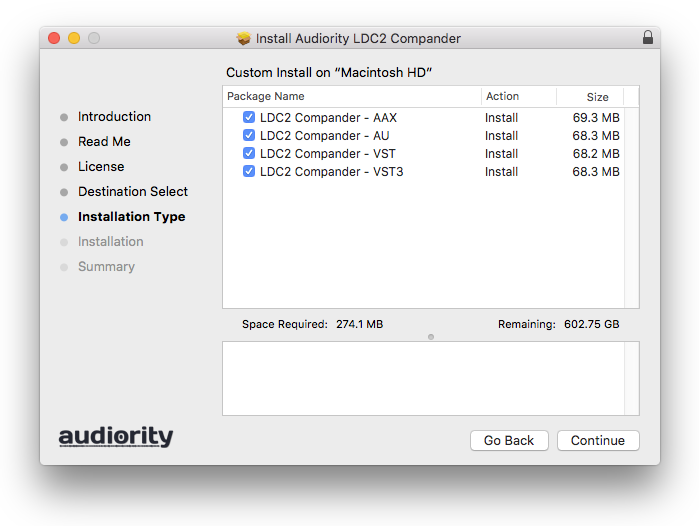
6. Click 'Continue'.

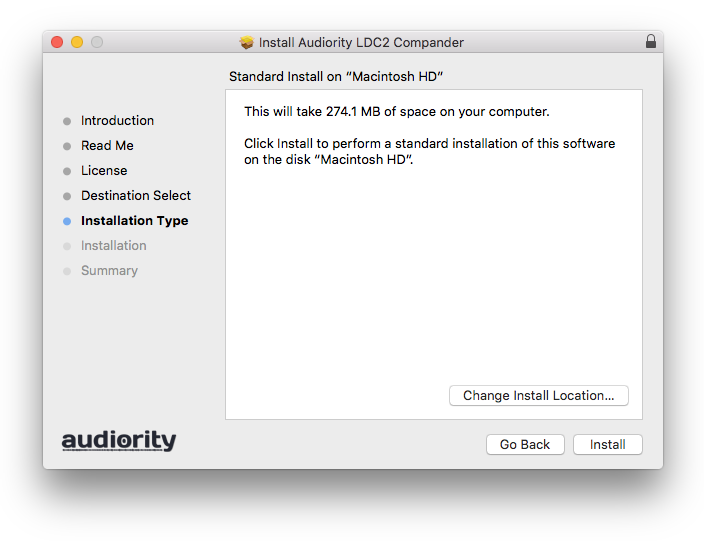
7. Click 'Install'.

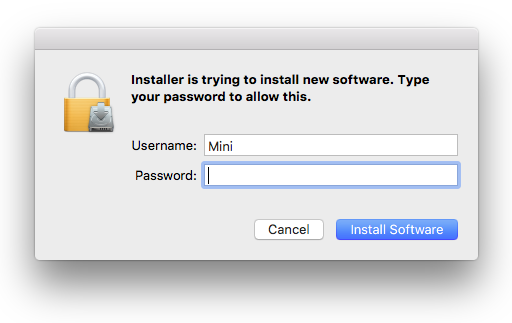
8. Enter your computer Username and Password > Click 'Install Software'.

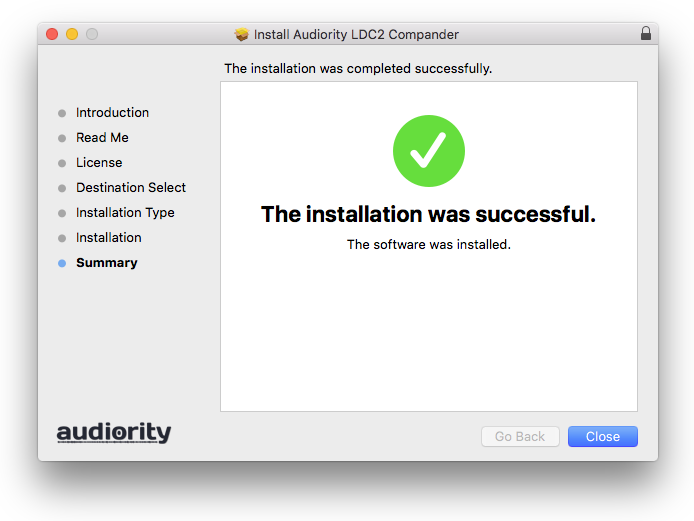
9. Click 'Close'.

Activation
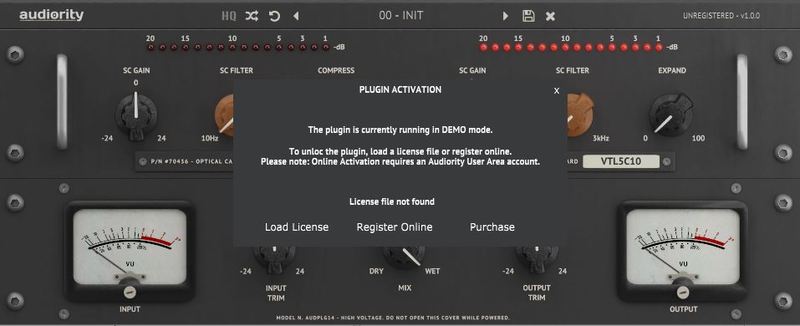
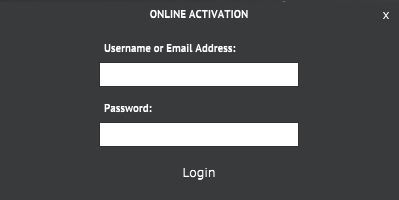
1. Open the newly installed plugin in your DAW > Click 'Register Online'.

2. Enter your username and email address that you registered at Audiority > Click 'Login'.

Your plugin is now activated and ready to use.

Windows
Registration
1. Visit https://www.audiority.com/register and enter your personal details > Click 'Register.'

2. Once logged in, Click the 'Redeem' button at the top of the page and enter the redeem code, found in your Plugin Boutique User Account > Click 'Submit'.

3. Click the 'My Plugins' button > Select the Windows Installer.

Installation
1. Double-click the installer to extract the contents > Double-click the .exe file to begin the installation.
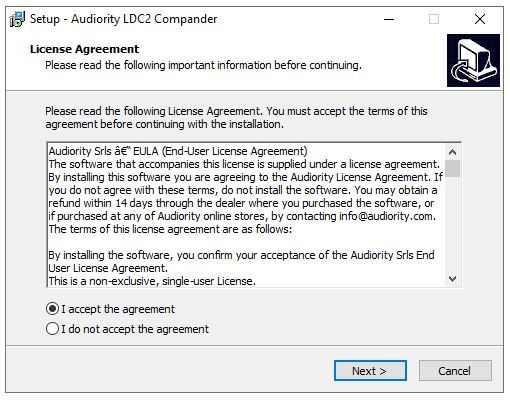
2. Select 'I Accept the Agreement' > Click 'Next'.

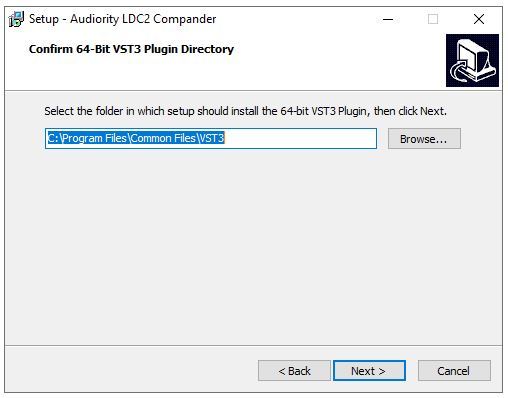
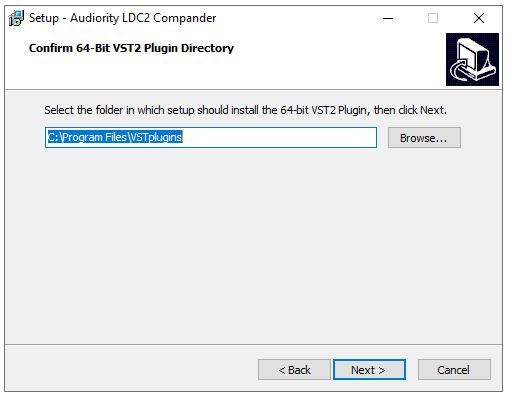
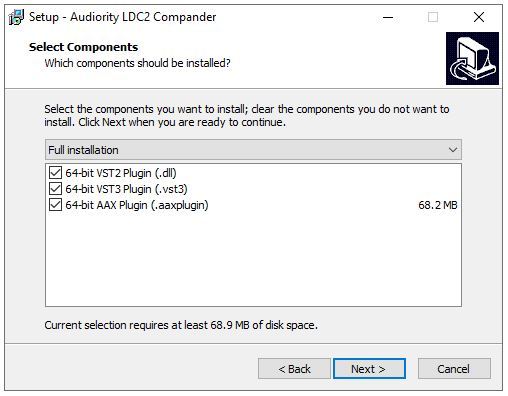
3. Click 'Next'.

4. Click 'Next'.

5. Click 'Next'.

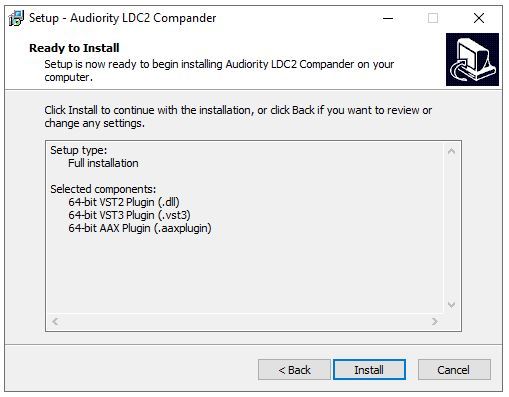
6. Click 'Install'.

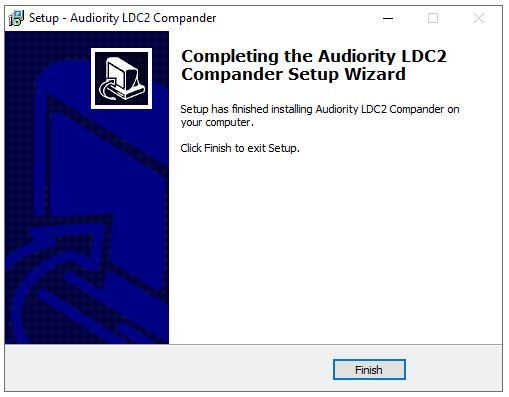
7. Click 'Finish'.

Activation
1. Open the newly installed plugin in your DAW > Click 'Register Online'.

2. Enter your username and email address that you registered at Audiority > Click 'Login'.

Your plugin is now activated and ready to use.