Buy CR-1, get a free gift with purchase:
Crush. Slam. Obliterate.
Sonic destruction made simple
Meet CR-1 - the audio weapon designed to obliterate your drums and elevate your mix with unapologetic aggression. Every hit slams harder and your tracks immediately cut through the mix. CR-1 turns ordinary sounds into bold, attention-commanding elements... Fast, intuitive, and impossible to ignore.
Features
- Mixes that hit harder than ever - Inject explosive energy and power into your mixes. The CRUSH circuit thickens your sound, giving every hit more grit, weight, and energy.
- Control the Chaos - Shape the dynamics of any sound effortlessly. Flatten transients for a punchier hit, or add controlled weight to thin or brittle tracks. This gives you full control to make tracks cut through with authority.
- Instant grit and character - Add aggressive, musical distortion that gives your tracks personality. Dial in subtle warmth or crank it for chaotic energy that transforms dull or lifeless sounds into bold statements.
- Mac OS X 10.15 or higher
- 64 bit compatible
- Windows 10
- At least 200 MB of free drive space
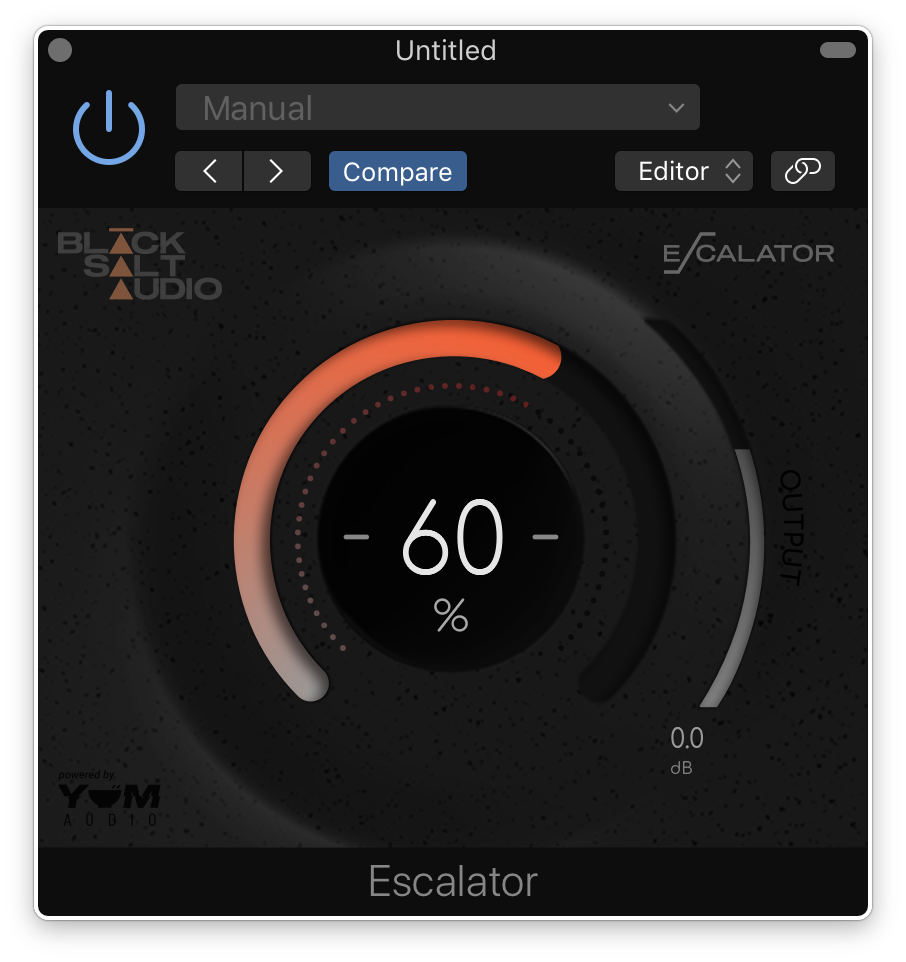
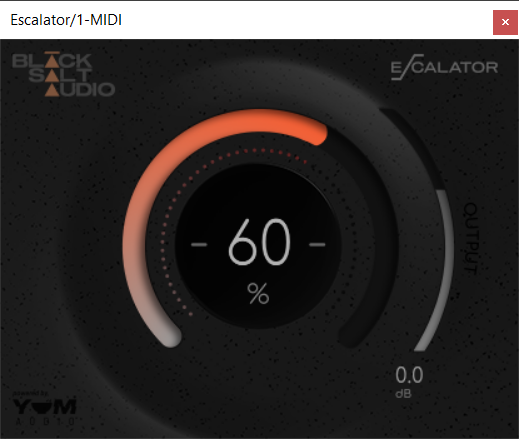
Note: Escalator is used as an example.
License Redemption
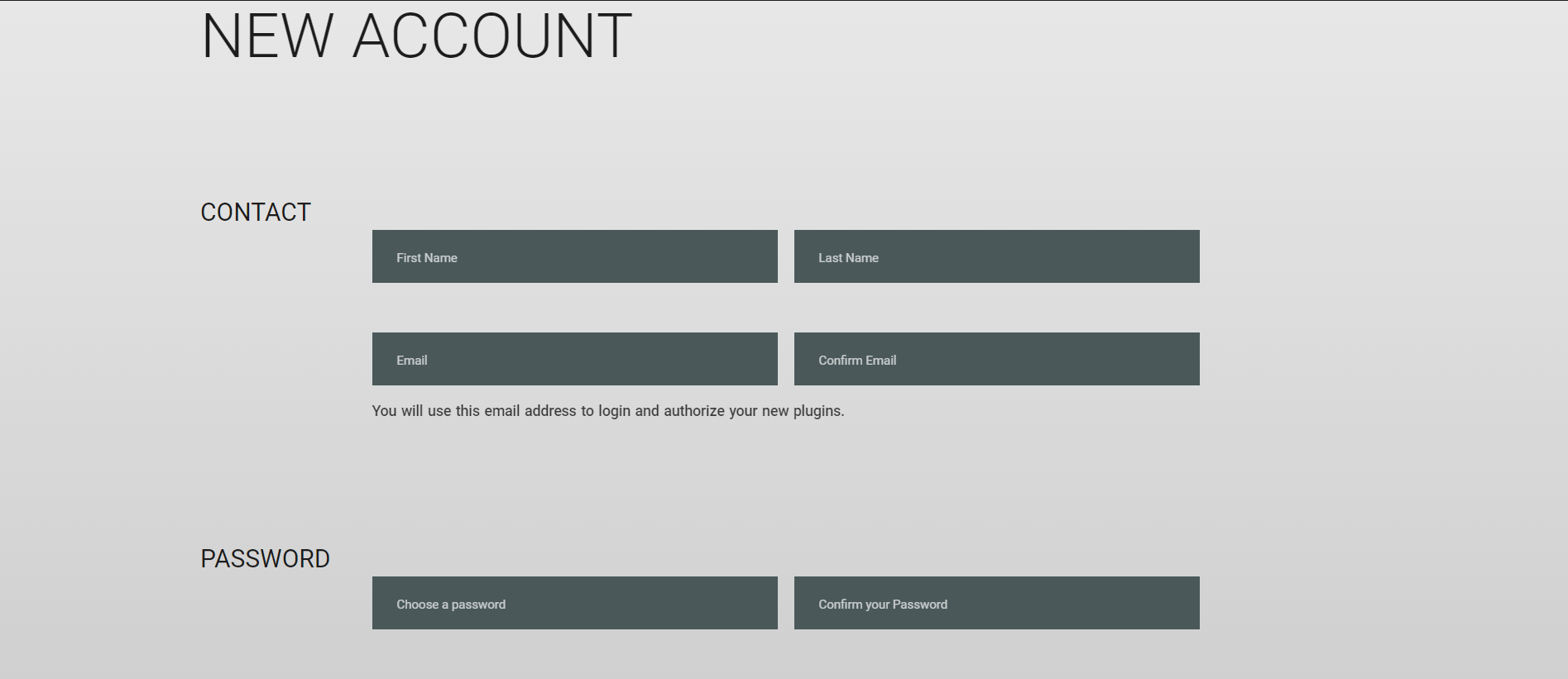
1. Visit https://blacksaltaudio.com/pluginboutique/redemption/ > sign in or create a new Black Salt Audio account.
2. Enter your details for your new Black Salt Audio account.
3. Scroll down and accept the Terms and Conditions > click 'Sign me up!'.
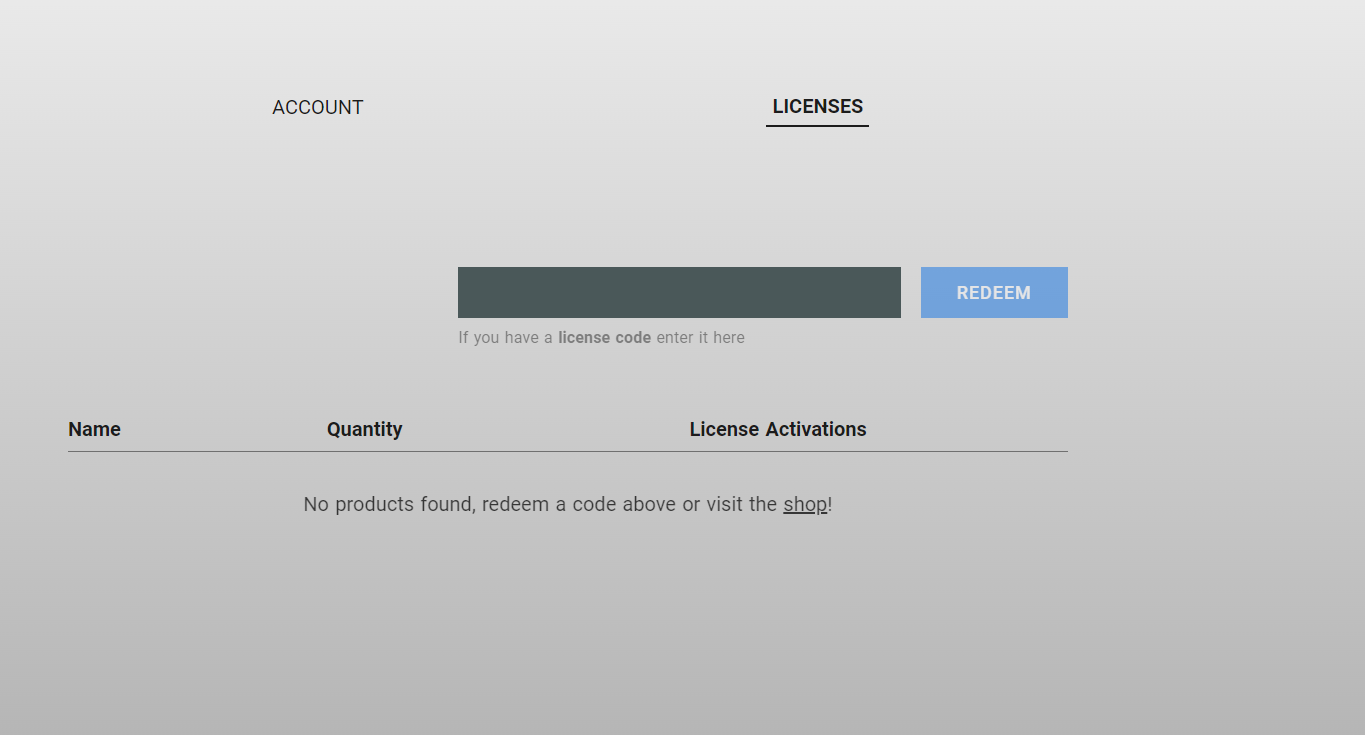
4. Enter your redeem code (found in your Plugin Boutique My Account page under 'Serial number' > click 'Redeem'.
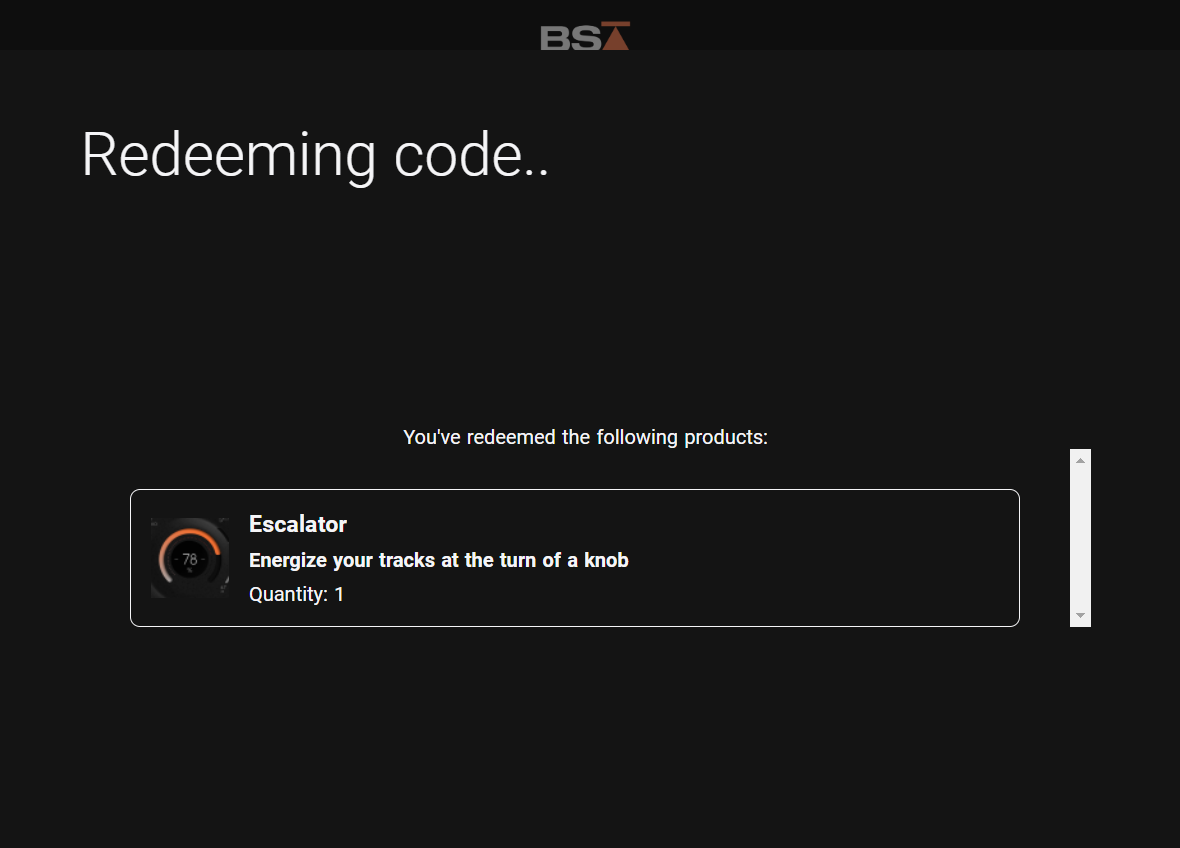
5. Your license has now been redeemed to your Black Salt Audio account > click anywhere to close this window.
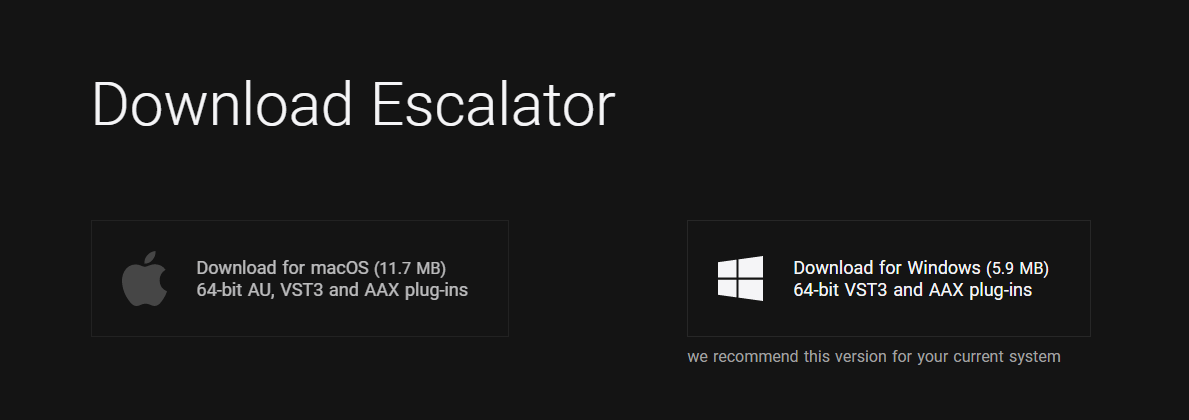
6. Locate the product you wish to install > click 'Download'.
7. Click the correct installer for your system.
Mac Installation
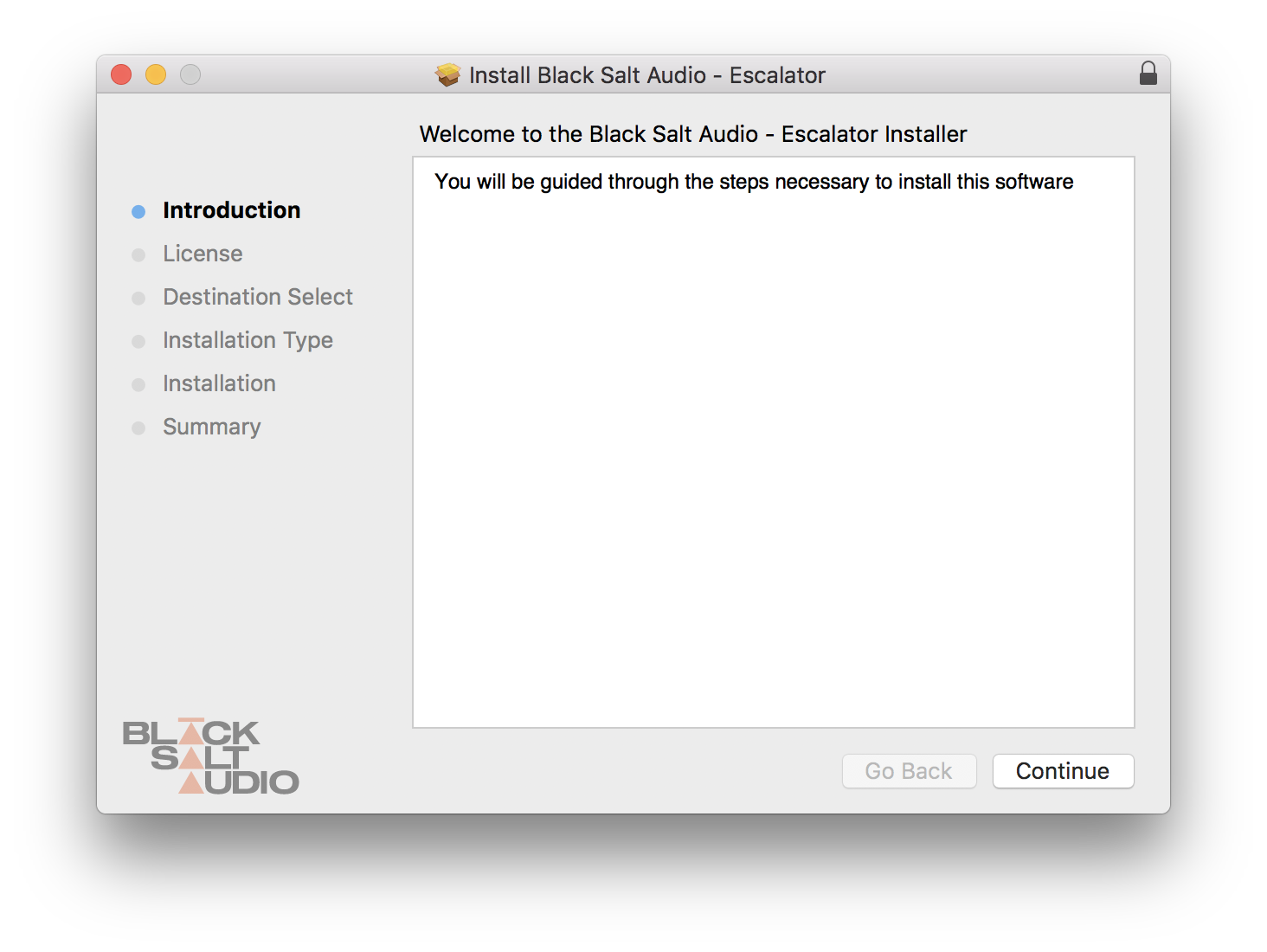
1. Locate the downloaded installer and launch the .pkg file.
2. Click 'Continue'.
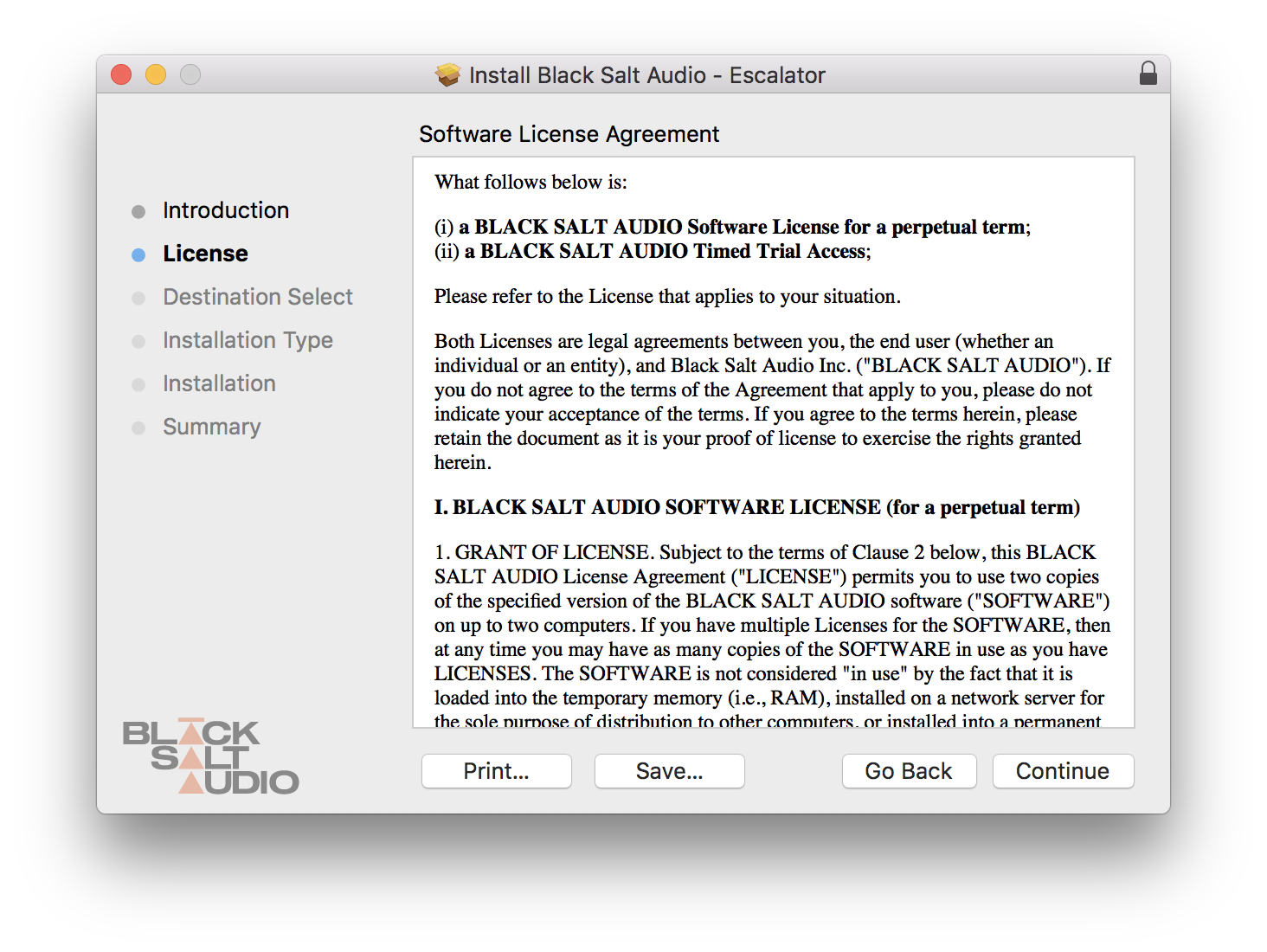
3. Click 'Continue'.
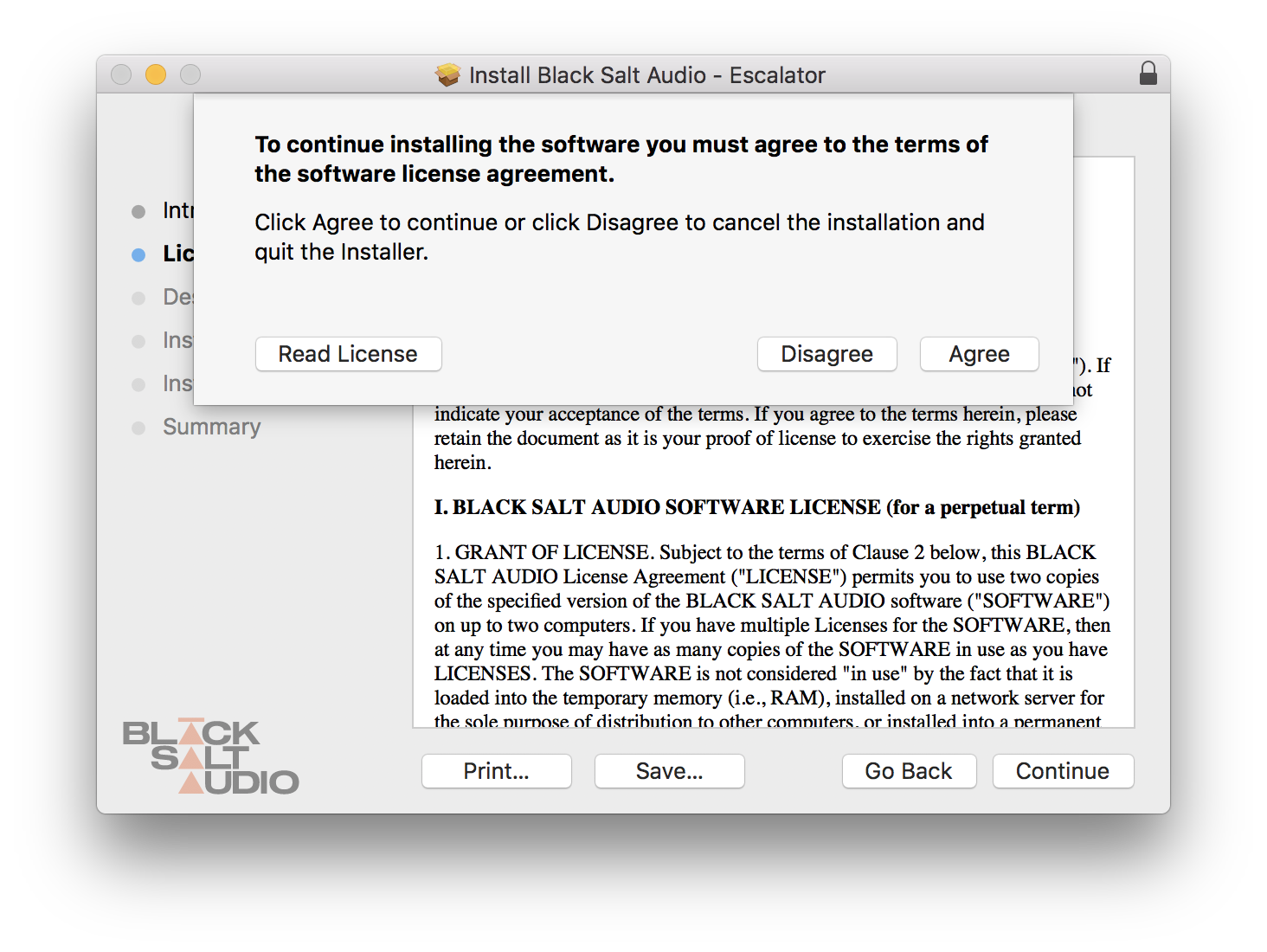
4. Click 'Agree'.
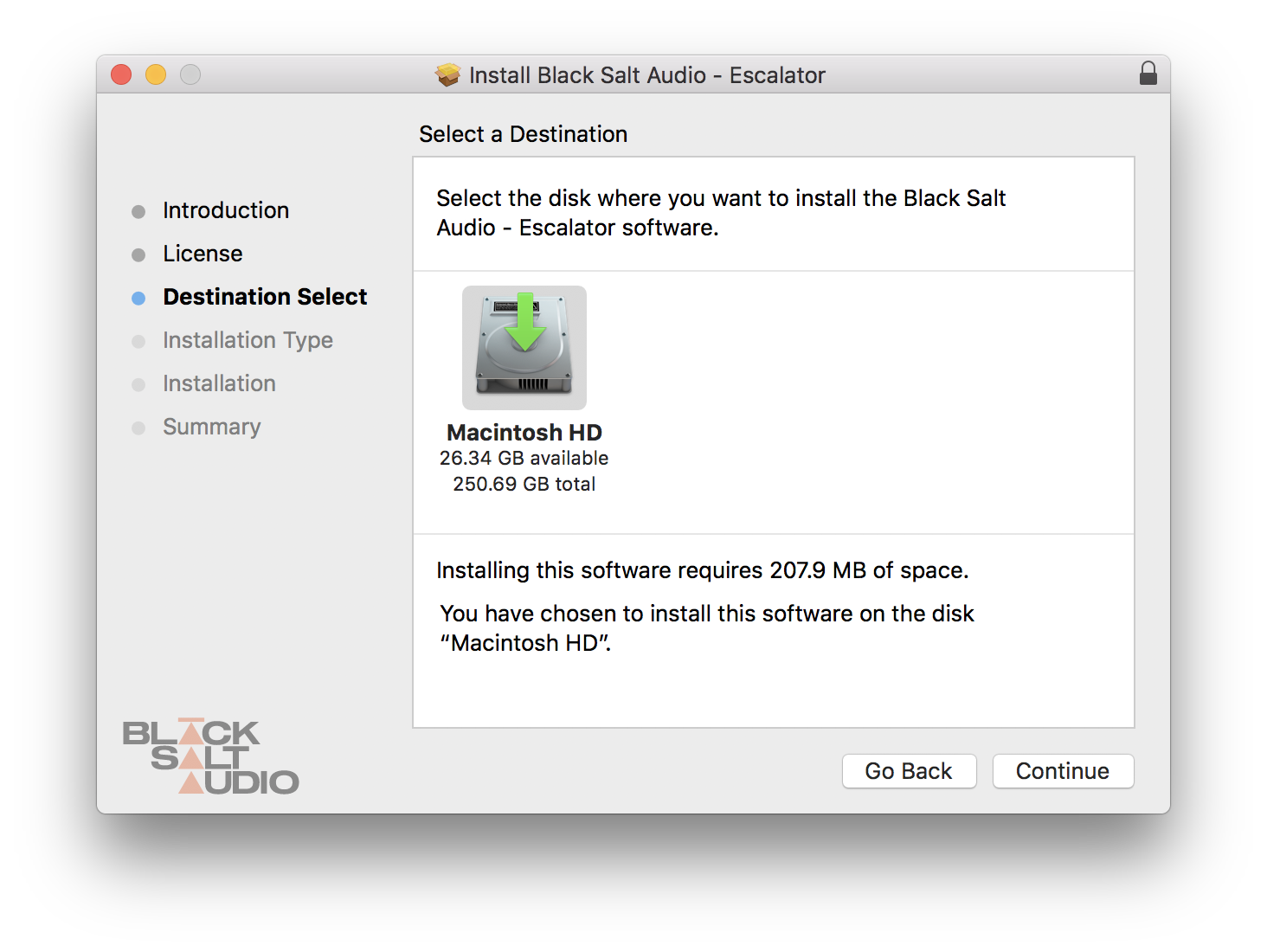
5. Click 'Continue'.
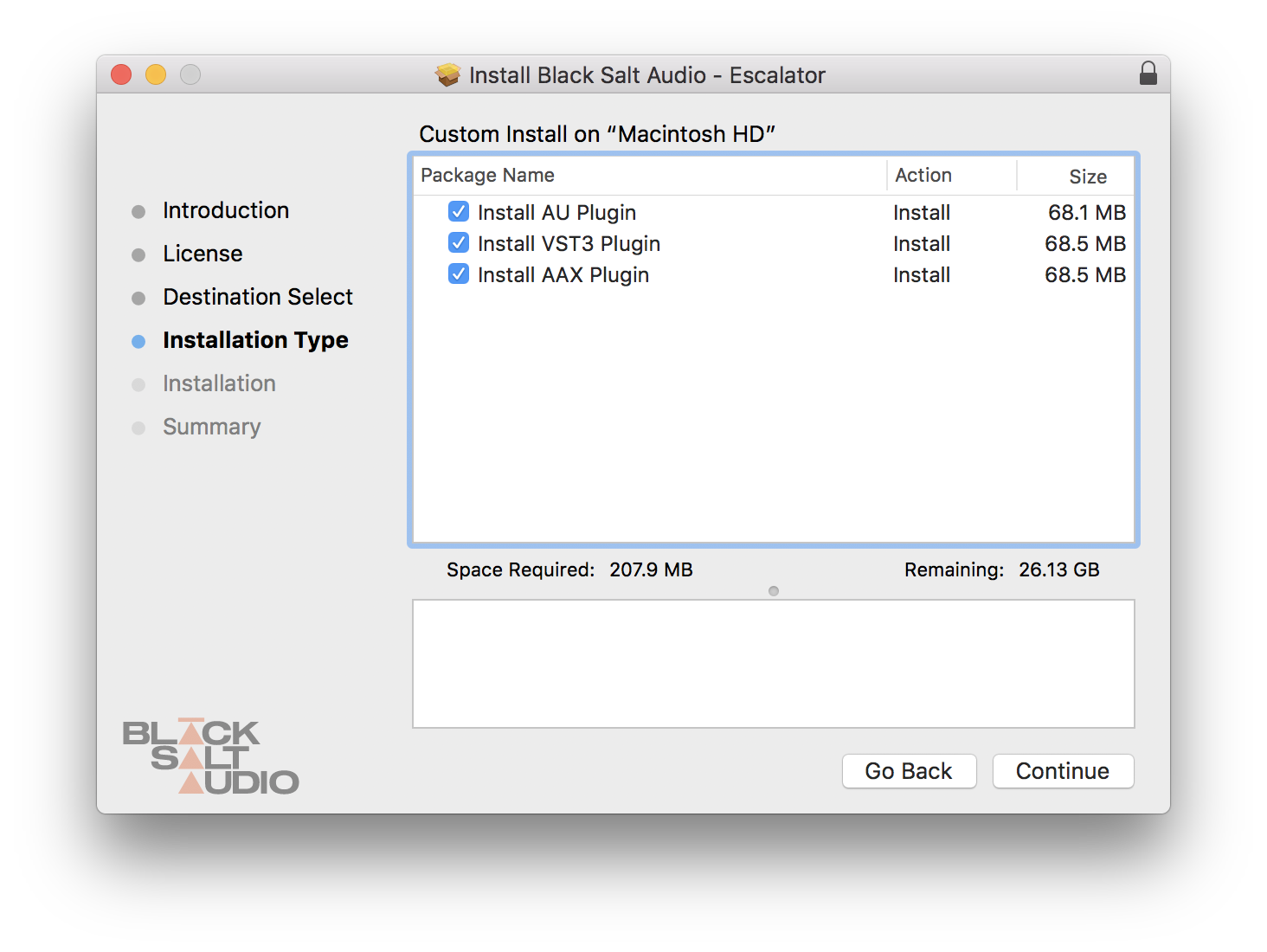
6. Select which versions you wish to be installed > click 'Continue'.
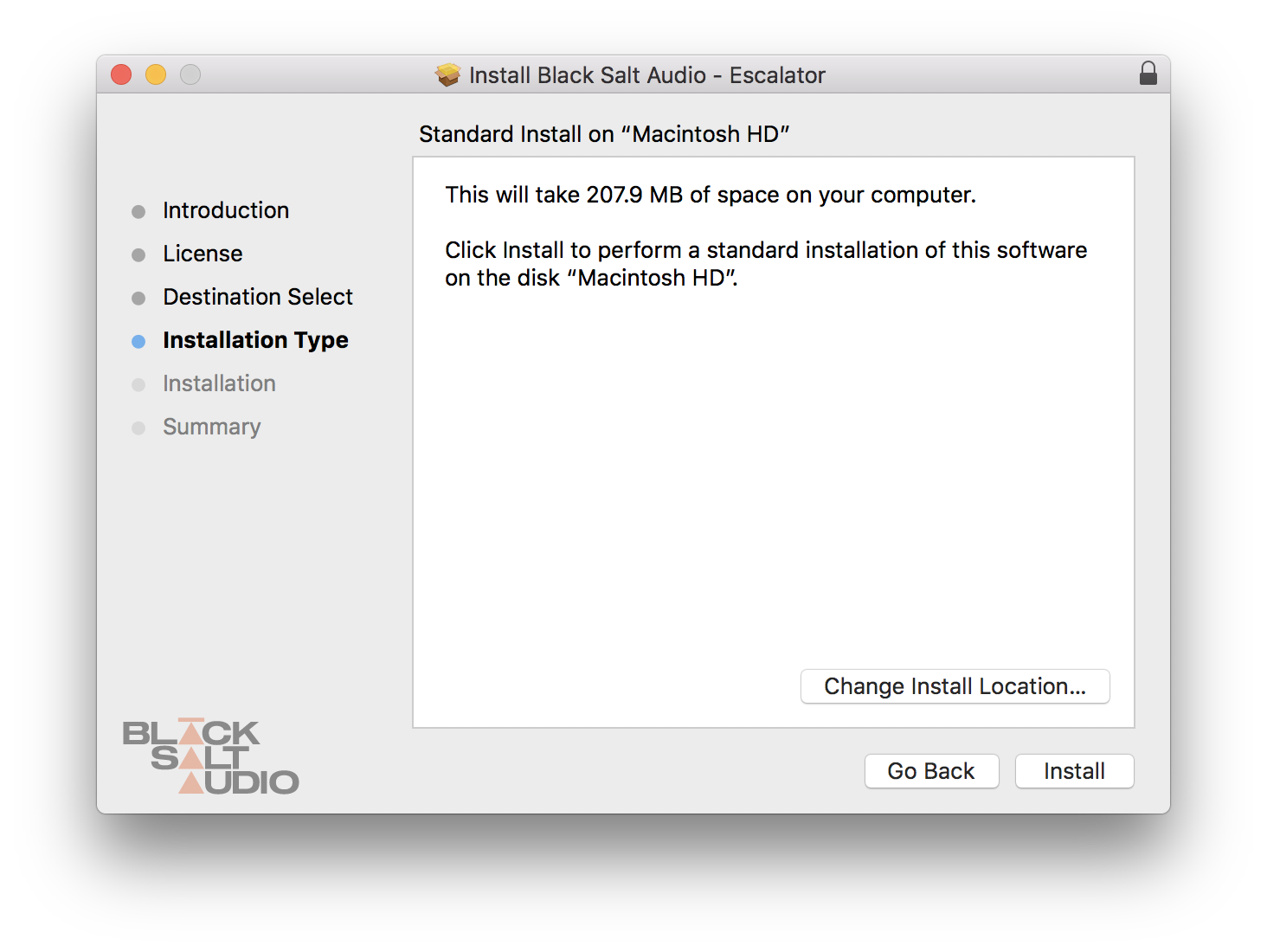
7. Click 'Install'.
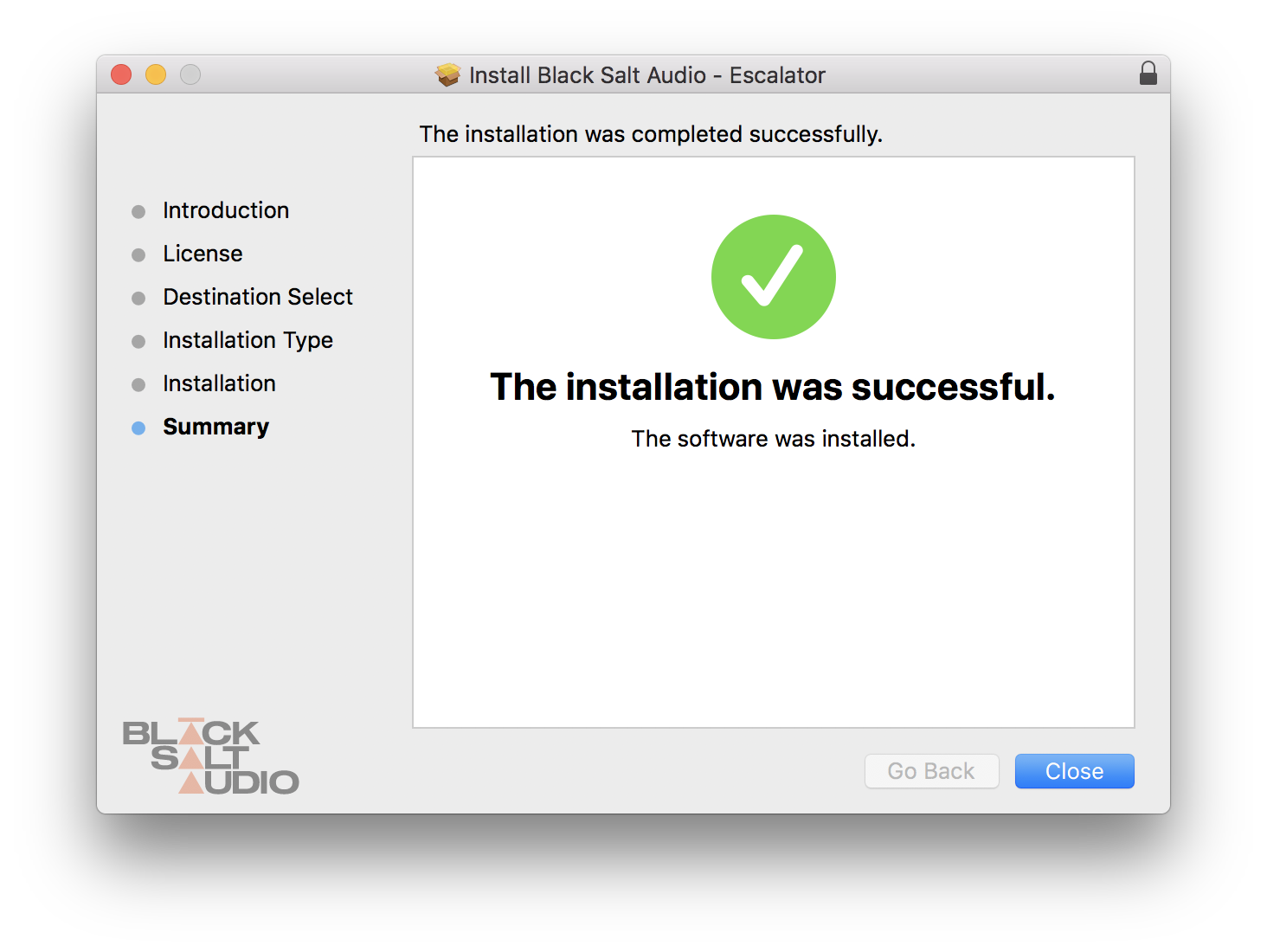
8. The plugin has now been installed > Click 'Close'.
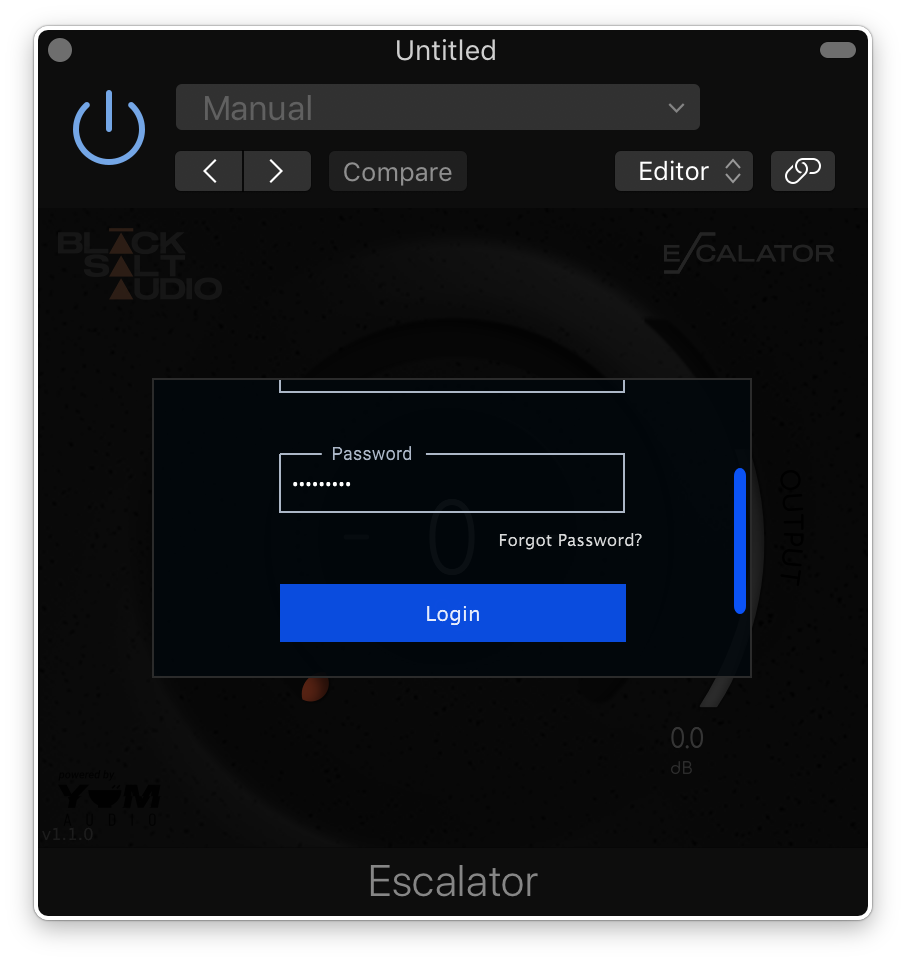
9. Launch your DAW and insert Escalator on a new track > open the plugin > click 'Activate License' > enter your Black Salt account details > click 'Login'.
Escalator is now installed and ready to use.
Windows Installation
1. Locate the downloaded installer and launch the .exe file.
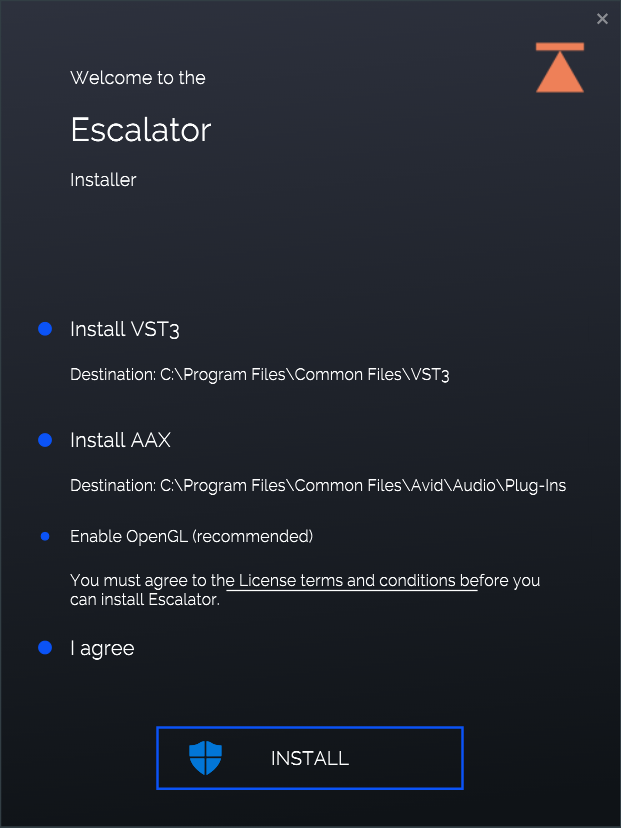
2. Select which versions you wish to be installed > click 'INSTALL'.
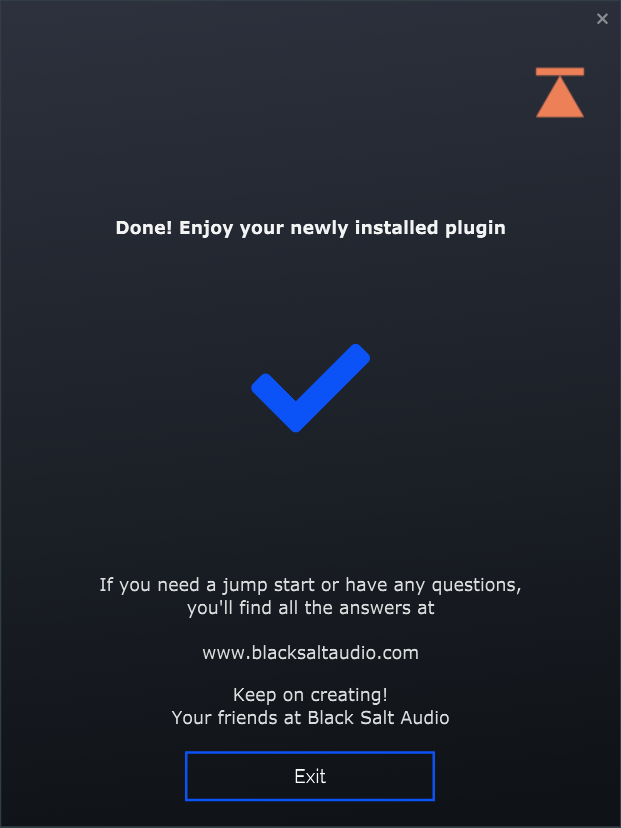
3. Click 'Exit'.
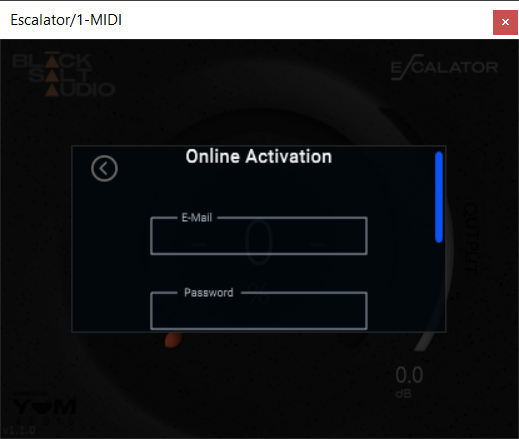
4. Launch your DAW and insert Escalator on a new track > open the plugin > click 'Activate License' > enter your Black Salt account details > click 'Login'.
Escalator is now installed and ready to use.